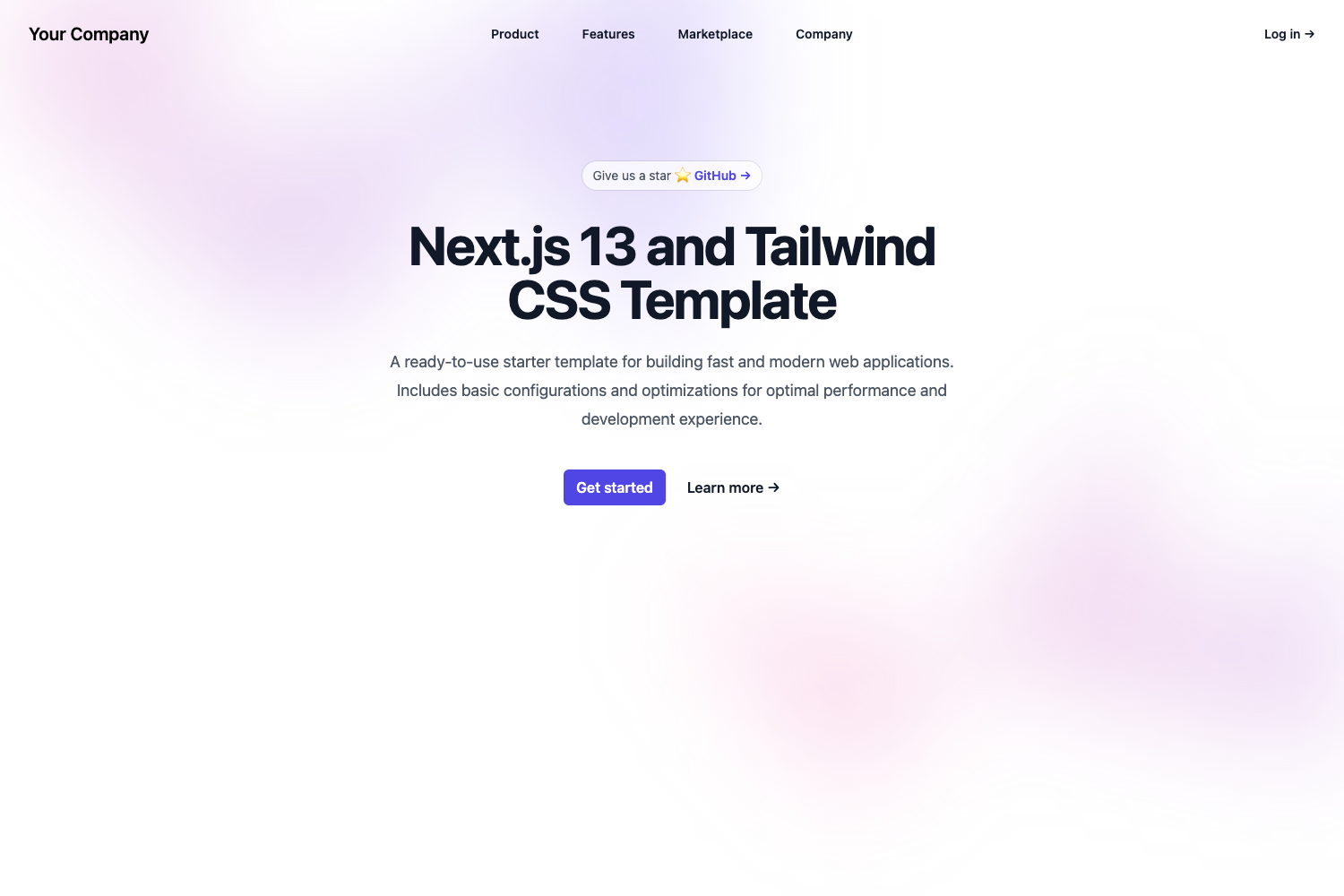
Template details
Cooper
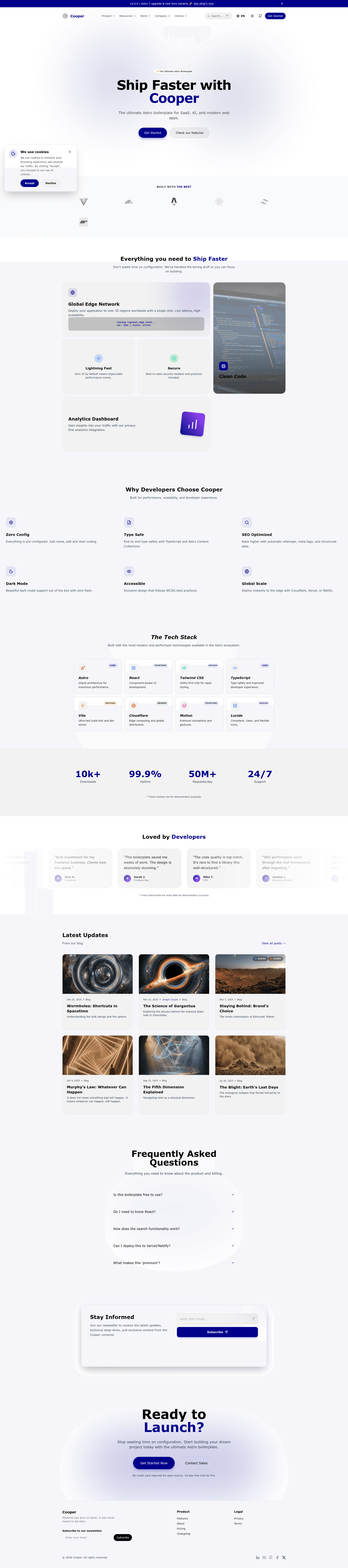
Production-ready Astro 7 boilerplate for blogging, documentation, changelog, and portfolio sites with Tailwind CSS 4, React 19, and i18n.
About this template
Cooper is an Astro 7 boilerplate for building content-driven websites such as blogs, documentation hubs, changelogs, and portfolio showcases, maintained by Gladtek.
What is Cooper?
Cooper is a production-ready starter template built with Astro 7, Tailwind CSS 4.2, React 19, and a 100% TypeScript 6.0 codebase. It accepts a fresh project scaffold as input and outputs a multi-page site with blog, MDX documentation, changelog, and portfolio sections, along with pre-configured internationalization, testing, and deployment tooling. The template can be initialized via the official CLI command npx @gladtek/launch-cooper@latest, and it runs on pnpm 10 and up.
What makes Cooper stand out?
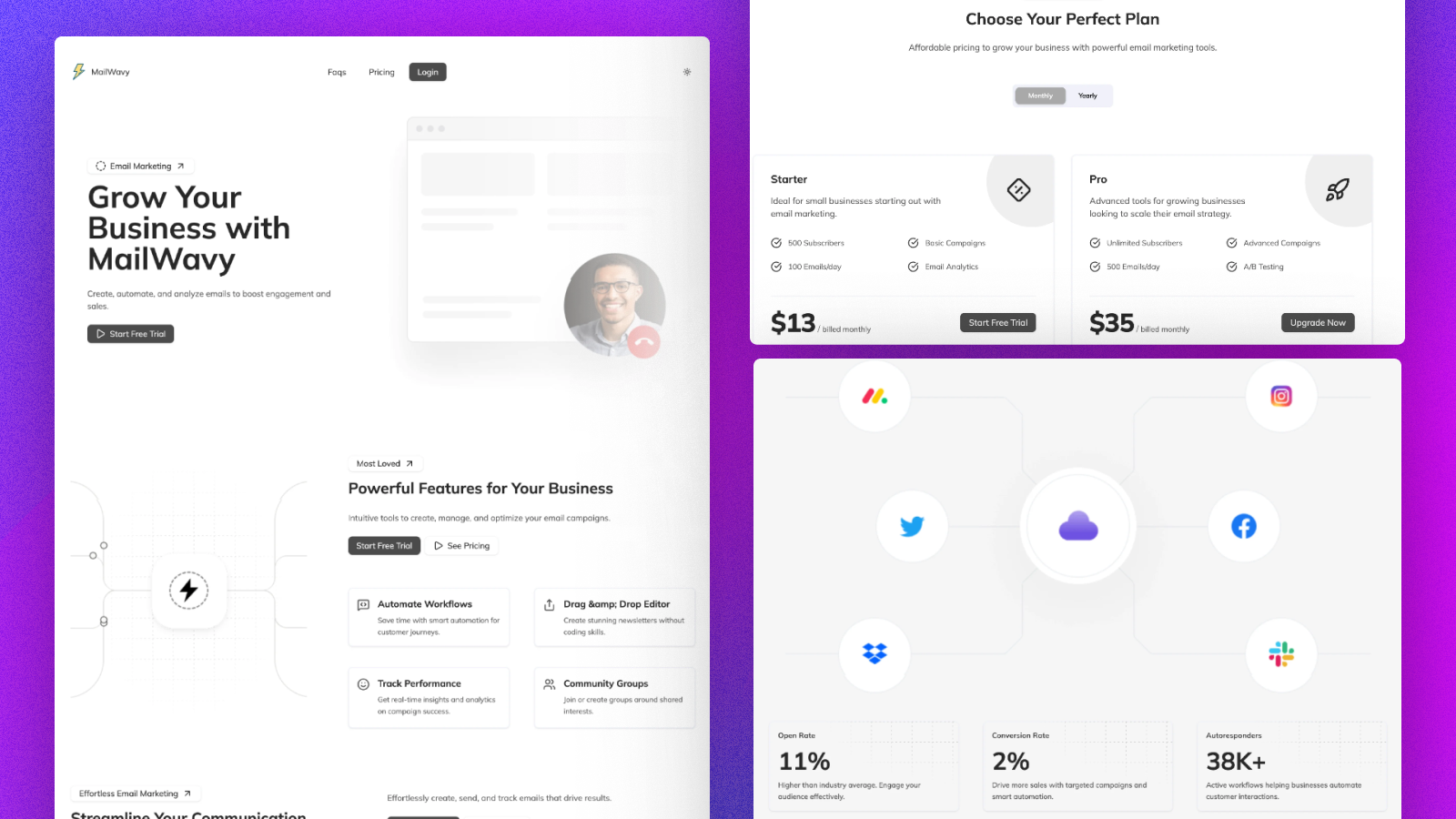
- Atomic component strategy — Components are split into five layers: UI atoms like Button, Badge, Heading, and Card; sections such as Hero, FeaturesList, CTA, and PricingTable; layout components including Header, Footer, SEO, and Breadcrumbs; blog components like BlogCard, ChangelogItem, and TableOfContents; and common utilities such as ThemeToggle, LanguagePicker, and CookieConsent.
- MDX documentation engine with Fuse.js search — Documentation content is stored as MDX files and automatically grouped into a categorized sidebar by folder, with custom prose styling, anchor deep links, and sticky-header scroll alignment.
- Type-safe internationalization — Translations live in flat
.tsand.propertiesdictionary files, with automatic RTL layout mirroring for Arabic (/ar/) and path persistence so switching languages keeps the current page URL. - Pre-configured testing suite — Playwright E2E tests cover form submissions, search indexing, language switching, and responsive layouts, while Vitest plus JSDOM handles unit and component tests for core logic and React islands.
- Accessibility and performance gates — The project enforces WCAG AA/AAA contrast and focus management, and Lighthouse CI is a mandatory quality gate requiring a minimum Performance score of 90 (warning), Accessibility 95 (error), Best Practices 90 (error), and SEO 95 (error) on the homepage and key blog content.
- One-command multi-adapter deployment — Separate build scripts target Cloudflare, Vercel, Netlify, and Node.js, with live demo links for all three edge platforms.
Who should use Cooper?
- Technical bloggers — Publish MDX articles with a table of contents, client-side search, and optional multi-language versions without wiring up a CMS.
- Product and documentation teams — Maintain a docs site alongside a changelog, using the categorized sidebar and automatic anchor links to structure thousands of pages.
- Freelancers and agencies — Launch client sites with a Hero, FeaturesList, CTA, and PricingTable, plus a portfolio section and cookie consent and theme toggle utilities built in.
- International-first projects — Ship an Arabic or other RTL locale alongside English with flat translation files and automatic layout mirroring.
What can you do with Cooper?
- Set up a new site in one command: run
npx @gladtek/launch-cooper@latestto scaffold the boilerplate, then copy.env.exampleto.envand start the dev server withpnpm run dev. - Deploy to any major platform: use
pnpm run build:cloudflare,pnpm run build:vercel,pnpm run build:netlify, or the defaultpnpm run buildfor Node.js, matching the live demos on Cloudflare, Netlify, and Vercel. - Enforce quality in CI: rely on the built-in Playwright and Vitest scripts —
pnpm run test:e2e,pnpm run test:e2e:ui,pnpm run test:unit, andpnpm run test:unit:watch— to validate every pull request against the Lighthouse score thresholds. - Localize without a plugin: maintain type-safe dictionaries in
.tsand.propertiesfiles, and support RTL languages such as Arabic at the/ar/route while preserving the active path.
How does Cooper work?
To get started, install dependencies with pnpm 10 or newer (pnpm install), copy the environment example file with cp .env.example .env, and launch the dev server with pnpm run dev. For production, choose the build command for your target adapter — Cloudflare, Vercel, Netlify, or Node.js — and the template handles hydration, SSR, and Vite configuration. The included CLI tool automates the initial scaffold so setup takes a single command.
FAQ
Is Cooper free to use?
The template is a public GitHub repository published by Gladtek, and the page shows a release badge and demo deployments on Cloudflare, Netlify, and Vercel. No pricing or license restrictions are mentioned on the page.
Does Cooper support right-to-left languages?
Yes. Cooper's i18n system includes automatic RTL layout mirroring, and the docs explicitly call out Arabic under the /ar/ path. Switching languages also preserves the current page path for deep links.
What deployment platforms are supported?
Cooper includes pre-configured build commands for Cloudflare (build:cloudflare), Vercel (build:vercel), Netlify (build:netlify), and Node.js (build). Live demo links are provided for the first three.
What testing tools are included?
The boilerplate ships with Playwright for end-to-end tests covering contact flows, i18n, search indexing, and responsive layouts, plus Vitest with JSDOM for unit and component tests of React islands.