Template details
Minimal By Siteplay.ai
Free, modern website template by Siteplay.ai for startups and SaaS, available in Next, Nuxt, Astro, React, and Vue with Tailwind CSS.
About this template
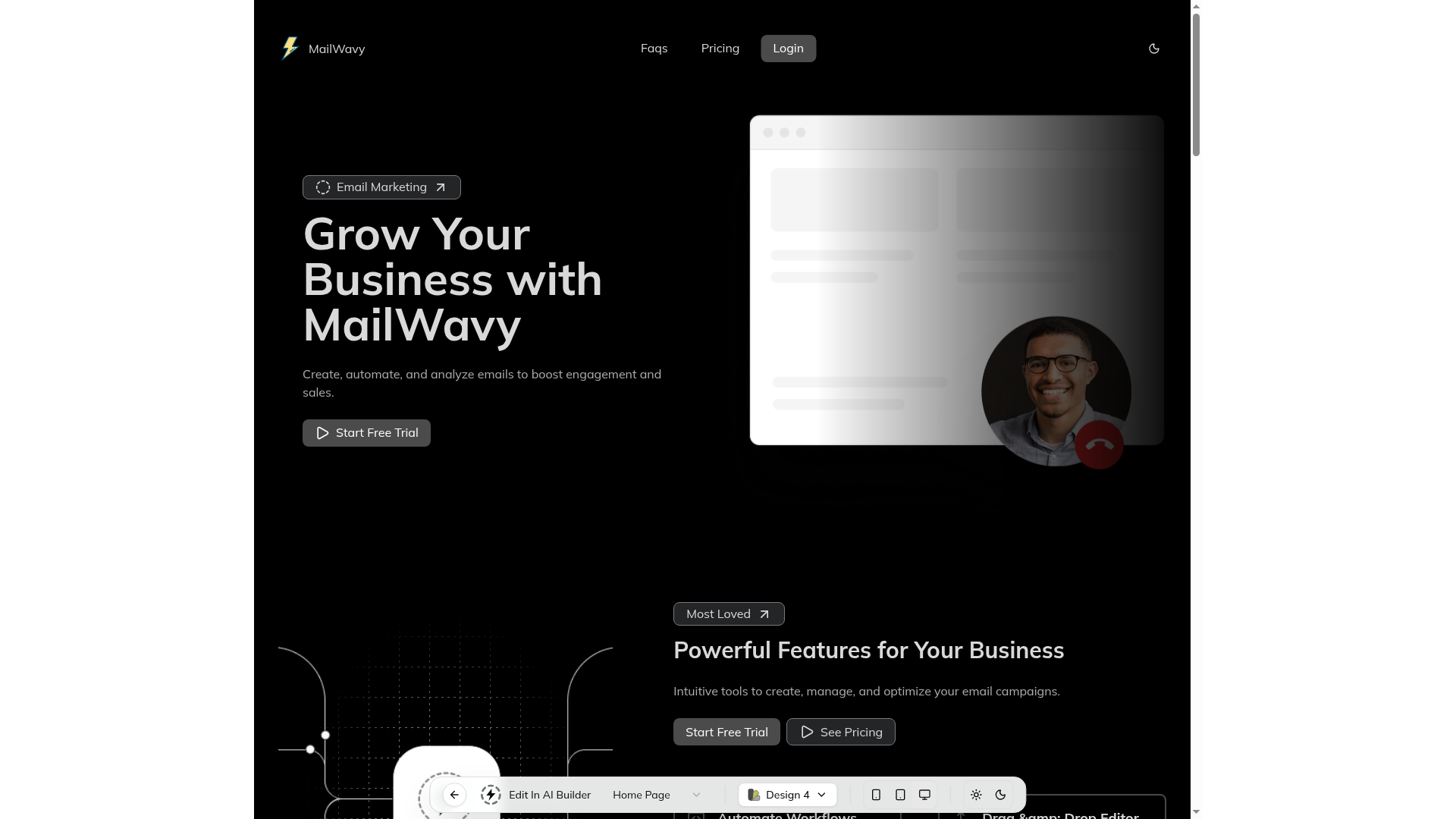
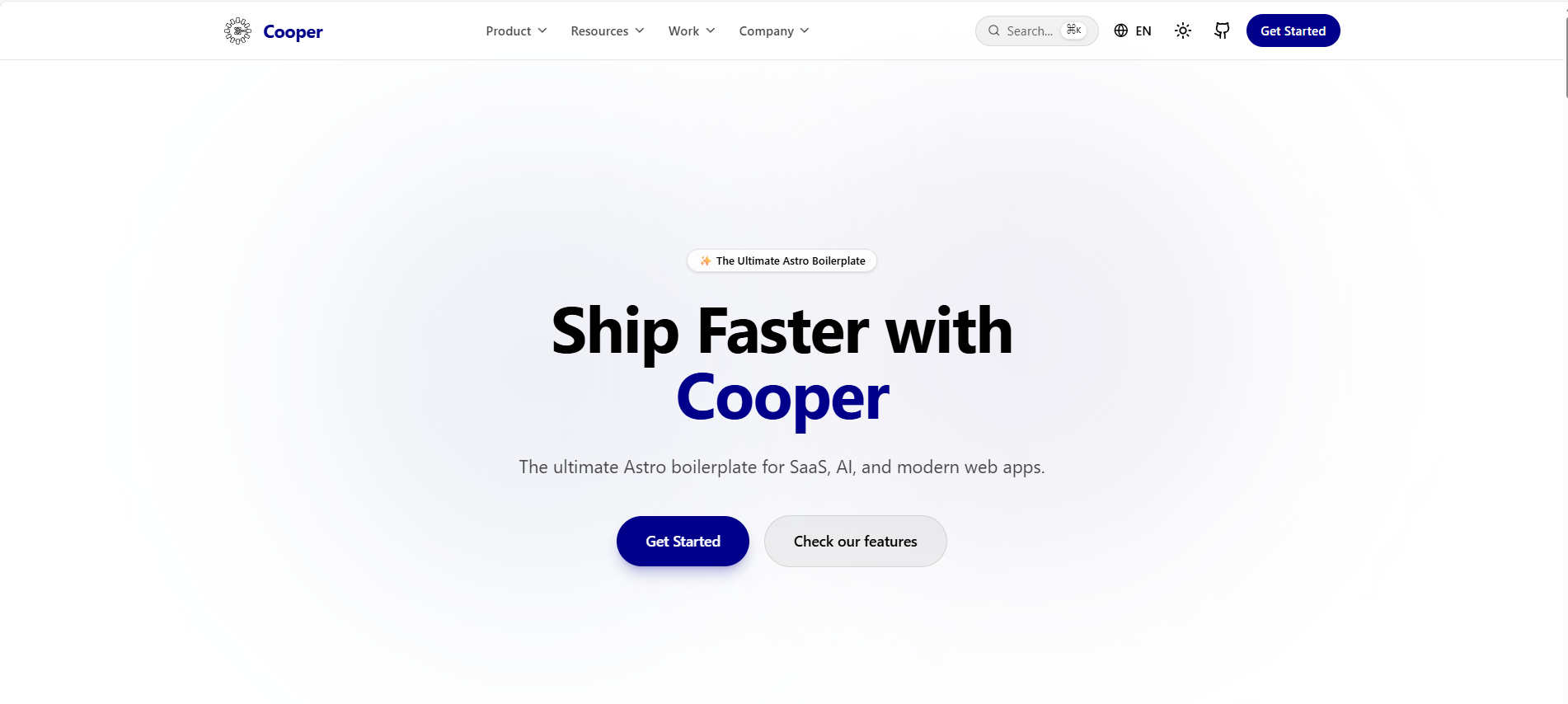
Minimal by Siteplay.ai is a free website template that provides the same landing-page design in six framework variants — Next.js, Nuxt, Astro with Vue, Astro with React, React, and Vue — all styled with Tailwind CSS and built for startups, SaaS, agencies, portfolios, and business sites.
What is Minimal by Siteplay.ai?
Minimal is a free, open-source website template published by Siteplay.ai. It takes a single design and ships it as separate codebases for Next.js, Nuxt, Astro (with Vue and React integrations), React, and Vue, so developers can start from their framework of choice. The template produces a responsive, SEO-friendly marketing site with light/dark mode and motion animations, and it is editable through Siteplay.ai's AI website builder.
Key Features
- Tailwind CSS styling — Utility-first CSS classes across every framework variant, allowing rapid UI changes without writing custom stylesheets.
- Responsive layout — The template is optimized for all screen sizes, from mobile to desktop, with a testable responsive grid.
- AI customization — The design is editable in Siteplay.ai's AI website builder, so branding, copy, and sections can be modified visually before exporting code.
- SEO-friendly structure — Semantic HTML and meta setup are included to improve search engine visibility out of the box.
- High performance — The project reports a 95+ Lighthouse audit score, covering performance, accessibility, and best practices.
- Light, dark, and system theme modes — A theme toggle supports both light and dark appearances plus automatic system detection.
- Motion-powered animations — Page animations are implemented with the Motion library (motion.dev), adding subtle interactions without heavy dependencies.
- Developer tooling — The repository includes ESLint for linting, Prettier for formatting, TypeScript for static type checking, PostCSS for CSS processing, and Serve for local static preview.
Who is it for?
- Startups and SaaS teams — Launch a polished marketing site quickly with a conversion-focused layout and built-in SEO structure.
- Agencies and freelancers — Deliver a professional website for clients, choosing the framework the client's team already uses.
- Portfolio owners — Present work and personal projects with a clean, minimal design that keeps attention on the content.
- Business owners — Set up a corporate presence with light/dark mode and responsive sections without hiring a designer.
What can you do with Minimal by Siteplay.ai?
- SaaS landing pages: Publish a product page with feature sections, pricing-ready blocks, and animations that highlight the product.
- Agency websites: Showcase services and case studies with a minimal, distraction-free layout that supports light/dark branding.
- Developer portfolios: Create a personal site in your preferred framework (Next, Nuxt, Astro, React, or Vue) and customize it through Siteplay.ai's AI builder.
How does Minimal by Siteplay.ai work?
Choose one of the included framework codebases (Next.js, Nuxt, Astro-vue, Astro-react, React, or Vue), install the dependencies, and run the development server. For visual changes, open the project in Siteplay.ai's AI website builder, edit sections and branding, then export or continue coding locally.
Pricing
Minimal by Siteplay.ai is free to use. The GitHub repository is public and includes all framework variants without a paid tier.
FAQ
Is Minimal by Siteplay.ai really free?
Yes. The repository is publicly available on GitHub under Siteplay.ai's account, and no purchase or subscription is required to download or use the template.
Which frameworks are included?
The repository includes Next.js, Nuxt, Astro with Vue, Astro with React, React, and Vue codebases, so you can pick the stack that matches your project.
Does the template use Tailwind CSS?
Yes. All variants are styled with Tailwind CSS, giving utility-first classes for layout, spacing, and theming across the entire template.
Can I customize the template with AI?
Yes. The template is designed to be edited in Siteplay.ai's AI website builder, where you can adjust design, branding, and content before exporting the code.