Template details
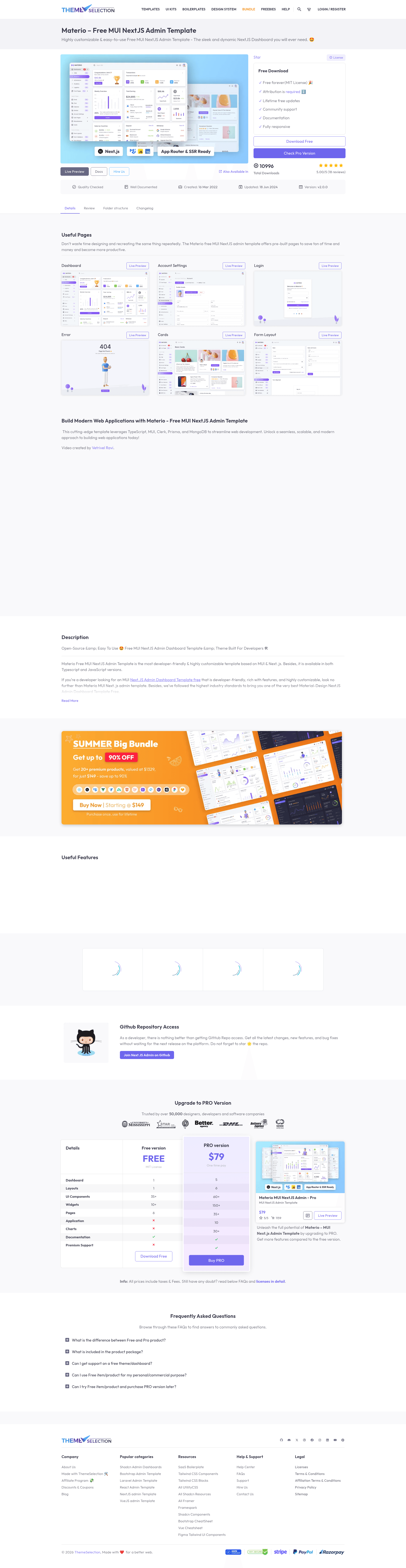
Materio - Free MUI Next.js Admin Template
Free, open-source Next.js admin dashboard template built with MUI, Tailwind CSS, and TypeScript, featuring App Router and pre-built pages.
About this template
Materio is a free, open-source admin dashboard template for Next.js from ThemeSelection that provides a production-ready App Router project scaffold built with MUI, Tailwind CSS, and TypeScript.
What is Materio?
Materio is a free admin dashboard template for Next.js created by ThemeSelection and published on GitHub under the MIT license. It takes a project scaffold containing pre-built pages, layouts, and components and outputs a responsive dashboard application you can extend for production. The template runs on Node.js LTS and ships in two variants: a typescript-version folder and a javascript-version folder, so both TypeScript and JavaScript developers can start from a matching base.
Key Features
- Next.js v14 App Router — Materio is built on the Next.js App Router with live reload, cache busting, and SEO-friendly output.
- MUI + Tailwind CSS — The UI layer combines Material UI components with Tailwind utility classes, giving you two styling systems in one project.
- TypeScript and JavaScript variants — Separate folders for each language; pick the one that matches your stack.
- ESLint and Prettier — Linting and code formatting configuration are included out of the box.
- VSCode configuration — The repo ships with editor settings, recommended extensions, and custom snippets.
- Absolute imports with aliases — Import paths are pre-configured for cleaner module resolution.
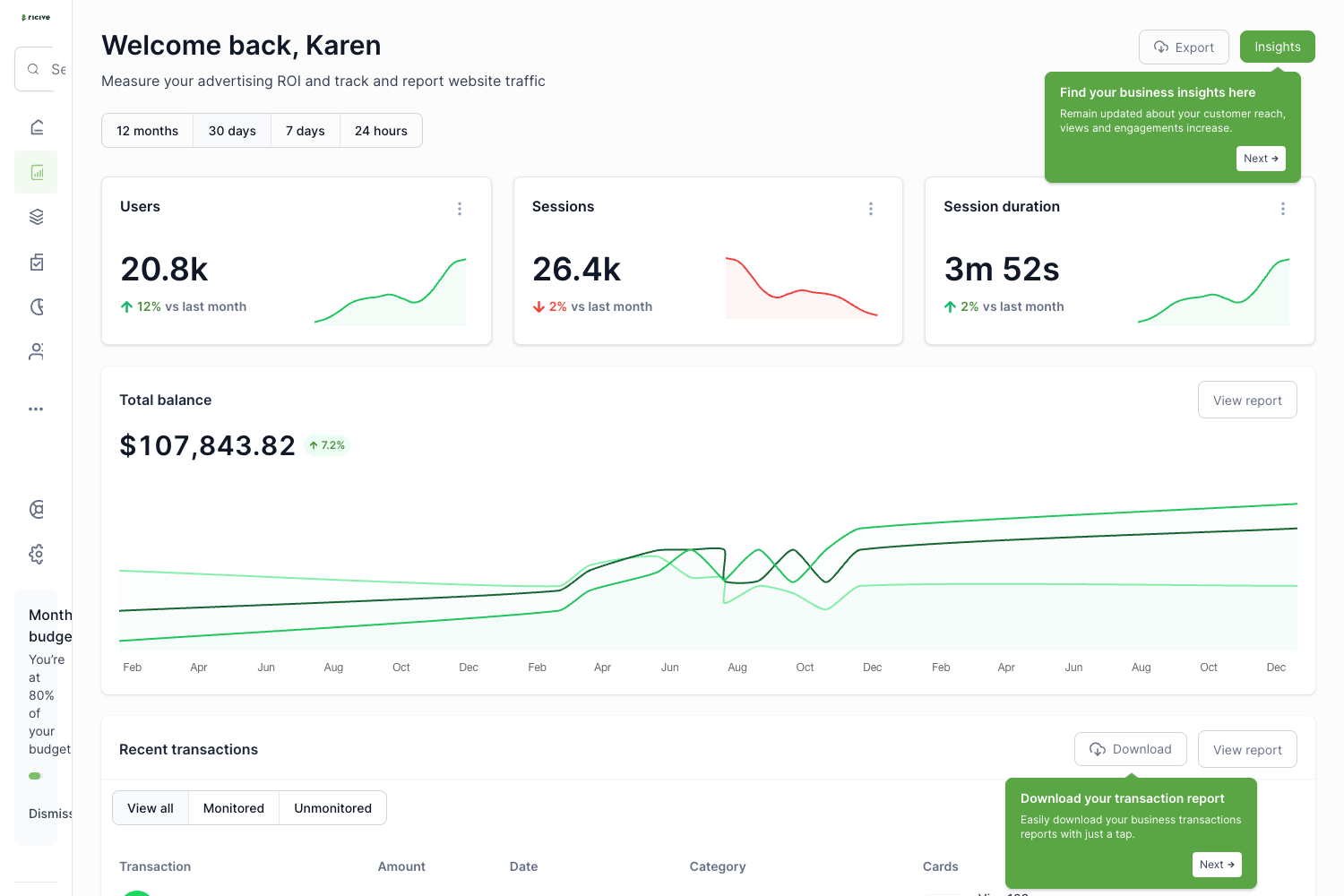
- Pre-built pages — Dashboard, Account Settings, Login, Register, Forgot Password, Error, and Under Maintenance pages are included.
- Layout options — Blank, Full, and Boxed layouts let you control the page frame.
Who is it for?
- Next.js developers — start a new admin panel or web app with a pre-configured App Router setup instead of wiring tooling from scratch.
- Freelancers and agencies — deliver dashboard UIs quickly using the included MUI components, pages, and form layouts.
- Startup teams — build internal tools or MVP admin areas with the free pages and then customize them on top of the scaffold.
- Frontend learners — study how a real Next.js project organizes TypeScript, ESLint, Prettier, and environment variables.
What can you do with Materio?
- Build a dashboard: start from the included Dashboard page and basic cards, then add your own data and charts.
- Prototype authentication flows: the Login, Register, and Forgot Password pages provide ready-made forms to connect to your auth backend.
- Assemble form-based interfaces: the Form Layouts section gives you a base for data-entry screens.
- Customize the app shell: switch among Blank, Full, and Boxed layouts to change how pages render.
How does Materio work?
Install Node.js LTS, open the typescript-version or javascript-version folder, install dependencies with pnpm, yarn, or npm, rename the .env.example file to .env, and run the dev command. The template then serves at http://localhost:3000 with live reload. pnpm is recommended for dependency management.
Pricing
Materio Free is free and open-source under the MIT license, usable for personal and commercial projects with attribution. ThemeSelection also sells a Premium version that adds multiple menus, five dashboards, applications such as email, chat, calendar, and invoice, advanced form layouts, RTL support, Redux toolkit, NextAuth authentication, and multi-lingual support.
FAQ
Is Materio free?
Yes, the Materio free version is open source under the MIT license. You can use it for personal and commercial projects, but you must include an attribution link back to ThemeSelection in the footer of your application.
What is included in the Materio free version?
The free version includes one simple dashboard, six pages (Account Settings, Login, Register, Forgot Password, Error, Under Maintenance), Blank/Full/Boxed layouts, basic cards, simple form layouts, basic tables, and one chart library. It uses a single vertical menu and the default skin.
What are the requirements to run Materio?
You need Node.js LTS (not the latest version) and a package manager such as pnpm, yarn, or npm. After installing dependencies from the package.json file and renaming .env.example to .env, the development server runs at http://localhost:3000.
Does Materio support TypeScript?
Yes. The template provides both a typescript-version and a javascript-version folder, so you can choose either. Both variants share the same features, layouts, and pages.
How is the free version different from the premium version?
The premium version adds vertical and horizontal menus, default/bordered/semi-dark skins, five niche dashboards, ten applications, advanced form layouts and validation, quick search, advanced tables, two chart libraries, over 35 pages, RTL support, Redux toolkit, and multi-lingual support. The free version has limited customization and regular community support.