Template details
Create Web3
A quick start boilerplate for developing web3 apps and deploying smart contracts.
About this template
create-web3 is a CLI boilerplate package that scaffolds a monorepo containing a React frontend and an Ethereum development environment for writing, testing, and deploying smart contracts.
What is Create Web3?
create-web3 is an npm package that generates a full-stack web3 project structure when you run npx create-web3. It produces a monorepo with two environments: a React frontend (Next.js or Vite) and an Ethereum development environment (Hardhat or Foundry). The scaffold includes an example contract deployment, wallet connection via RainbowKit, and Web3 hooks via WAGMI. It is maintained by e-roy on GitHub, with documentation at create-web3.xyz.
Key Features
- One-command scaffolding — Running
npx create-web3creates a monorepo with both a React app and an Ethereum toolchain ready to use. - Framework choices — Pick Next.js or Vite for the frontend, and use either plain JavaScript or TypeScript.
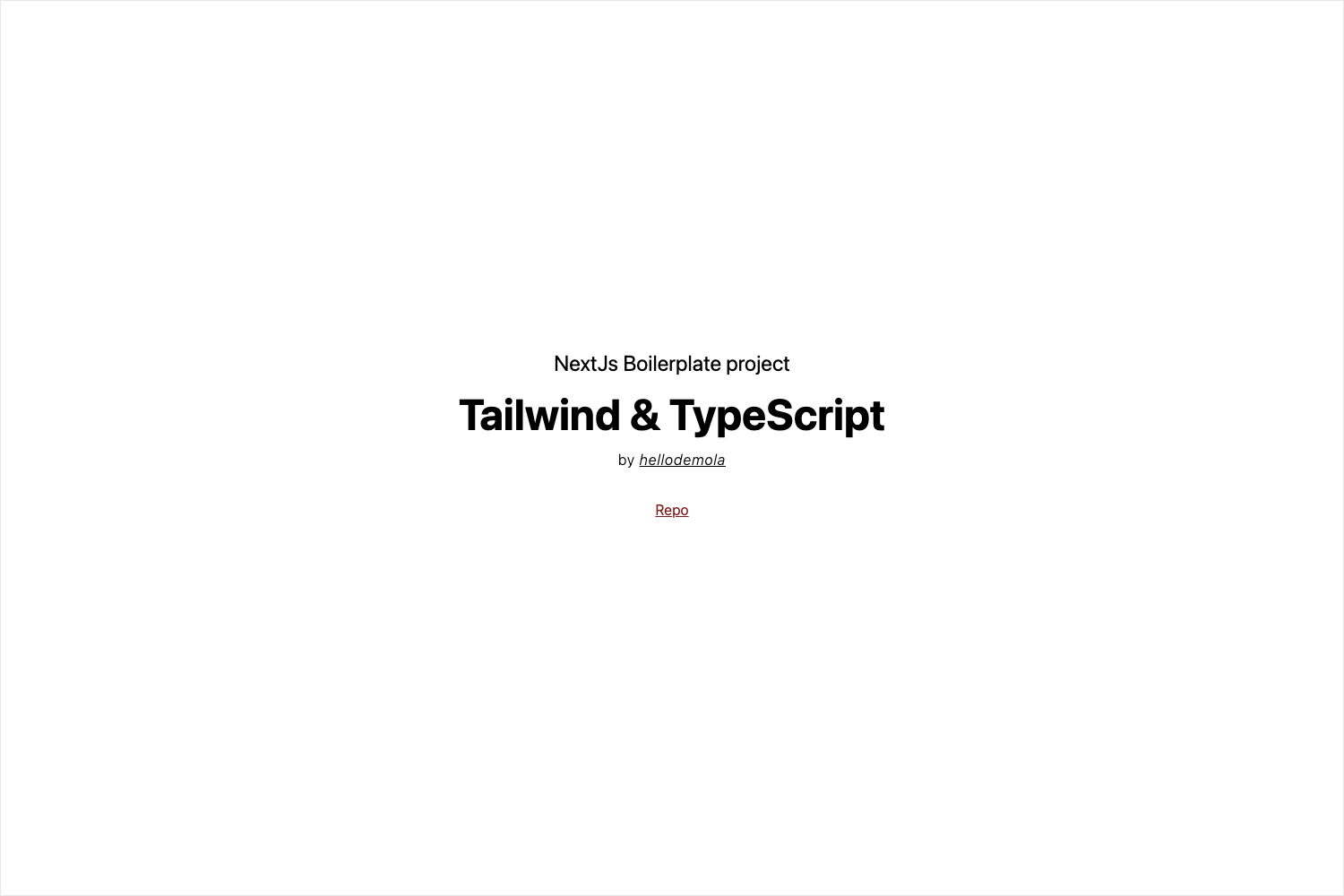
- CSS options — Choose no plugin, Tailwind CSS, or Chakra UI for styling.
- Ethereum environment choices — Use Hardhat or Foundry for compiling, testing, and deploying contracts.
- Preconfigured Web3 libraries — WAGMI React hooks and RainbowKit wallet connection are included.
- Built-in scripts —
yarn chain/npm run chainstarts a local Hardhat node,yarn deploy/npm run deploydeploys the example contract locally, andyarn dev/npm run devstarts the Next.js dev server.
Who is it for?
Web3 developers who want to skip environment setup and go straight to writing dapp code. Smart contract engineers who need a frontend to interact with their contracts. Developers who want to compare Next.js vs Vite, Tailwind vs Chakra, or Hardhat vs Foundry in a working project with JavaScript or TypeScript.
How does Create Web3 work?
After running npx create-web3, install dependencies with yarn or npm install. In one terminal, run yarn chain or npm run chain to start the local Hardhat blockchain. In another terminal, run yarn deploy or npm run deploy to deploy the example contract, then yarn dev or npm run dev to launch the Next development environment.
What can you do with Create Web3?
- Prototype a dapp quickly: Scaffold the monorepo, start the local chain, deploy the sample contract, and open the frontend in minutes.
- Customize your stack: Mix and match Next.js/Vite, Tailwind/Chakra, and Hardhat/Foundry to match your team's preferences.
- Learn web3 tooling: Study how WAGMI hooks and RainbowKit integrate with a React frontend and a local Ethereum network.
FAQ
How do I install and run create-web3?
Run npx create-web3, then install dependencies with yarn or npm install. Use yarn chain or npm run chain to start a local Hardhat node, yarn deploy or npm run deploy to deploy the example contract, and yarn dev or npm run dev to launch the frontend dev server.
Which frameworks does create-web3 support?
The frontend can be Next.js or Vite, and the Ethereum environment can be Hardhat or Foundry. You also choose between no CSS framework, Tailwind CSS, or Chakra UI, and between plain JavaScript and TypeScript.
Do I need a real blockchain to run it?
No. The yarn chain or npm run chain command starts a local Hardhat blockchain for development. The yarn deploy script deploys the example contract to that local network.
Where can I find help?
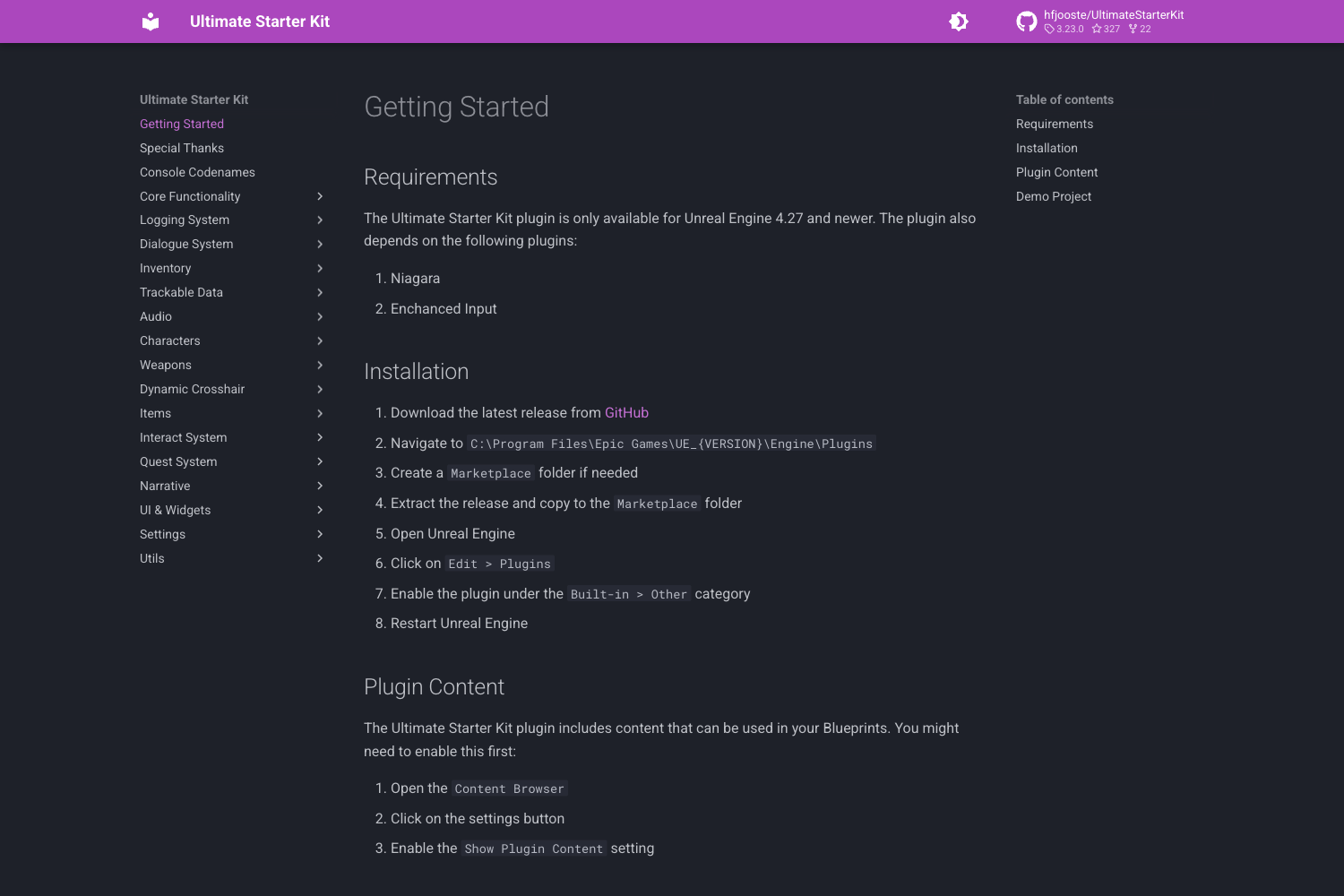
Full documentation is at create-web3.xyz. For questions, feature suggestions, or project showcases, join the GitHub discussions; for bugs, use the GitHub issues page.
How many stars does the repo have?
The GitHub repository metadata shows 90 stars (as of the source snapshot), indicating community use.