Template details
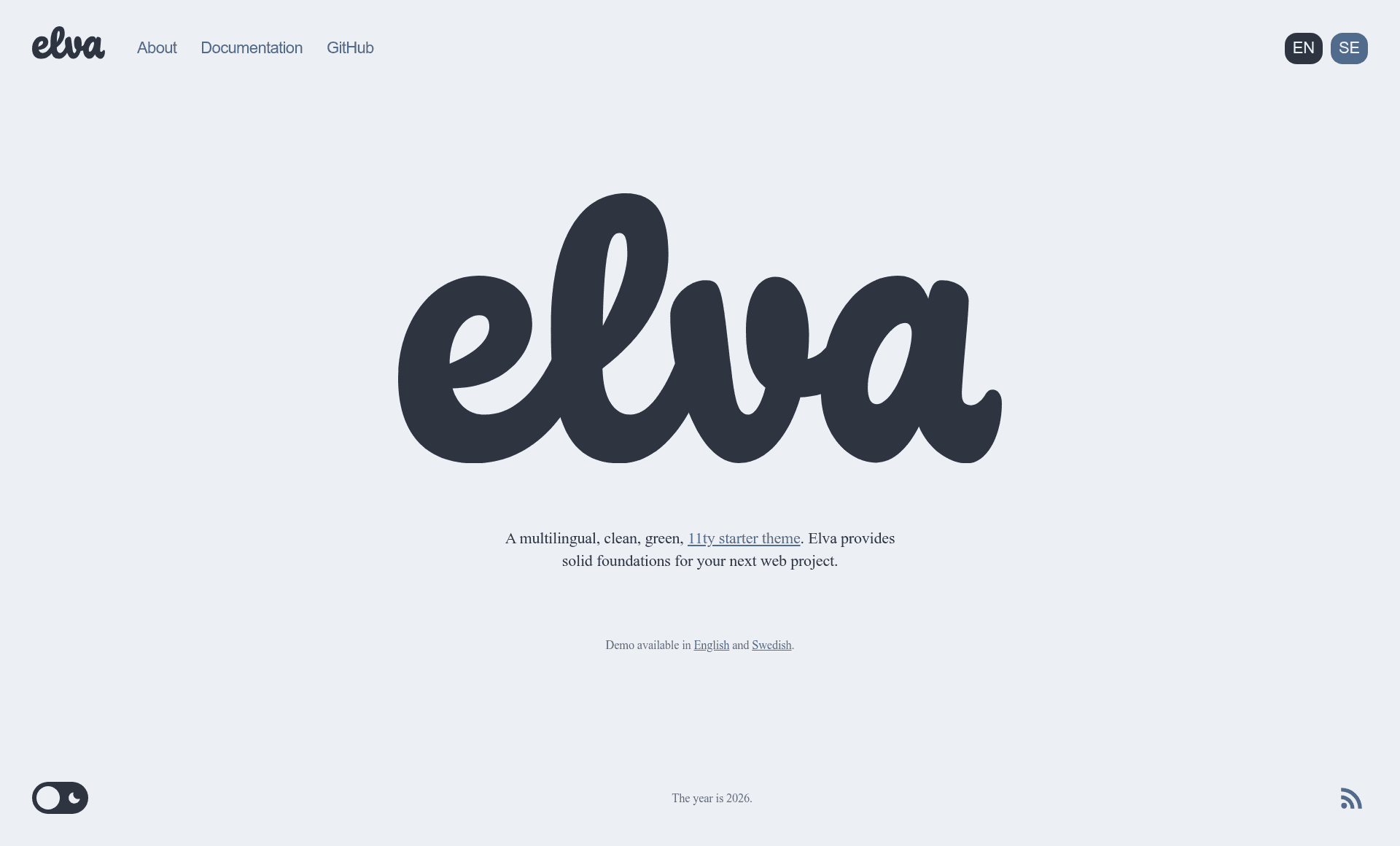
Elva
A multilingual, clean, green 11ty starter theme.
About this template
Elva is a multilingual, clean, green Eleventy (11ty) starter theme by Scott Evans that gives new web projects a solid foundation with a built-in CMS. It takes a repository of content, themes, and configuration and builds a production-ready static site to a dist folder. The template runs on Eleventy, a JavaScript-based static site generator, and is actively maintained by its author.
What is Elva?
Elva is a multilingual, clean, green Eleventy (11ty) starter theme created by Scott Evans, designed to provide a solid foundation for new web projects. It outputs a production-ready static website to a dist folder, and includes a built-in CMS (Front Matter CMS) for content management. The template runs on Eleventy and is actively maintained, with a demo available at elva.scott.ee.
Key Features
- Multilingual support — Built on Eleventy's i18n plugin, with a CLI to add, remove, list, and set default languages, plus translation key syncing.
- Front Matter CMS — Includes a pre-configured Front Matter CMS setup for VSCodium or Visual Studio Code, exposing all front matter in the UI for content editing.
- Performance tools — Optimized CSS, JS, and HTML; responsive images with lazy loading and modern formats (AVIF, WebP); critical CSS via eleventy-plugin-bundle; optional Photon CDN support.
- Accessibility — Dark and light mode, skip links, and ARIA hints out of the box.
- Standards and feeds — RSS feed with XSLT styling, JSON feed, sitemap, web manifest for PWA, humans.txt, robots.txt, and a filter to discourage AI bots.
- CLI for common tasks —
npm run cliprovides an interactive menu and shortcuts for setup, languages, content, blogroll, collections, and translations. - Search API — Generates a
dist/api/search.jsonindex; any content tagged with_searchappears in the search results. - Useful integrations — Eleventy Fetch, Eleventy Navigation, syntax highlighting, simplified embeds for YouTube and Vimeo, Alpine.js, and open graph image generation.
Who is it for?
- Eleventy developers who want a modern, multilingual starter with CMS support instead of building from scratch.
- Bloggers and content teams who prefer editing content with a GUI (via Front Matter CMS) while keeping a static site output.
- Agencies and freelancers who need to ship client sites quickly with multilingual capability, accessibility features, and performance optimizations included.
What can you do with Elva?
- Set up a new project — Clone the repo, run
npm install, then usenpm run cli setup siteto configure site settings and languages. - Manage content — Use Front Matter CMS in your editor to create and edit posts with front matter; the CLI also offers content add, remove, import, and open graph regeneration commands.
- Build for production — Run
npm run build:prodto generate a production build in thedistfolder, or setNODE_ENV=productionfor hosting.
How does Elva work?
Elva separates the project into /themes for theme files, /content for site content, and /elva for core functionality. After cloning the repository, you install dependencies with npm install, run npm run dev for local development at http://localhost:8080, and npm run build:prod for a production-ready build. The template includes a personalisation checklist for configuring site settings, languages, images, and themes.