Template details
Next.js Base Tailwind TS
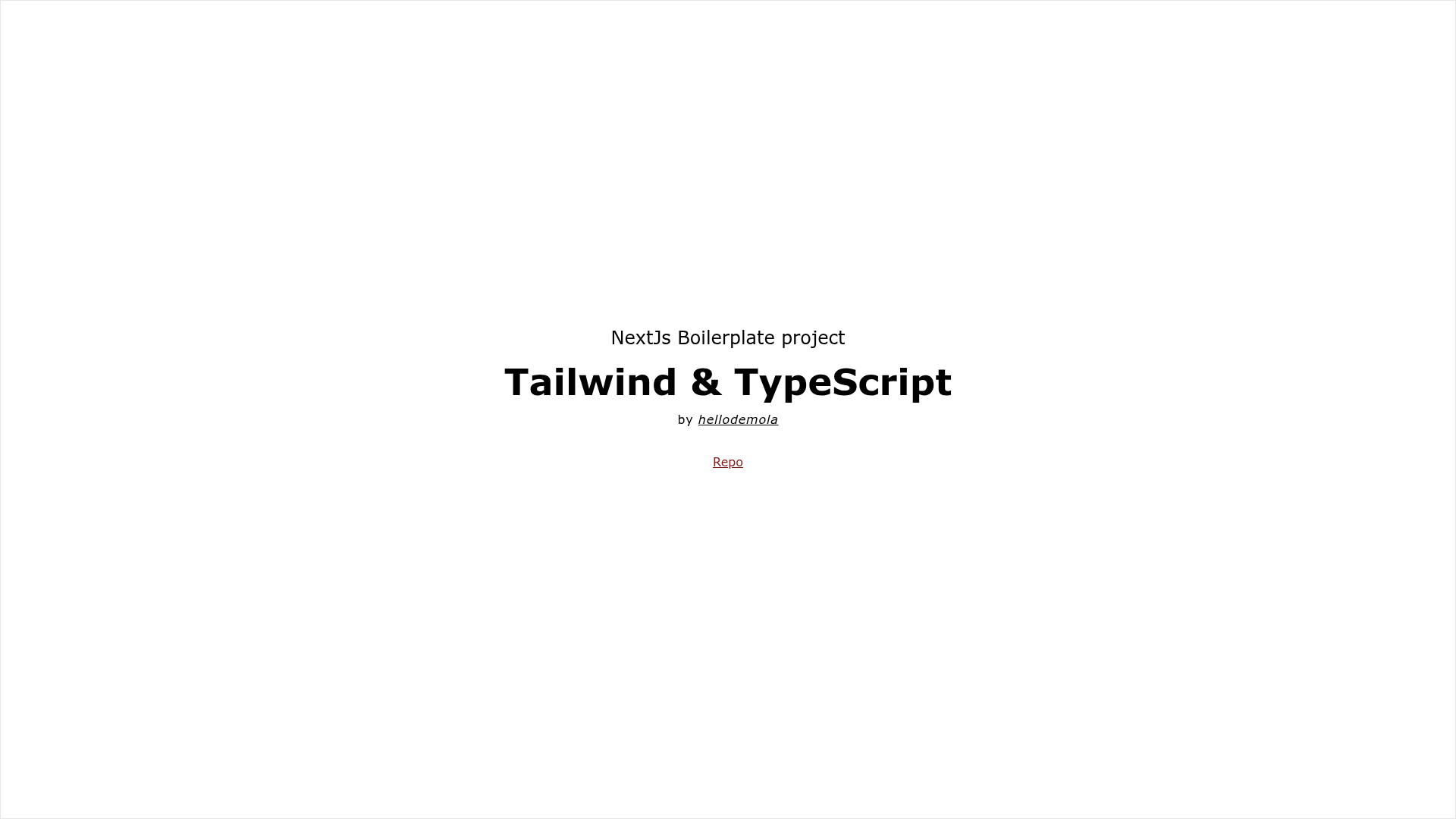
A minimal Next.js boilerplate with TypeScript and Tailwind CSS for starting React apps.
About this template
Next.js Base Tailwind TS is a minimal Next.js boilerplate template that combines TypeScript and Tailwind CSS to give developers a preconfigured starting point for React web applications. Bootstrapped with create-next-app, this template provides a standard project structure with live-reloading development, API route support, and straightforward deployment to Vercel.
What is Next.js Base Tailwind TS?
This boilerplate is a project scaffold generated with create-next-app, the official Next.js starter tool. It runs on the Next.js React framework and includes TypeScript for static type checking and Tailwind CSS for utility-first styling, as described in the repository's metadata. The template ships with a sample page in pages/index.tsx and a sample API endpoint in pages/api/hello.ts, giving you an immediately runnable application.
Key Features
- Next.js framework — Built on Next.js, which provides file-based routing, server-side rendering, and static site generation out of the box.
- TypeScript support — The project is written in TypeScript, so you get type safety and better editor tooling from the start.
- Tailwind CSS — Tailwind is included for rapidly building custom UIs without leaving your HTML; utility classes are ready to use.
- Live development server — Running
npm run devstarts a hot-reloading development server athttp://localhost:3000. - API routes — The
pages/apidirectory is mapped to/api/*, so files there become serverless API endpoints; a samplehelloendpoint is included. - Easy Vercel deployment — Deploying to Vercel is the recommended path, with direct integration from the Next.js platform.
Who is it for?
- React developers — Developers who want a clean, minimal Next.js starter with TypeScript and Tailwind already configured, so they can skip setup and start building features.
- Startup teams — Small teams shipping a product quickly can use this as a base for landing pages, dashboards, or web apps, then extend it with their own components and API logic.
- Next.js learners — People learning Next.js can study a standard create-next-app structure that also includes Tailwind and TypeScript, which is a common modern stack.
What can you do with it?
- Build a landing page — Edit
pages/index.tsxto replace the default content with your own markup, using Tailwind utility classes to style it without writing custom CSS. - Create API endpoints — Add new files under
pages/apito expose custom serverless functions that return JSON responses. - Deploy to production — Push the project to a Git repository and import it on Vercel; the platform automatically detects Next.js and handles the build.
How does it work?
After cloning or downloading the template, install dependencies with npm install (or yarn), then run npm run dev. The server starts at http://localhost:3000, and any edit to pages/index.tsx or other files triggers an automatic reload. API routes live alongside pages, so backend logic stays in the same codebase.
FAQ
Does this boilerplate include Tailwind CSS?
Yes. According to the repository description, it is a minimal Next.js boilerplate for TypeScript and Tailwind, so Tailwind CSS is preconfigured and available for styling.
How do I start the development server?
Run npm run dev in the project directory (or yarn dev if you use Yarn). Then open http://localhost:3000 to see the app.
How do I deploy this template?
The easiest way is to use the Vercel Platform, which is recommended by the Next.js team. You can import the project from your Git provider, and Vercel will handle the build and hosting automatically.
Can I edit the API routes?
Yes. Files in the pages/api directory become endpoints under /api/*. For example, pages/api/hello.ts is accessible at /api/hello. You can edit or add files to create new API endpoints.