Template details
Crisp Hexo Theme
A minimalist Hexo theme inspired by the Crisp Ghost theme, featuring Disqus comments, Google Analytics, RSS, and social media links.
About this template
Crisp Hexo Theme is a minimalist theme for the Hexo static site generator, ported from the Ghost theme of the same name by Kathy Qian, that turns standard Markdown posts into a clean, single-column blog layout.
What is Crisp Hexo Theme?
Crisp Hexo Theme is a minimalist theme for the Hexo static site generator. It takes Markdown posts written for Hexo and renders them into a clean, single-column reading layout. The theme is an open-source port of the Crisp Ghost theme designed by Kathy Qian, and it is maintained on GitHub by guolin. Installation is done by cloning the repository into the themes directory and switching the theme setting in Hexo's _config.yml file.
Key Features
- Logo configuration — Set the website logo by adding an image path to the logo option in the theme config.
- RSS support — Configure an RSS subscription link, with an option to replace it with a Feedburner URL.
- Google Analytics — Add a Google Analytics tracking ID to enable visitor metrics on the blog.
- Disqus comments — Enable comment sections by entering your Disqus shortname in the theme configuration.
- Social media links — Display profile links for Instagram, Pinterest, GitHub, Facebook, Twitter, and LinkedIn.
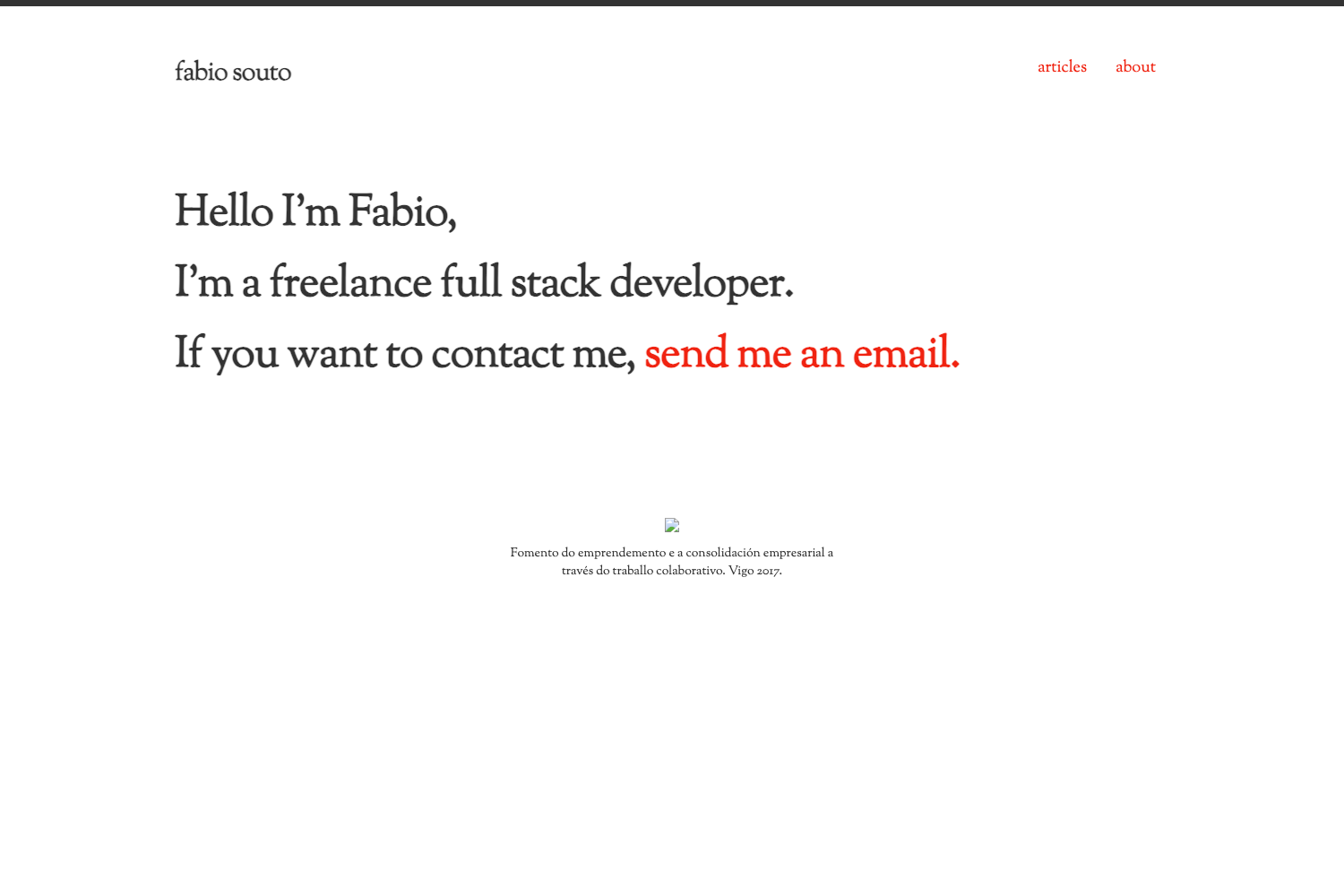
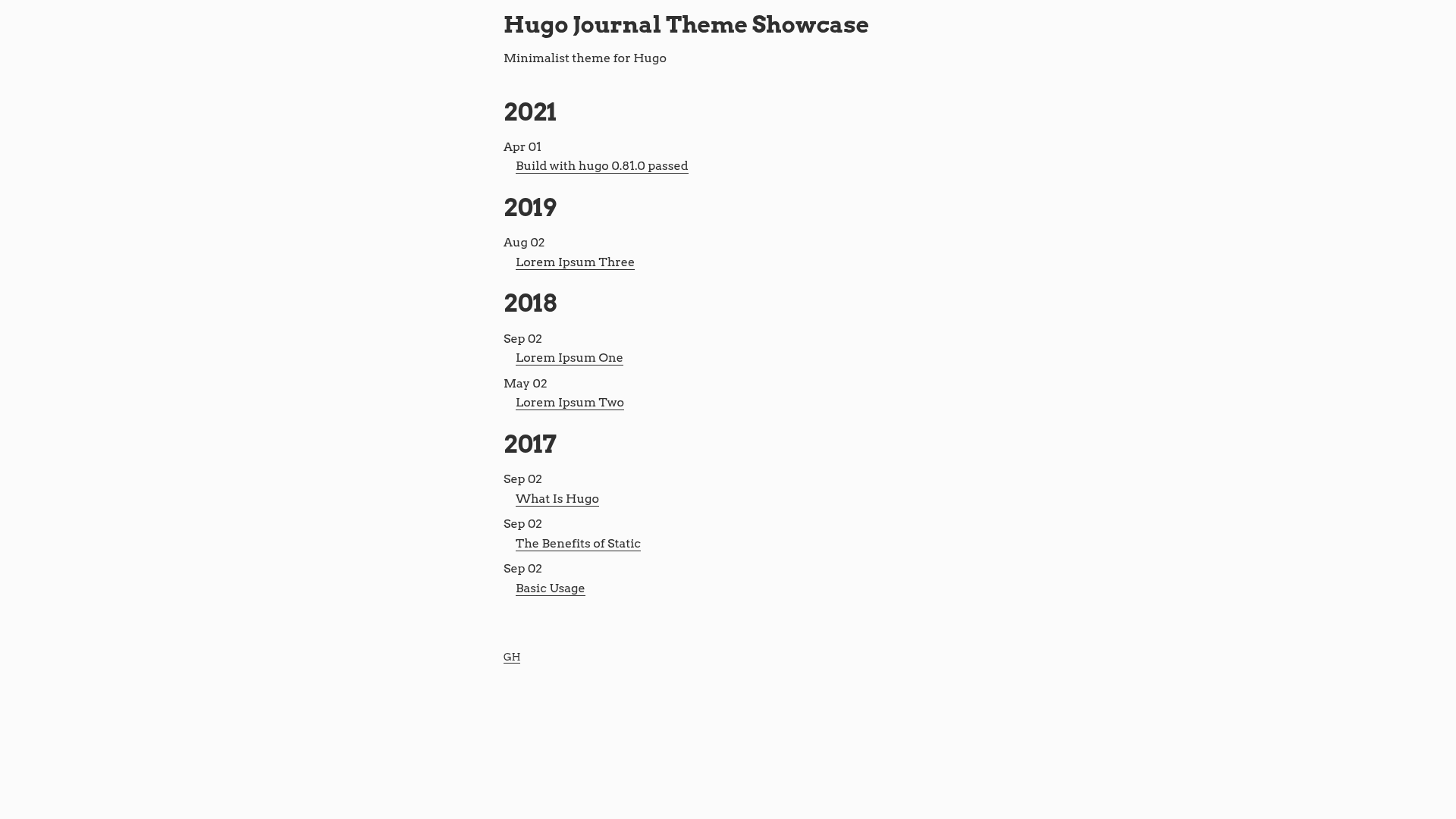
- Minimalist layout — The design follows the Crisp Ghost theme, focusing on typography and content without a sidebar.
- Simple updates — Update the theme by running git pull in the themes/crisp directory.
Who is it for?
- Hexo bloggers — Bloggers who want a straightforward, content-focused theme with built-in analytics and comments.
- Minimalist developers — Developers building a personal site who prefer a lightweight, no-clutter design.
- Ghost to Hexo migrants — Users who liked the original Crisp Ghost theme but want to work within the Hexo ecosystem.
What can you do with Crisp Hexo Theme?
- Personal writers: publish regular Markdown posts and present them in a distraction-free layout with optional social links.
- Tech bloggers: track traffic with Google Analytics and offer RSS subscriptions to readers.
- Open-source contributors: fork the theme on GitHub, modify it to your needs, and share your own version.
How does Crisp Hexo Theme work?
Clone the repository from GitHub into the themes folder of your Hexo project, then change the theme value in _config.yml to crisp. After that, generate the site with Hexo's standard workflow; the theme reads the configured options for logo, RSS, analytics, comments, and social profiles.
FAQ
Is Crisp Hexo Theme free?
Yes, the theme is open source and hosted on GitHub. You can clone, modify, and use it for personal or commercial projects without paying anything.
How do I install Crisp Hexo Theme?
Run git clone with the repository URL into the themes/crisp directory. Then set the theme option in your Hexo _config.yml file to crisp and regenerate your site.
Does it support comments?
Yes, Disqus is supported. Add your Disqus shortname to the theme configuration, and comment sections will appear on your posts.
Does it support analytics?
Yes, Google Analytics is supported. Put your tracking ID in the google_analytics configuration field, and the theme will include the tracking code in your pages.
What social media links can I add?
The theme supports Instagram, Pinterest, GitHub, Facebook, Twitter, and LinkedIn. Each one is optional; leave a field blank and the link will not be displayed.