Template details
Dall-E 2 AI Art Generator
A Next.js template for generating images from text with OpenAI's DALL-E 2 and Upstash.
About this template
Dall-E 2 AI Art Generator is an open-source Next.js template for building a text-to-image app powered by OpenAI's DALL-E 2 API, designed for one-click deployment to Vercel. It provides a ready-to-run frontend that turns a text prompt into an AI-generated image, with local development support and an Upstash message queue integration.
What is Dall-E 2 AI Art Generator?
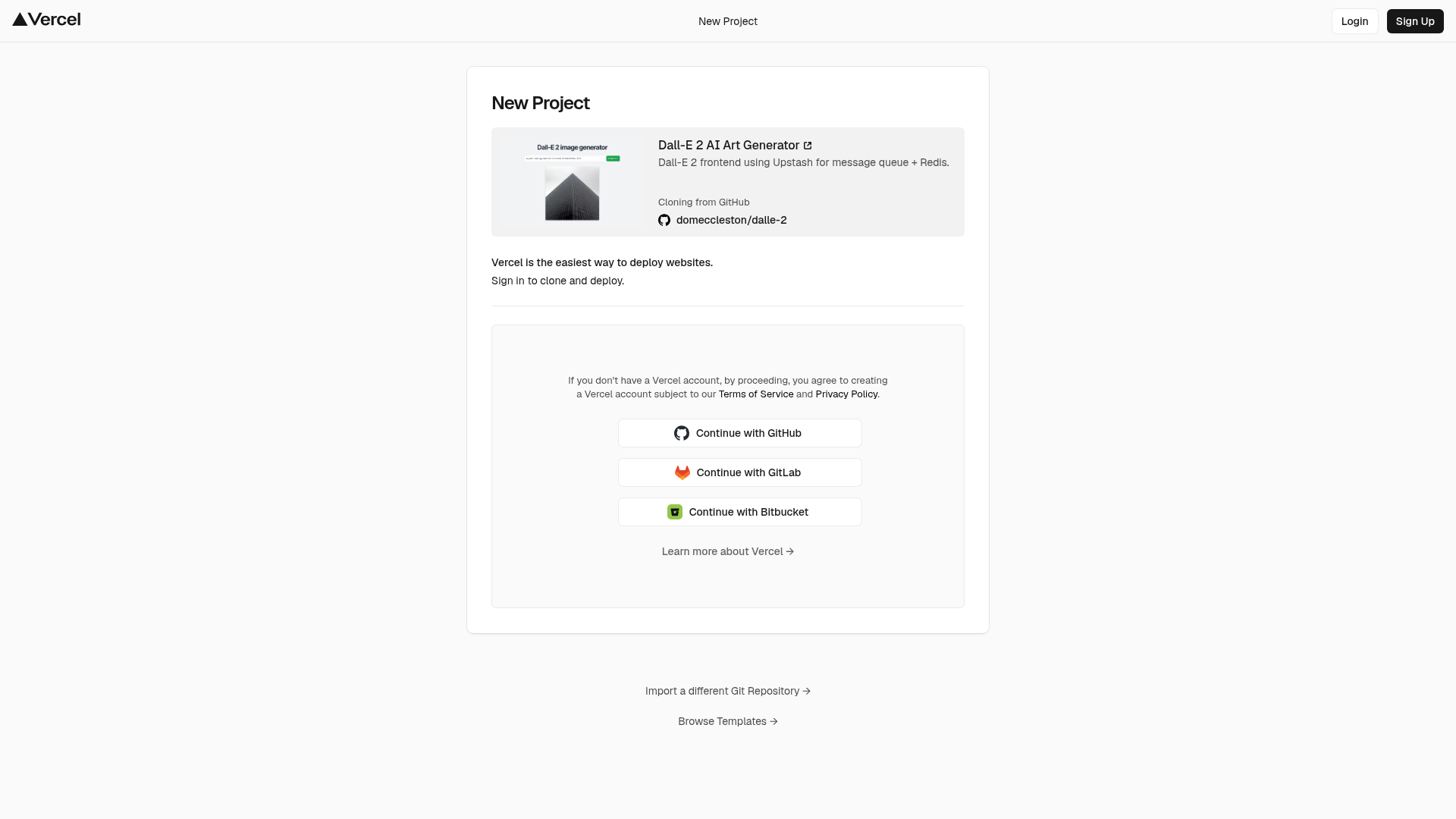
Dall-E 2 AI Art Generator is a starter project (from GitHub, with 179 stars) that generates images from text using AI. It takes a text description as input, sends it to the OpenAI DALL-E 2 API using your OPENAI_API_KEY, and displays the resulting image. The project runs on Next.js, is available locally at http://localhost:3000 after npm run dev, and supports one-click deployment via Vercel's deploy button. It also integrates Upstash for message queue and Redis, enabling asynchronous generation workflows.
What makes it stand out?
- AI image generation — Sends natural-language prompts to DALL-E 2 and returns AI-created images.
- OpenAI API ready — Uses an
OPENAI_API_KEY; new users get $18 of free credit from OpenAI. - One-click deployment — Deploy instantly to Vercel with environment variables preconfigured.
- Local development — Run with
npm run devand access the app athttp://localhost:3000. - Upstash queue — Uses Upstash for message queue and Redis to handle image generation tasks outside the request path.
Who should use this template?
- Developers learning to integrate OpenAI's DALL-E API into a web app.
- Startup founders prototyping an AI art tool that needs a fast frontend and scalable job queue.
- Educators demonstrating text-to-image generation with a minimal, runnable example.
Use cases
- Developers: Build a custom AI art generator by extending this frontend with user accounts or payment processing.
- Content marketers: Quickly generate social media visuals by typing descriptive prompts.
- Designers: Create reference images and concept sketches iteratively through text prompts.
How does the template work?
Clone the repository, create an OpenAI account to get an API key (with $18 of free credit), set OPENAI_API_KEY, and run npm run dev. The app will be available at http://localhost:3000. You can also use the Vercel deploy button to launch a production instance without touching the command line.
FAQ
Is this template free?
Yes, the template is open source and free to use. You only pay for the OpenAI API usage after your initial $18 of free credit is exhausted.
Do I need an OpenAI account?
Yes, you must sign up at OpenAI and create an API key. The README notes that new users receive $18 of free credit.
Can I deploy it without a local setup?
Yes, use the one-click deploy button from the README to deploy directly to Vercel. The required OPENAI_API_KEY environment variable is configured during deployment.