Template details
AsteroAdmin
Free open-source Bootstrap 5.3 admin dashboard template built with Astro, featuring light/dark mode, RTL support, and customizable UI components.
About this template
AsteroAdmin is a free, open-source Bootstrap 5.3 admin dashboard template built with the Astro static site generator, designed to serve as the foundation for admin panels, dashboards, and back-office interfaces.
What is AsteroAdmin?
AsteroAdmin is a responsive admin dashboard template that combines Bootstrap 5.3.3 with Astro 5.5.5 to produce static HTML output. It takes Astro components, SCSS styles, and JavaScript modules as input and compiles them into minified, production-ready files in the dist/ folder. The template is developed and maintained by AsteroDigital and is released under the MIT License, so it can be freely used in commercial projects.
Key Features
- Astro-powered build system — Uses Astro's static site generation with ESBuild, LightningCSS, and PostCSS to optimize output.
- Bootstrap 5.3.3 — Delivers the standard Bootstrap component library with a responsive grid and mobile-first design.
- Light/Dark mode — Ships with both themes activated through SCSS variables in
src/scss/variables/. - RTL support — Includes right-to-left language support for international projects.
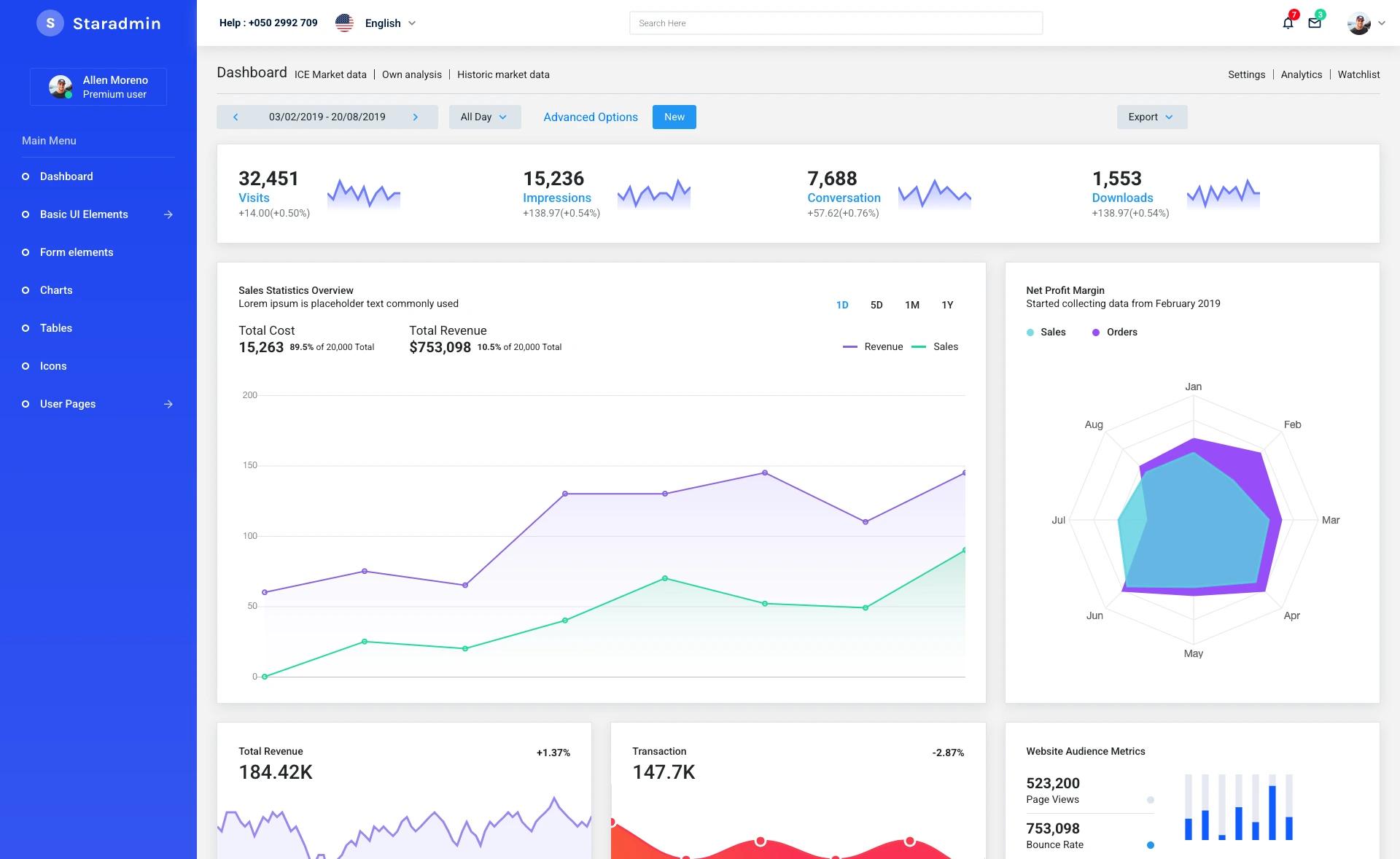
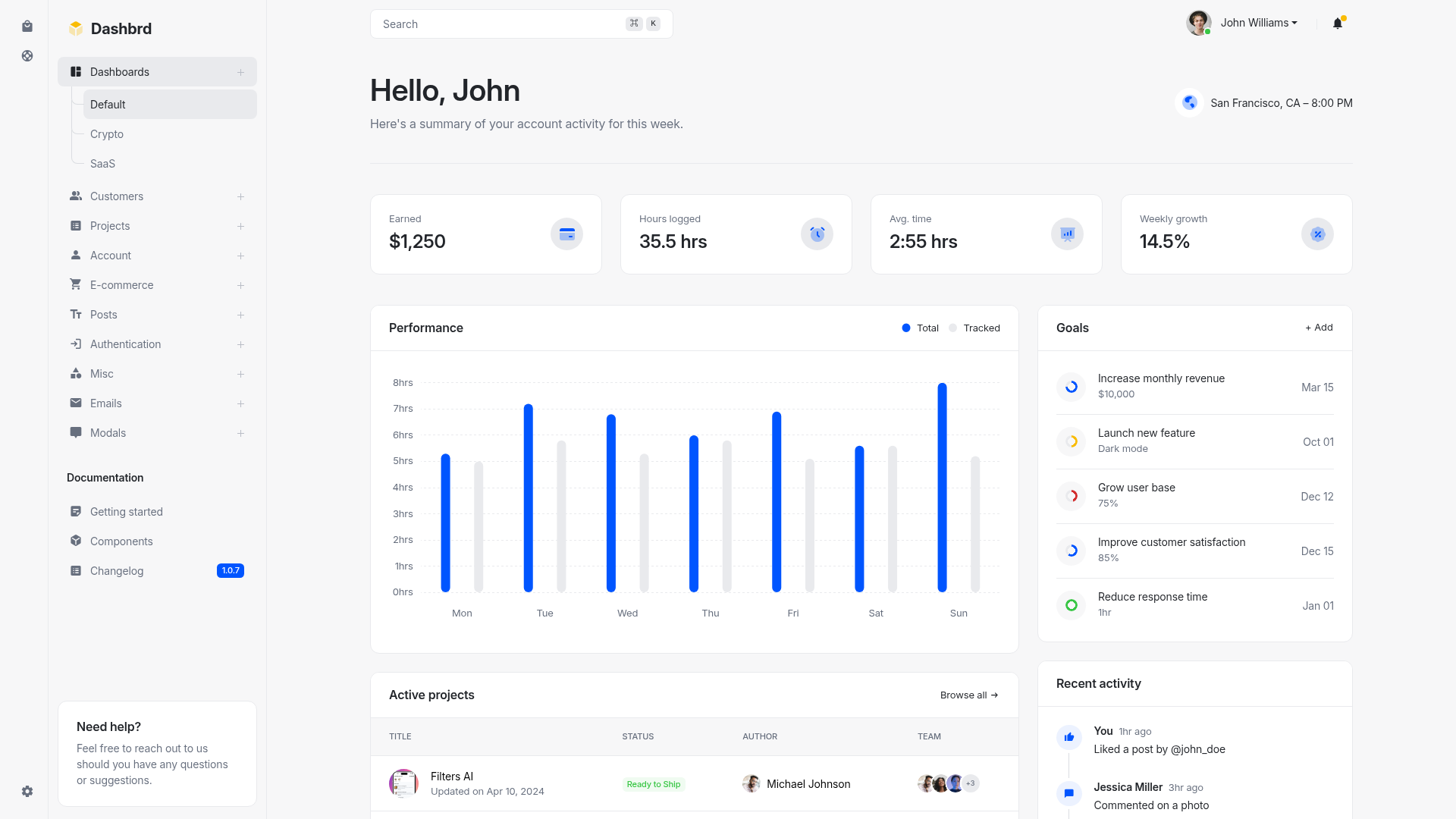
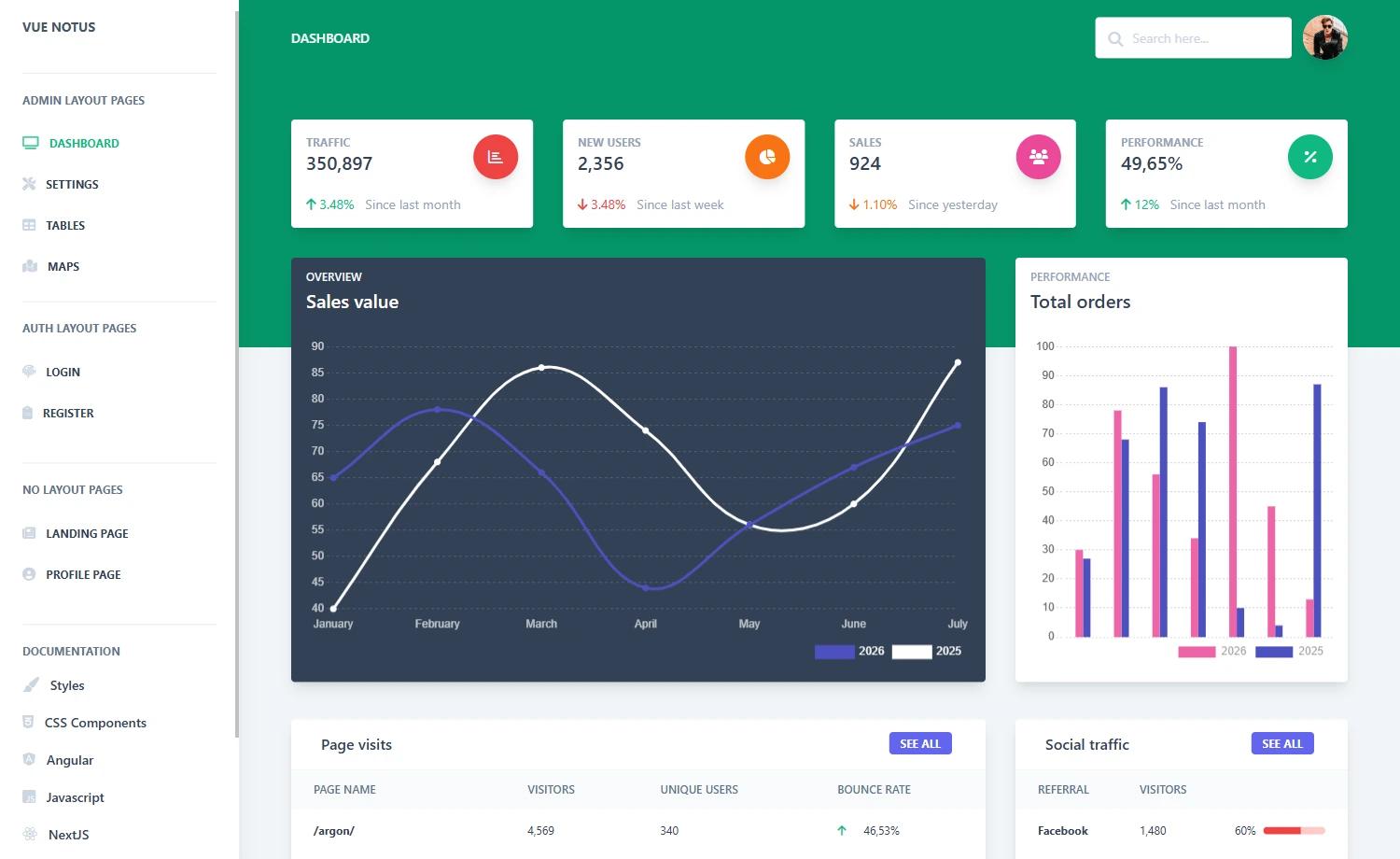
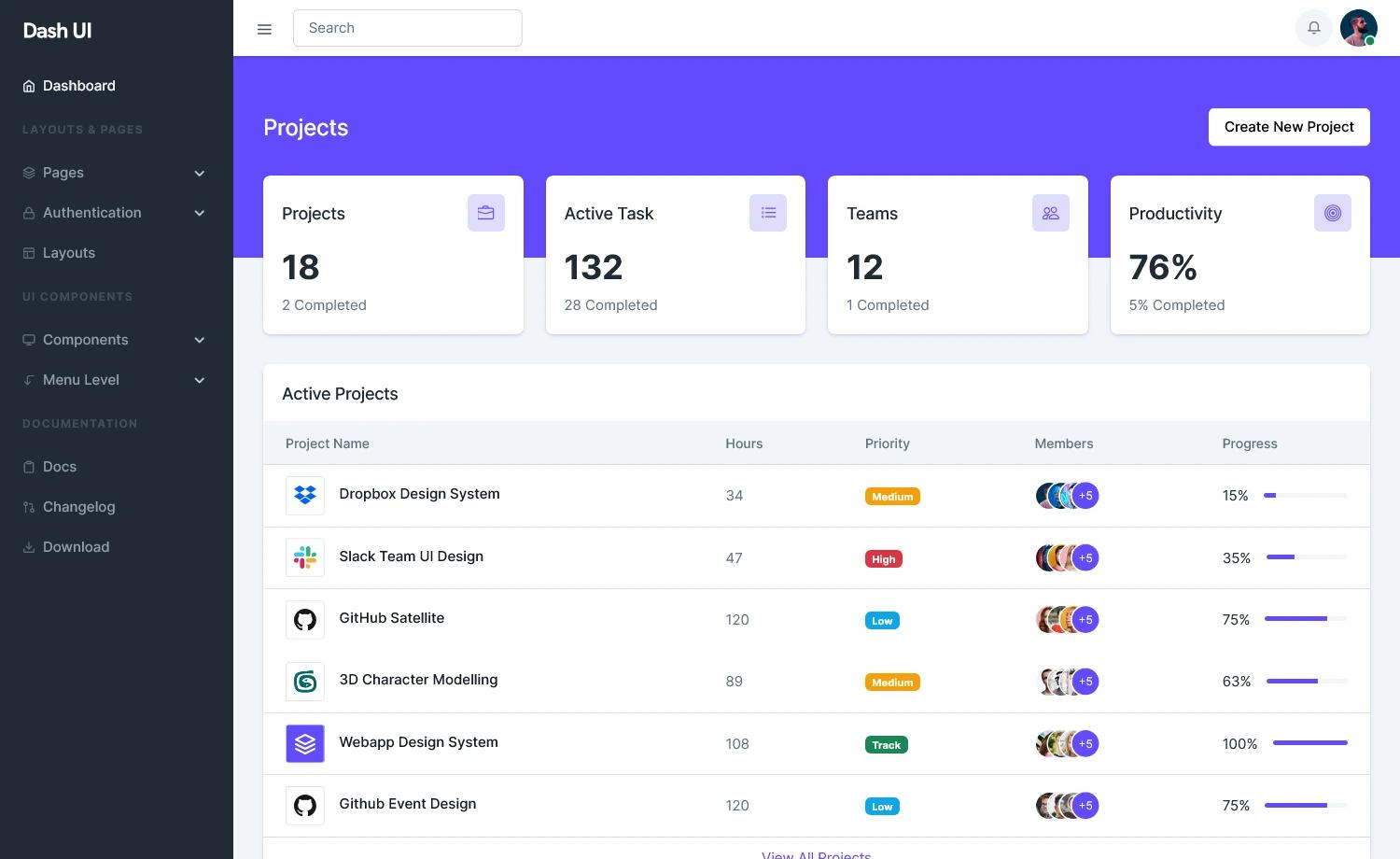
- Multiple dashboard layouts — Includes analytics dashboard, compact sidebar, and offcanvas navbar layouts.
- Modular SCSS architecture — Styles are organized into
base,components,core,layout,pages,utilities, andvariablesdirectories. - Authentication pages — Ready-made login and signup page designs are included.
- SimpleBar integration — Provides custom scrollbar functionality via SimpleBar 6.3.0.
- Quality assurance scripts — Built-in ESLint, Stylelint, Prettier, and bundlewatch commands for automated code checks.
Who is it for?
- Frontend developers — Use AsteroAdmin to scaffold a scalable admin panel with reusable Astro components and SCSS partials.
- Startups and SaaS products — Deploy the static dashboard to any hosting service for a fast, serverless admin UI.
- Digital agencies — Customize the theme variables and component styles to match client brand guidelines and deliver branded dashboards.
What can you do with AsteroAdmin?
- Data visualization dashboards — Use the analytics layout with chart components to display KPIs and metrics.
- User authentication flows — Start with the included login and signup templates to build a custom auth experience.
- Internal management tools — Create tables, forms, and various UI components for back-office operations.
How does AsteroAdmin work?
You can install it via npm (npm install asteroadmin), link the CDN files in your HTML, or clone the GitHub repository. For development, run npm install and then npm run dev to start a live-reload server at http://localhost:1234. To add pages, drop a new .astro file into src/html/pages/, and the build tooling compiles everything via npm run build.
Pricing
AsteroAdmin is free and open source under the MIT license. There are no paid tiers or license fees for personal or commercial use.
Alternatives
Other Bootstrap-based admin templates include AdminLTE, which offers a different dashboard layout pattern, and Tabler, another free Bootstrap admin theme.
FAQ
Is AsteroAdmin free?
Yes, AsteroAdmin is released under the MIT License, which permits free use in personal and commercial projects. You can download and modify it without paying any license fee.
What are the prerequisites for running AsteroAdmin?
You need Node.js version 18 or higher and a package manager such as npm, yarn, or pnpm. If you only want to use the precompiled files, you can load the CSS and JavaScript via CDN or direct download.
Does AsteroAdmin support right-to-left languages?
Yes, RTL support is included, so the layout flips correctly for languages such as Arabic and Hebrew.
How do I add a new page to AsteroAdmin?
Create a new .astro file in src/html/pages/, use the existing components and layouts, and run npm run dev to preview it. The build command npm run build will include the new page in the production output.
Can I use AsteroAdmin with a different CSS framework?
No, the template is specifically built for Bootstrap 5.3. You would need to replace all SCSS overrides and component markup to switch to another framework, which is not the intended use.