Template details
Deck 'n' Blog
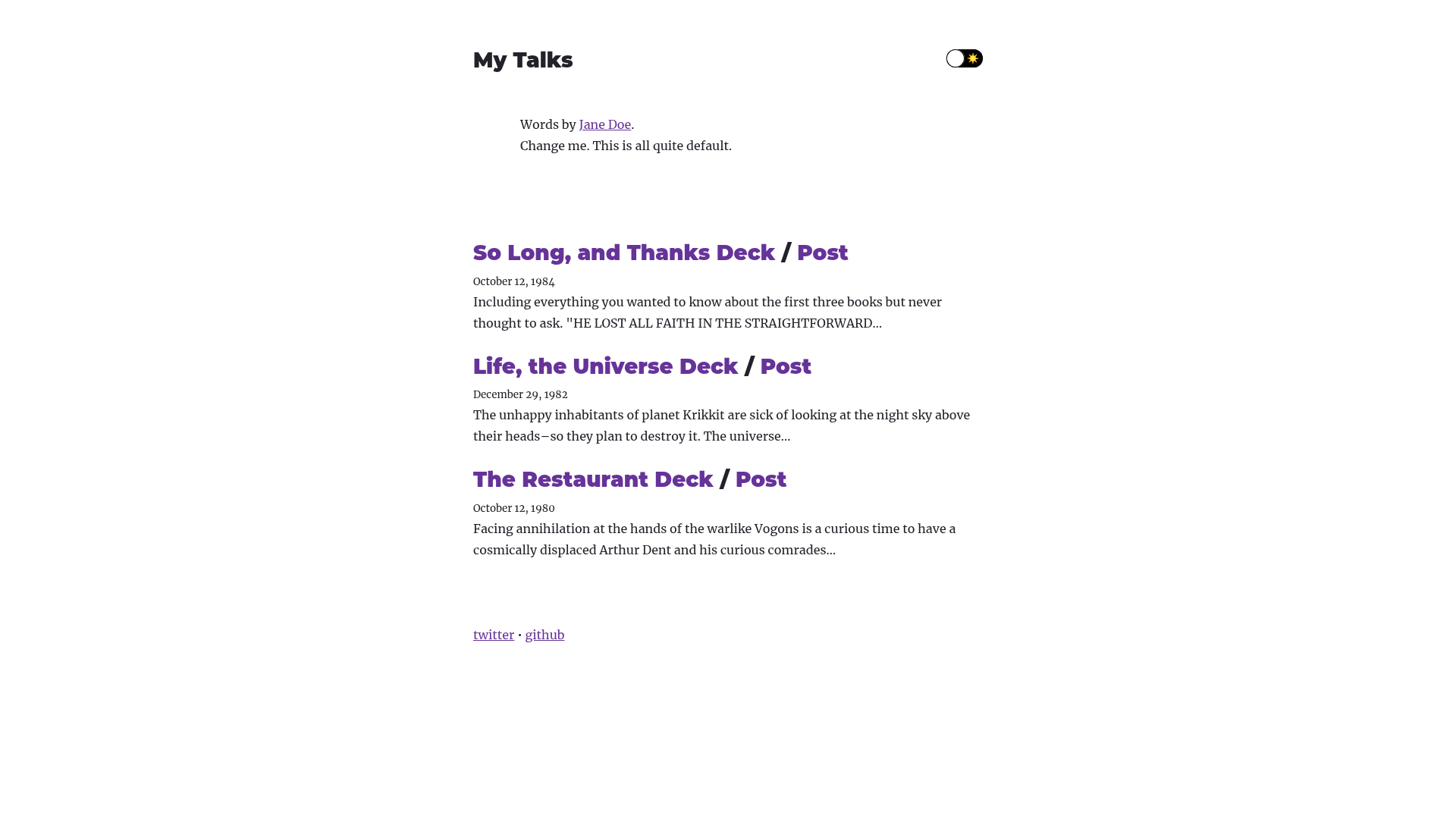
Create a deck (with mdx-deck) and a blog post from the same MDX
About this template
Deck 'n' Blog is a Gatsby theme that lets you write a single MDX file and automatically produce both an mdx-deck slide presentation and a matching blog post from that same source. This theme is built for developers who want to keep slides and written content in sync without maintaining two separate files.
What is Deck 'n' Blog?
Deck 'n' Blog is a Gatsby theme, published as the npm package gatsby-theme-deck-n-blog, that combines the mdx-deck presentation tool with a blog rendering layer. It takes MDX files placed in a decks folder as input and outputs both a deck and a blog post. The theme runs inside a Gatsby site and uses the Intro and Content MDX components to control which text appears only in the blog post versus alongside specific slides. It is a developer tool, not a hosted service.
Key Features
- Single-source authoring — Write one
.mdxfile in thedecksdirectory; the theme generates both the slide deck and a blog post from that same file. Introcomponent — Wrap text in<Intro>to show it only in the blog post intro and use it as the post excerpt; this content does not appear in the deck.Contentcomponent — Wrap text in<Content>inside a slide section to have that text appear in the blog post together with that section's slide.- Standard Gatsby theme integration — Add
gatsby-theme-deck-n-blogto thepluginsarray ingatsby-config.js; no extra configuration is shown beyond that. - Minimal setup — Installation takes four steps: create a Gatsby site, install the theme, create a config file, and add a deck file.
- Two-deck requirement — The theme expects at least two
.mdxfiles indecksto start the development site (npx gatsby develop).
Who is it for?
- Developer presenters — Engineers who build talks with mdx-deck and want the same content published as a blog post for attendees or remote readers without cutting and pasting.
- Gatsby site owners — Anyone who already runs a Gatsby blog can drop this theme in and get a deck-to-post pipeline with no new hosting setup.
- Documentation and tutorial authors — Writers producing slide-based tutorials who need a written counterpart that stays in sync with slide content.
What can you do with it?
- Publish talks as blog posts — Create a deck file and get a blog post whose intro is set via the
Introcomponent and whose body includes slide-by-slideContentblocks. - Set blog post excerpts — Use
<Intro>to control the excerpt shown in blog listings. - Reuse the same MDX for both formats — Write once and let the theme handle deck rendering and blog rendering, with shared headings and structure.
How does it work?
After installing the theme, you create .mdx files inside decks (for example decks/my-deck.mdx). Each file starts with frontmatter containing title and date, then imports Intro and Content from gatsby-theme-deck-n-blog. The deck uses standard mdx-deck slide separators (---), and each slide can contain a <Content> block that flows into the generated blog post.
FAQ
Does Deck 'n' Blog require Gatsby?
Yes, it is a Gatsby theme. You must have a Gatsby site with react, react-dom, and gatsby installed, then add gatsby-theme-deck-n-blog to your gatsby-config.js plugins list.
How many decks do I need?
The README states that you need to create at least two decks in the decks folder before starting the site. A single deck is not enough to run npx gatsby develop.
What is MDX?
MDX is a format that combines Markdown and JSX, allowing you to import and use React components inside Markdown content. Deck 'n' Blog uses MDX files as the single input for both deck and blog output.