Template details
Jekyll Type
A minimal and clean free Jekyll theme for blogs with featured posts, tags, Disqus comments, and social links.
About this template
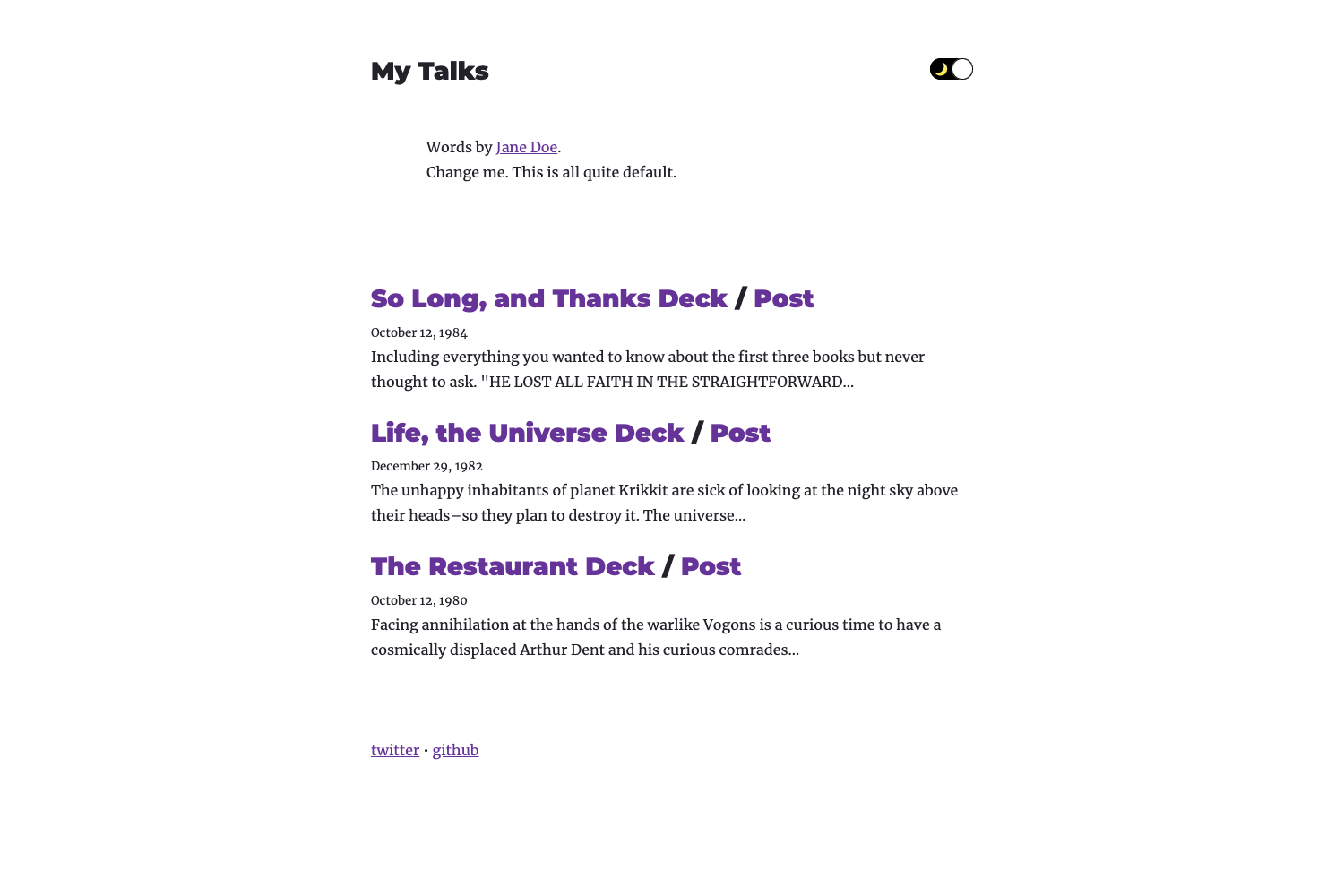
Jekyll Type is a free, minimal, and clean Jekyll theme for blogs, featuring a card-based post layout, tag archives, and a sidebar navigation. It takes Markdown content and produces a static site via Jekyll, with compressed Sass styling and a star indicator for featured posts.
What is Jekyll Type?
Jekyll Type is a free and open-source Jekyll theme created by Aspire Themes, designed for personal blogs and content-focused websites. It takes Markdown posts and pages as input and generates a static site with sidebar navigation, paginated post cards, and tag archives. The theme runs on Jekyll, a Ruby-based static site generator, and is distributed via GitHub.
Key Features
- Featured posts — Mark any post with
featured: truein front matter to add a star icon to its postcard. - Tag pages — The theme supports a tag archive via the
jekyll-taggingplugin, with tags shown on posts and a dedicated tag page layout. - Disqus comments — Built-in Disqus integration; replace the shortname in
_includes/disqus.html(line 12) with your own Disqus account shortname. - Social media icons — Uses Evil Icons to render clean icons for Twitter, Facebook, Instagram, Pinterest, Vimeo, Google Plus, SoundCloud, Tumblr, and YouTube inside
_includes/footer.html. - Automatic navigation — Sidebar links are generated automatically from Markdown files placed in the
_pagesdirectory. - Customizable configuration — All site settings (title, email, description, baseurl, url, social links) live in a single
_config.ymlfile. - Pagination — The theme comes with pagination set to 60 posts per page via the
jekyll-paginategem. - Draft support — Create drafts in the
_draftsdirectory, which Jekyll excludes from production builds by default. - Compressed Sass — The theme's stylesheets are processed with compressed output for faster loading.
Who is it for?
- Personal bloggers who want a clean, minimal design without extra clutter.
- Jekyll developers looking for a lightweight starting point with a straightforward
_config.ymlsetup. - Writers who need a tag-based content structure to organize articles by topic.
What can you do with Jekyll Type?
- Start a personal blog — Write Markdown posts in
_postsand have them displayed as paginated post cards with optional featured images. - Organize posts by tags — Add tags to any post and generate tag archive pages, though note the tag plugin requires a deployment platform other than GitHub Pages.
- Add reader comments — Connect Disqus to your site and enable comments on every post with just a shortname change.
- Customize the footer — Add or remove social media links by dropping one-line Evil Icons spans into the footer include.
How does Jekyll Type work?
- Clone the theme repository from GitHub.
- Run
bundle installto install Jekyll dependencies, thenjekyll serveto preview locally. - Edit
_config.ymlwith your title, description, and social media URLs. - Add Markdown posts to
_postsand pages to_pages. - Deploy the generated static site to Netlify or another static host; the author specifically recommends Netlify because tags don't work on GitHub Pages.
Pros and cons
- Pros: Free, minimal design, fast static output, simple configuration, built-in Disqus and social links.
- Cons: Tag pages are not compatible with GitHub Pages because the
jekyll-taggingplugin isn't whitelisted; you need a different host for full tag functionality.
FAQ
Does Jekyll Type work with GitHub Pages?
Tags don't work on GitHub Pages because the jekyll-tagging plugin is not included in GitHub's whitelist. The author uses Netlify for deployment to get tag pages working. The rest of the theme works on GitHub Pages if you remove the tag plugin.
How do I add Disqus comments to Jekyll Type?
Open _includes/disqus.html and replace the default shortname aspirethemes-demos on line 12 with your own Disqus shortname, then register your site with Disqus. The embed script will load on your posts.
What is the default pagination setting?
The _config.yml sets paginate: 60, so the blog index displays up to 60 posts per page. You can change this number in the config file.
How do I create a featured post?
Add featured: true to the front matter of a post. The theme then places a star icon on that post's card on the blog index.
Which social media icons are included?
The theme uses Evil Icons, which provides simple icons for Twitter, Facebook, Instagram, Pinterest, Vimeo, Google Plus, SoundCloud, Tumblr, and YouTube. Add them to _includes/footer.html with a single span element each.
Pricing
Jekyll Type is free to use and open source, distributed via GitHub. No paid tiers or premium features are listed.