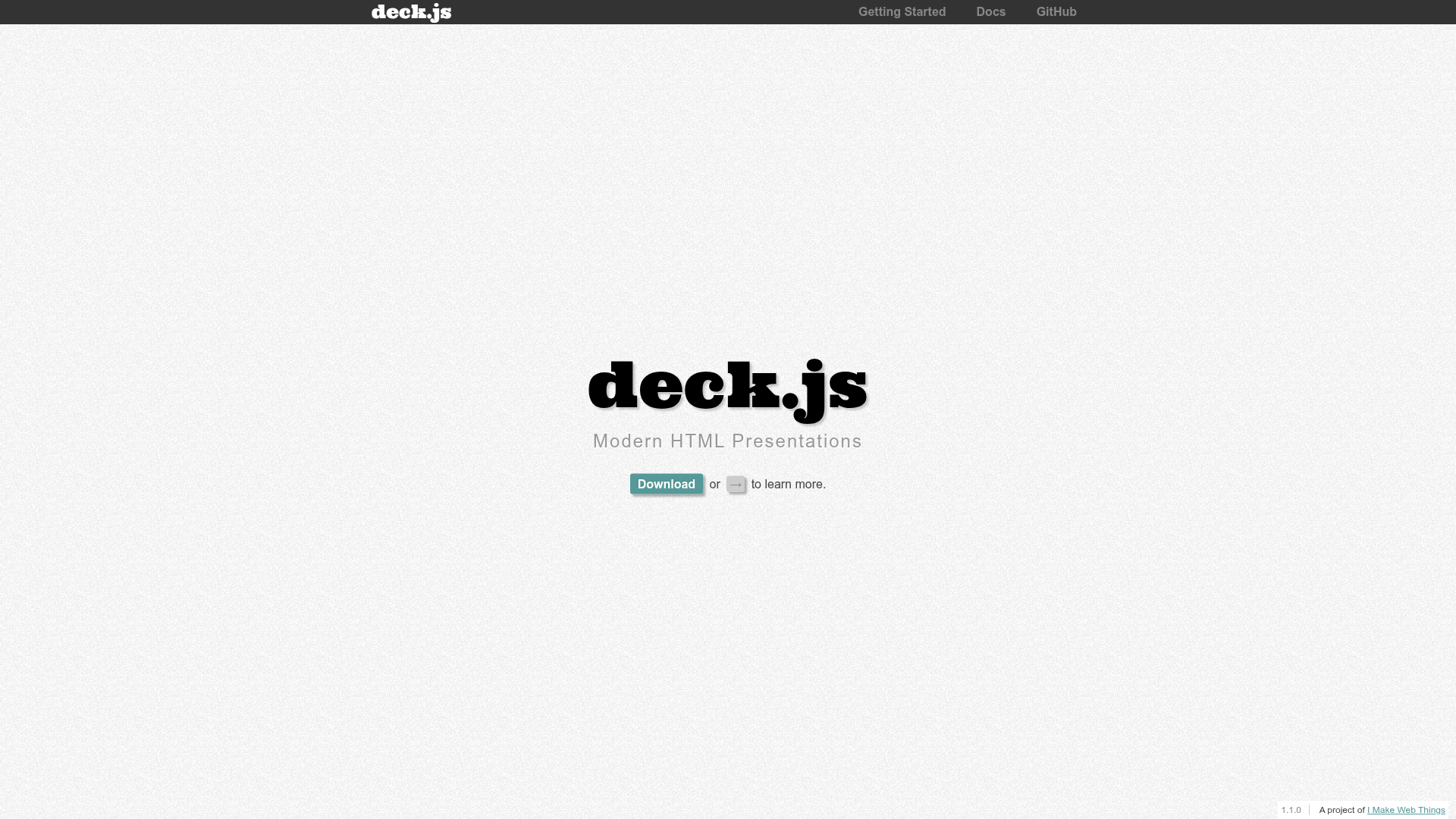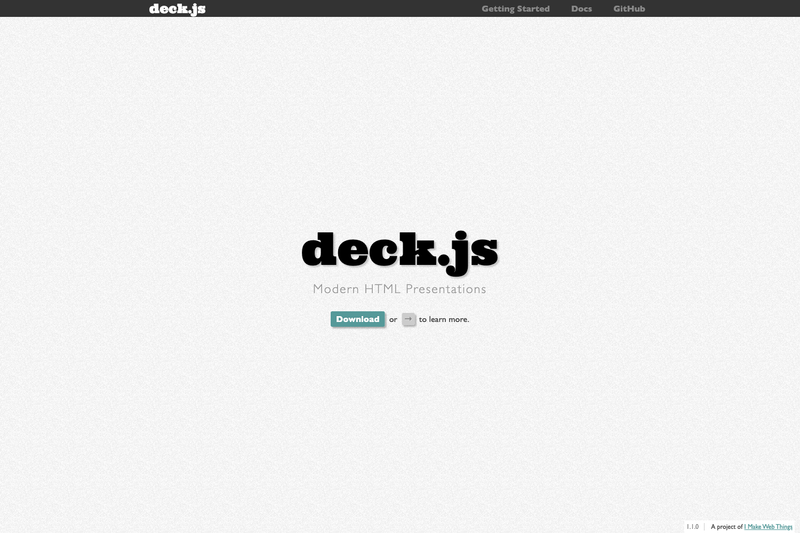
Deck.js is an open-source JavaScript library — a tool rather than a conventional website template — for building modern HTML presentations that run entirely in the browser. It provides a boilerplate HTML file, core slide-navigation code, theming, and extensions, and it is maintained by Caleb Troughton and contributors under the MIT license.
What is Deck.js?
Deck.js is a JavaScript library that turns a simple HTML document into an interactive slide deck. Its input is a set of HTML elements marked as slides in a boilerplate page; its output is a full-screen, keyboard-navigable presentation in any modern browser. The library depends on jQuery and Modernizr (both bundled in the repository), and it ships with a sample deck in the introduction folder. It was created by Caleb Troughton and first published in 2011.
Key Features
Deck.js provides a boilerplate, core navigation, theming, extensions, and print styles, all built on jQuery and Modernizr. The following features are described in the project's README:
- Boilerplate template — The repository includes
boilerplate.htmlwith all extensions wired in, so you can download the archive, open the file, and start editing slide content in plain HTML. - Core framework — Provides slide navigation, scaling, and initialization with documented methods, events, and options on the documentation page.
- Sample deck — An
introductionfolder contains a standard slide deck demonstrating the available style and transition themes; it can also be viewed online. - Extensions and themes — The GitHub wiki lists community-contributed extensions, themes, and related projects for extending deck.js behavior.
- Print styles — Core includes stripped-down black-and-white print styles for the standard slide template, suitable for handouts.
- Browser support — Tested with jQuery 1.6+ and works in IE7+, Chrome, Firefox, Safari, and Opera; IE6 is explicitly not supported.
- Testing suite — Unit tests are written with Jasmine and jasmine-jquery, and can be run online at the project site.
Who is it for?
Deck.js targets both HTML novices who need a ready-made slideshow and advanced CSS/JavaScript authors who want to build custom presentations. The typical roles are:
- Advanced CSS and JavaScript authors — They can use deck.js's modular structure to craft highly customized, unique presentations by writing custom styles and scripts.
- HTML novices — They can use the included boilerplate and default themes to build a standard slideshow without diving into the core API.
- Developers building presentation tooling — They can extend deck.js or integrate it into larger web projects because it is a simple, dependency-bundled library with a documented API.
What can you do with Deck.js?
With deck.js you can build browser-based presentations, customize their look, and generate printable handouts. Practical use cases include:
- Create presentations for conferences or classrooms: Write slides as HTML sections in a boilerplate and present them full-screen with keyboard navigation.
- Customize slide transitions and appearance: Apply different style and transition themes from the sample deck or build your own using CSS and JavaScript extensions.
- Produce printable handouts: Use the built-in black-and-white print styles to turn the same HTML deck into a text-friendly document for audiences.
- Learn how HTML presentation frameworks work: Study the included Jasmine tests, documented API, and sample deck to understand how a slideshow library is structured.
How does Deck.js work?
To get started, download the latest archive, open boilerplate.html, and edit the HTML inside the slide sections. When you open the file in a browser, deck.js's core script initializes the deck and handles keyboard navigation, resizing, and extension hooks. The documentation page provides further detail on the methods, events, and options available in core and the extensions.
Pricing
Deck.js is free and open-source software released under the MIT license, so you can use, modify, and redistribute it without licensing fees. The project also accepts optional weekly donations via Gittip to support development.
Alternatives
Reveal.js
FAQ
Is deck.js free?
Yes, deck.js is licensed under the MIT license, which permits free use, modification, and distribution, including in commercial projects.
What browsers does deck.js support?
Deck.js works in IE7 and later, Chrome, Firefox, Safari, and Opera, according to the project's testing. More capable browsers receive greater enhancements, while a basic cutaway slideshow works in all listed browsers. The maintainers advise not to give presentations in IE6.
What dependencies does deck.js require?
Deck.js depends on jQuery and Modernizr. Both dependencies are included in the repository, so you don't need to install anything separately when using the provided boilerplate.
Does deck.js include print styles?
Yes, core includes stripped-down black-and-white print styles for the standard slide template, which are suitable for handouts.
How do I get started with deck.js?
Download the latest archive from GitHub, open boilerplate.html, and edit the slide content. A sample deck in the introduction folder and the online documentation also provide guidance.