Template details
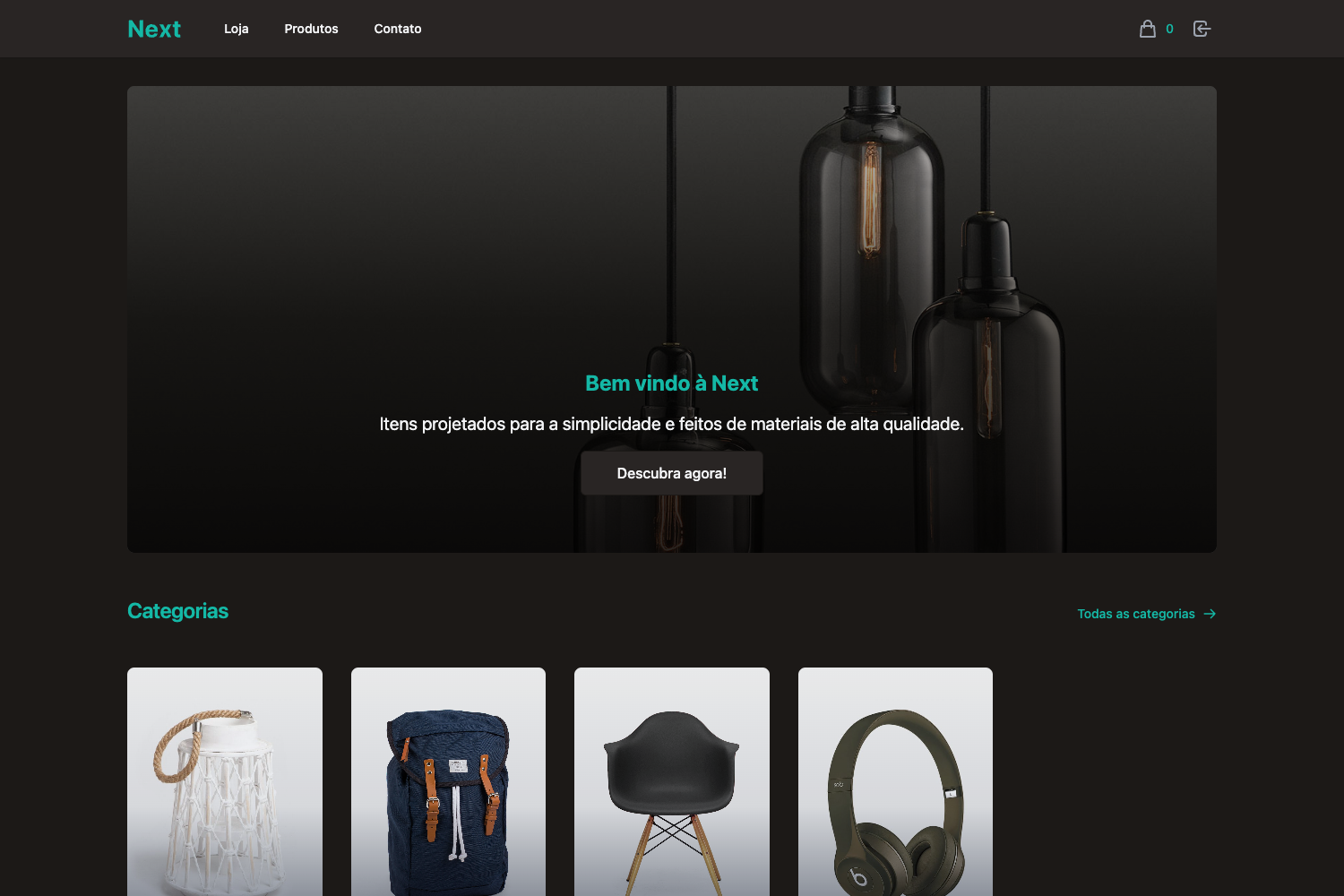
Desapegos Ecommerce
A simple scalable ecommerce.
About this template
Desapegos Ecommerce is a simple scalable ecommerce template built on Next.js and bootstrapped with create-next-app, designed as a starting point for online storefronts with API routes and one-click Vercel deployment.
What is Desapegos Ecommerce?
Desapegos Ecommerce is a Next.js project bootstrapped with create-next-app, using the Pages Router with TypeScript files such as pages/index.tsx. It serves as a simple scalable starting point for building an ecommerce store, with the project description explicitly stating "A simple scalable ecommerce." The template includes an API route example at /api/hello and is optimized for deployment on Vercel, the platform created by the Next.js team.
Key Features
- Next.js Pages Router — Uses the classic pages directory with index.tsx entry point; editing pages/index.tsx triggers automatic page refresh in the browser.
- API Routes — The pages/api directory maps to /api/* and treats each file as an API endpoint, with a working /api/hello example included.
- TypeScript Support — The starter uses .tsx and .ts file extensions, giving type safety for React components and API handlers out of the box.
- Multiple Package Managers — Development server starts with either npm run dev or yarn dev, supporting both npm and Yarn workflows.
- Vercel Deployment — The included deployment documentation points to the Vercel Platform for one-click publishing straight from the create-next-app setup.
- Ecommerce Focus — The repository metadata describes it as a simple scalable ecommerce, framing the starter as a foundation for storefront projects.
Who should use Desapegos Ecommerce?
Developers who want a clean, minimal Next.js project to begin an ecommerce site without configuring the build tooling themselves. Small business owners working with a developer can use it as a lightweight base for a custom online store. Learners who are studying Next.js API routes and Pages Router can follow the documented structure and deploy their own version on Vercel.
What can you do with Desapegos Ecommerce?
- Indie developers: Create a new ecommerce store by cloning the repo, running npm run dev, and replacing the default page with a product listing.
- API experimenters: Edit the sample API route at pages/api/hello.ts to add custom backend endpoints for inventory or checkout data.
- Agency prototypes: Spin up a minimal storefront demo and deploy it to Vercel in minutes, then hand off the codebase to the client.
How does Desapegos Ecommerce work?
The template follows the standard create-next-app workflow: run npm run dev (or yarn dev), open http://localhost:3000, and edit pages/index.tsx to see changes instantly. API routes live in pages/api and are fetched from the frontend as needed. For production, the README directs users to the Vercel platform for deployment.
FAQ
What is Desapegos Ecommerce?
Desapegos Ecommerce is a starter template for ecommerce sites built on Next.js. It is bootstrapped with create-next-app, includes TypeScript files, an example API route, and instructions for deploying on Vercel.
Does this template include a shopping cart?
The project description calls it a simple scalable ecommerce, but the starter itself only provides the standard Next.js boilerplate — no cart, product catalog, or payment integration is documented in the README. You would add those features yourself.
How do I start the development server?
Run npm run dev or yarn dev from the project root, then open http://localhost:3000. The page auto-updates when you edit pages/index.tsx.
Can I deploy this to Vercel?
Yes. The README specifically includes "Deploy on Vercel" instructions and links to the Vercel platform from the creators of Next.js, with a deployment guide at nextjs.org/docs/deployment.
Is the template free?
The template is distributed as a create-next-app boilerplate; the README does not mention pricing or licensing, and you should check the repository license before production use.