Template details
Ecommerce Nextjs Tailwind Typescript
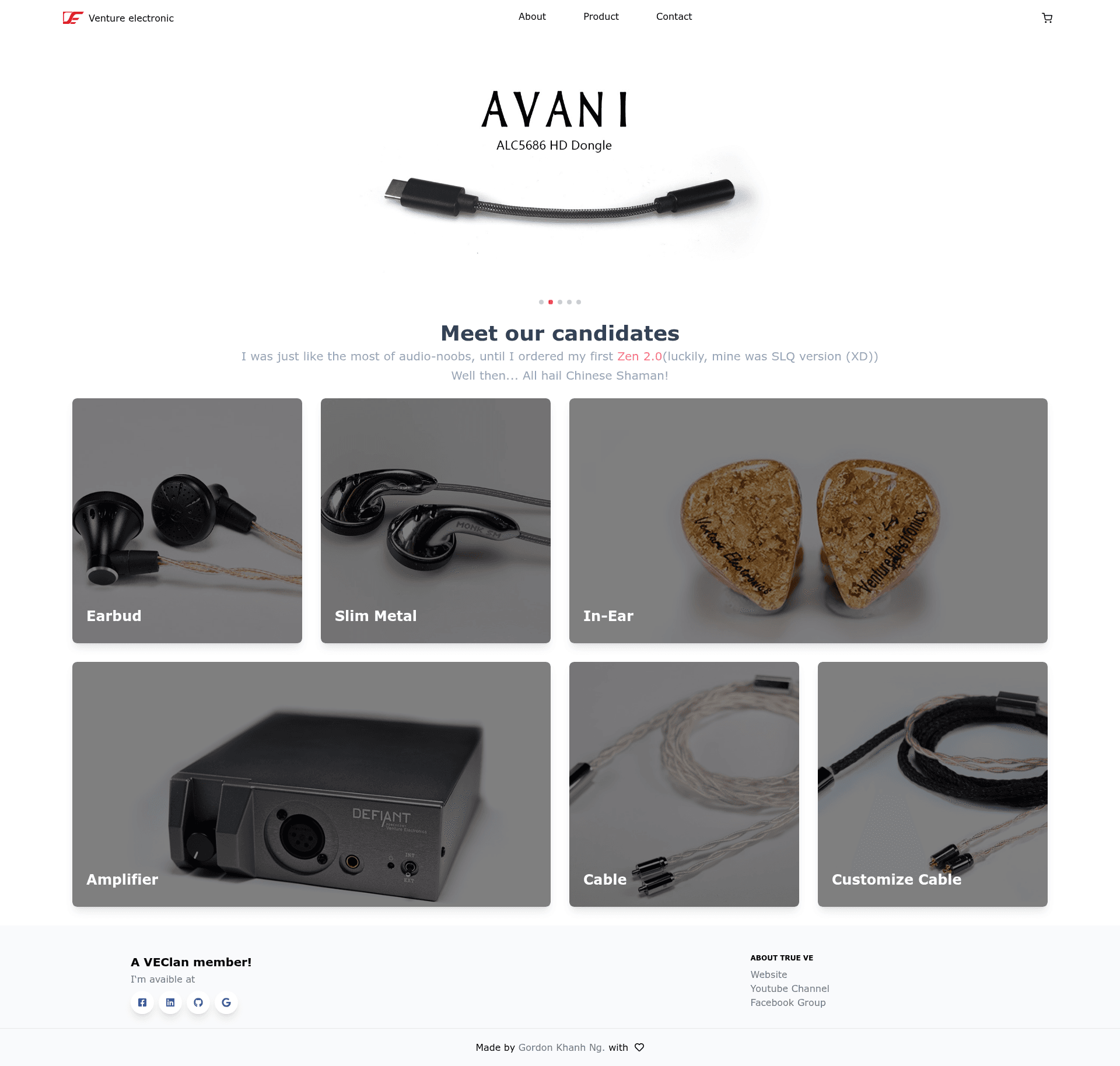
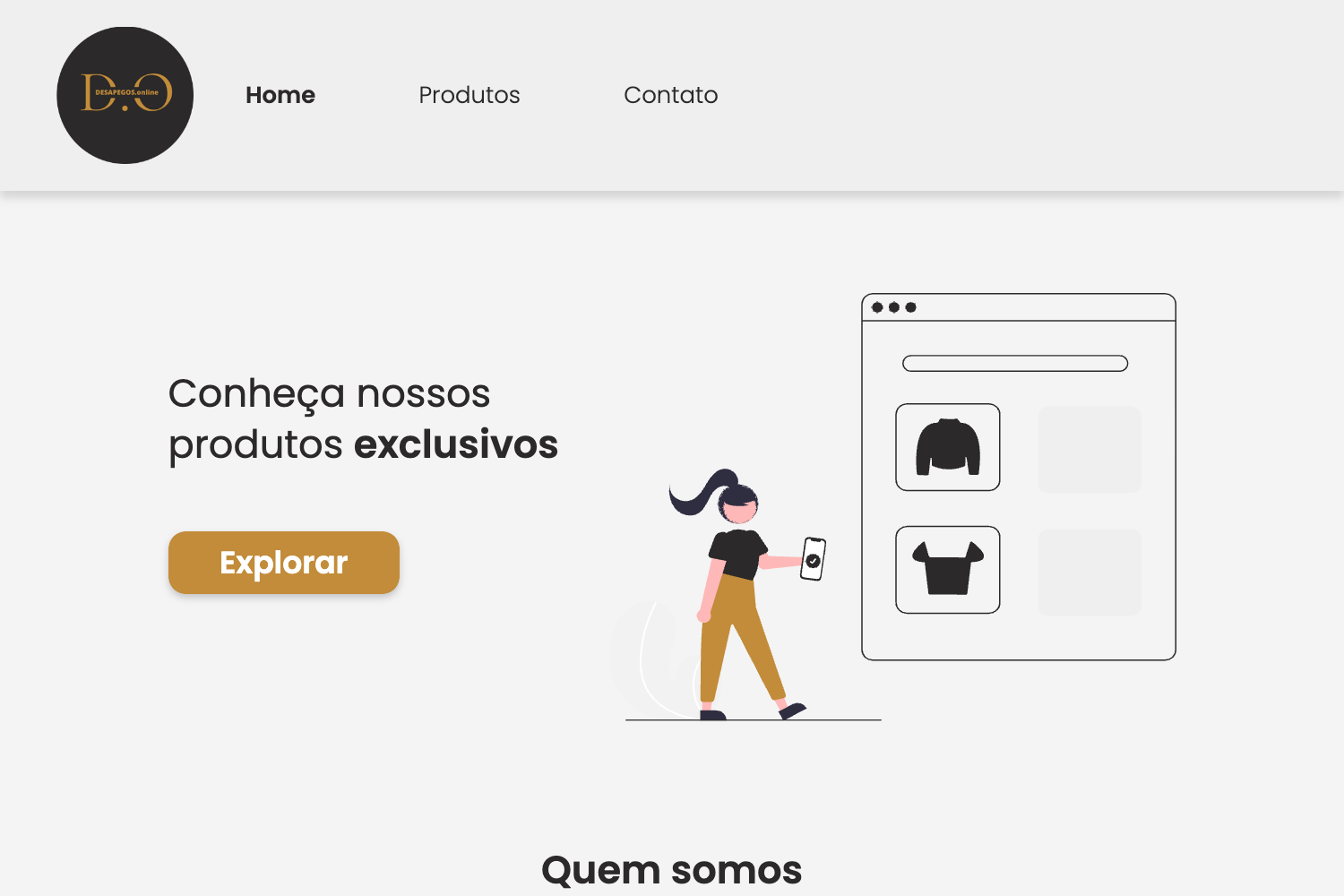
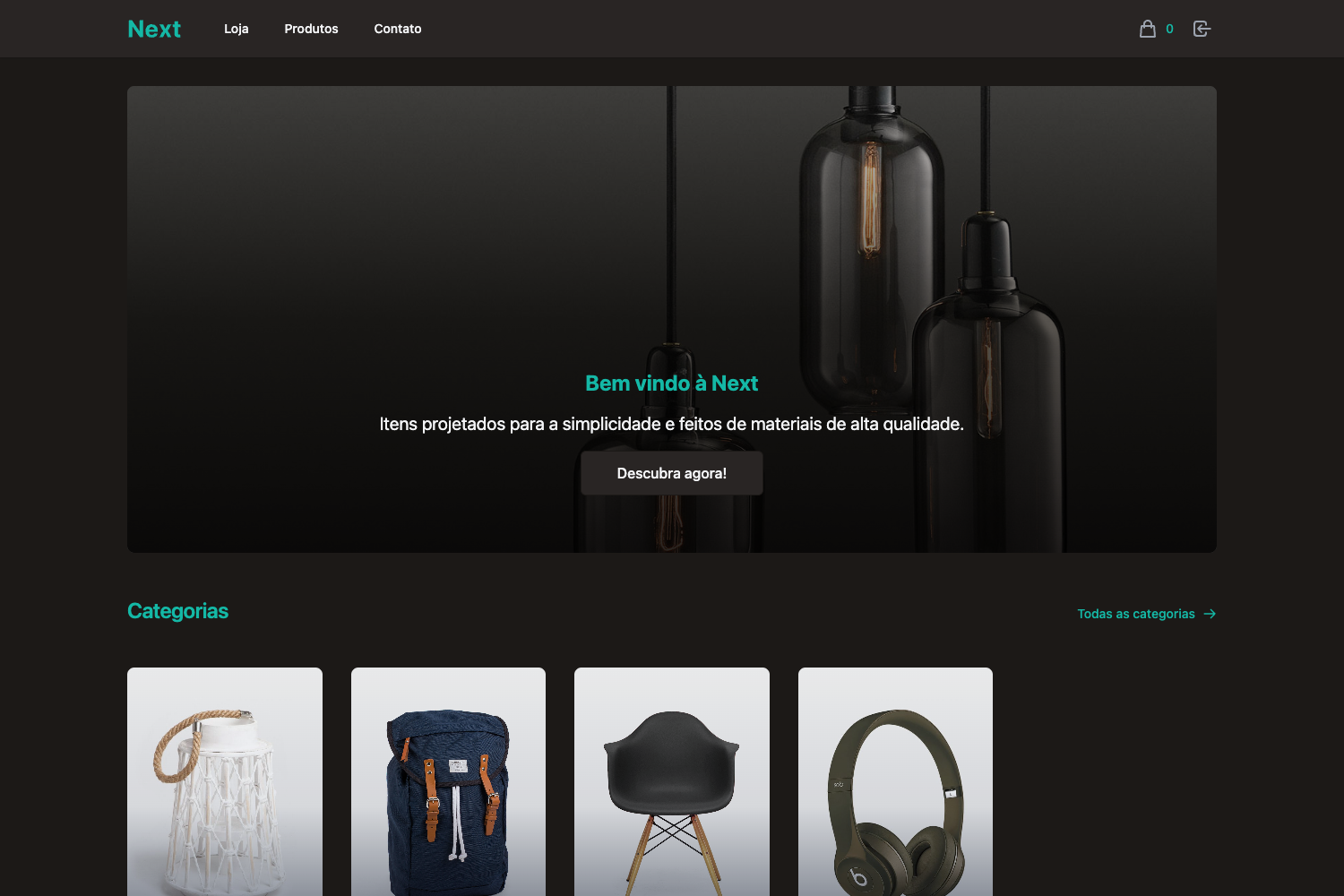
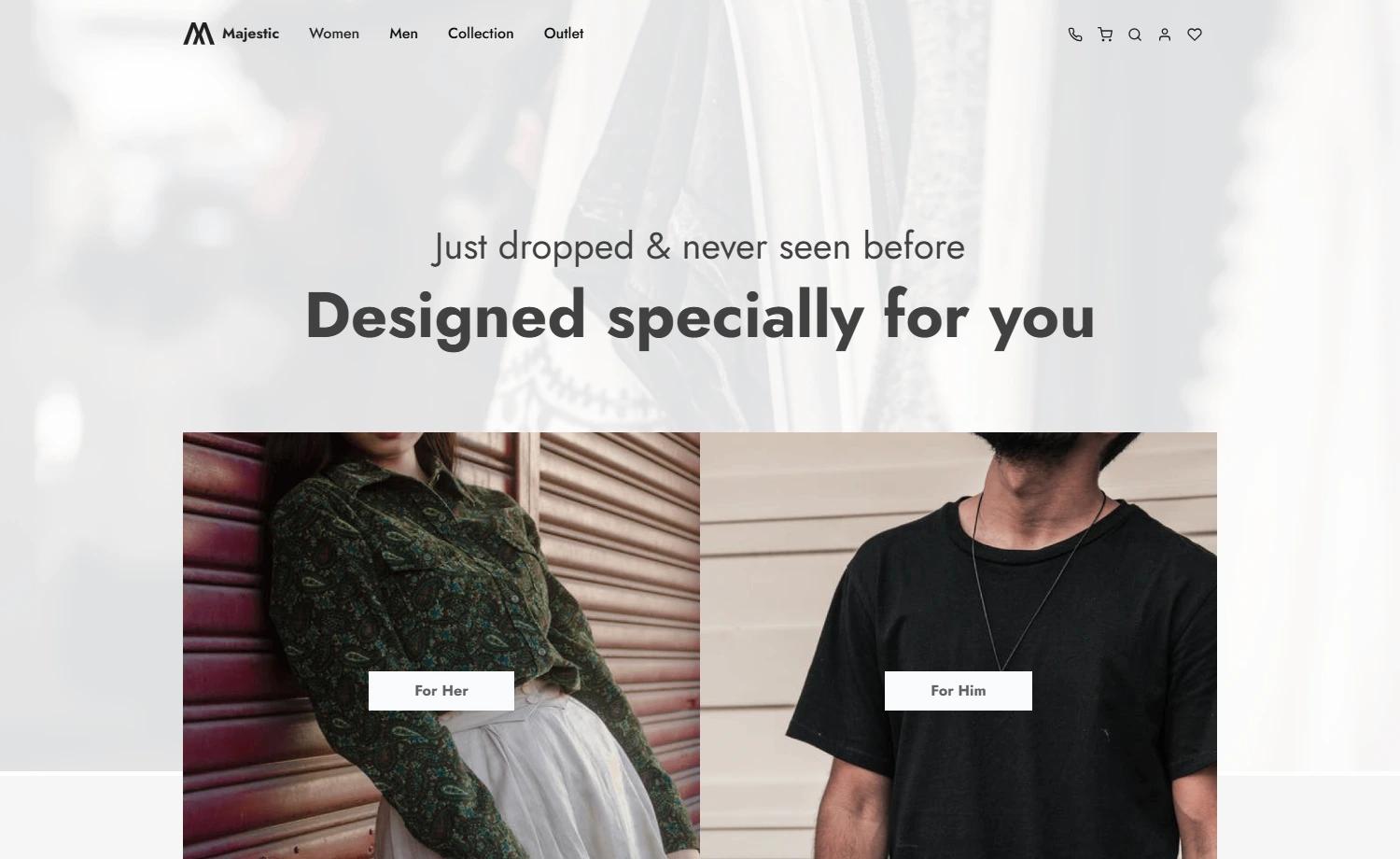
A lightweight frontend-only ecommerce template built with Next.js 12, Tailwind CSS v3, Redux Toolkit, and TypeScript.
About this template
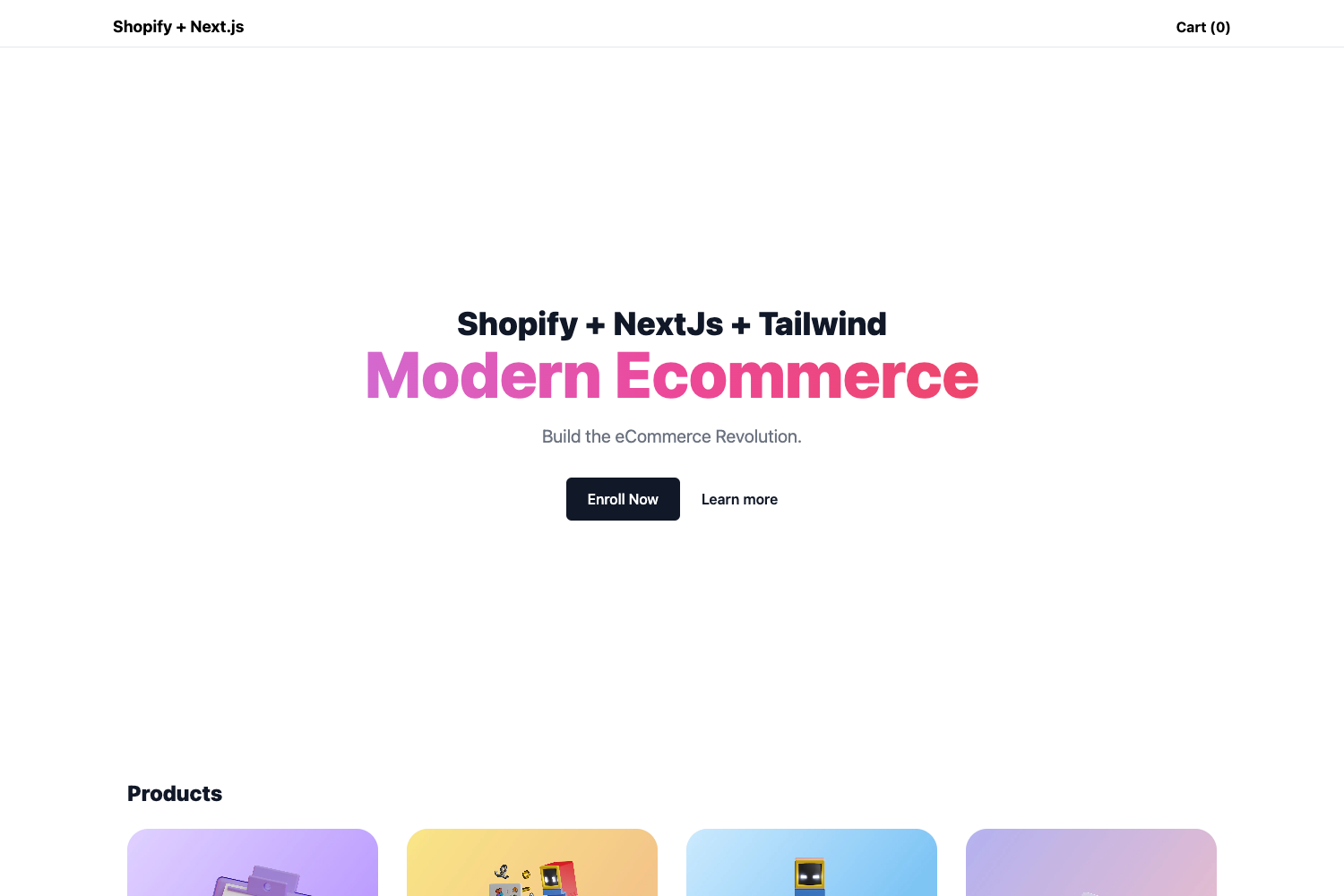
Ecommerce Nextjs Tailwind Typescript is a lightweight, frontend-only ecommerce template built with Next.js 12, Tailwind CSS v3, and Redux Toolkit, designed to provide a basic storefront flow with local sample data.
What is Ecommerce Nextjs Tailwind Typescript?
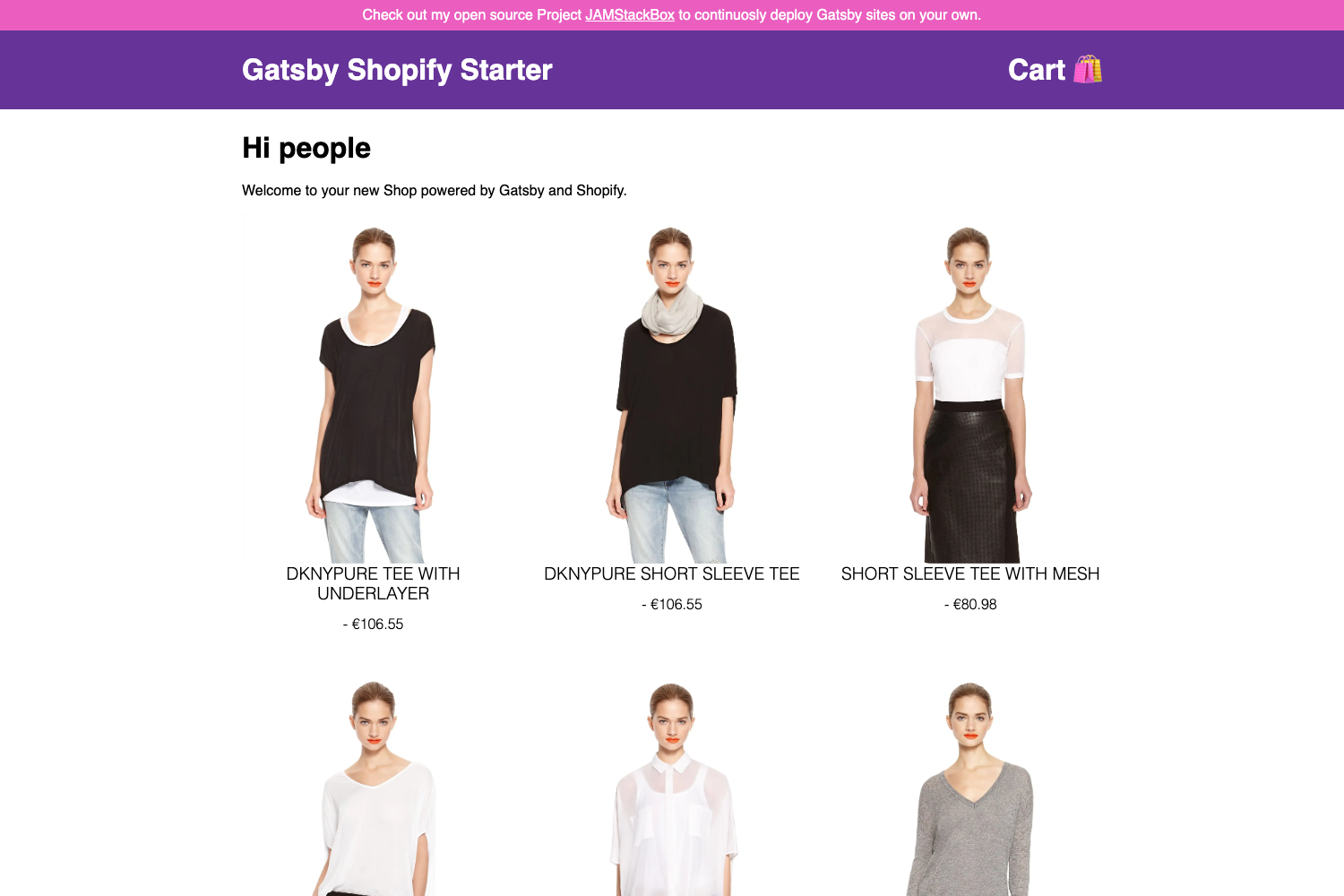
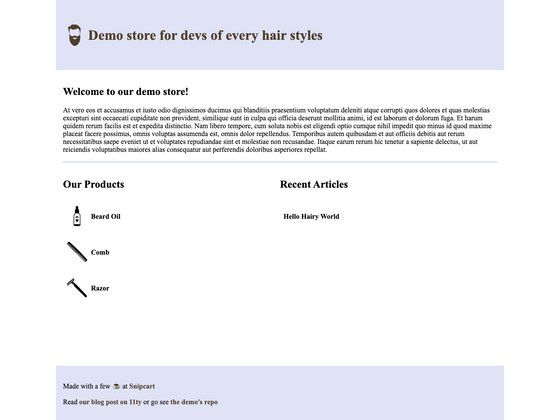
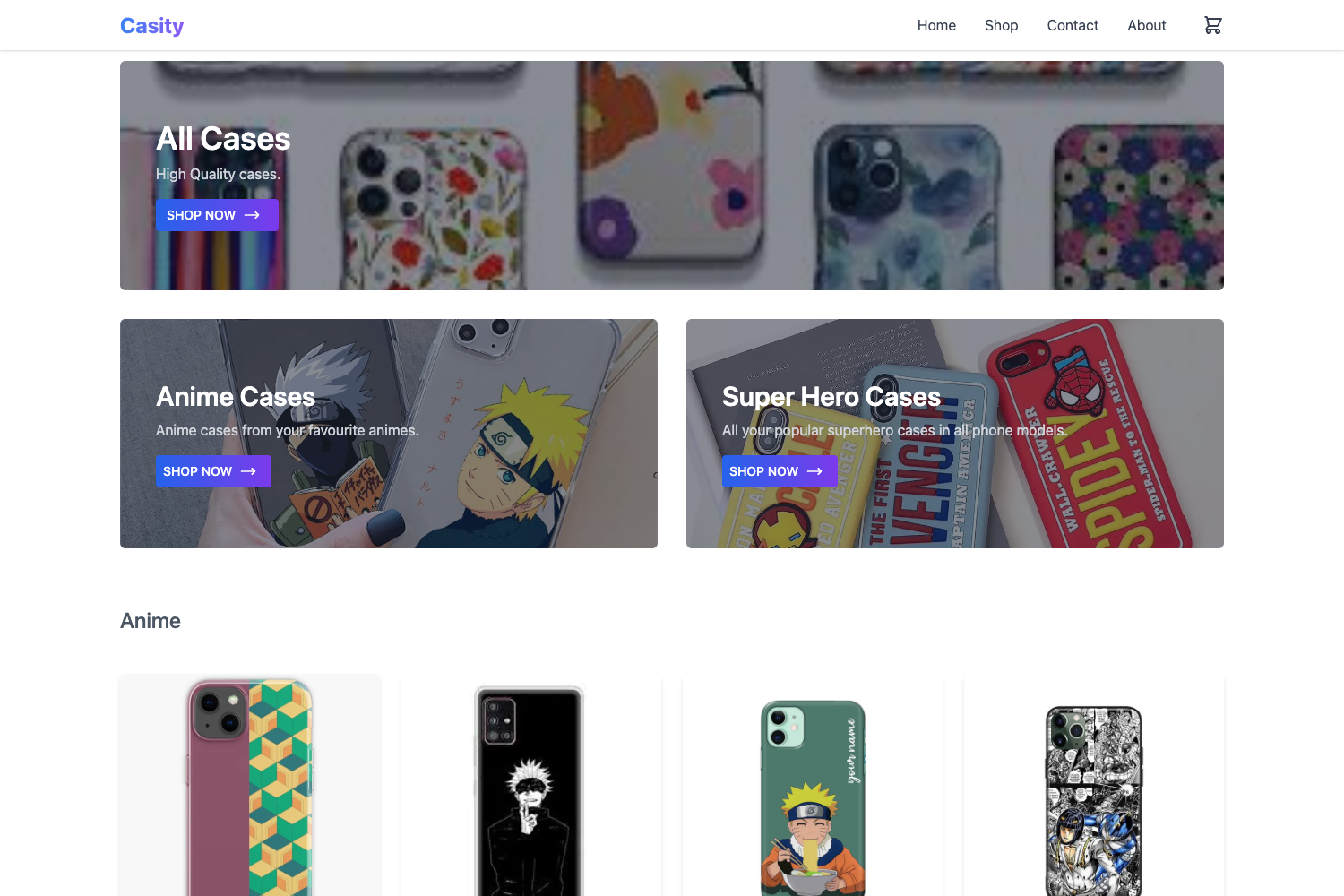
This template is a pure frontend implementation of an ecommerce storefront. It takes local sample data and renders responsive product pages and shopping flows using Next.js 12, Tailwind CSS v3, Redux Toolkit, Redux persist, React Hook Form, Decoders, and TypeScript. The project has a live demo at https://nextveclan.netlify.app and is intended as a starting point rather than a production store.
Key Features
- Next.js 12 — File-based routing with pages/index.tsx as the entry point; includes an API route at pages/api/hello.ts demonstrating serverless functions.
- Tailwind CSS v3 — Utility-first styling across all components; the template is fully responsive on mobile and desktop.
- Redux Toolkit + Redux Persist — State management for cart or UI state with persisted storage across sessions.
- React Hook Form — Form handling for checkout or contact forms with minimal re-renders.
- Decoders — Runtime type validation library that ensures API or sample data matches expected TypeScript types.
- TypeScript — Full type safety throughout the codebase.
- Local sample data — No backend required; product information and other content are stored locally.
- Live demo — Deployed on Netlify to preview the UI without setting up a local environment.
Who is it for?
Frontend developers who want a quick, type-safe ecommerce UI starter without wiring a backend. It is also useful for learners studying how Redux Toolkit and Redux persist integrate with Next.js. The template can serve as a foundation for portfolio projects or for prototyping storefront layouts.
What can you do with it?
- Frontend developers: use the template to build a demo storefront with local data, and replace the sample content with real product data later.
- Students: follow the Redux Toolkit and React Hook Form patterns to understand modern React state and form management.
- Freelancers: quickly spin up a responsive ecommerce UI for a client proposal without backend costs.
How does it work?
Run npm run dev or yarn dev to start the development server at http://localhost:3000. Edit pages/index.tsx to see hot-reload updates. The API route can be accessed at /api/hello, demonstrating Next.js API endpoints.
Pros and cons
- Pros: lightweight, no backend setup, fully typed, responsive design, and uses a modern stack with Redux Toolkit and Tailwind CSS.
- Cons: purely frontend with local sample data; no built-in payment, product database, or admin backend, so production use requires adding your own API and data layer.