Template details
Gatsby Shopify Starter
Simple starter to build a blazing fast Shopify store with Gatsby.
About this template
The Gatsby Shopify Starter is a free, open-source Gatsby starter for building a fast ecommerce storefront that connects to Shopify through the Storefront API, including a working cart, product grid, and product pages out of the box.
What is the Gatsby Shopify Starter?
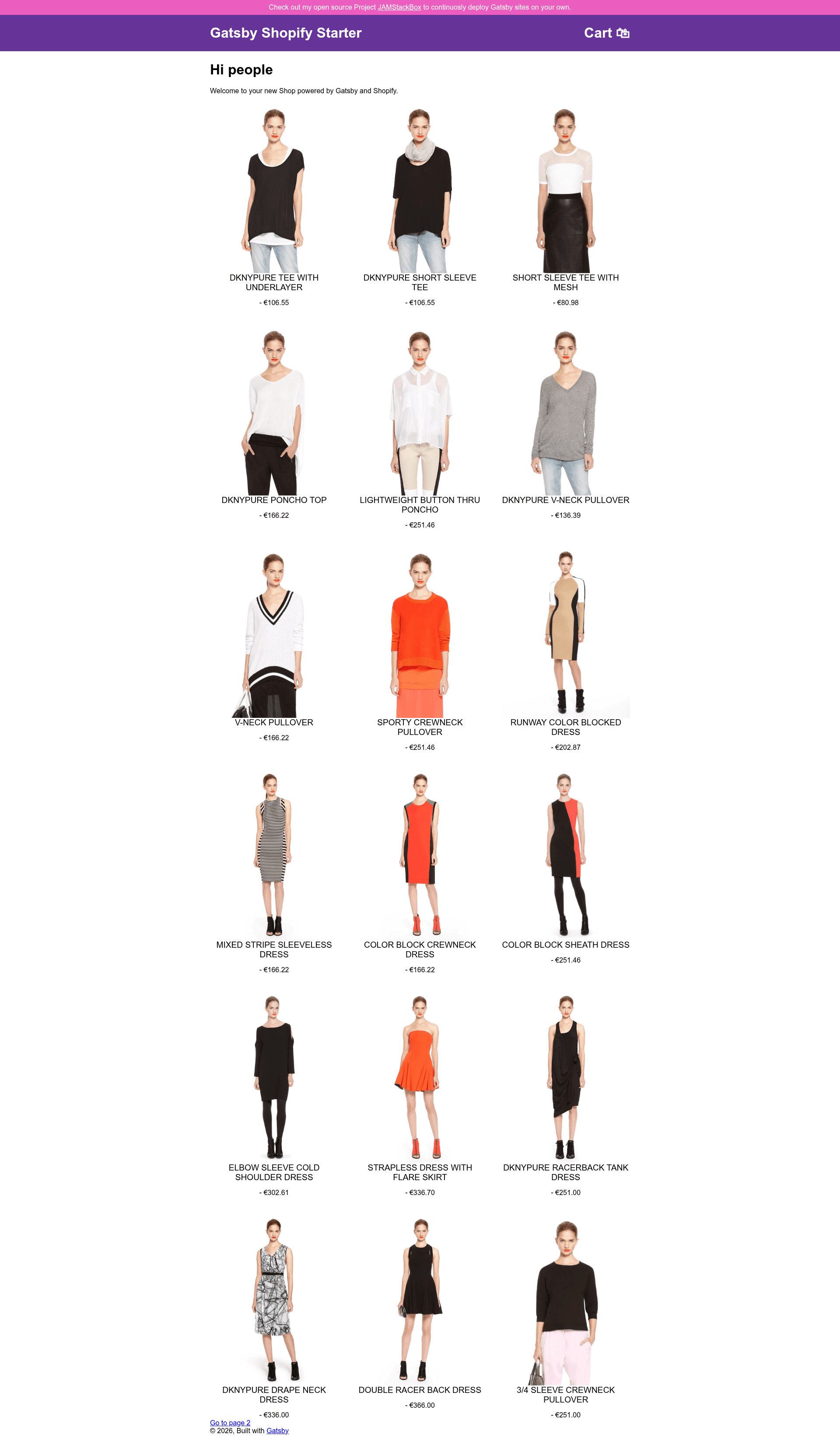
It is a starter project based on the default Gatsby starter, created by developer Alexander Hoerl (AlexanderProd), that turns a Shopify store into a static React website. The starter takes your Shopify Storefront API and Admin API credentials, stored in .env.development and .env.production files, and generates a frontend with a product catalog, product detail pages, a cart, and dynamic inventory display. A live demo is hosted at gatsby-shopify-starter.alexanderhoerl.de, and a public production store built with it is available at nureineburg.alexanderhoerl.de with its source code on GitHub.
Key Features
- Cart — A fully functional shopping cart that lets customers add products, adjust quantities, and proceed to checkout via Shopify.
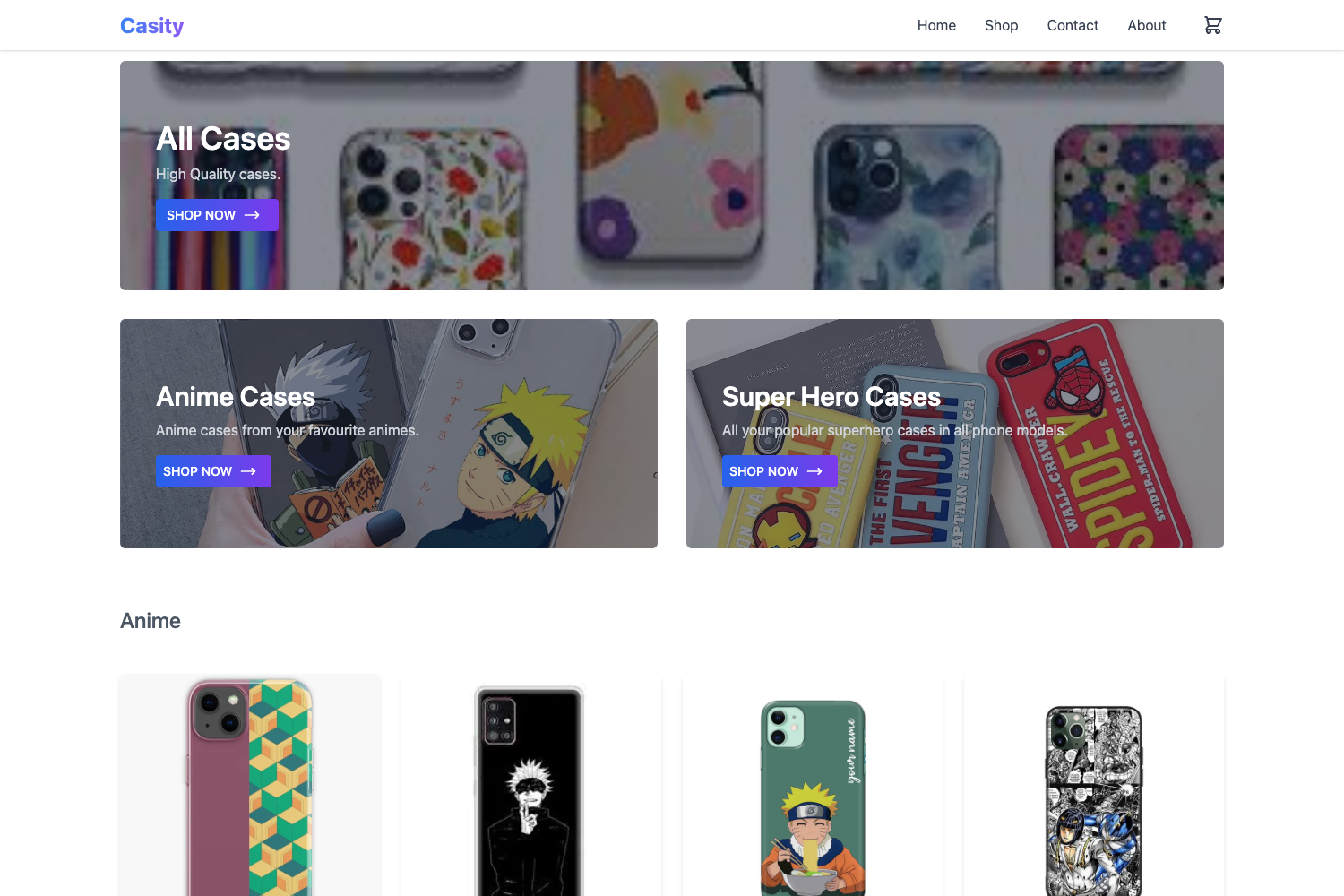
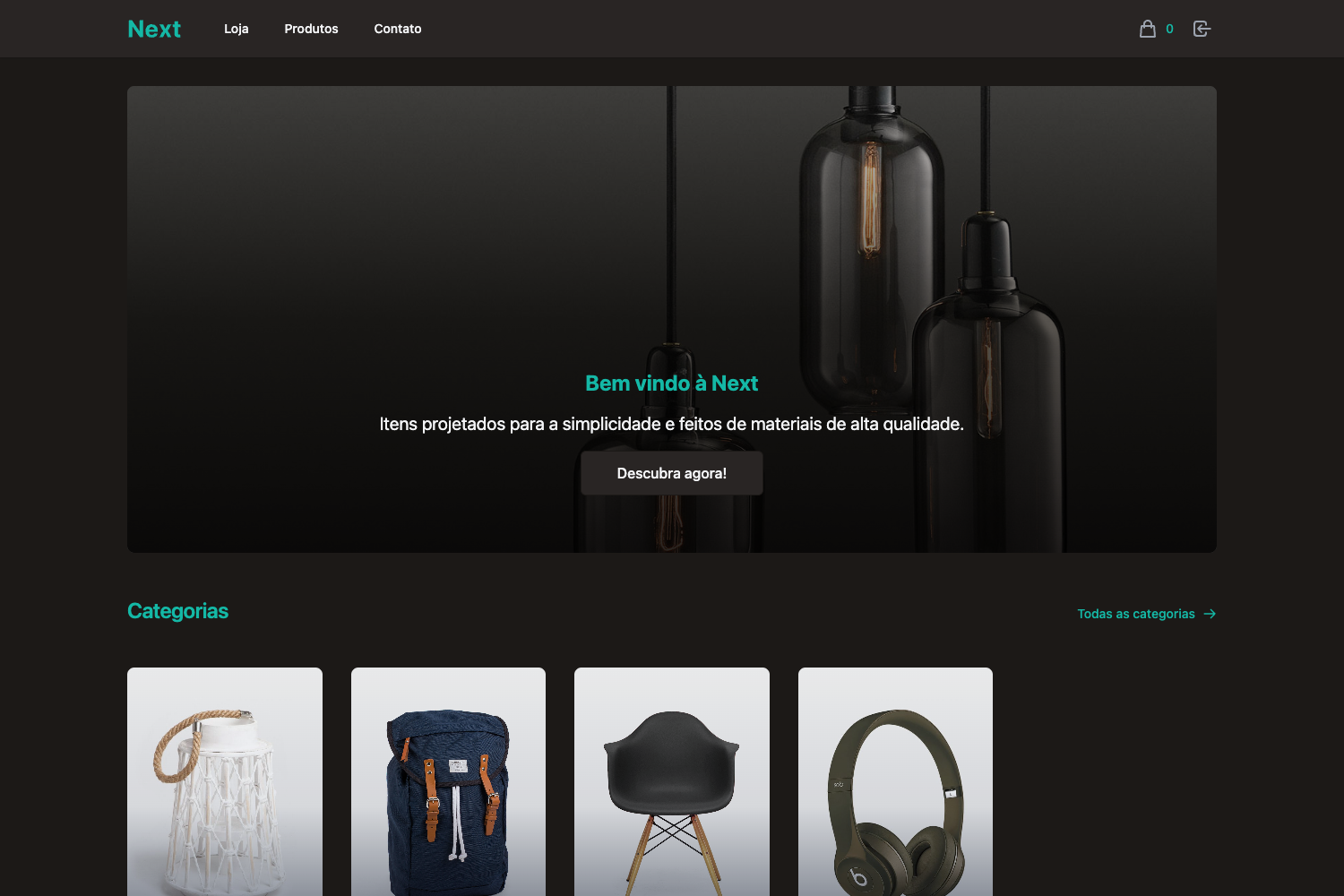
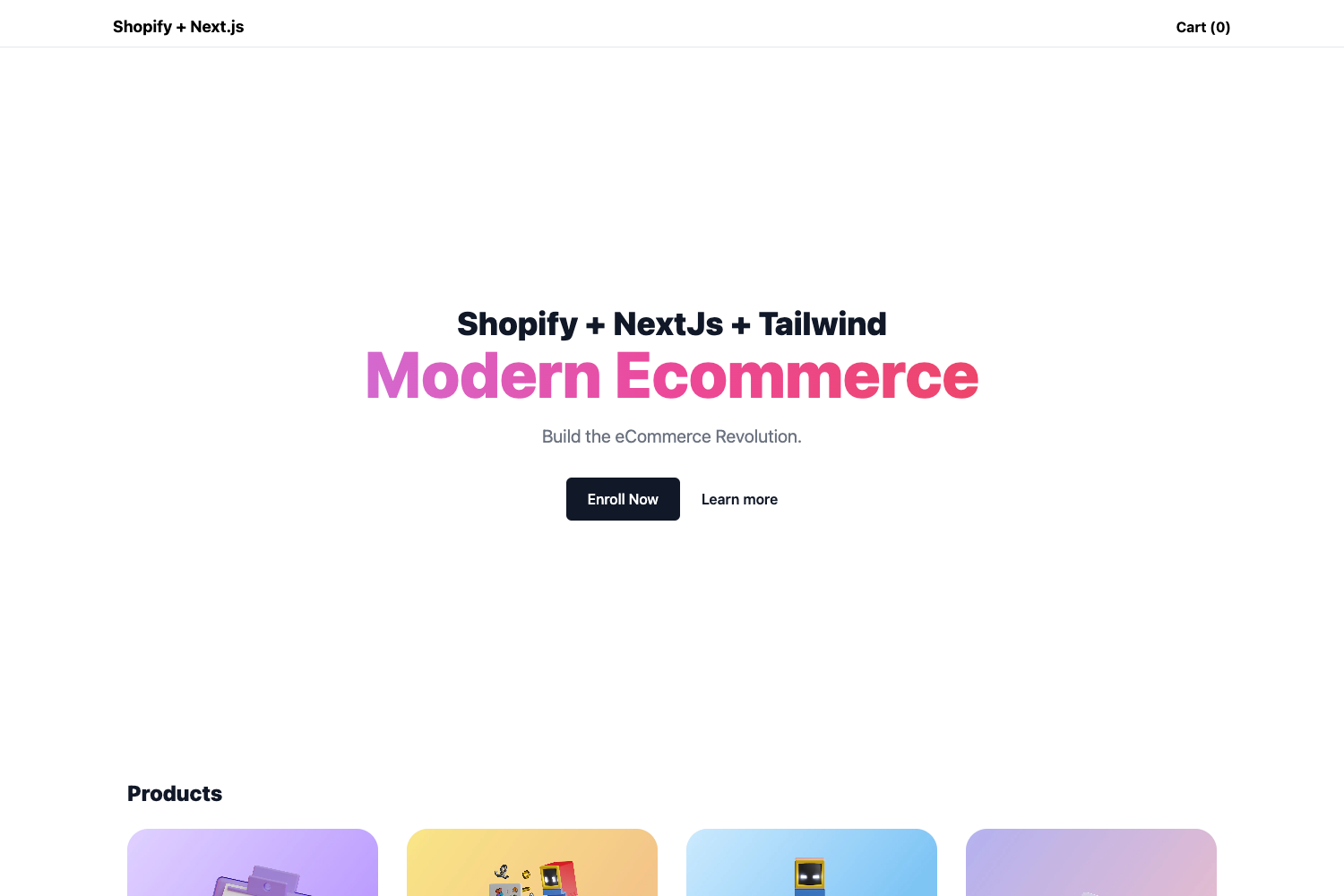
- Product grid — A responsive grid of all published products pulled from your Shopify store, displaying images, names, and prices.
- Product page — A detail page for each product with description and an add-to-cart form.
- Dynamic Inventory Checking — Product stock levels are retrieved in real time from Shopify, so out-of-stock items update immediately during the session without requiring a rebuild or redeploy.
- Image optimization with Gatsby Image — Product images are automatically optimized and responsive through Gatsby's Sharp-based image plugin for lazy loading.
- Emotion styling — The starter uses the Emotion CSS-in-JS library for its styles, and it is intentionally lightly styled so you can add your own styling without stripping out a lot of existing code.
- Google Analytics — A built-in Google Analytics integration lets you add your tracking ID via environment variables.
- SEO — Includes default metadata from Gatsby's head API to help search engines crawl product and page content.
The tech stack is Gatsby (React-based static site generator), Emotion for styling, and the Shopify Storefront API for data; development is done with gatsby develop and deployment can be automated with the author's JAMStackBox tool.
Who is it for?
- Developers building custom Shopify storefronts: They get a complete React/Gatsby codebase with cart and product functionality, ready to modify rather than starting from scratch.
- Small ecommerce businesses: They can publish a fast static storefront connected to their existing Shopify backend, with product inventory that updates live without redeploys.
- Hobbyists learning Gatsby and Shopify: The README links to Gatsby's full tutorial and documentation, and the starter is simple enough to follow along.
What can you do with the Gatsby Shopify Starter?
- Launch a store quickly: Spin up a new Gatsby site with
gatsby new my-shopify-store <repo>, add your Shopify credentials, and have a working storefront with cart and product pages. - Customize the design: Because the starter uses only sparse Emotion styles, you can replace the look and layout without fighting leftover template code.
- Maintain live inventory: Use the real-time inventory checking to keep product availability accurate between deployments, which is useful for stores with frequently changing stock.
How does it work?
- Create a new Gatsby site with the CLI:
gatsby new my-shopify-store https://github.com/AlexanderProd/gatsby-shopify-starter. - Create a custom app in your Shopify admin and enable the Storefront and Admin APIs.
- Copy the template.env file to
.env.developmentand.env.production, and insert your credentials. - Run
gatsby developto start the site locally at localhost:8000, or build for production and deploy to any static host.
Pricing
The starter itself is free and open-source, released on GitHub. You do not need to pay for the template; any costs come from Shopify subscriptions and the hosting provider you choose.
FAQ
Why do I need Shopify Storefront API credentials instead of regular Shopify API credentials?
The starter relies on the Shopify Storefront API to fetch products and manage the cart on the client side. Using regular Shopify API credentials will cause the starter to fail, so the environment files require Storefront API credentials.
Can I use different stores for development and production?
Yes. The starter provides both .env.development and .env.production files, so you can point your local development at one Shopify store and your deployed production site at another, just by filling in different credentials.
Is the inventory checking truly real-time?
Yes. Product stock is requested from Shopify on each page load, so if an item goes out of stock, the site reflects that immediately without rebuilding or redeploying. This avoids the problem of displaying sold-out items during redeploy delays.
Do I need to have products published in my Shopify store?
Yes. The starter requires at least one published product in Shopify to display anything; you must also have the Storefront and Admin APIs enabled for the custom app you create.