Template details
Next-Ecommerce
A basic e-commerce starter template built with Next.js and Tailwind CSS, focused on education.
About this template
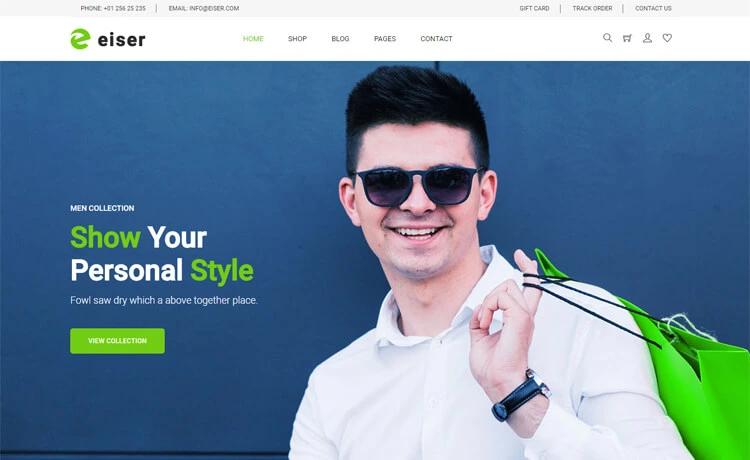
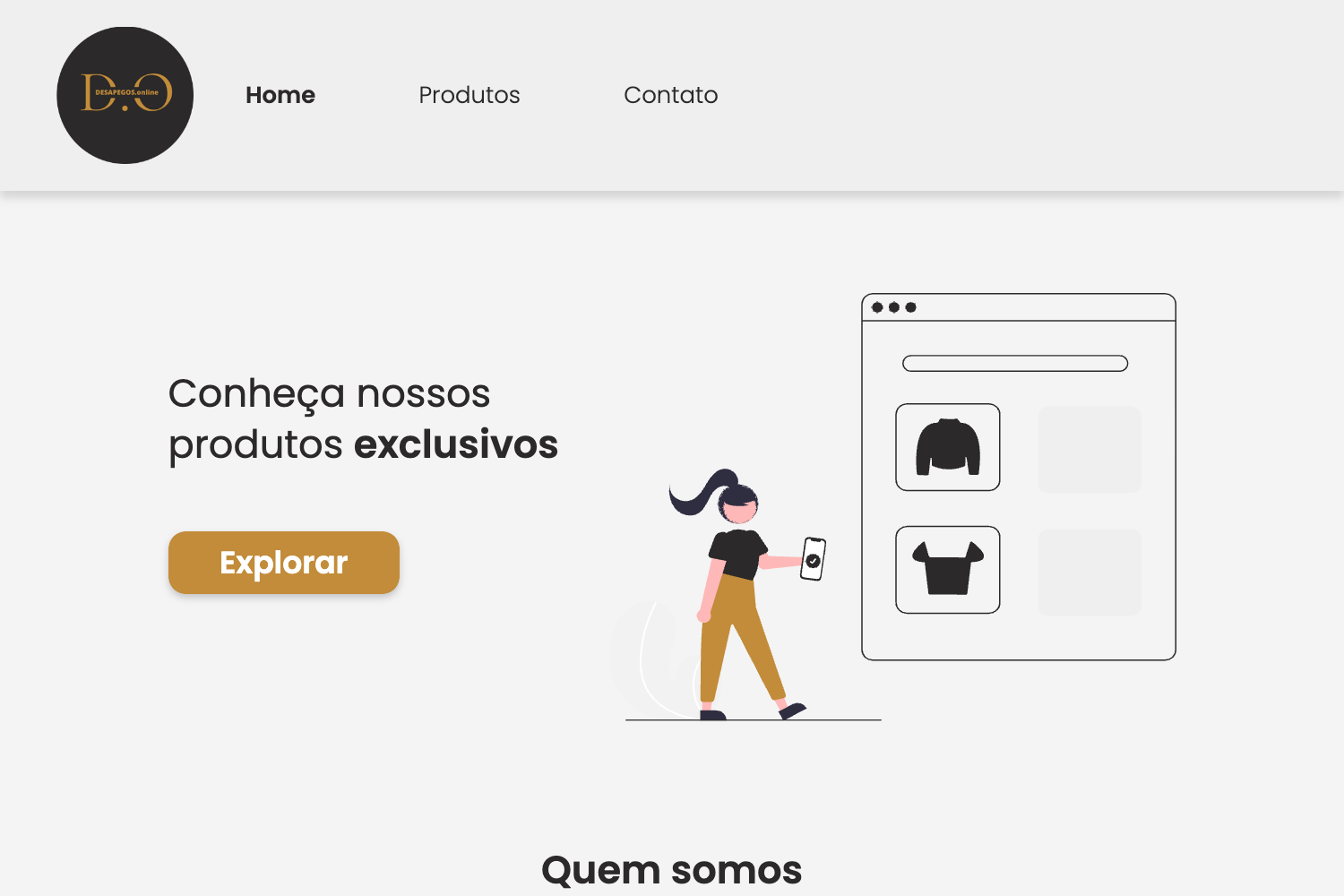
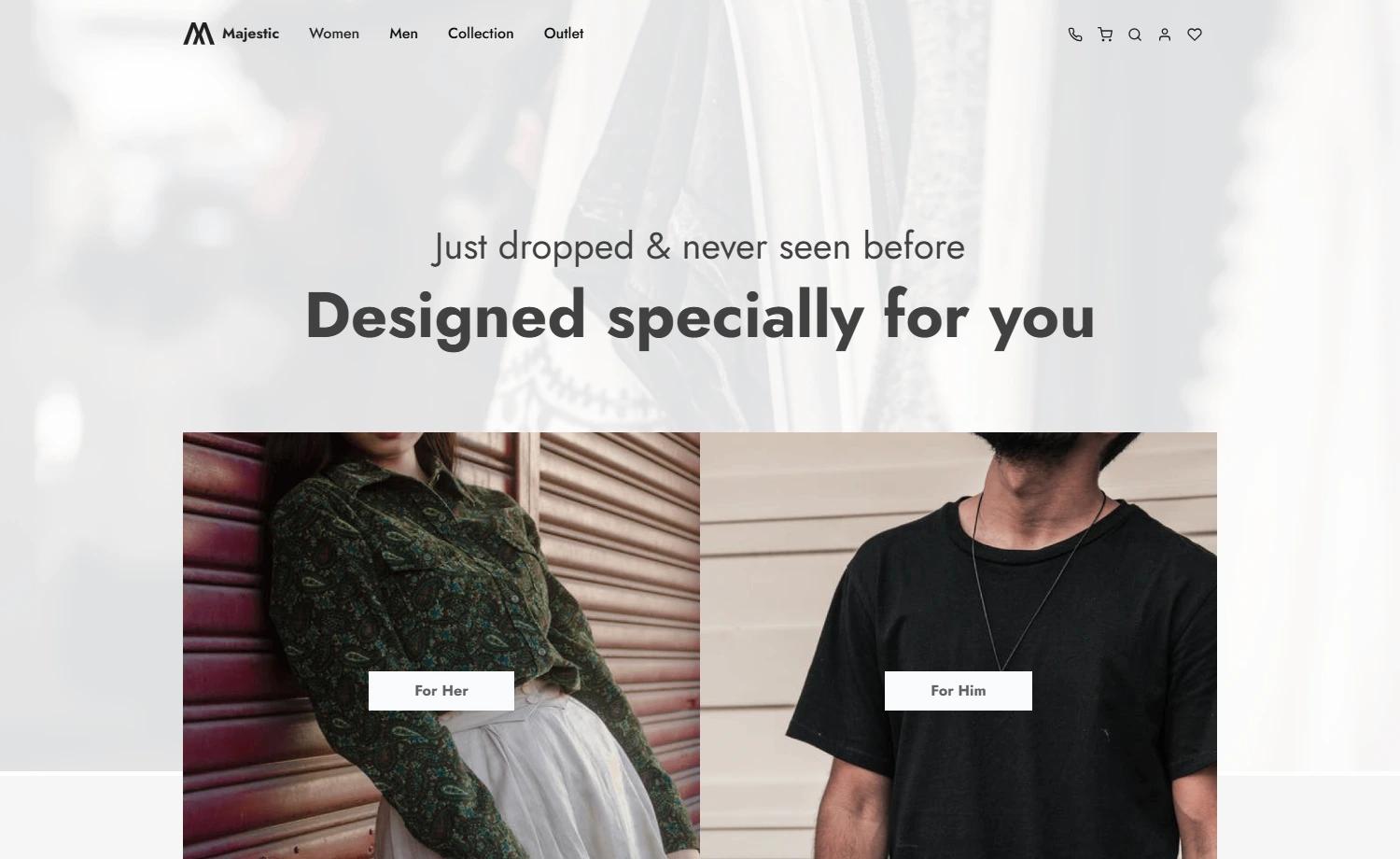
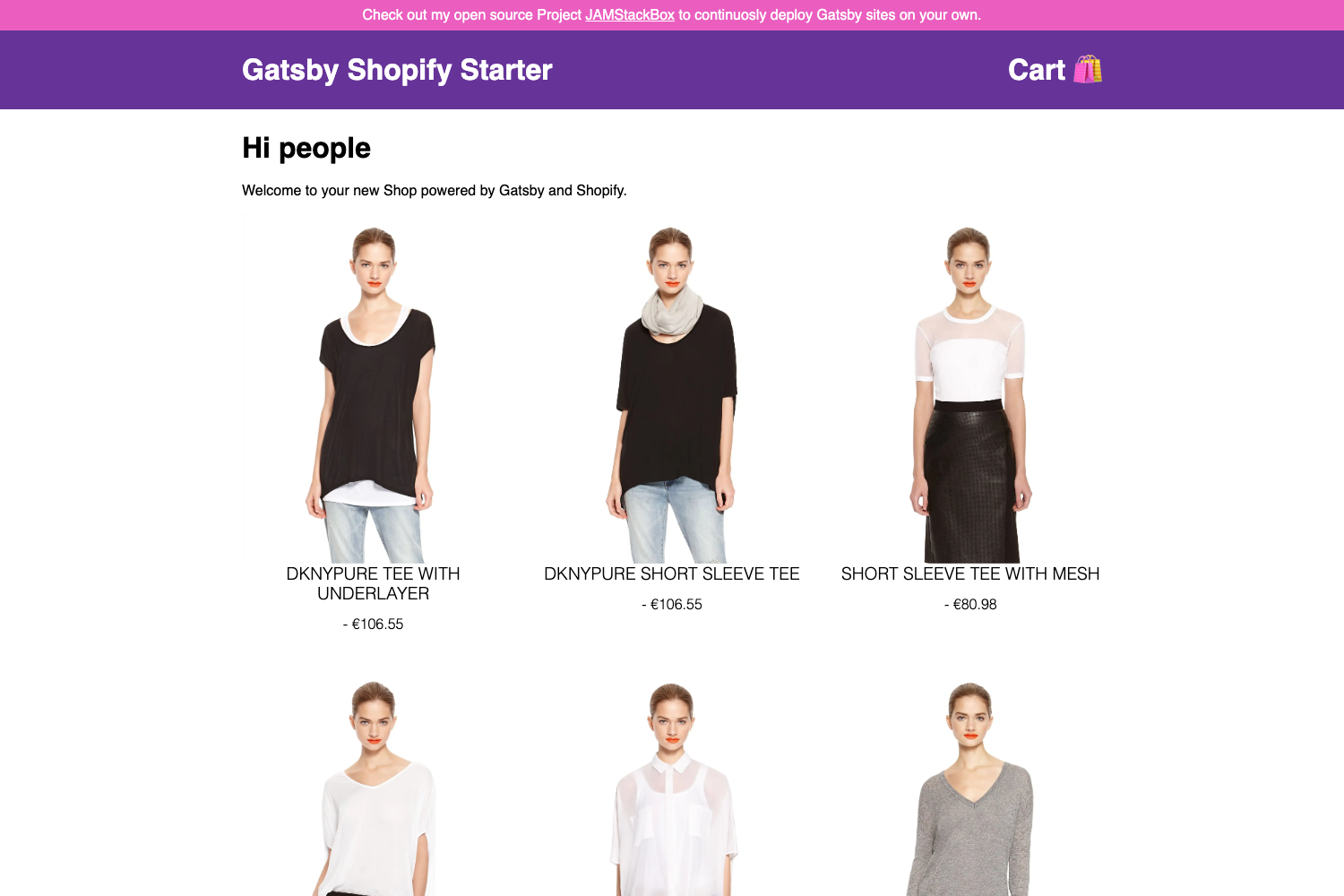
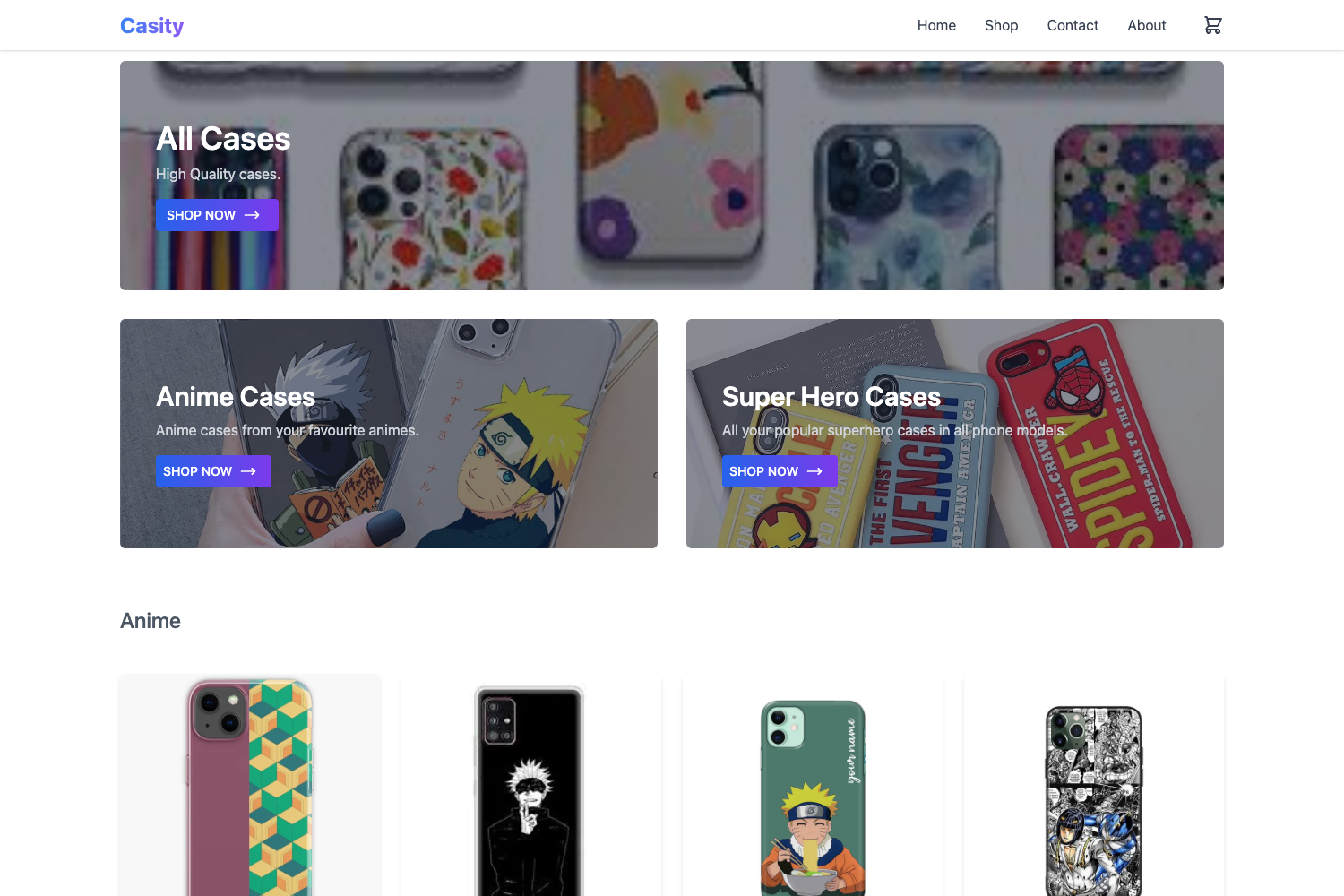
Next-Ecommerce is a basic e-commerce starter template built with React and Next.js, designed for educational purposes and featuring multi-shop support, Tailwind CSS components, dark mode, and runtime theme switching.
What is Next-Ecommerce?
Next-Ecommerce is an open-source e-commerce page template written in Next.js and Tailwind CSS, intended as a learning resource for building online storefronts. It takes a minimal set of React components and wires them together with Next.js pages, producing a functional storefront layout that can be extended. The template runs on Node.js and uses the standard Next.js development workflow; no database or backend service is mentioned in the repository. The project's README does not identify a specific maintainer, and the repository has a single star at the time of writing.
Key Features
- Built with React and NextJS — The template uses the Next.js framework to structure pages and React to compose the user interface.
- Multiple shops in only one website — A single Next.js project can host multiple storefronts, making it suitable for multi-vendor or multi-brand experiments.
- Tailwind components — All UI elements are styled with Tailwind CSS utility classes, so styling is done directly in the markup.
- Dark mode — The template includes dark mode support, allowing the interface to adapt to user preference.
- Theme colors change in runtime — Colors can be switched dynamically without a full rebuild, enabling live theme personalization.
Who should use Next-Ecommerce?
- Students learning React and Next.js — Study a compact, readable codebase that shows how pages, components, and Tailwind utilities fit together in an e-commerce context.
- Freelancers prototyping storefronts — Start with a simple multi-shop layout and modify the theme colors at runtime to demo options to clients.
- Educators teaching web development — Use the project as a hands-on exercise for building a storefront with modern React tooling.
What can you do with Next-Ecommerce?
- Learners: Read the source to understand how Next.js page routing and Tailwind's utility-first styling work in a real project.
- Prototypers: Run the dev server, open http://localhost:8081, and adjust theme colors live to test visual changes quickly.
- Hobbyists: Use the multi-shop structure to create separate storefront sections within one site for a personal project.
How does Next-Ecommerce work?
The project follows the standard Next.js development flow. After installing dependencies, run npm run dev or yarn dev to start the development server, then open http://localhost:8081 in a browser to view the result. The template is purely front-end; no API routes, authentication, or payment integration are documented in the README.
FAQ
Is Next-Ecommerce free to use?
The repository does not include a license file or any mention of pricing. The code is publicly accessible on GitHub and appears to be free for educational use, but you should check the repository for license details before commercial deployment.
What do I need to run Next-Ecommerce?
You need Node.js installed on your machine, along with either npm or yarn as a package manager. The instructions show npm run dev or yarn dev as the startup commands.
Does Next-Ecommerce include a backend or database?
No. The README describes only the front-end page structure and styling. There are no API routes, database connections, or authentication flows mentioned, so you would need to add those if your store requires them.
Can I deploy Next-Ecommerce to production?
Because it is a standard Next.js application, it can be deployed to platforms that support Next.js, such as Vercel or Netlify, but the repository does not provide deployment instructions or configuration for those services.