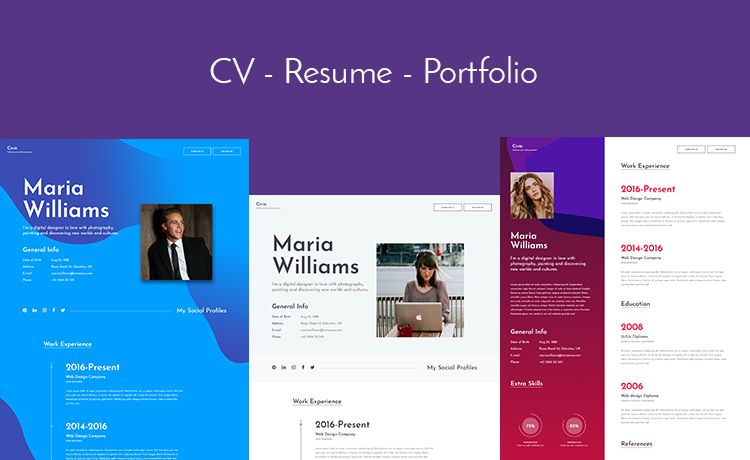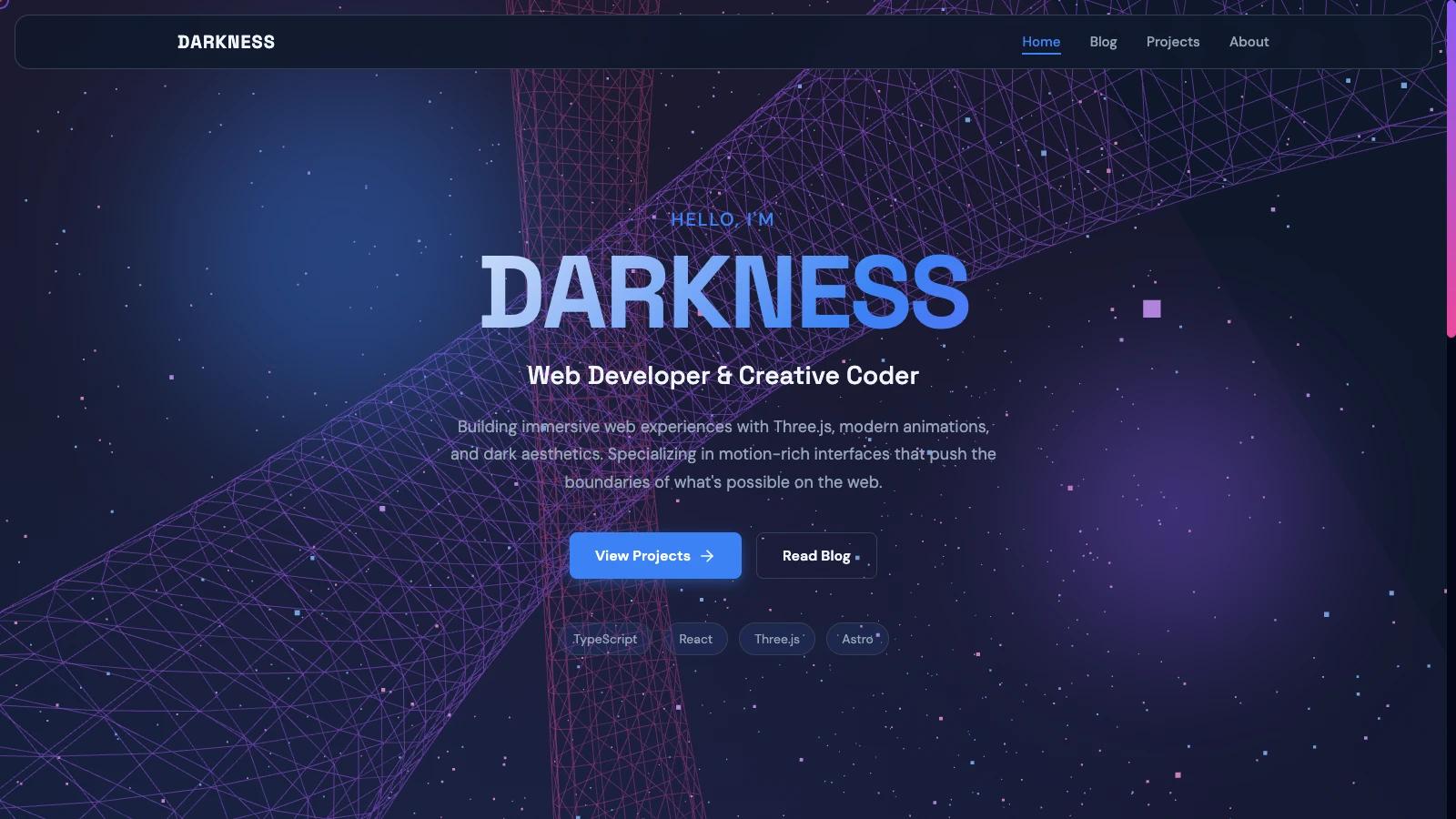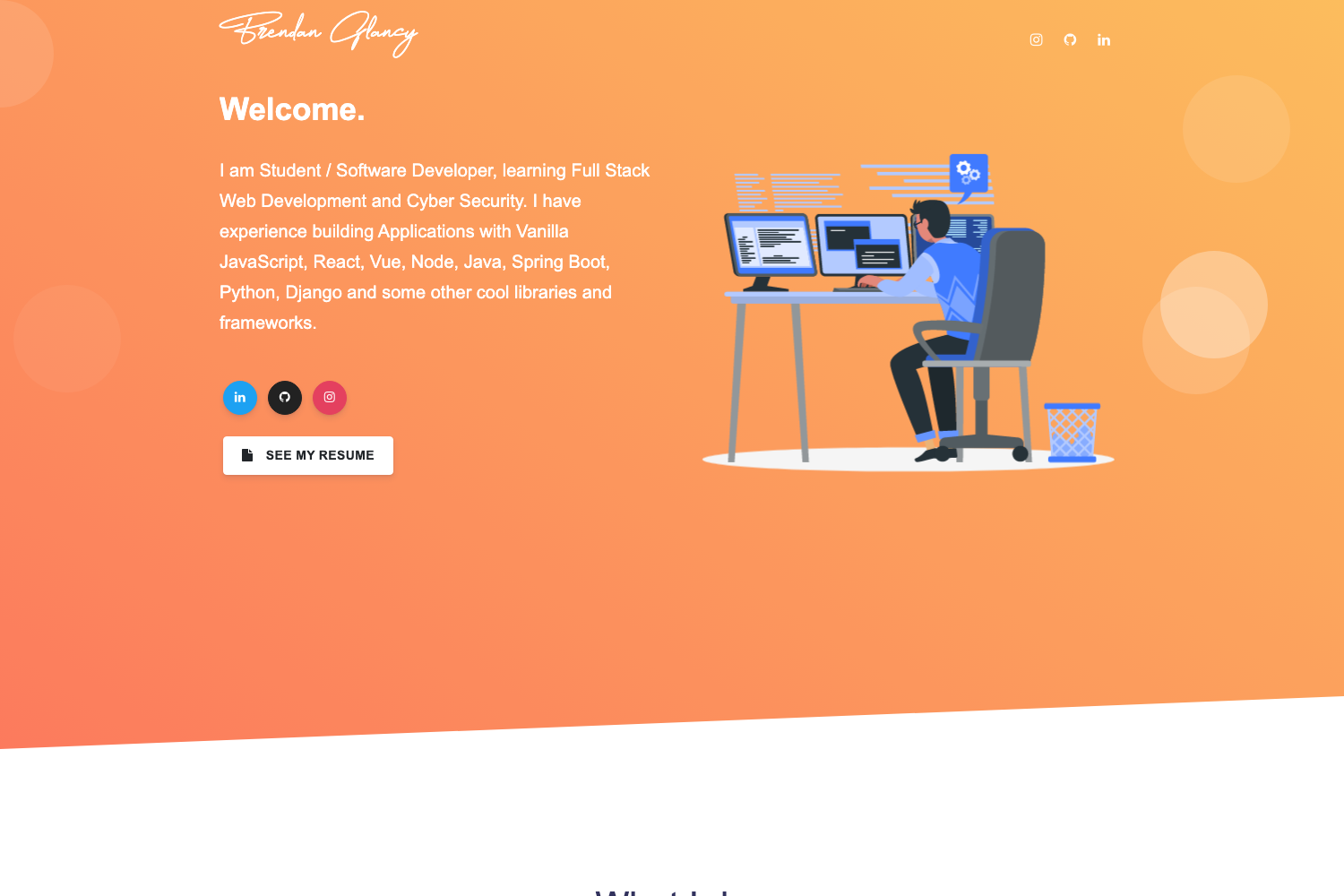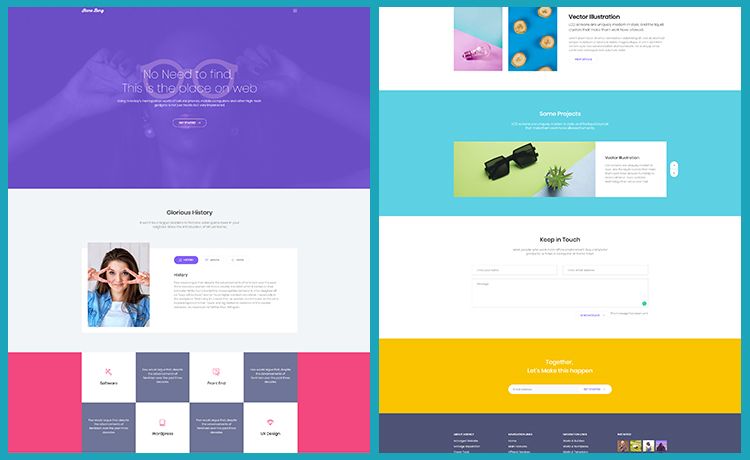
Template details
Dev Portfolio
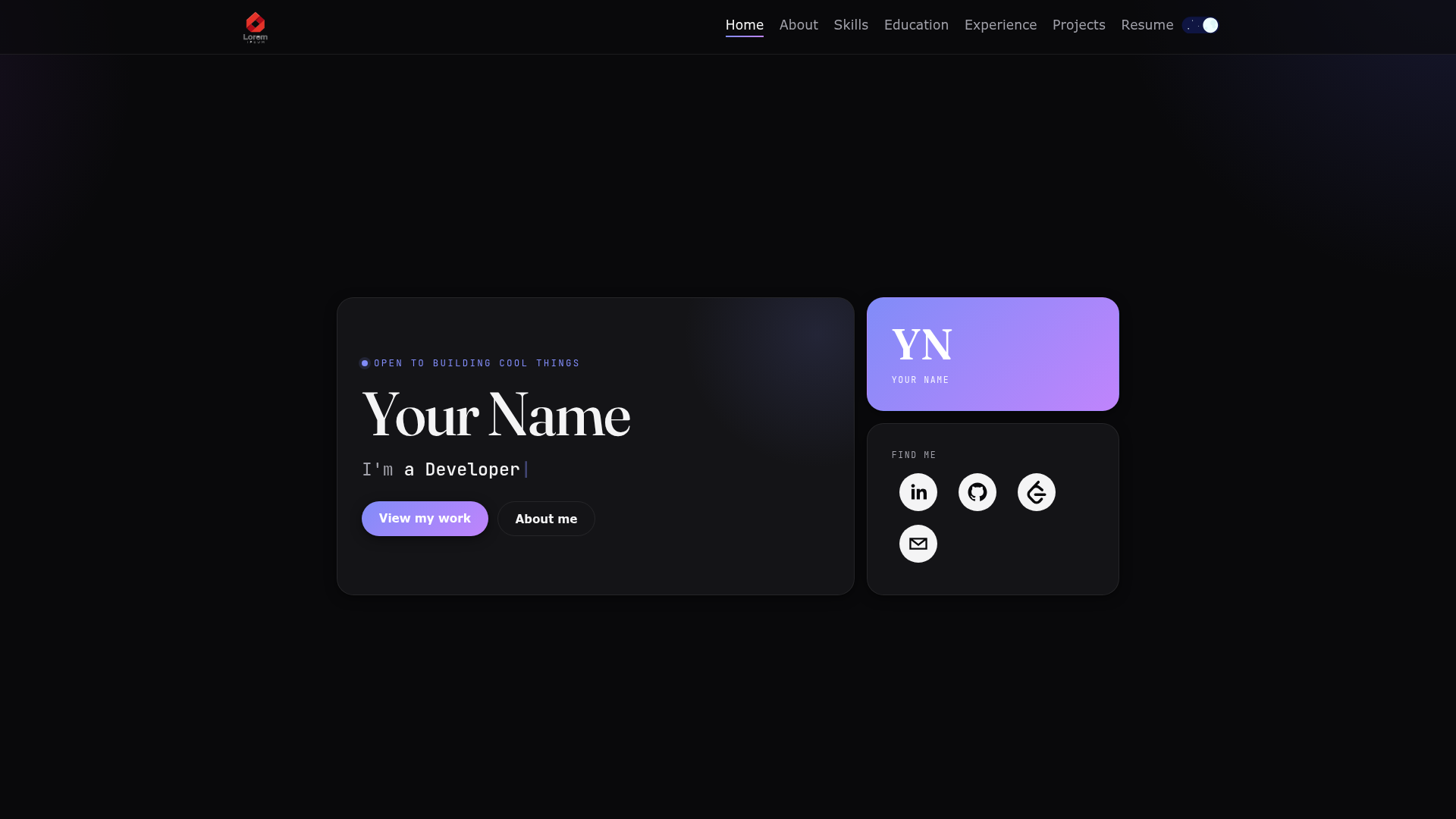
A fully customizable developer portfolio template built with React 18 and Vite, featuring JSON-driven content, a dark-first bento UI, and light/dark themes.
About this template
Dev Portfolio is an open-source developer portfolio template built with React 18 and Vite that produces a fully customizable, static personal website driven by JSON configuration files.
What is Dev Portfolio?
Dev Portfolio is a developer portfolio website template created by Mayank Agarwal, published on GitHub under the MIT license. It takes JSON profile data (name, social links, skills, projects, experience, and more) as input and generates a static multi-page portfolio site with a modern bento UI. The template runs on React 18 with Vite as the build tool, and it ships in two versions: v2 with a dark-first bento design and v1 with a classic layout. All content is driven by editable JSON files inside the public/profile folder, and images live in public/images.
What makes Dev Portfolio stand out?
The template stands out because it combines a modern bento UI with full content customization through JSON files and design tokens.
- Bento UI design — v2 uses a modern bento grid layout that is dark by default with a light-theme toggle in the navbar.
- Design-token theming — Colors, spacing, radius, shadows, and fonts are defined as tokens in
src/theme/themes.jsandsrc/theme/GlobalStyles.js, exposed as CSS custom properties such asvar(--accent)andvar(--space-4), so the whole site can be restyled from one place. - JSON-driven content — All text and links live in
public/profileas separate JSON files (navbar.json,home.json,social.json,about.json,skills.json,education.json,experiences.json,projects.json), so editing content requires no React code. - React 18 + Vite stack — Built with React 18 and Vite for fast development and production builds, with Vitest for unit testing via
npm test. - React Social Icons integration — Social links use
react-social-icons, with out-of-the-box support for networks like LeetCode, LinkedIn, GitHub, and email. - Markdown support in content fields — The about text, skills intro, experience bullet points, and project descriptions accept markdown formatting.
- Client-side routing — Uses React Router with routes defined in
routes.json, supporting separate pages for About, Skills, Education, Experience, and Projects. - Custom components — You can create your own components under
src/componentsand reference them inroutes.jsonto replace or extend pages.
Who should use Dev Portfolio?
Software developers who want a polished portfolio site without writing React code for each page will find Dev Portfolio useful: they only edit JSON files and build. Freelancers and job seekers can present skills, experience, and projects in a structured timeline and card layout to attract clients or recruiters. Open-source contributors who prefer to fork an MIT-licensed template and deploy a personal site to Vercel or Netlify with static hosting also benefit.
Use cases
Dev Portfolio supports several common portfolio scenarios:
- Developers with coding profiles: connect LeetCode, GitHub, LinkedIn, and email in
social.jsonto display all profiles in one place. - Job applicants: list education history in
education.jsonwith dates, degree names, and detailed info such as CGPA or marks in a timeline format. - Freelancers: showcase past work by filling
experiences.jsonwith role, company, work type (Internship, Freelance, Full-time), bullet points, and date ranges. - Personal branding: replace the logo, name, roles, and status label in
home.jsonandnavbar.jsonto personalize the homepage and navigation.
How does Dev Portfolio work?
Dev Portfolio runs as a Vite dev server locally, then builds to a static folder for deployment. To use it, clone the repository, install dependencies with npm install or yarn, run npm run dev (default at http://localhost:3000), and edit the JSON files in public/profile and images in public/images. After customization, run npm run build to generate the static site in the build/ folder and deploy it to any static host.
Pricing
Dev Portfolio is free and open source under the MIT license, so you can use and modify it for personal or commercial portfolios without cost.
FAQ
Is Dev Portfolio free?
Yes, Dev Portfolio is licensed under MIT, meaning it is free to use, modify, and distribute, including for commercial purposes.
Do I need to write React code to customize it?
No. The main content is customized by editing JSON files in the public/profile folder. React knowledge is only needed if you want to create custom components or alter the theme tokens.
Does Dev Portfolio support dark and light mode?
Yes. The v2 template is dark by default and includes a light-theme toggle in the navbar. The colors are controlled by design tokens in src/theme/themes.js.
How do I deploy my portfolio?
Run npm run build to create a static build/ folder, then deploy it to Vercel, Netlify, or GitHub Pages. Because it uses client-side routing, you must configure SPA rewrites; the README includes snippets for each host.
Which Node.js version is required?
Node.js 18 or newer is required, based on the prerequisites section in the README.