Template details
Astro Simple Portfolio
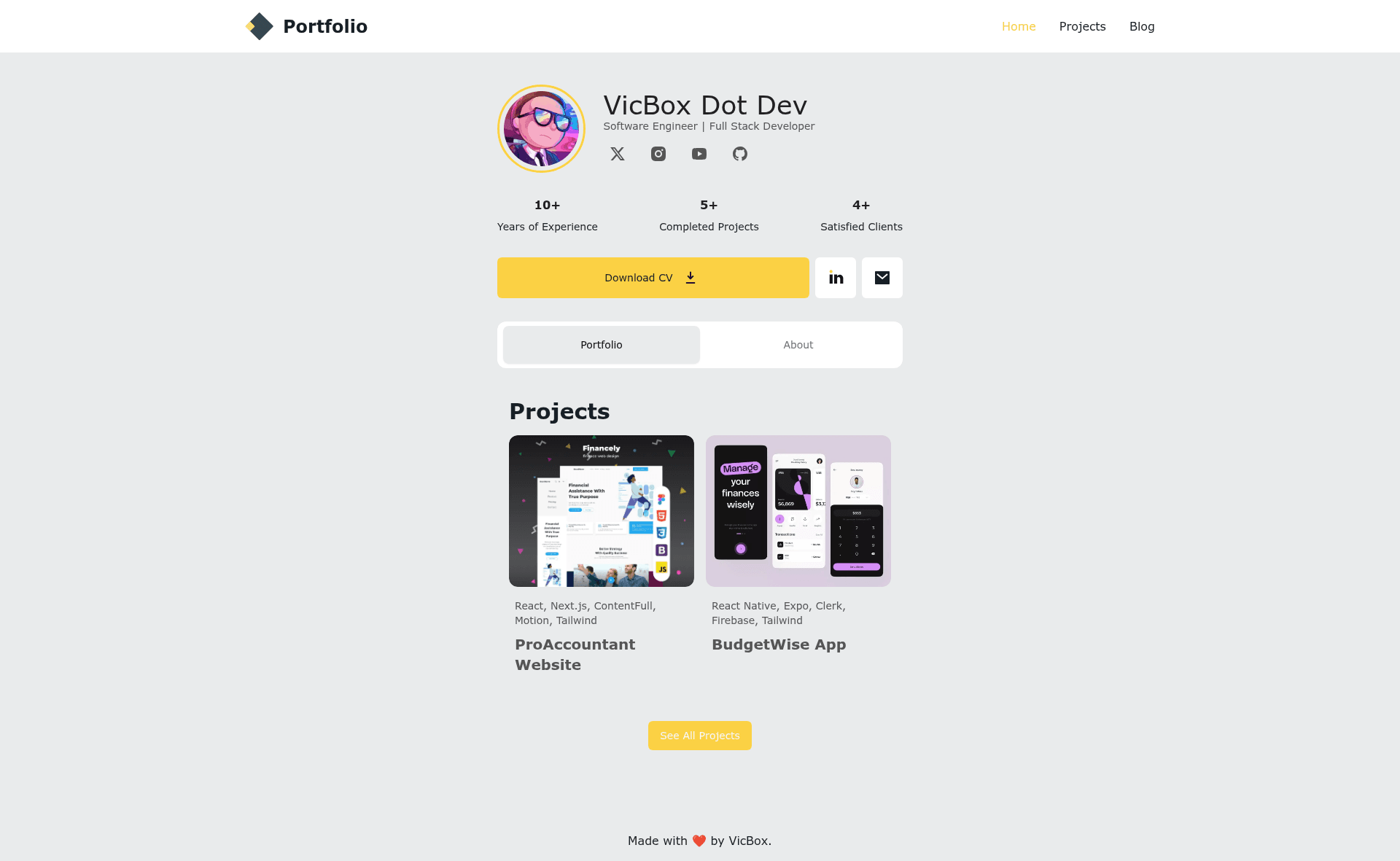
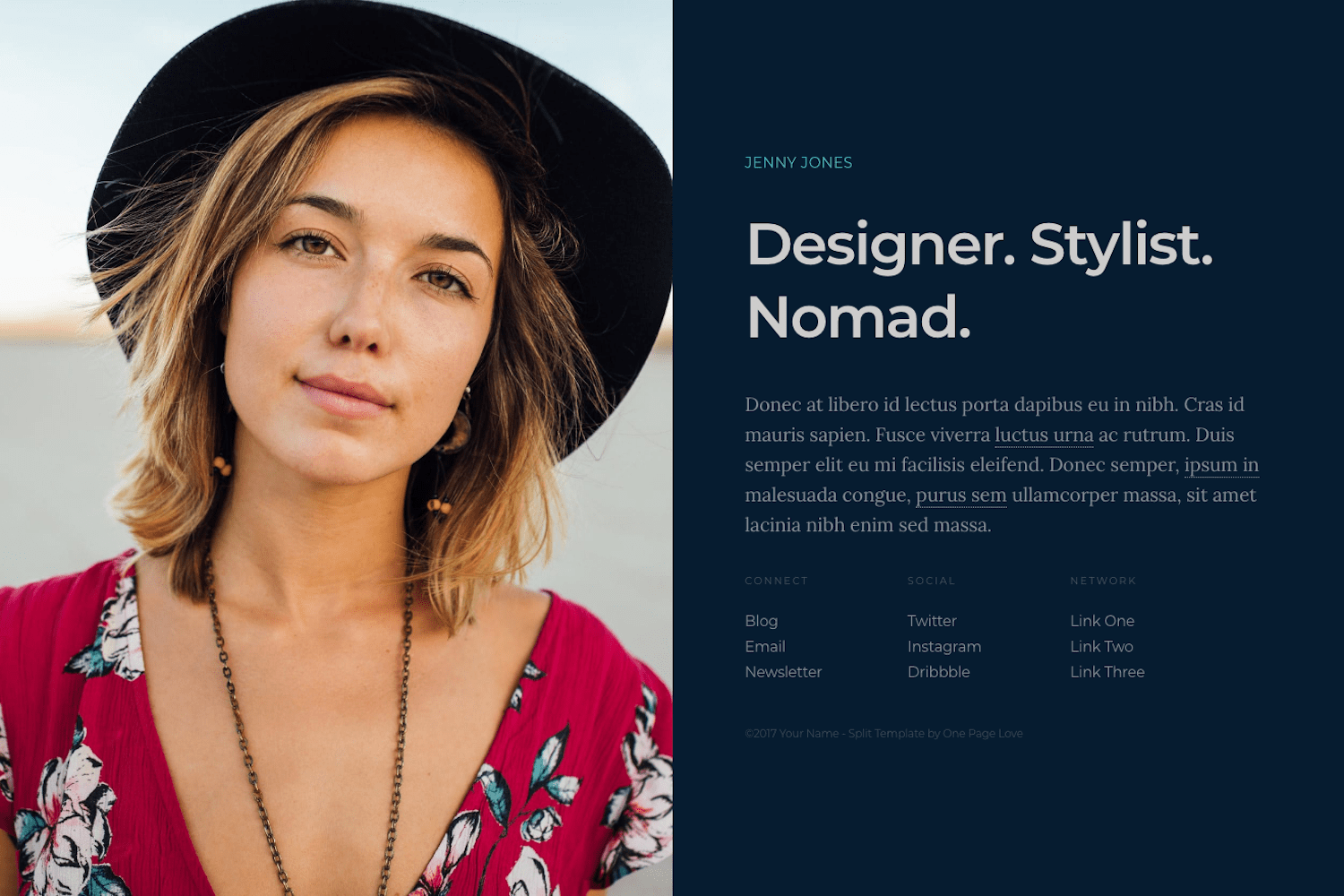
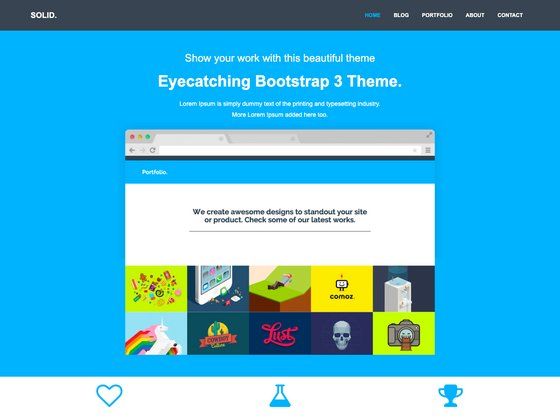
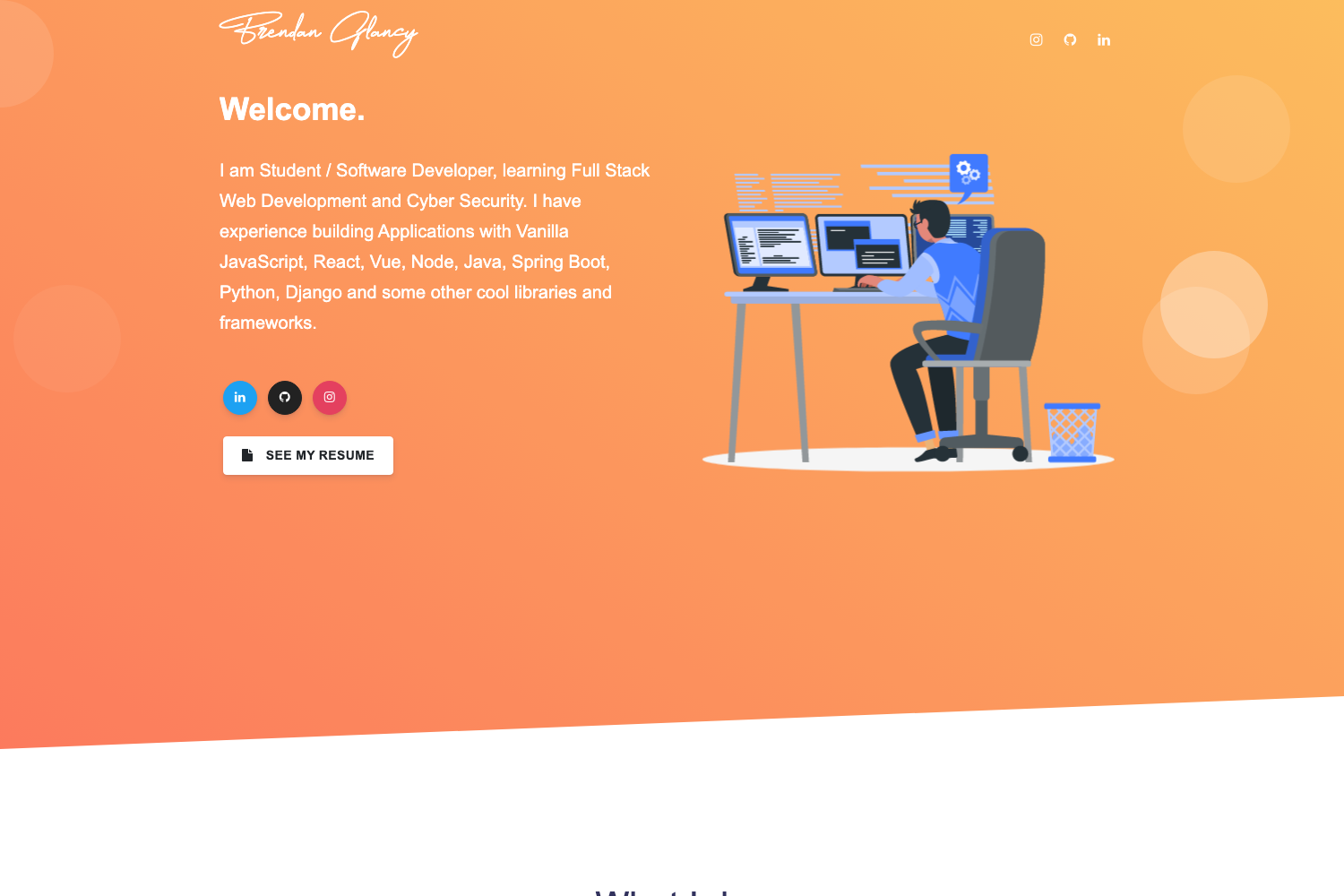
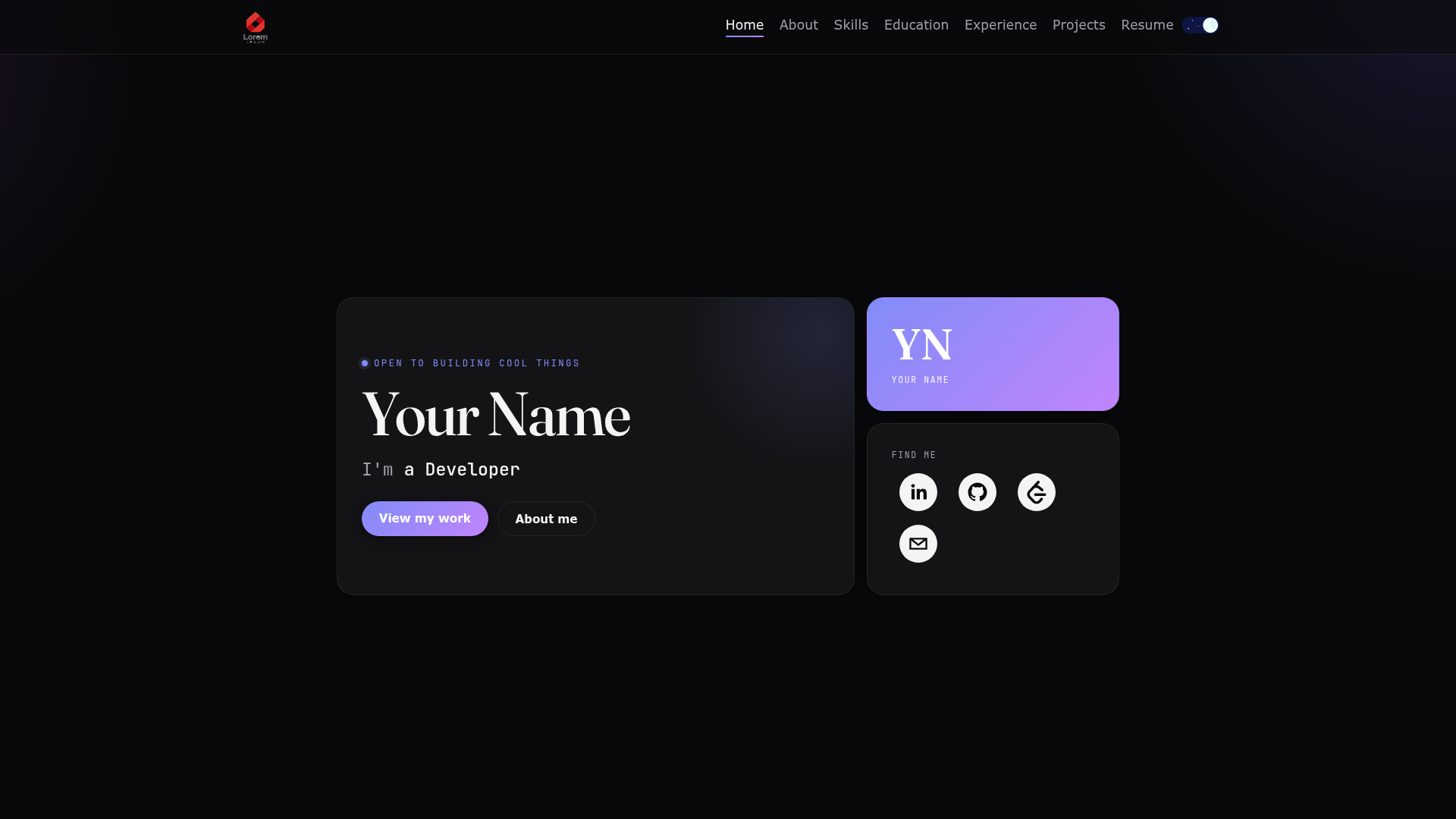
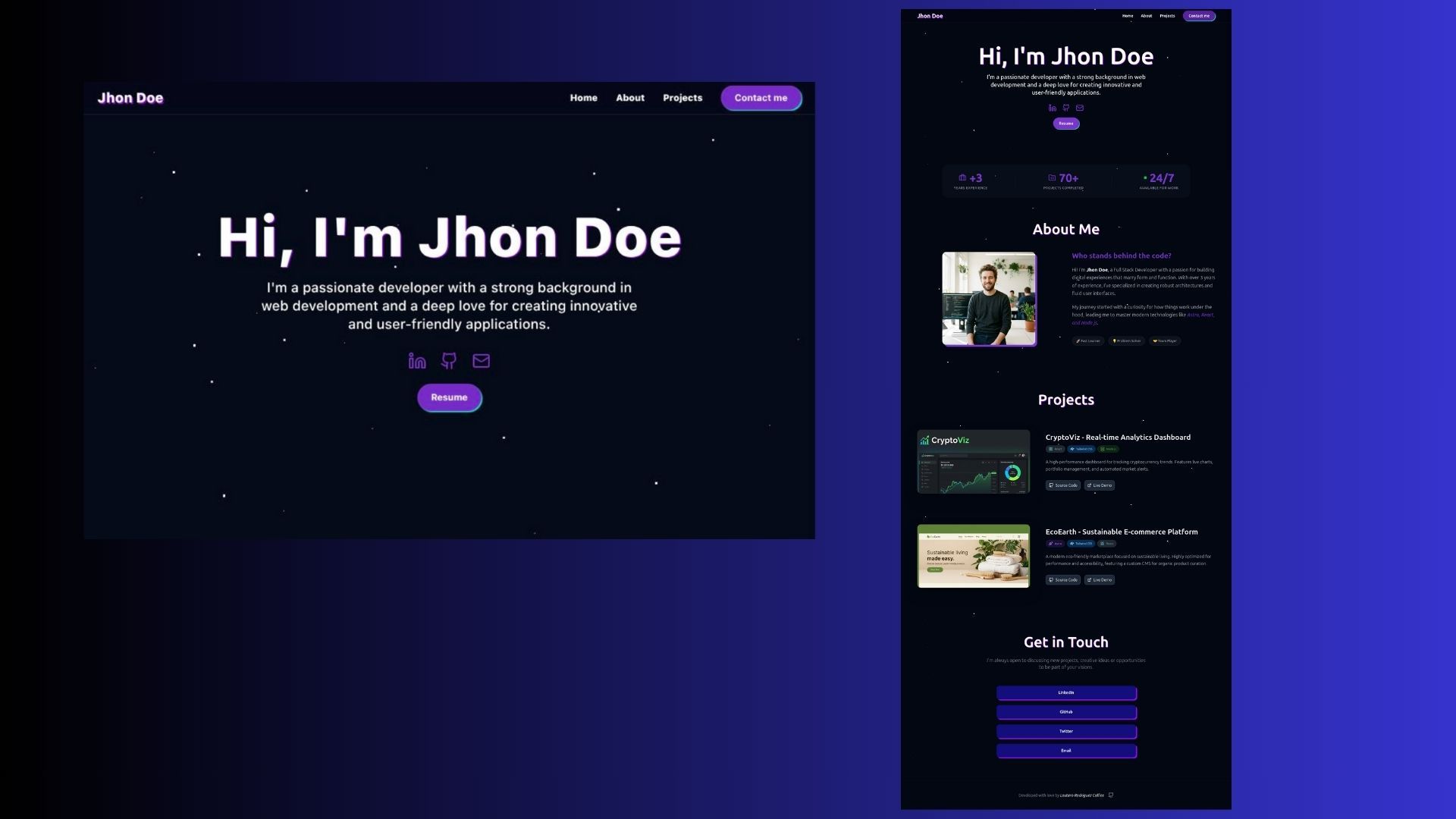
A free and open-source portfolio template built with Astro. It's a great starting point for building your own portfolio site.
About this template
Astro Simple Portfolio is a free, open-source, MIT-licensed portfolio template built with Astro v5 that generates a static resume-style website from Markdown content and TypeScript data files. It combines Astro v5, Tailwind CSS, ShadCN components, TypeScript, React components, and MDX support to produce a fast, SEO-friendly personal site with projects, work experience, education, skills, social links, and a blog.
What is Astro Simple Portfolio?
Astro Simple Portfolio is a template for building a personal portfolio or resume site. It takes input from two sources: content collections (Markdown or MDX files for projects and blog posts) and TypeScript data arrays (for jobs, education, hard skills, soft skills, and social profiles). The output is a fully static site with light and dark themes that can be deployed to any static host. The template is authored by Victor Alvarado (GitHub user vito8916) and is distributed under the MIT License.
Key Features
- Astro v5 — Built on the latest stable Astro release, leveraging its island architecture for fast page loads and partial hydration.
- Tailwind CSS — Styling via Tailwind with an extendable theme; colors for light and dark modes are defined in
tailwind.config.jsand global styles live insrc/styles/globals.css. - ShadCN components — Includes ShadCN UI components for a modern, consistent design system out of the box.
- TypeScript — The entire template (config, data, and components) is written in TypeScript for type safety and editor autocompletion.
- React components — Supports React islands within Astro pages, useful for interactive UI elements.
- MDX support — Content can be written in Markdown with embedded JSX, enabling rich components inside project posts and blog articles.
- Content Collections for projects — Each project is a
.mdor.mdxfile insrc/content/projectswith frontmatter fields: title, summary, tags, startDate, endDate, url, cover, and ogImage. - Data-file sections — Jobs (
src/data/Jobs.ts), education (src/data/education.ts), hard skills, and soft skills are simple TypeScript arrays you edit directly. - Blog capability — Added in v1.1.0, blog posts live in
src/content/posts; two example posts are included. - Central config —
src/config.tsholds three sections (SITE, ME, SOCIAL) for site metadata, personal info, and social media links. - One-click Netlify deploy — A deploy button is provided for Netlify with Node 20, or you can build and upload the
distfolder manually.
Who is it for?
- Software developers who want a clean portfolio without writing a frontend from scratch, especially those who are comfortable editing TypeScript files and Markdown.
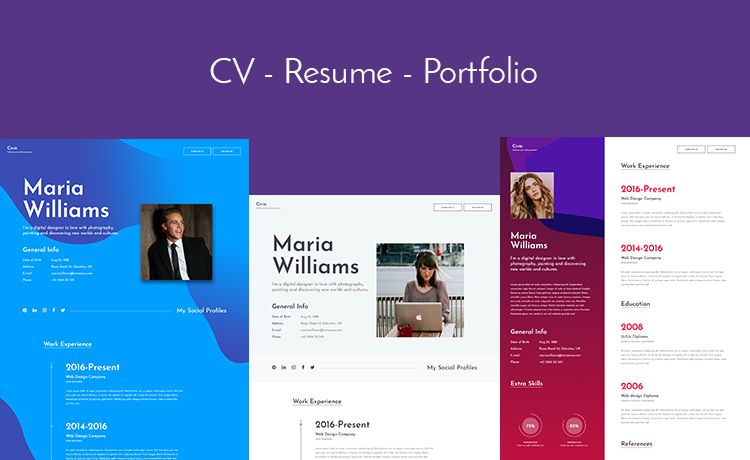
- Job seekers and recent graduates who need a resume-style site listing work experience, education, and skills in a professional timeline layout.
- Freelancers and consultants who want a lightweight personal brand site with a blog to publish articles and project case studies.
- Designers and creatives who want to showcase visual work using image covers and tags, and who may prefer the template's Figma-based aesthetic.
What can you do with it?
- Launch a personal portfolio in minutes: Clone the repository, run
npm installandnpm run dev, then editsrc/config.tsto set your name, profession, profile image, and social URLs. - Showcase projects: Add
.mdxfiles tosrc/content/projectswith cover images, tags, and demo URLs; the template renders project cards automatically. - Maintain a blog: Create Markdown posts in
src/content/poststo publish articles; the template includes a blog layout. - Customize the theme: Change light/dark background colors and accent colors in the Tailwind config, and add custom CSS to
src/styles/globals.css. - Deploy anywhere: Run
npm run buildto produce a staticdistfolder for FTP, or deploy via Netlify, Vercel, or GitHub Pages.
How does it work?
Clone the repo and run npm install to install dependencies. Start the dev server with npm run dev (default URL: http://localhost:4321), then replace the sample data in src/data and the config in src/config.ts. When ready, run npm run build to generate static files in the dist directory for deployment.
FAQ
Is Astro Simple Portfolio free?
Yes, it is free and open-source under the MIT License, so you can use it for personal or commercial projects without restriction.
What Astro version does it use?
Astro v5. The changelog states v1.0.0 upgraded from Astro v5 beta to stable, and v1.1.0 added the blog feature.
Can I add a blog to this template?
Yes, the template supports blog posts in src/content/posts as Markdown or MDX files. Two example posts are included to guide you.
How do I change the colors?
Edit the theme.extend.colors block in tailwind.config.js to adjust light and dark mode palettes, and add global custom styles in src/styles/globals.css.
Where do I put my projects?
Projects go in src/content/projects as .md or .mdx files, with frontmatter fields like title, summary, tags, dates, URL, cover, and ogImage. Place associated images in src/content/projects/images/.