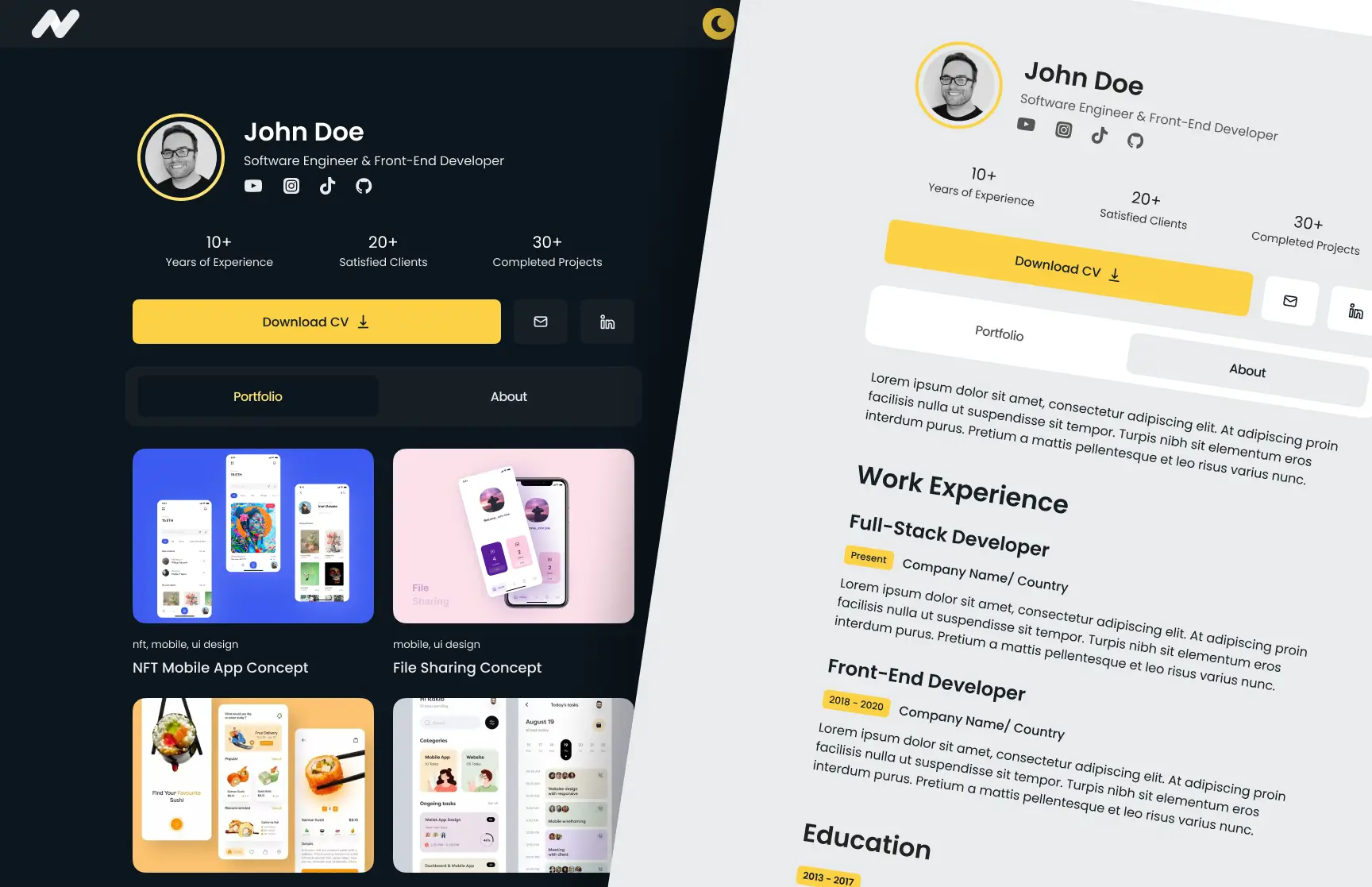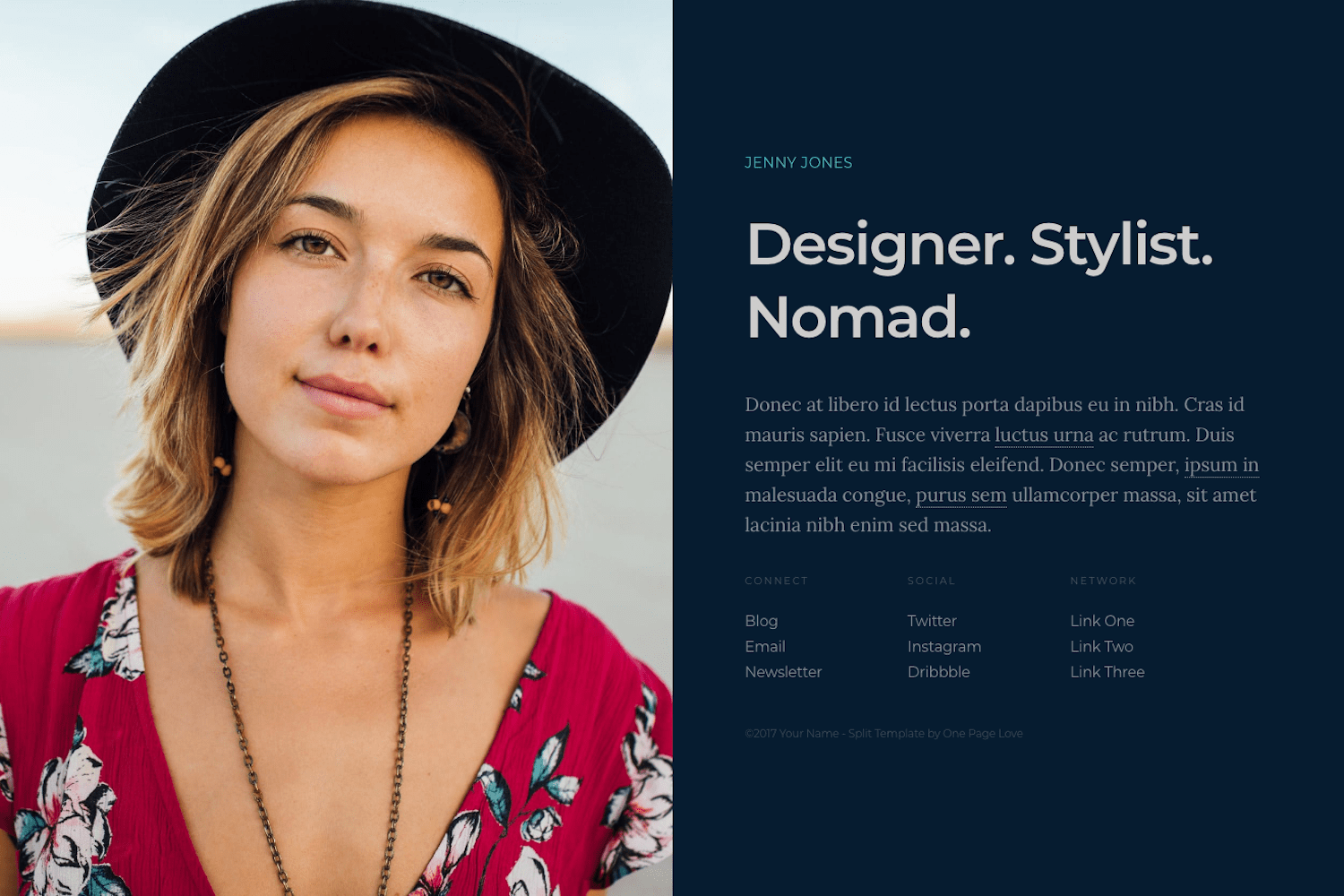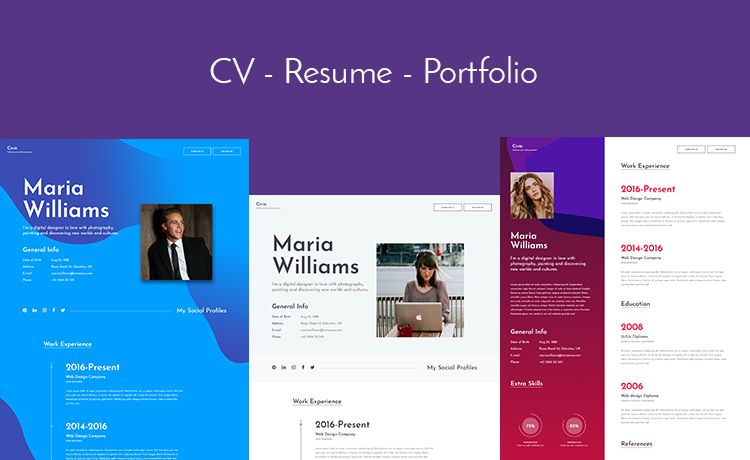
Template details
Solid
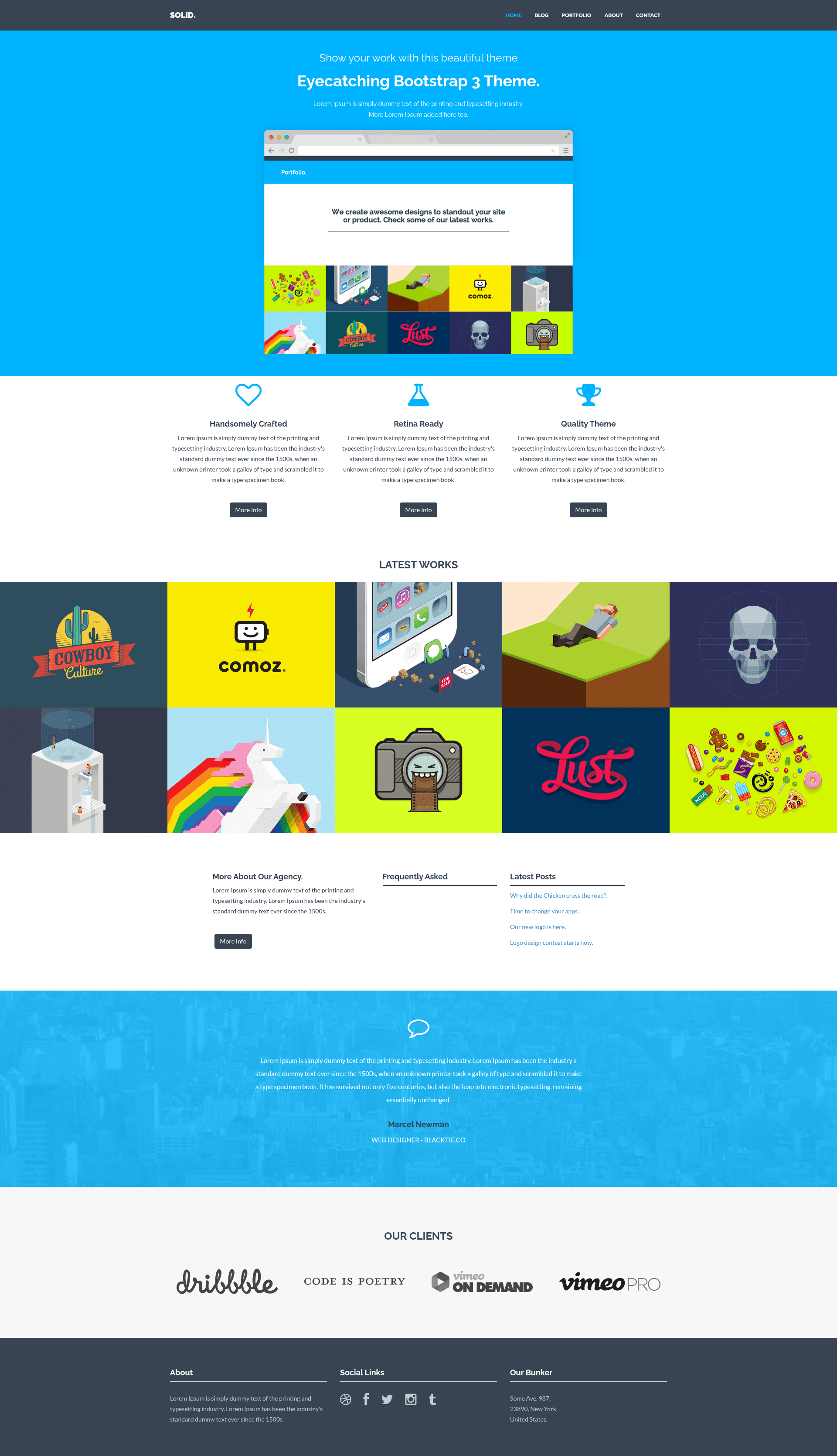
A free Jekyll port of the Solid Bootstrap multipurpose theme with blog, portfolio, and FAQ sections.
About this template
Solid is a free Jekyll port of the Solid multipurpose Bootstrap theme by blacktie.co, built for publishing straight from GitHub Pages with blog, portfolio, and FAQ sections.
What is Solid?
Solid is a Jekyll theme that ports the popular Solid Bootstrap template to the Jekyll static site generator. It takes markdown files with YAML front matter and produces a full website with Home, About, Portfolio, and Contact pages. The theme is maintained as a GitHub repository and can be customized and published entirely through GitHub Pages without installing Jekyll locally, making it accessible for beginners and quick launches.
Key Features
- Jekyll + Bootstrap — Built on Jekyll's static site engine with Bootstrap for responsive layout, giving you a ready-made grid, navigation, and components.
- GitHub Pages ready — Fork the repository and create a gh-pages branch; GitHub automatically builds the site at yourusername.github.io/repositoryname.
- Central configuration — Site name, colors, address, and other general settings live in _config.yml; page content is edited in dedicated files like home.html, about.html, portfolio.html, and contact.html.
- Blog post system — Posts are plain markdown files placed in _posts/blog with front matter for title, date, author, categories, and image; the excerpt separator
<!--more-->controls preview length. - Portfolio projects — Add project posts in _posts/project with fields for client, website, and a carousel of 1280x600 images to showcase work inline.
- FAQ question entries — Create posts with the layout "question" to populate an accordion-style Frequently Asked section on the Home page.
Who is it for?
- Jekyll beginners — Anyone who wants a styled site without wrestling with local Ruby installs can fork, edit markdown, and publish via GitHub Pages.
- Freelancers and agencies — Use the Portfolio and Blog together to present project case studies with carousel images and write service updates.
- Small businesses — The Home, About, and Contact pages form a simple corporate presence, with FAQ content to answer common customer questions.
What can you do with Solid?
- Launch a personal blog — Drop blog posts into _posts/blog using the provided front matter template and get automatically listed preview excerpts on the Blog page.
- Build an online portfolio — Add project posts with client, website, and carousel images to create a rich work showcase in the Portfolio section.
- Add an FAQ to your homepage — Write question entries with the
questionlayout and they appear in the Frequently Asked section without touching HTML. - Customize branding from one file — Adjust site-wide settings like colors and address in _config.yml instead of editing templates.
How does Solid work?
The workflow starts by forking the solid-jekyll repository. You then edit _config.yml and the four page files to set your content, add markdown files to _posts/blog and _posts/project following the documented front matter templates, and finally create a gh-pages branch in the repository. GitHub Pages builds and hosts the site automatically; if assets fail to load, check that baseurl is set to /repositoryname.
FAQ
Is Solid free to use?
Yes. Solid is released under the CC BY 3.0 license, so you can use and modify it for personal or commercial projects as long as you provide attribution to the original author.
Do I need to install Jekyll to use Solid?
No. The theme is designed for GitHub Pages, so forking the repository and enabling a gh-pages branch is enough to get a live site. Local Jekyll installation is only needed if you want to build and host elsewhere.
How do I add a blog post?
Create a file named with the format yyyy-mm-dd-name-of-post-like-this.markdown inside the _posts/blog directory. Fill in the YAML front matter (layout, title, date, author, categories, img, thumb) and add your content. An optional <!--more--> divider controls the excerpt shown on listing pages.
What sizes should my images be?
The theme expects blog post images at 850x450 with a 70x70 thumbnail, and project images at 600x450 plus carousel images at 1280x600. Place them in the corresponding /assets/img folders referenced in the front matter.