Template details
Developer's Portfolio
React and Bootstrap personal portfolio template by Hashir Shoaib, deployable to GitHub Pages with a built-in resume and project showcase.
About this template
Developer's Portfolio is a React and Bootstrap personal portfolio template by Hashir Shoaib that generates a single-page website from a config file and deploys it to GitHub Pages for free.
What is Developer's Portfolio?
Developer's Portfolio is an open-source, static personal website template hosted on GitHub Pages and built to showcase a developer's recent projects. It takes personal data from src/editable-stuff/config.js, a PDF resume placed in src/editable-stuff/, and repository data from your GitHub account via the GitHub API, and produces a responsive portfolio layout with optional sections. The project was created by Hashir Shoaib and is now archived, so it is no longer actively maintained but remains free to fork and use.
Key Features
- React and Bootstrap stack — Built with React and Bootstrap, with Typist for animated header text; package.json requirements are Node ^22.12.0 and npm ^10.9.0.
- Single configuration file — Edit
src/editable-stuff/config.jsto change your name, profession, social links, about text, skills, and project settings without touching component code. - Resume integration — Drop
resume.pdfintosrc/editable-stuff/and the template links it from the About section, so visitors can download or view it. - GitHub API project showcase — The Recent Projects section pulls repositories from your GitHub account through the GitHub API, so new pushes appear on the site.
- Instagram and social integrations — Contact and follow sections support Instagram API embedding plus GitHub, LinkedIn, Facebook, CodePen, and email links.
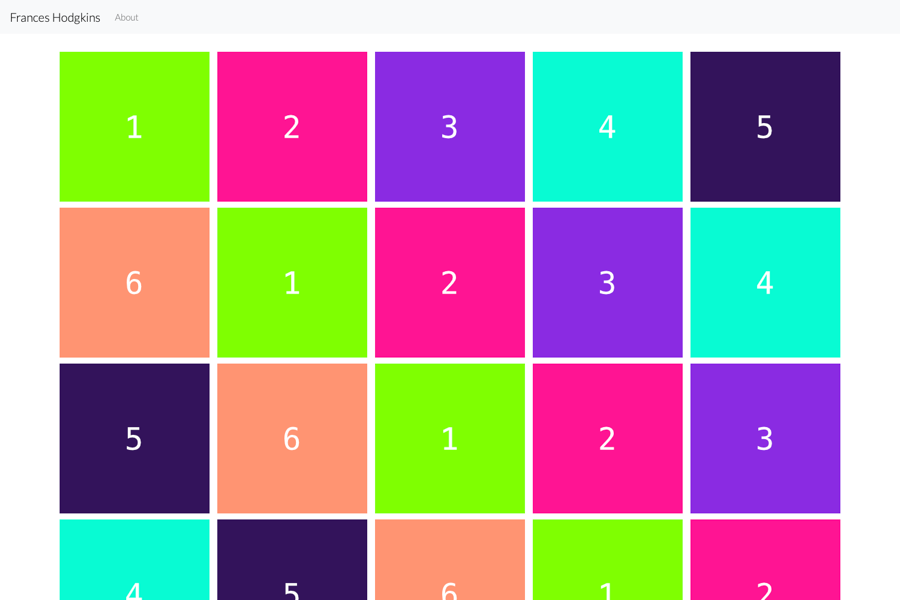
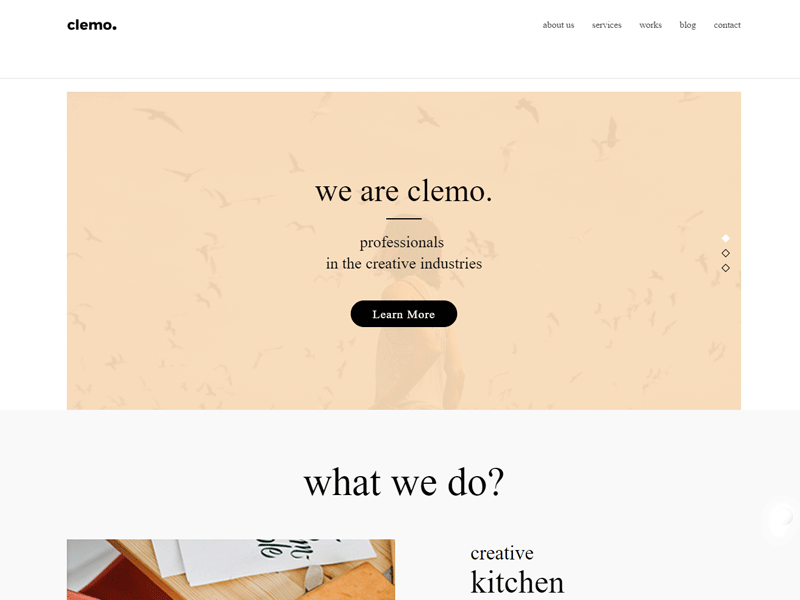
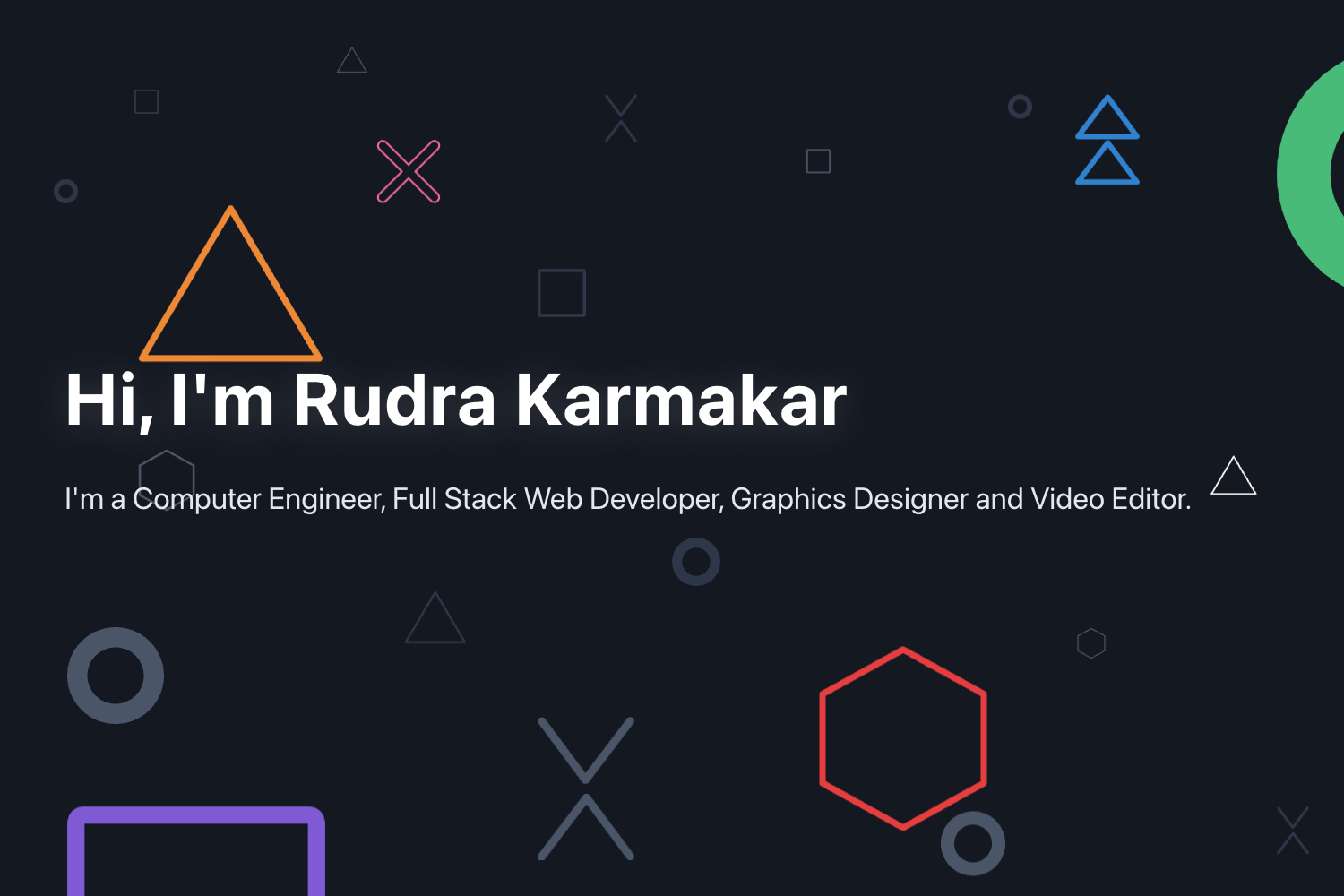
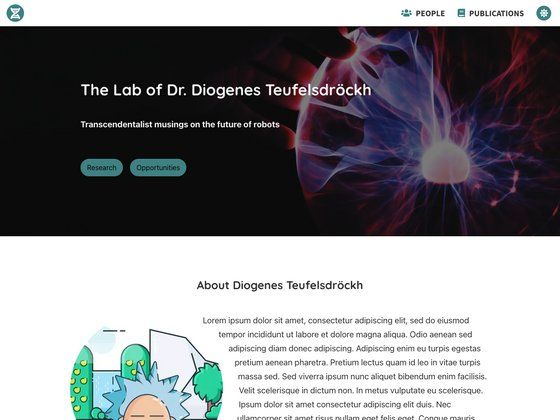
- Optional page sections — Navigation bar, display picture, leadership carousel, technical and soft skills, and footer notes are all optional and can be enabled or disabled.
- One-command GitHub Pages deployment — Run
npm run buildand thennpm run deployto publish the site to your-username.github.io/home. - Custom domain support — Change the
homepagefield in package.json to a custom domain and follow the linked create-react-app deployment documentation.
Who should use Developer's Portfolio?
Software developers, students, and job seekers who want a professional personal site with minimal setup and free hosting will find this template useful.
- Developers and programmers — Showcase recent open-source work by connecting the GitHub API and presenting projects in a responsive grid.
- Students and recent graduates — Build a portfolio in one sitting by editing
config.jsand uploading a resume PDF, then share the GitHub Pages URL on applications. - Freelancers and consultants — Present an about bio, skills list, leadership experience, and multiple contact channels on a single static page.
- Fork-and-customize maintainers — Since the repository is archived, developers can fork it and maintain their own version with customized React code.
What can you do with Developer's Portfolio?
- Job seekers — Create a clean portfolio URL with your name, resume, and projects to include in cover letters and LinkedIn profiles.
- Open-source contributors — Let the GitHub API populate a Recent Projects section so every new repository is displayed automatically.
- Personal branding — Display name, profession, photo, and social links in the body as a central hub for all your professional profiles.
- Portuguese-speaking developers — Use the Brazilian Portuguese translation maintained by @tashima42 to run the template in Portuguese.
How does Developer's Portfolio work?
The setup is a fork-and-edit workflow: fork the repository on GitHub, clone it locally, then edit src/editable-stuff/config.js and add resume.pdf. Update the page title and meta description in public/index.html, set the homepage field in package.json, then run npm install and npm start to preview locally. To publish, run npm run build and npm run deploy, which pushes the static site to GitHub Pages; replace public/social-image.png with your own screenshot to update the share thumbnail.
Pros and cons
- Pros — Free to fork and host on GitHub Pages; no backend or database required; deployment handled by a single npm script.
- Cons — The repository is archived and no longer actively maintained; content editing requires editing config files and running npm commands rather than using a visual editor.
Alternatives
- Hashir Shoaib's newer portfolio template — The author's newer project linked from the archive notice; it is a separate, current portfolio template.
FAQ
Is Developer's Portfolio free?
Yes, the project is open source. You can fork the repository, make your own version, and host it on GitHub Pages at no cost. The author asks for a GitHub star if you find the template useful.
Is Developer's Portfolio still maintained?
No. The repository is archived and no longer actively maintained by the author. The README says you are free to fork, use, and maintain your own version, and it points to a newer portfolio template as the author's current project.
How do I deploy Developer's Portfolio?
After editing the config file and adding your resume, run npm run build and then npm run deploy from the project root. Your site will be live at your-username.github.io/home. You will need Node.js and Git installed.
Can I use a custom domain?
Yes. Change the homepage value in package.json to your custom domain and follow the create-react-app deployment guide linked in the README. This requires owning the domain and configuring its DNS to point to GitHub Pages.
What prerequisites do I need?
You need Node.js (^22.12.0), Git, and a GitHub account. Node and npm run the build and deployment commands, Git handles cloning and pushing, and the GitHub account is required for forking the repo and hosting the deployed site.