Template details
DevFolio
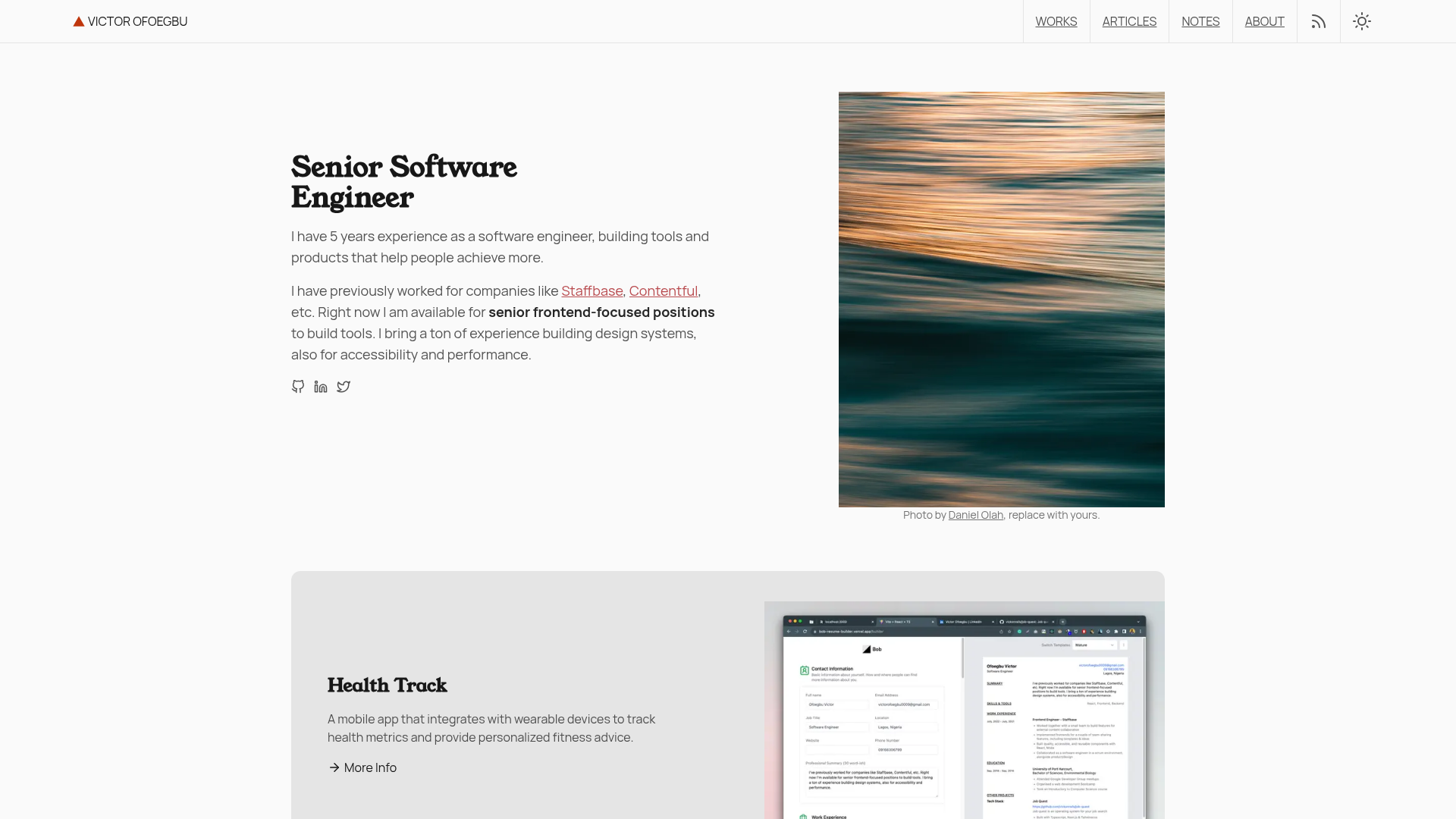
A Modern Portfolio Template for Developers with easy setup process documented(with hosting).
About this template
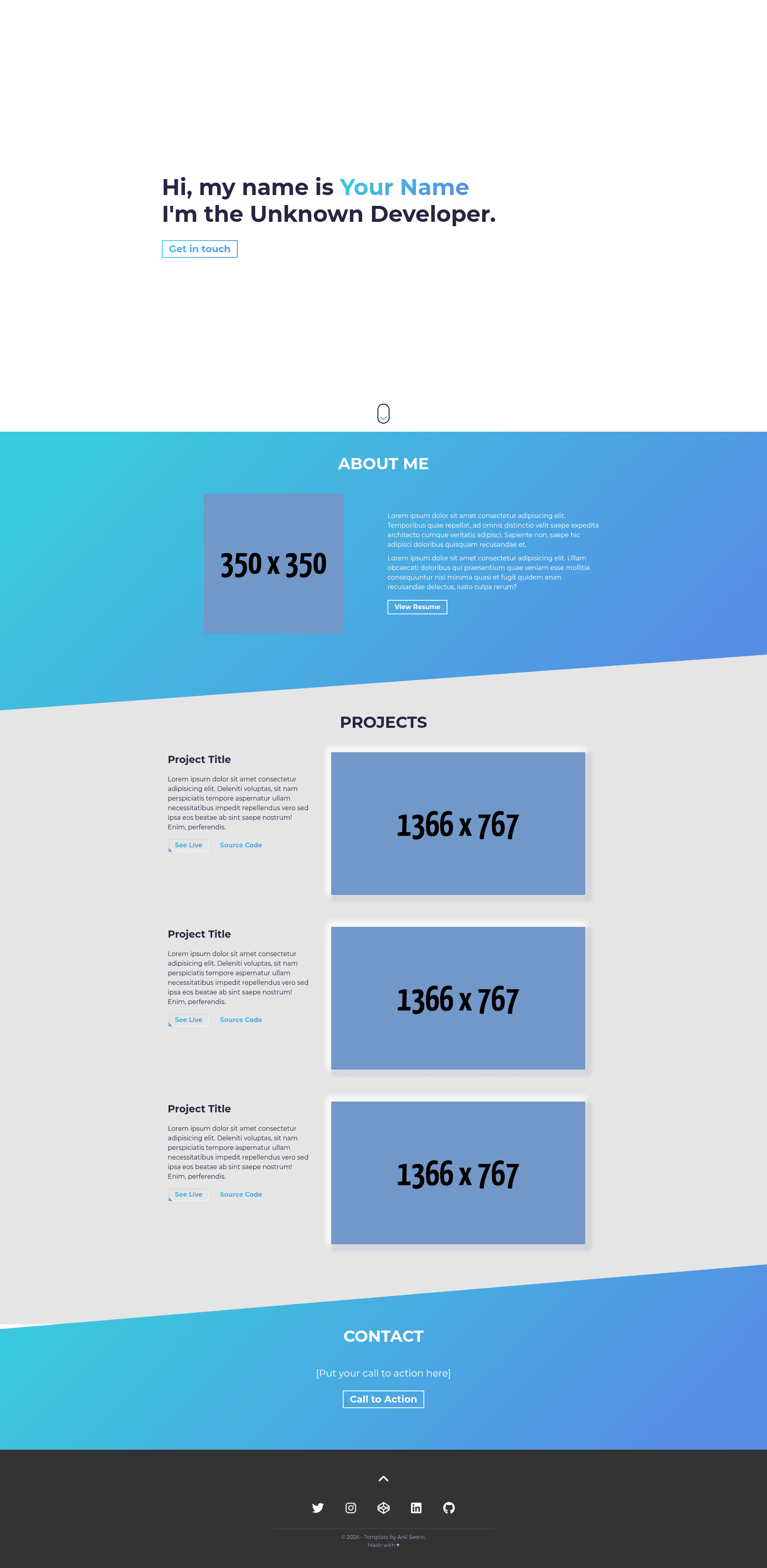
DevFolio is a free, open-source one-page developer portfolio template built with plain HTML, SCSS, and JavaScript that you can set up and deploy to GitHub Pages without installing Node.js or any package managers.
What is DevFolio?
DevFolio is a single-page portfolio template created by Anil Seervi, distributed under the MIT License. It takes your personal information, project descriptions, and social links as inputs and produces a fully responsive, SEO-optimized portfolio website. The template relies on vanilla HTML5 and CSS3 compiled from SCSS, plus the ScrollReveal.js and Tilt.js libraries, and it is designed to run anywhere static HTML is hosted, with GitHub Pages deployment documented step by step.
Key Features
- One-page layout — All content (hero, about, projects, contact, footer) lives in a single
index.htmlfile with six clearly commented sections. - Custom SCSS styling — Colors are controlled by two variables (
$primary-colorand$secondary-color) instyle/base/_variables.scss, so you can create a custom gradient without touching CSS. - Reveal animations and hover effects — ScrollReveal.js powers scroll-in animations and Tilt.js adds a parallax tilt effect to project images.
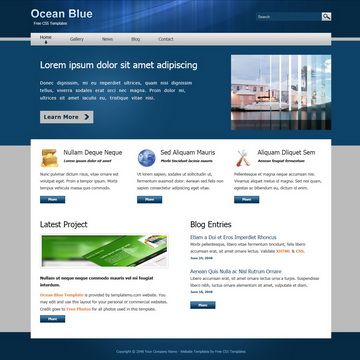
- Fully responsive design — The layout adapts to mobile and desktop viewports using valid HTML5 and CSS3.
- SEO-optimized head section — The template includes commented meta tags for title, keywords, and description that you fill in.
- Documented setup and deployment — The README walks through cloning, editing, and publishing via GitHub Pages, and recommends VSCode with the Live Preview and Live Sass Compiler extensions.
Who should use DevFolio?
- Junior developers and students — Quickly publish a personal portfolio without learning a JavaScript framework or build tool.
- Developers who prefer minimal design — The template offers a clean, single-page layout with a two-color gradient theme that you can personalize.
- Job seekers needing an online presence — Fill in the hero, about, projects, and contact sections to present your work and resume in an afternoon.
What can you do with DevFolio?
- Create a personal portfolio site — Replace the placeholder text in each section with your name, bio, project titles, and links to live demos and source code.
- Customize the color theme — Edit two SCSS variables to create your own gradient; the README suggests checking UI Gradient for inspiration.
- Deploy to GitHub Pages for free — Use the provided git commands to push the repository and enable GitHub Pages from the master branch.
How does DevFolio work?
Clone the repository, remove the origin remote, and delete the .github folder. Open the project in VSCode, start the Live Sass Compiler to watch your .scss files, and launch Live Preview to see the site at http://127.0.0.1:3000/. Then edit index.html section by section and adjust the two color variables in the _variables.scss file.
Pros and cons
- Pros — No Node.js required, well-documented for beginners, MIT licensed, fast and lightweight static site.
- Cons — No built-in blog or CMS; each new project must be manually added to the HTML.
Pricing
DevFolio is free and open source under the MIT License. You can use it for personal or commercial projects without paying a license fee.
Alternatives
- Simplefolio — The portfolio template that DevFolio describes itself as a simpler version of, specifically for people unfamiliar with Node.js and packages.
FAQ
Is DevFolio free?
Yes, DevFolio is released under the MIT License, so you can use, modify, and distribute it freely.
Do I need Node.js to use DevFolio?
No. The template is designed for people who don't know Node.js and packages. You only need VSCode, Git, and two extensions: Live Preview and Live Sass Compiler.
How do I deploy my portfolio?
The README explains pushing your repository to GitHub and enabling GitHub Pages from the master branch; your site will be live at https://username.github.io/repoName/.
How do I change the color theme?
Edit the $primary-color and $secondary-color variables in style/base/_variables.scss, save the file, and Live Sass Compiler will recompile the CSS.