Template details
Discord Bot Website Template
Minimal Next.js website template for Discord bots, with SCSS styling and Vercel deployment.
About this template
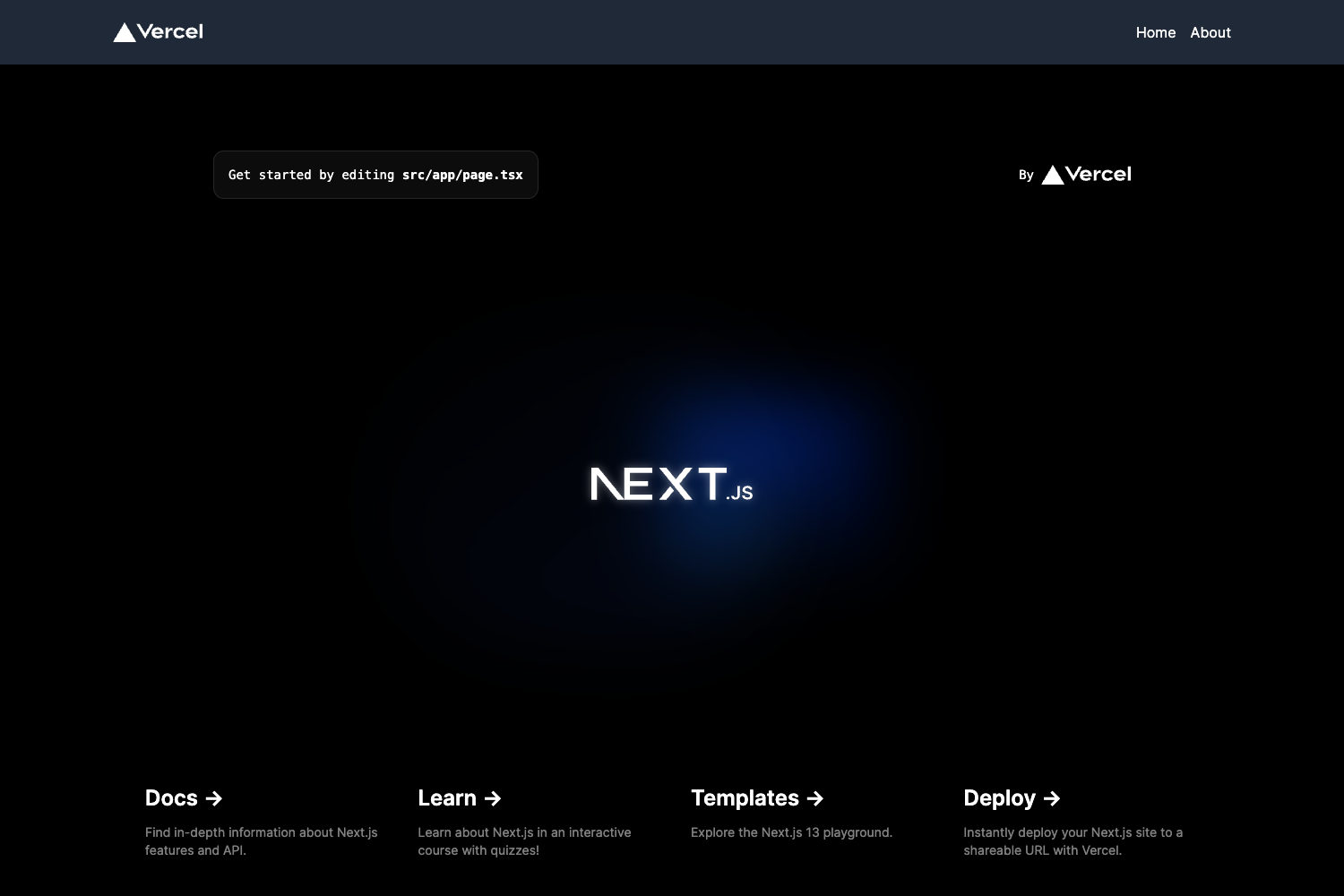
Discord Bot Website Template is a free, open-source website template built with Next.js for Discord bots, giving bot developers a fast way to publish a clean landing page. Created by Preet Suthar, the template is designed to be forked, customized, and deployed on Vercel without any backend setup.
What is Discord Bot Website Template?
Discord Bot Website Template is a minimal landing page template specifically for Discord bots, built on the Next.js framework and styled with SCSS. It takes the bot's name, description, features, and invite links as input content and outputs a responsive website. The template is authored by Preet Suthar, who also provides contact and project links in the repository. It is intended to be hosted on Vercel, though it can be deployed on any platform that supports Next.js.
Key Features
- Next.js framework — Built on Next.js (version 13 per repository topics) to produce a fast, server-rendered React website.
- SCSS styling — Uses the SCSS preprocessor for maintainable and reusable styles, as indicated by the repository source tags.
- Component-based editing — All bot information is edited in the
src/componentsdirectory, so you never need to touch page-level routing. - One-click Vercel deployment — Fork the repository, connect it to Vercel, and deploy — the README outlines a five-step process.
- Free forever — The template is open-source; the author only asks for a star in return for use.
- Minimal design — The layout is intentionally minimal, focusing attention on bot details and the invite call-to-action.
Who is it for?
- Discord bot developers — Quickly publish a professional website that highlights bot commands, features, and an invite link.
- Freelancers and agencies — Use the template as a starting point for client projects that need a Discord bot presence with minimal overhead.
- Indie hackers — Get a bot page online in minutes without paying for a premium theme or building from scratch.
What can you do with Discord Bot Website Template?
- Launch a bot landing page: Fill in your bot's information to show off features, commands, and an invite button.
- Deploy in about five minutes: Fork the GitHub repo, create a Vercel project, connect your GitHub, select the repo, and hit deploy.
- Customize via components: Edit only the component files under
src/componentsto change text, links, and layout details.
How does the template work?
The repository includes a complete Next.js project. After forking, you edit the bot details inside src/components, then deploy to Vercel from the forked repo. Vercel automatically builds and serves the site, and you can optionally configure a custom domain from the Vercel dashboard.
Pricing
Discord Bot Website Template is free to use forever. It is an open-source project; the author asks that you star the repository as a thank-you rather than pay a license fee.
FAQ
Is Discord Bot Website Template free?
Yes, the template is completely free. The repository explicitly says "Fork and use for free forever," and the author requests a GitHub star as support.
What framework does Discord Bot Website Template use?
It uses Next.js (version 13) and SCSS for styling. Next.js powers the React-based rendering, while SCSS keeps the styles organized and reusable.
How do I customize the bot information?
Open the src/components folder and edit the existing component files. You'll replace placeholder content with your bot's actual name, description, feature list, and invite URL.
How do I deploy it to Vercel?
First, fork the repository on GitHub. Then sign up at Vercel, create a new project, connect your GitHub account, select the forked repository, and click Deploy. That completes the deployment.
Can I use this as a Discord bot dashboard?
The repository topics include "discord-bot-dashboard-nextjs," but the README describes a website template. To use it as a dashboard, you'd need to extend the Next.js code with authentication and data-fetching logic yourself.