Template details
django-controlcenter
Set of widgets to build dashboards for Django projects
About this template
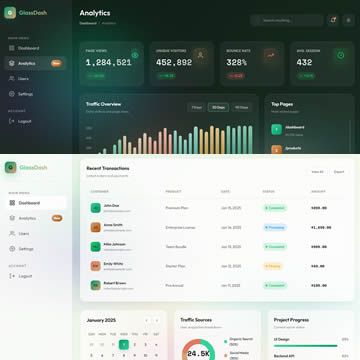
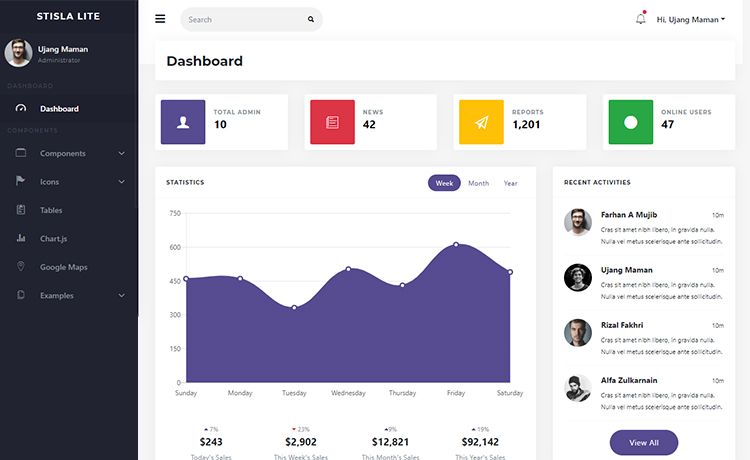
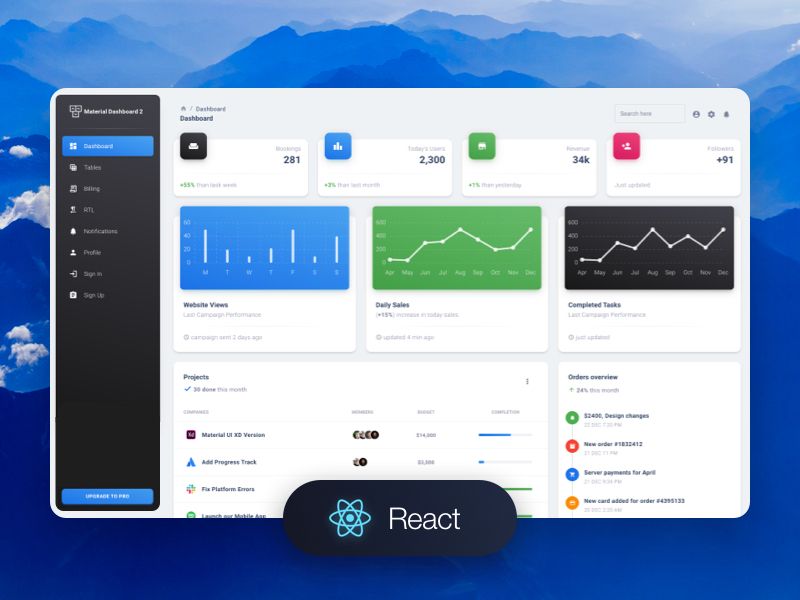
django-controlcenter is an open-source Django library that brings every project model onto a single dashboard page, with interactive charts powered by Chartist.js.
What is django-controlcenter?
Django-controlcenter is a set of Django widgets for building dashboards that aggregate model data into one page. It takes your existing Django models — or any other data source such as RDBMS, NoSQL, text files, or external web pages — and renders them as sortable, chart-based dashboard widgets. The package runs as a Django app, integrates with Django admin, and is maintained by GitHub user byashimov. It produces a URL at /admin/dashboard/ that displays all configured dashboards.
Key Features
- Multiple dashboards — Unlimited dashboards are supported; each dashboard is registered via
CONTROLCENTER_DASHBOARDSand can be given a slug. - Widget variety — Includes
ItemListfor model records,TimeSeriesChartfor trends,ValueListandKeyValueListfor simple metrics, andSingleBarChartfor comparisons. - Non-model data sources — Widgets can pull from any source, not just Django models: RDBMS, NoSQL, text files, or external web pages.
- Chartist.js integration — Charts are built with Chartist.js, a lightweight SVG charting library.
- Drag-and-drop and sorting — Sortable.js enables reordering widgets;
ItemListincludes sorting triangles and a header that always displays. - Django admin integration —
dashboard.htmlextendsadmin/base_site.htmlso branding and admin styling carry over; navigation between dashboards is automatic. - Compatibility — Tested on Python 3.5–3.10 and Django 1–4, including Django 4.1 source maps for Chartist static assets.
- Customization — You can pass a custom app name to the
ControlCenterclass and use a custom dashboard view with a custom template.
Who is it for?
Django developers who want to give project stakeholders a quick overview of model activity without leaving the admin. It's also for teams that need a lightweight dashboard beyond Django admin's default lists. And it's for developers who want to chart data that doesn't live in Django models, since widgets accept any data source.
What can you do with django-controlcenter?
- Django admin users: Monitor new orders, comments, replies, users, and feedback on a single page, eliminating the need to click through every admin model page.
- Data-driven developers: Build widgets that read from NoSQL, text files, or an external web page and render that data as a Chartist.js chart or a simple value list.
- Project teams: Create multiple dashboards, each with its own slug, to separate concerns — for example, a metrics dashboard and an activity dashboard.
How does django-controlcenter work?
Install the package with pip, then define a dashboard file where each widget is a Python class bound to a model or data source. Register the dashboard path in settings, add 'controlcenter' to INSTALLED_APPS, and wire controlcenter.urls into your URLconf. Opening the provided URL renders all widgets on a single, responsive page.
FAQ
Is django-controlcenter still in active development?
The README states the author has no time to add new features. Contributions are welcome: branch from master, provide tests, add documentation, and update the changelog.
What Django versions are supported?
According to the README, django-controlcenter is tested on Python 3.5 through 3.10 and Django 1 through 4. Django 4.1 support includes source maps for Chartist static assets.
What charting library does django-controlcenter use?
Charts are rendered with Chartist.js. The layout uses Masonry.js and widget sorting is handled by Sortable.js.
How do I create a dashboard?
Create a Python file that subclasses the Dashboard class, place widget classes in a widgets tuple, register the dashboard in CONTROLCENTER_DASHBOARDS, and include controlcenter.urls in your URL configuration.