Template details
Rexo UI Admin Dashboard
Rexo-UI is a multi-version admin dashboard template for Vue 3, React/Next.js, HTML, and .NET Core with JWT auth and i18n.
About this template
Rexo-UI is a multi-version admin dashboard template that ships the same UI in Vue 3, React 18/Next.js, plain HTML, and .NET Core, with JWT authentication and internationalization built in.
What is Rexo-UI?
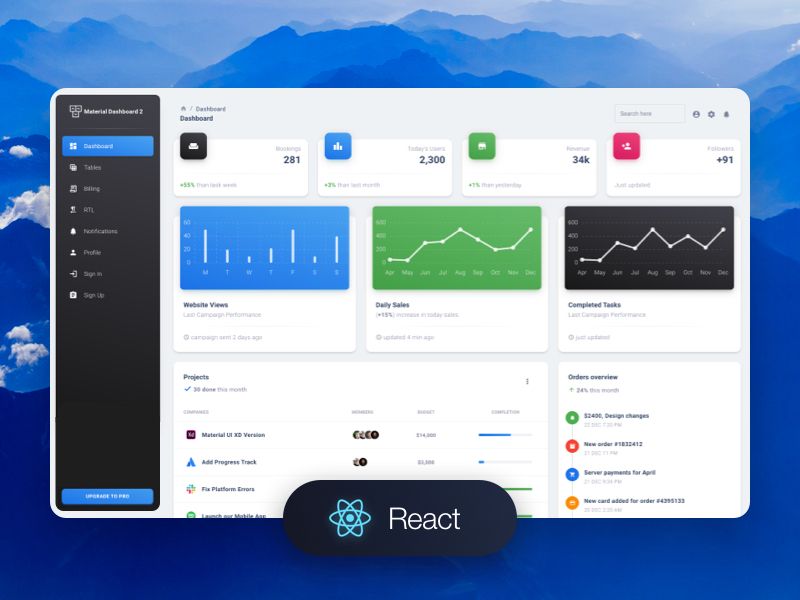
Rexo-UI is a GitHub-hosted admin dashboard template that provides four parallel implementations of the same backend management interface: a Vue 3 application, a React 18/Next.js application, a static HTML version, and a .NET Core version. The template includes CMS and dashboard page layouts, H5 mobile-responsive pages, JWT-based authentication, access control lists (ACL), and i18n support for multi-language interfaces. It is written in TypeScript and JavaScript, uses Sass/SCSS with Bootstrap for styling, and is published as a public repository so you can copy the code into your own project.
Key Features
- Four framework versions — The same admin UI is available as a Vue 3 app, a React 18/Next.js app, a plain HTML page, and a .NET Core version, letting you pick the stack that matches your team or backend.
- JWT authentication — Implements JSON Web Token-based login and authorization flows, ready to connect to a .NET Core API or another JWT-issuing backend.
- Internationalization (i18n) — Built-in multi-language support includes translation files and a language switcher for localizing dashboard labels and menus.
- Access control (ACL) — Role- and permission-based access lists are supported so you can restrict pages and actions per user.
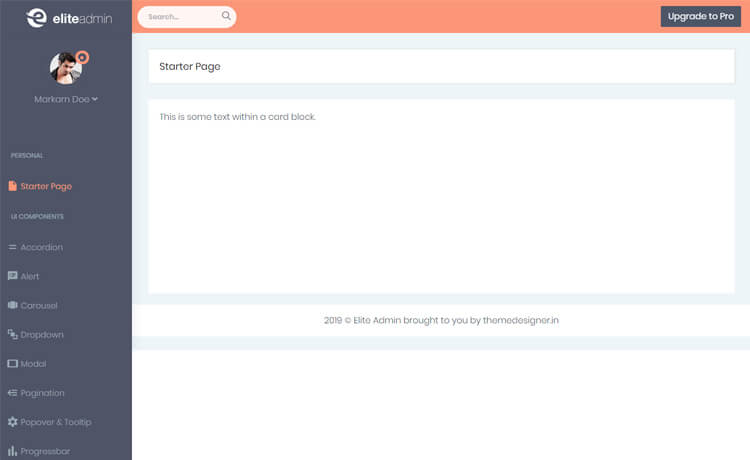
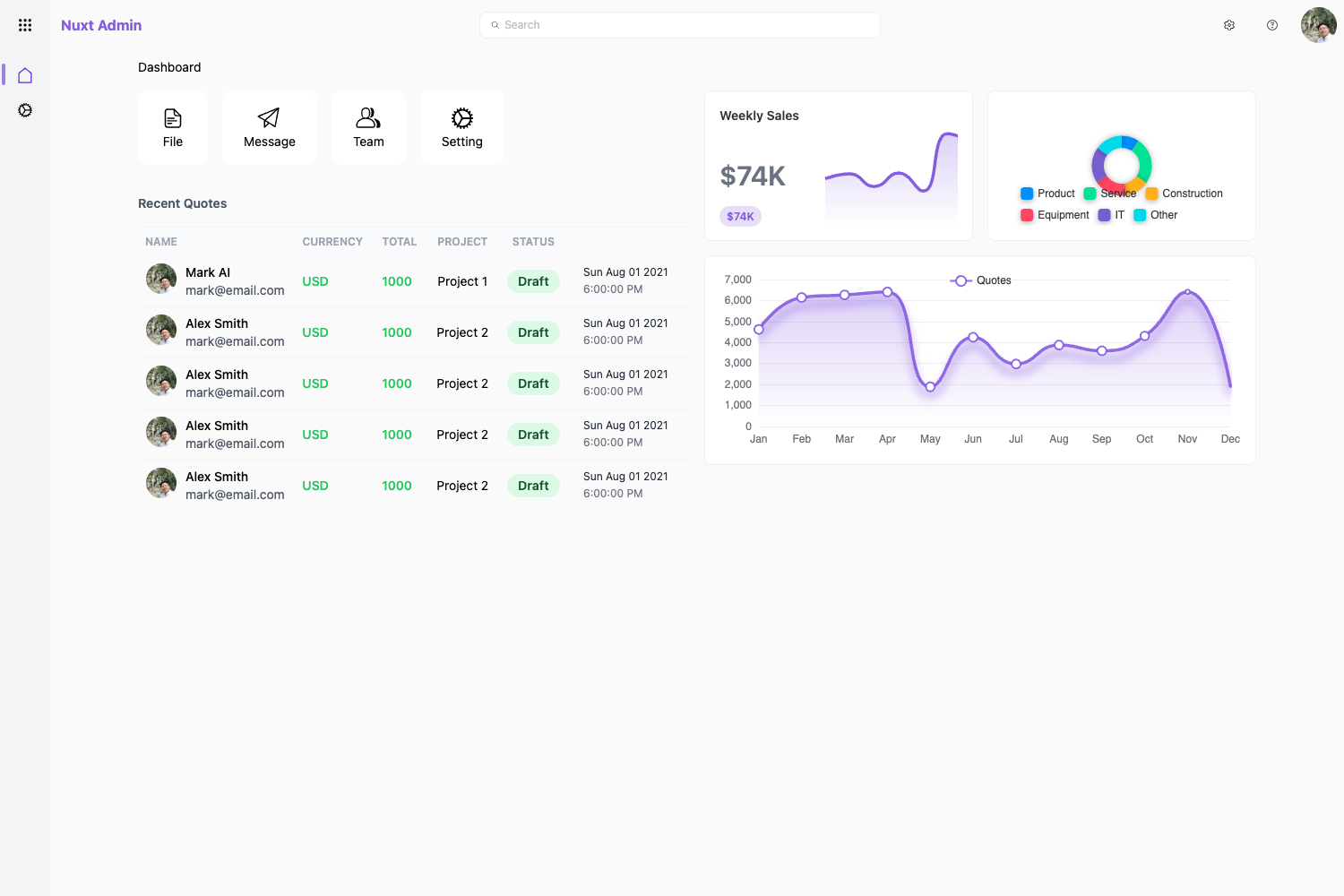
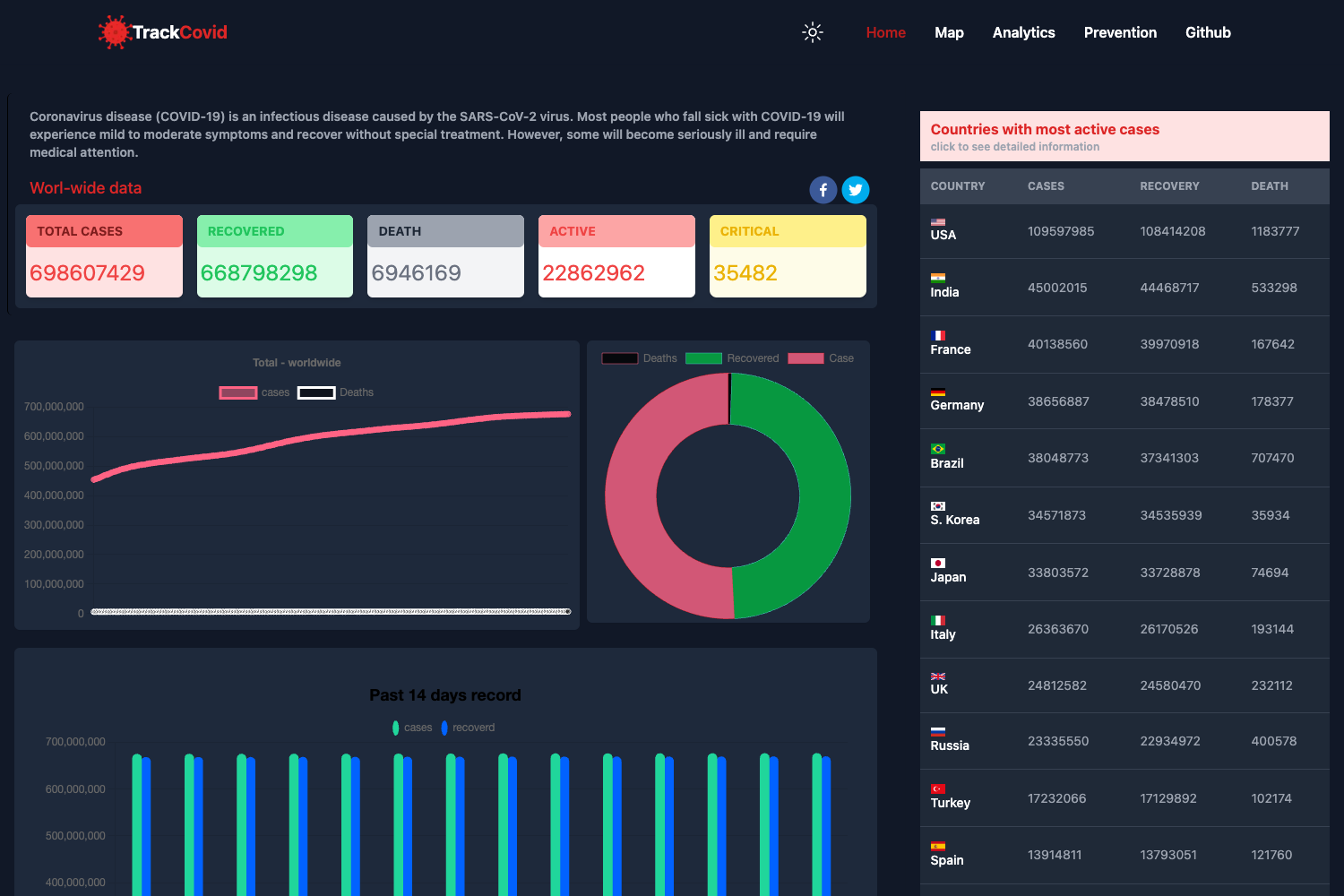
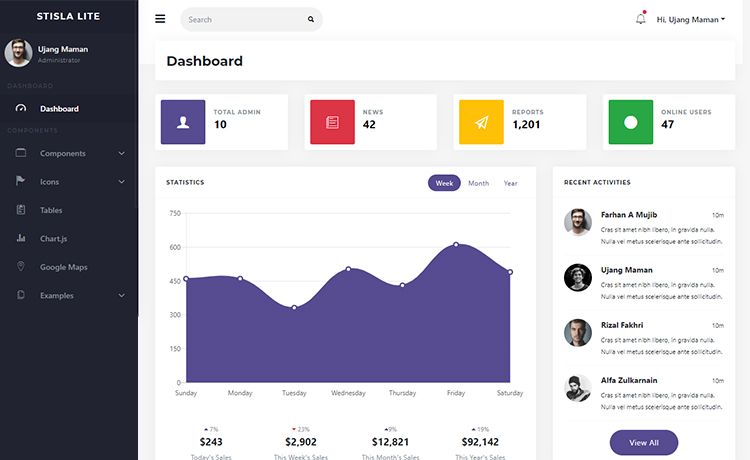
- Dashboard and CMS pages — The template ships with admin dashboard layouts, content management screens, and responsive H5 layouts for mobile devices.
- Sass/SCSS styling — Styles are written with Sass, and the template is compatible with Bootstrap for grid and component styling.
- TypeScript support — The Vue and React versions can be used with TypeScript for typed props and state management.
- UI kit components — Reusable buttons, forms, tables, modals, and other interface components are included as part of the admin UI kit.
Who is it for?
- Full-stack developers — Build an admin panel quickly by using the .NET Core version with JWT auth and the dashboard UI, then customize pages with Vue or React.
- Frontend teams — Start from the React/Next.js or Vue starter to create a responsive CMS or analytics dashboard with i18n and ACL already wired.
- Agencies and freelancers — Deliver white-label admin interfaces for clients by adapting the HTML or framework versions without starting from scratch.
- Mobile web developers — Use the H5 version to present dashboard features on small screens or embed them in mobile apps.
What can you do with Rexo-UI?
- Launch an admin dashboard — Set up a login-protected dashboard with role-based menus, charts, and tables by wiring the included pages to your data source.
- Create a CMS backend — Use the CMS-oriented pages and form components to build a content management interface for articles, users, or products.
- Prototype a SaaS product — Quickly assemble a functional frontend for a SaaS admin area with JWT authentication and multilingual support.
- Cross-stack reuse — Reuse the same visual design across a Vue3 marketing site, a Next.js app, and a .NET Core application, keeping branding consistent.
Alternatives
If you are evaluating other admin dashboard templates, consider AdminLTE, which is a widely used Bootstrap-based admin dashboard; and CoreUI, which offers Vue, React, and Angular versions of its admin template.
FAQ
What frameworks does Rexo-UI support?
Rexo-UI provides the same admin dashboard UI in Vue 3, React 18 with Next.js, static HTML, and .NET Core. This allows developers to pick the stack that fits their project or server environment.
Does Rexo-UI include authentication?
Yes, the template includes JWT authentication, which handles login, token storage, and route guarding. The .NET Core version is designed to integrate with JWT-based APIs.
What does the i18n feature do?
The i18n (internationalization) feature lets you display the admin interface in multiple languages. It includes translation files and a language switcher, so you can localize labels and messages.
What is the H5 version?
The H5 version is a responsive mobile-friendly implementation of the dashboard, designed for mobile browsers and web-view contexts. It shares the same components and styling as the desktop version.