Template details
Material Dashboard 2 React
React version of Material Dashboard by Creative Tim, a free MUI admin dashboard with 70+ components.
About this template
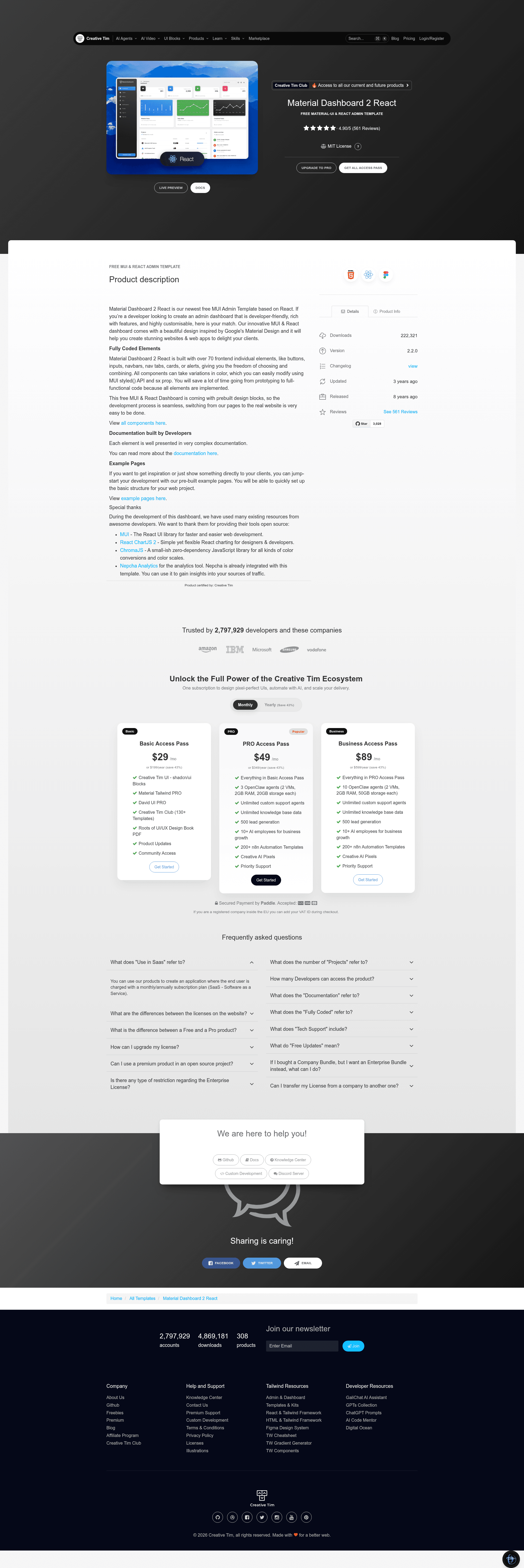
Material Dashboard 2 React is a free admin dashboard template for React built on MUI (Material UI), version 2.2.0, published by Creative Tim. It gives developers a prebuilt set of over 70 frontend components and multiple example pages so a new admin interface can be assembled without starting from scratch.
What is Material Dashboard 2 React?
Material Dashboard 2 React is a React admin dashboard template that uses the MUI component library and a design inspired by Google's Material Design. It takes in component configurations via MUI's styled() API and sx prop and outputs a fully functional frontend for web apps and websites. The template is free to download from Creative Tim and includes the complete source code plus documentation hosted on the Creative Tim learning lab.
Key Features
- 70+ prebuilt components — Buttons, inputs, navbars, nav tabs, cards, and alerts are all implemented and ready to be combined, each accepting MUI color and style variations.
- MUI theming structure — The src/assets/theme folder contains base, components, and functions subfolders plus separate theme-rtl.js and theme-dark variants, so visual customization is done through MUI's styled() API and sx prop.
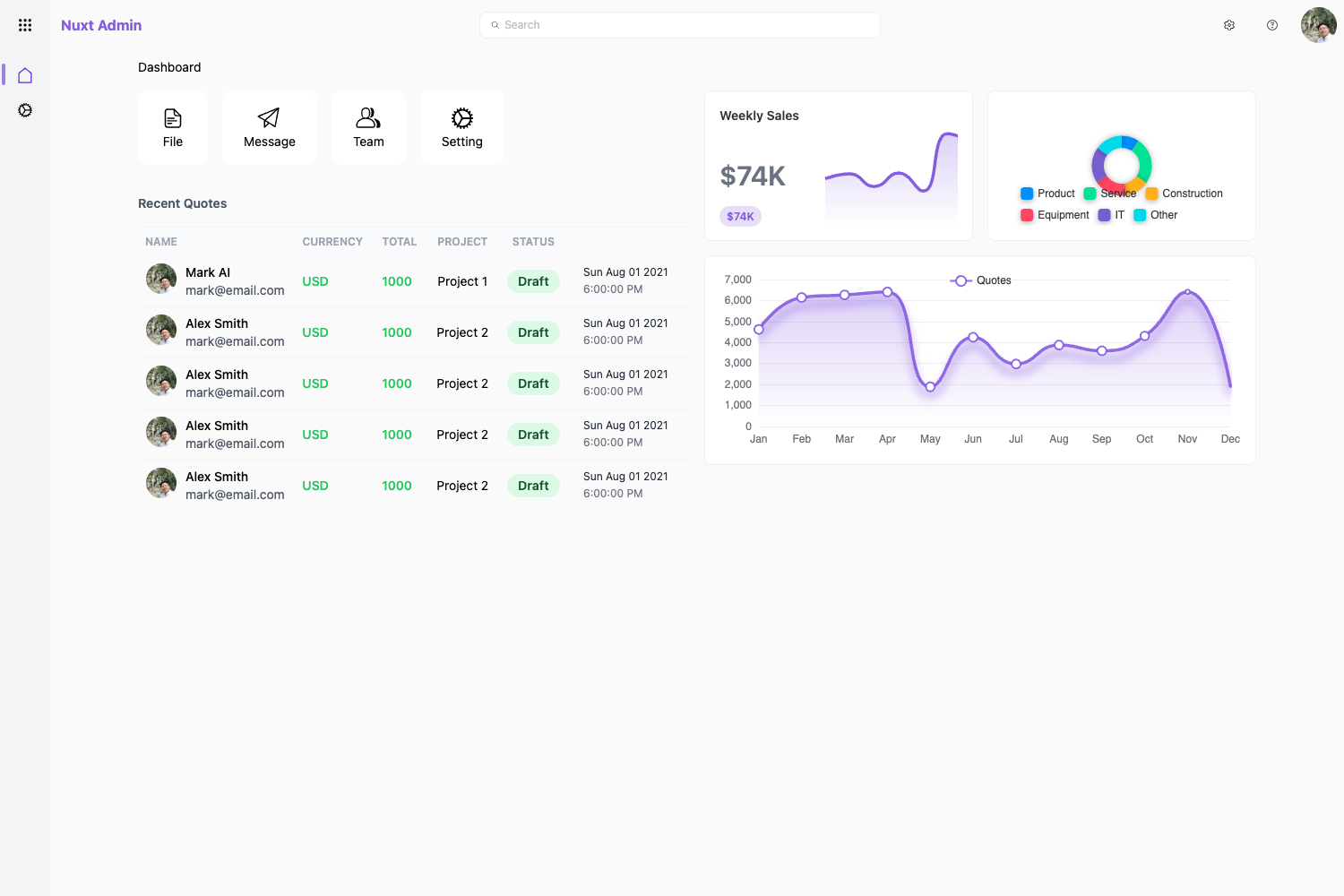
- Example pages — The layouts folder includes authentication (sign in, sign up), billing, dashboard, notifications, profile, rtl, and tables pages that can be used as starting points.
- Custom MD components — Reusable components like MDBox, MDButton, MDTypography, MDInput, MDPagination, MDProgress, MDSnackbar, MDAvatar, MDBadge, and MDAlert are included under src/components.
- Charts and visualization — React ChartJS 2 is integrated for charts, and ChromaJS is used for color conversions within the dashboard's theming.
- Analytics integration — Nepcha Analytics is already integrated into the template for tracking traffic sources.
- One-click deploy — The repository supports deployment to Genezio with a single click from the README.
- Browser support — Officially supports the last two versions of Chrome, Firefox, Edge, Safari, and Opera.
Who is it for?
- React developers looking for a Material Design admin starter kit can use the prebuilt components and layouts to prototype a dashboard quickly.
- Agency and freelance teams building client admin panels can replace the demo data and rebrand the theme colors through the MUI theme files.
- Product teams needing an internal tool or back-office interface can use the authentication pages and tables layout as a foundation.
What can you do with Material Dashboard 2 React?
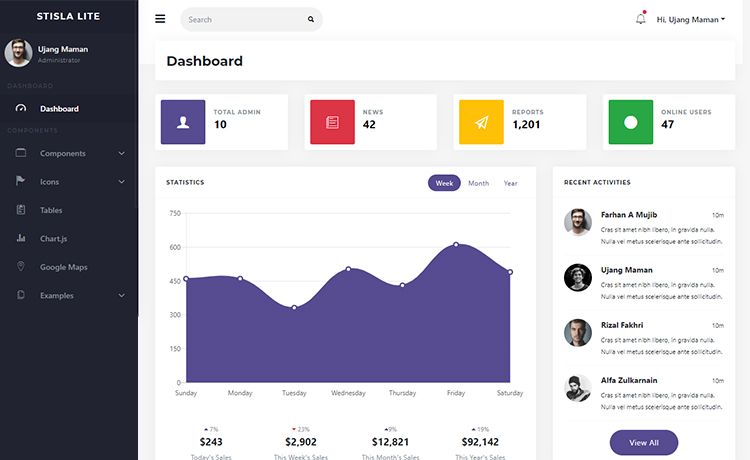
- Build a custom admin dashboard: Combine the prebuilt MD components, charts, and sidenav to assemble a personalized control panel for your application.
- Create a sign-in and sign-up flow: The authentication layout provides ready-made login and registration pages that can be connected to a backend.
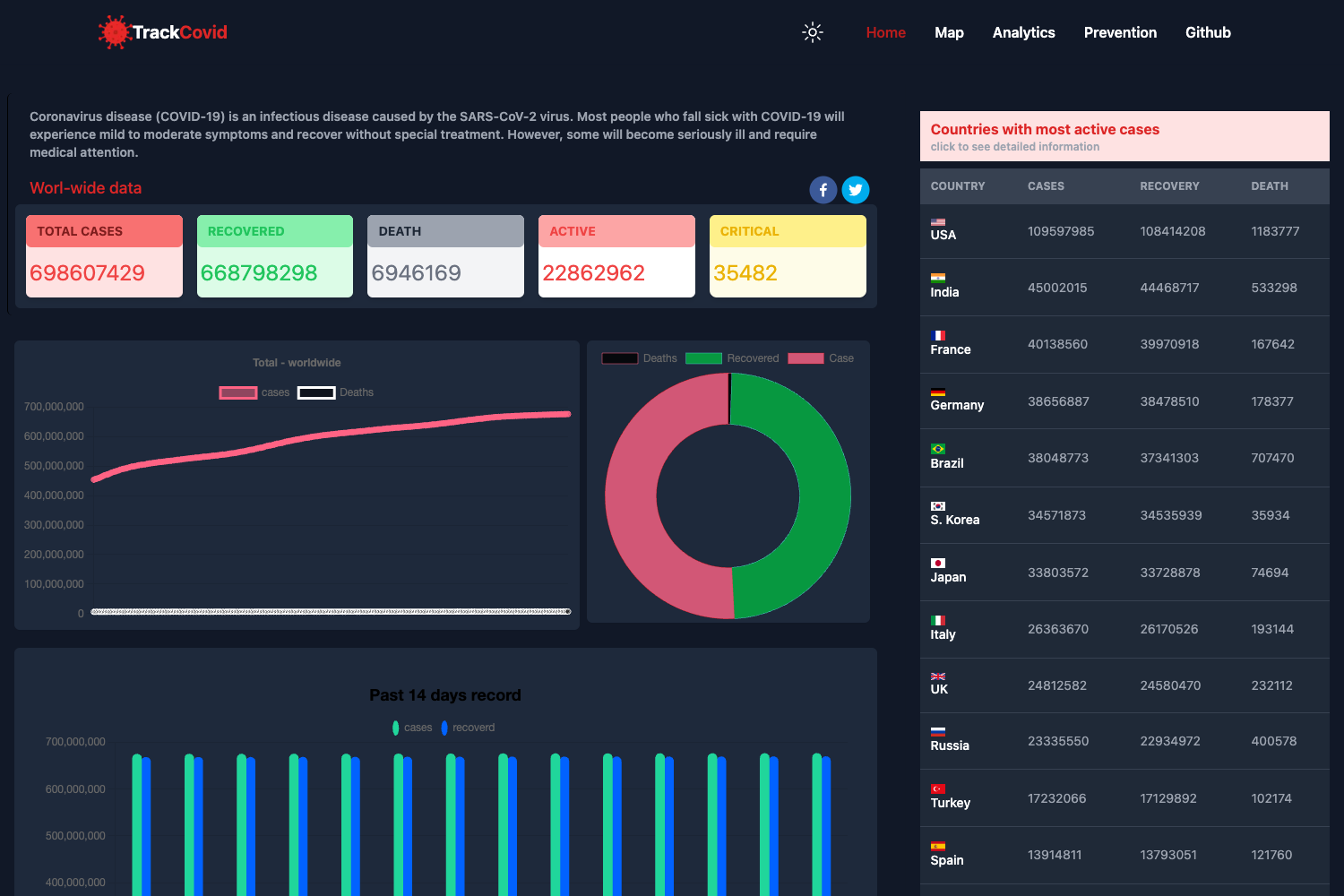
- Present data with tables and charts: The tables layout and React ChartJS 2 integration let you display metrics and lists in a Material Design style.
- Support right-to-left languages: The RTL layout and theme-rtl.js variant make it possible to ship a version for RTL audiences.
How does Material Dashboard 2 React work?
To get started, download the template from the Creative Tim product page, install Node.js LTS, run yarn install or npm install in the root directory, and the local dependencies will be installed. The included file structure places all source files under src/, with assets, components, examples, and layouts separated; routes are defined in src/routes.js and App.js. Deployment can be done through Genezio directly from GitHub.
FAQ
Is Material Dashboard 2 React free?
Yes, the template is free to download from Creative Tim. The README also links to the Creative Tim license agreement and lists additional free and paid products in the sidebar.
What framework and UI library does it use?
It is built with React and MUI. The dashboard uses MUI as the React UI library, React ChartJS 2 for charts, and ChromaJS for color handling.
What pages are included?
The example pages include dashboard, profile, RTL, sign in, sign up, billing, notifications, and tables. Each is defined under src/layouts and shown in the live demo.
Does it support dark mode and RTL?
Yes, the theme folder includes a theme-dark variant and a separate theme-rtl.js file, so both dark mode and right-to-left layouts are supported in the template structure.
Can I deploy it easily?
A one-click deploy button to Genezio is provided in the README. The repository is available on GitHub, so it can also be deployed to any hosting service that supports Node.js and React build processes.