Template details
Documentation Starter
Documentation starter site made with Next.js
About this template
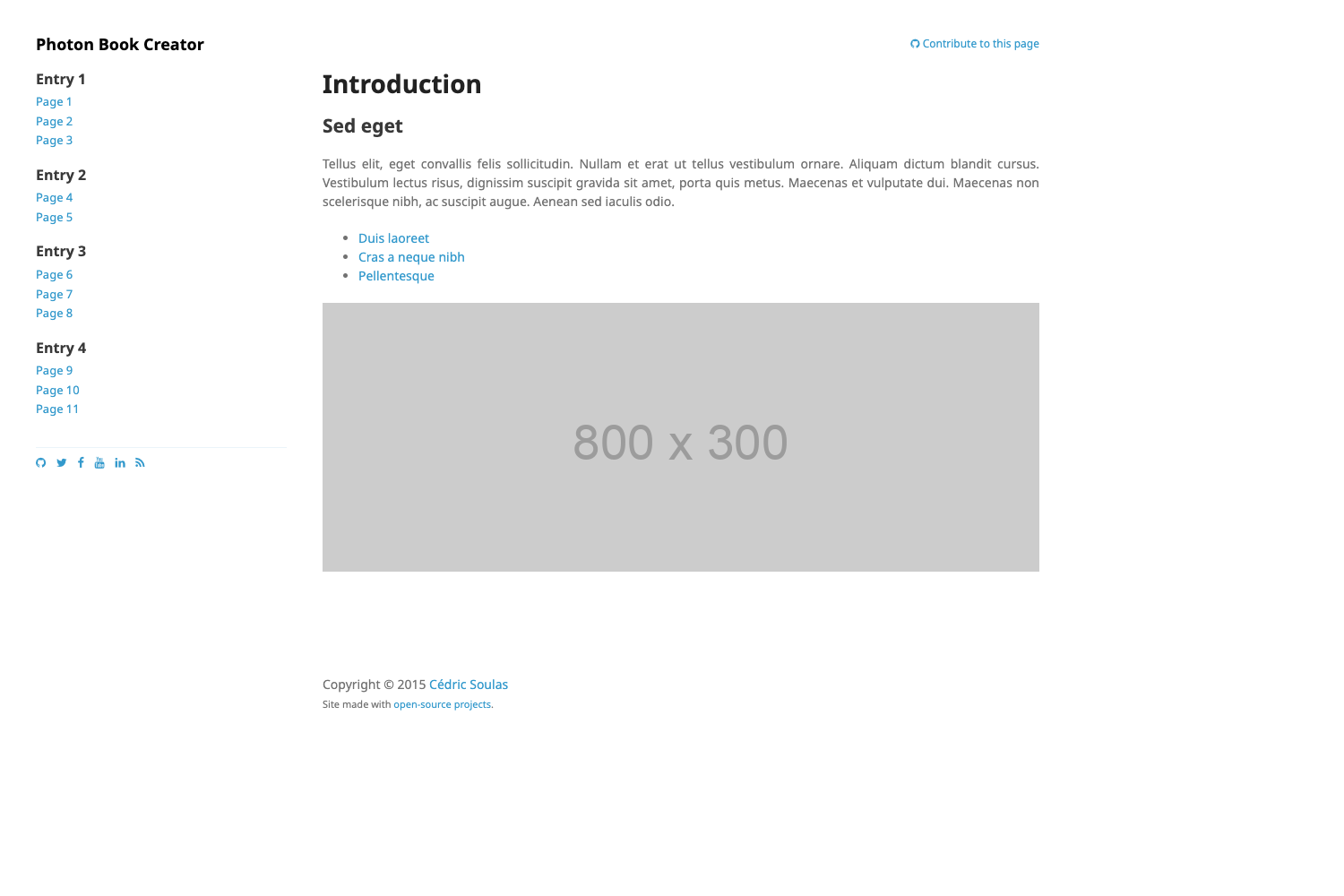
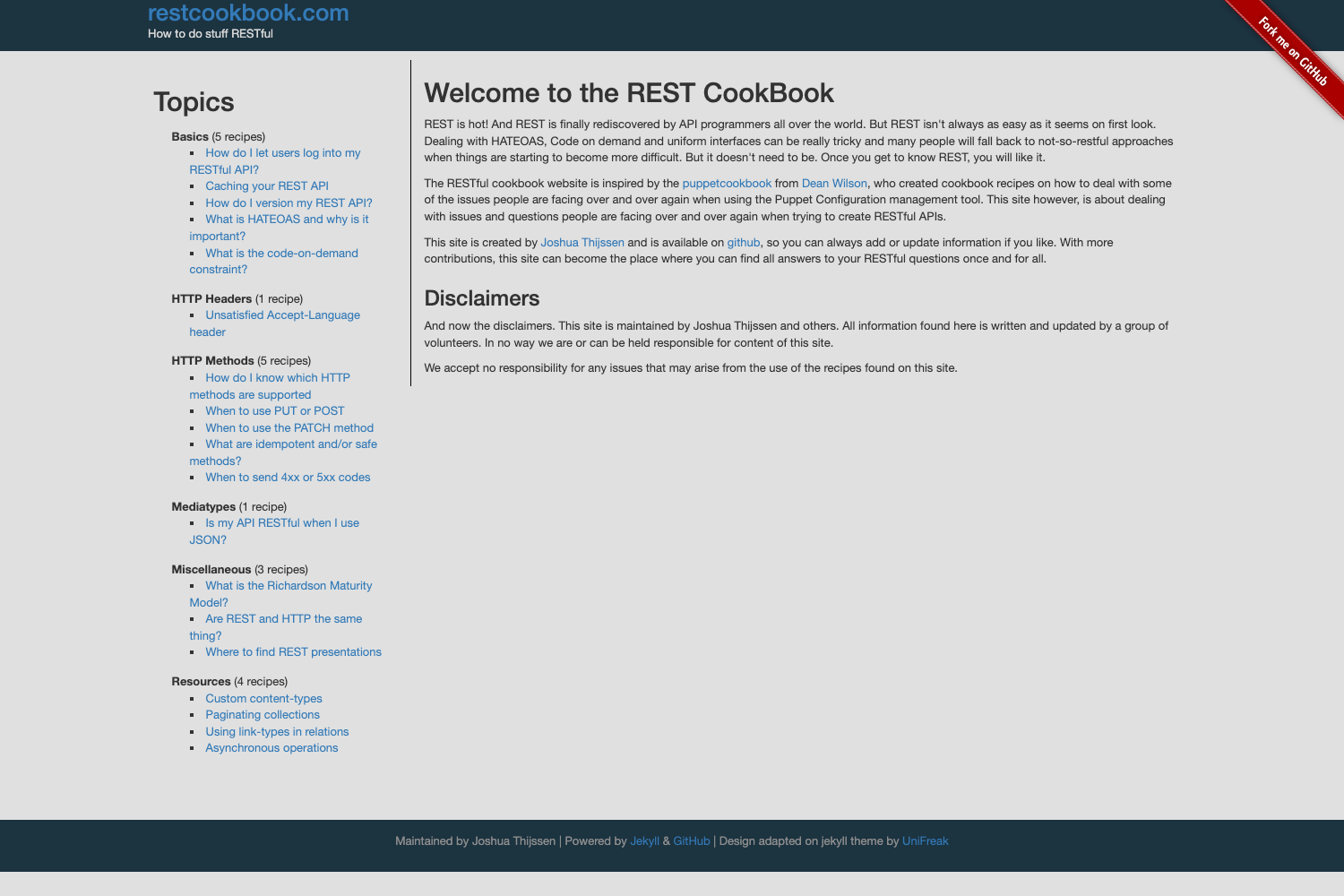
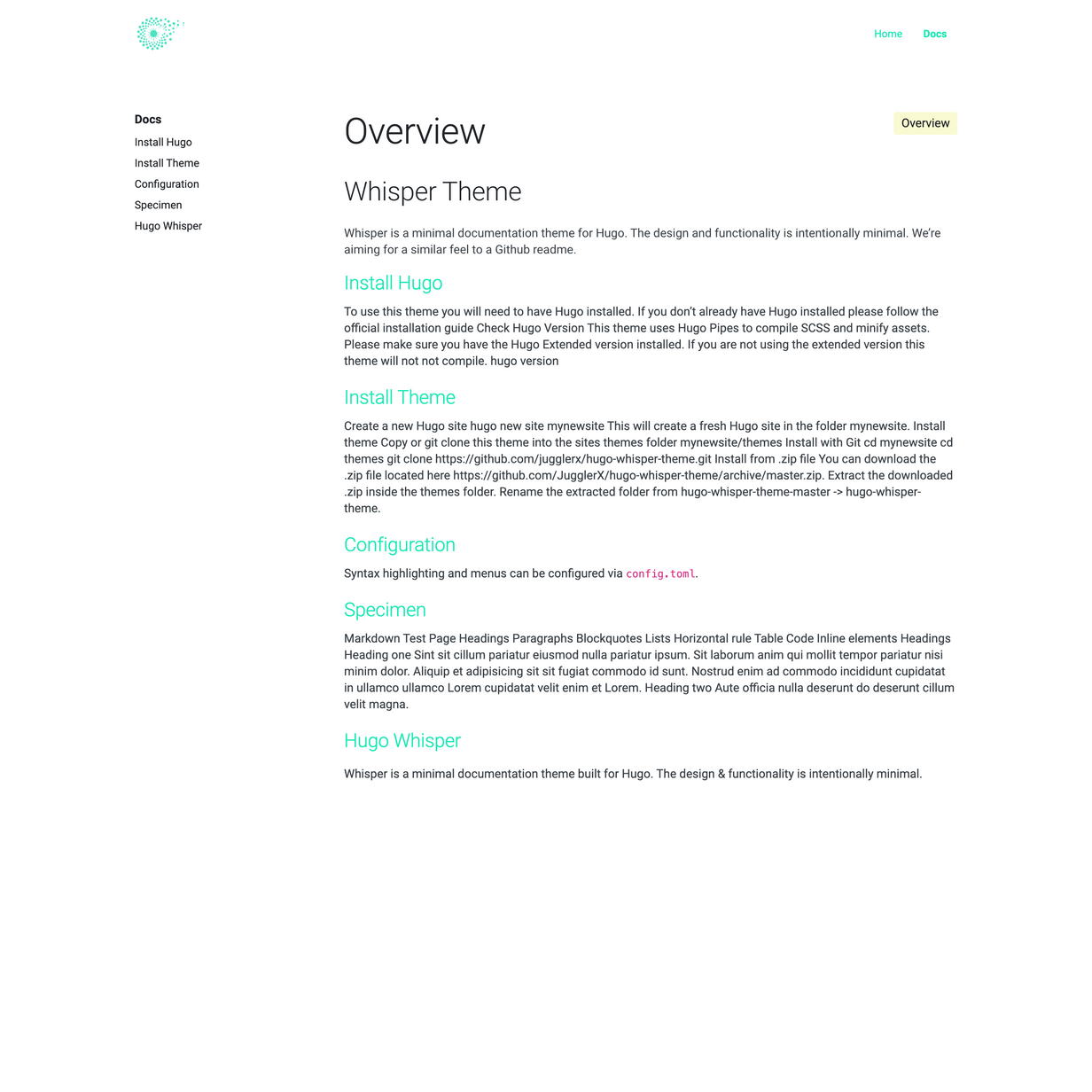
Documentation Starter is a TypeScript starter for Next.js that scaffolds a documentation website from Markdown content, with a YAML-driven sidebar and built-in syntax highlighting.
What is Documentation Starter?
Documentation Starter is an open-source starter kit that produces a documentation site using Next.js and TypeScript. It takes Markdown files placed in language-specific folders and renders them as documentation pages, and it generates a navigation sidebar from a YAML configuration file. The template includes sample content and is designed to be cloned and customized rather than installed as a dependency.
Key Features
- TypeScript + Next.js foundation — The codebase is written in TypeScript and built on Next.js, giving you React-based pages, server-side rendering, and a deployment path to Vercel or any Node.js host.
- Markdown-based content — Documentation pages are created as plain Markdown files in
/content/docs/[your-language-iso], and standalone pages go in/content/pages/[your-language-iso]; no CMS or database setup is required. - Prism syntax highlighting — Code blocks are highlighted with Prism, a lightweight JavaScript syntax highlighter, directly on the rendered pages.
- Remark Slug heading anchors — Heading titles automatically receive slugified IDs, so you can link directly to a specific section of a page.
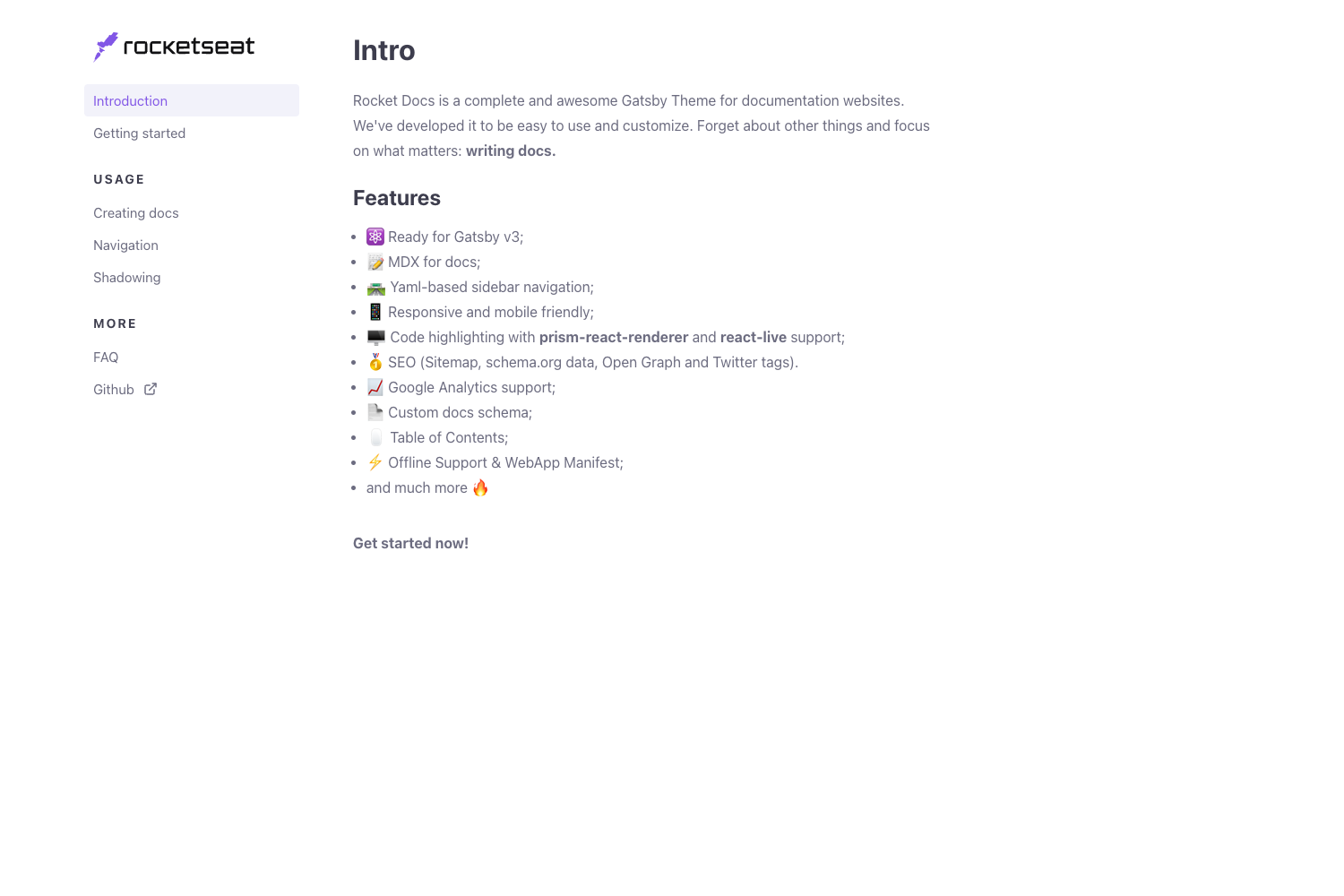
- YAML sidebar configuration — The sidebar links are defined in
/src/config/sidebar.yml, supporting nested items and multiple languages (the included sample config covers English and Portuguese). - Multilingual folder structure — Content folders are organized by language ISO code, and the sidebar YAML can contain separate navigation trees for each language.
- Quick local setup — After cloning, run
npm installoryarn, thenyarn start; the site is available athttp://localhost:3000.
Who is it for?
Documentation Starter is for developers, technical writers, and open-source maintainers who want a Git-based documentation site without a heavy CMS. It fits projects that already use Markdown and want the docs to live in the same repository as the code.
- Open-source maintainers — Create a docs site for a repository, with Markdown content and a sidebar structured like a project wiki.
- Technical writers — Author docs in any Markdown editor, preview locally with
yarn start, and submit changes through pull requests. - DevEx / API teams — Publish API guides and SDK tutorials with code examples highlighted by Prism and anchor links generated by Remark Slug.
What can you do with Documentation Starter?
- Project documentation — Write guides, tutorials, and API references as Markdown files and organize them in the docs folder with a sidebar that mirrors your content structure.
- Multilingual documentation — Run English and Portuguese versions side by side using the language-specific content folders and the dual-language sidebar YAML.
- Component or library docs — Show code snippets with Prism highlighting and deep-link to headings with Remark Slug anchors.
- Internal knowledge base — Deploy a docs site where teammates edit Markdown and propose changes via pull requests.
How does Documentation Starter work?
Getting started involves cloning the repository, installing dependencies with npm or Yarn, and running yarn start to serve the site on http://localhost:3000. To create content, add Markdown files to /content/docs/[language-iso] for documentation pages or /content/pages/[language-iso] for standalone pages, then define the sidebar links in /src/config/sidebar.yml.
FAQ
Is Documentation Starter free?
Yes, Documentation Starter is an open-source project on GitHub. The repository includes the full source code, and you can fork it, modify it, and use it for your own documentation site.
Does Documentation Starter support multiple languages?
Yes, the template supports a multilingual setup. Content folders use a language ISO code structure, and the sidebar YAML can define navigation for English and Portuguese (sample files are included). You can add more languages by following the same pattern.
What framework does Documentation Starter use?
Documentation Starter uses Next.js with TypeScript. It also integrates Markdown for content, Prism for code syntax highlighting, and Remark Slug for generating heading anchors.