Template details
Rocket Docs
A Gatsby starter for creating documentation websites with MDX, code highlighting, SEO, Google Analytics, and offline support.
About this template
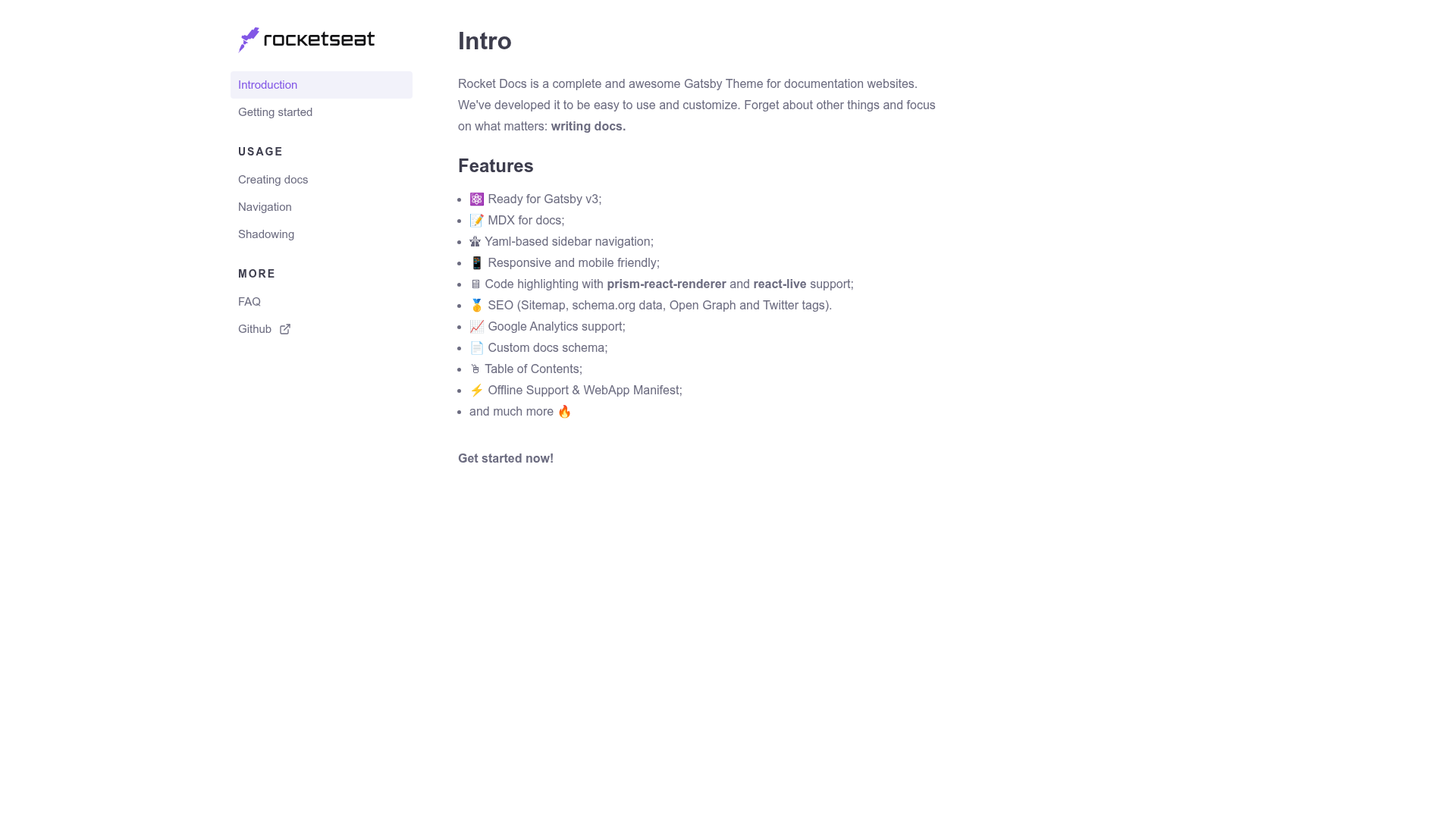
Rocket Docs is a Gatsby starter for building documentation websites, supporting MDX content, code highlighting, SEO, and Google Analytics out of the box.
What is Rocket Docs?
Rocket Docs is a free, open-source Gatsby starter created by João Pedro (jpedroschmitz) that scaffolds a complete documentation site using the @rocketseat/gatsby-theme-docs theme. It takes Markdown and MDX files as content input and outputs a static, server-rendered Gatsby site with YAML-based sidebar navigation, table of contents, and offline support. The starter runs entirely on the Gatsby framework and is intended for developers who want a docs site without building the UI from scratch.
Key Features
- MDX content — Write documentation in Markdown or MDX, which allows inserting JSX and interactive components directly into the docs.
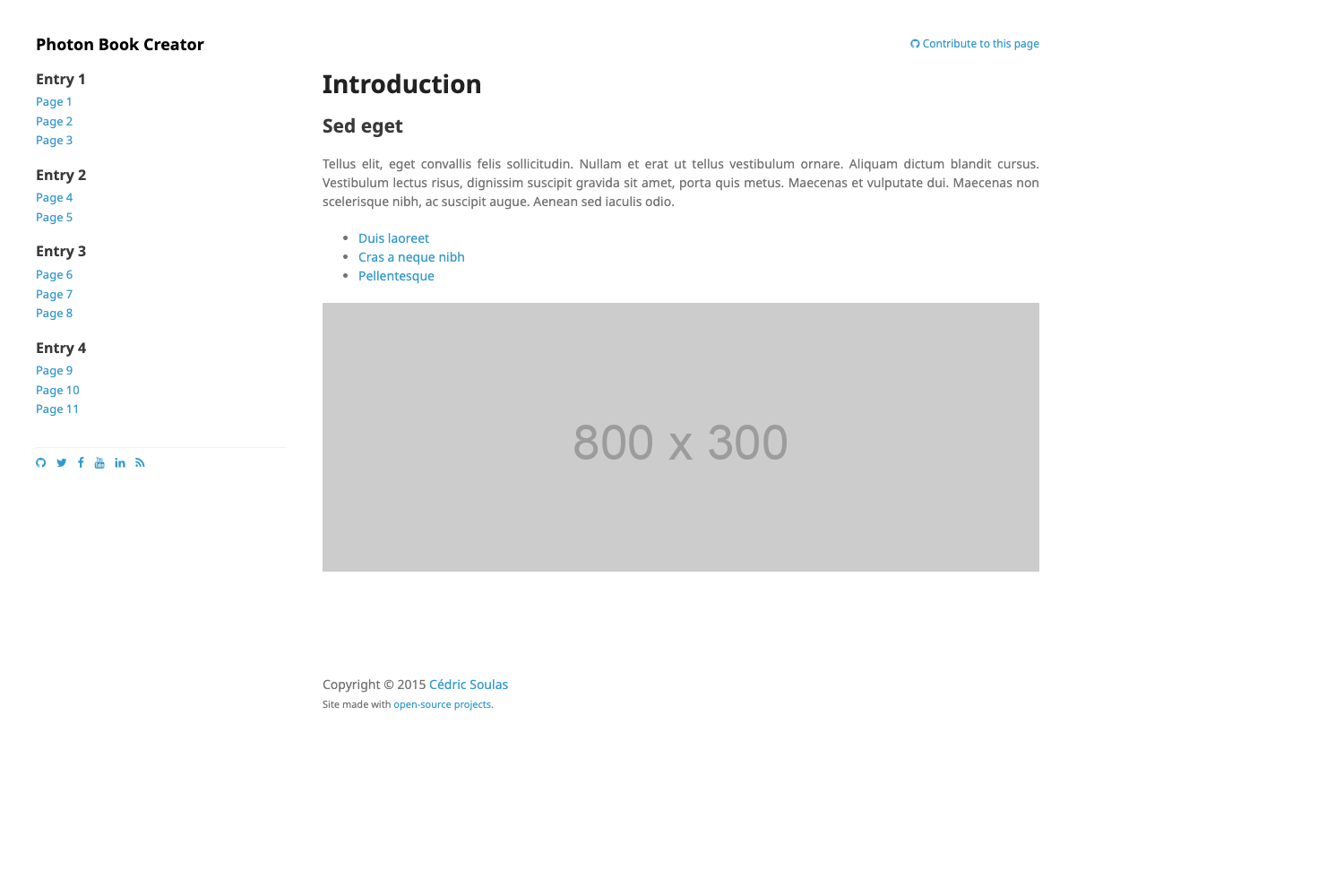
- YAML sidebar navigation — Configure the site's menu structure in a YAML file rather than hand-coding React components.
- Code highlighting and live editing — Uses prism-react-renderer for syntax highlighting and react-live for editable, runnable code examples in the browser.
- Built-in SEO — Ships with sitemap generation, schema.org structured data, Open Graph tags, and Twitter card metadata.
- Google Analytics — Built-in support for tracking visitor analytics by adding your tracking ID.
- Table of Contents — Automatically generates a per-page table of contents from headings.
- Responsive and mobile friendly — The layout adapts to mobile screens.
- Offline support and WebApp Manifest — The site works as an installable progressive web app with offline caching.
Who is it for?
- Technical writers — Publish and maintain product documentation using Markdown or MDX, with a predefined navigation and search-friendly SEO.
- Open-source maintainers — Launch a professional docs site for their project in minutes, with analytics and offline support for users.
- Dev teams — Create internal knowledge bases or API reference sites backed by the Gatsby content pipeline.
- Indie developers — Set up a docs site without needing to design or build the front-end from scratch.
What can you do with Rocket Docs?
- Open-source projects: Spin up a docs website with a live demo and SEO metadata, then deploy it to Netlify, Vercel, or any static host.
- API documentation: Embed live, editable code snippets with react-live, so readers can run examples directly in the docs.
- Product documentation: Organize user guides and tutorials with a YAML-driven sidebar and an auto-generated table of contents.
- Internal knowledge bases: Host a public or private docs hub that is installable and works offline on users' devices.
How does it work?
- Create a new Gatsby site with the starter by running
npx gatsby new rocketdocs https://github.com/jpedroschmitz/gatsby-starter-rocketdocs. - Start a development server with
gatsby develop, which serves the site at http://localhost:8000. - Edit content in Markdown/MDX files and the YAML sidebar file, then build a static site with
gatsby buildand deploy it.
Pricing
Rocket Docs is free to use and modify — the repository carries the MIT license and the starter is available as a public Gatsby starter on GitHub.
Alternatives
- Docusaurus — a React-based documentation site builder from Meta that uses a similar Markdown-first workflow.
- VitePress — a Vue-powered static site generator designed for documentation, with a built-in search feature.
FAQ
Is Rocket Docs free?
Yes, Rocket Docs is open source under the MIT license, so you can use it for personal or commercial projects without cost.
What content formats does Rocket Docs support?
The starter supports both Markdown (.md) and MDX (.mdx) files, so you can embed JSX components and interactive content inside your documentation.
Does Rocket Docs include SEO?
Yes, the theme includes sitemap generation, schema.org structured data, Open Graph tags, and Twitter card metadata by default.
How do I create a new Rocket Docs site?
Run the command npx gatsby new your-site-name https://github.com/jpedroschmitz/gatsby-starter-rocketdocs from your terminal, then cd into the folder and start the development server with gatsby develop.
Does Rocket Docs support offline usage?
Yes, the starter comes with offline support and a WebApp Manifest, so visitors can install the site as a progressive web app and access it without a connection.