Template details
ResponsivePivot
Responsive HTML template for exporting Zim Desktop Wiki notebooks as mobile-friendly websites.
About this template
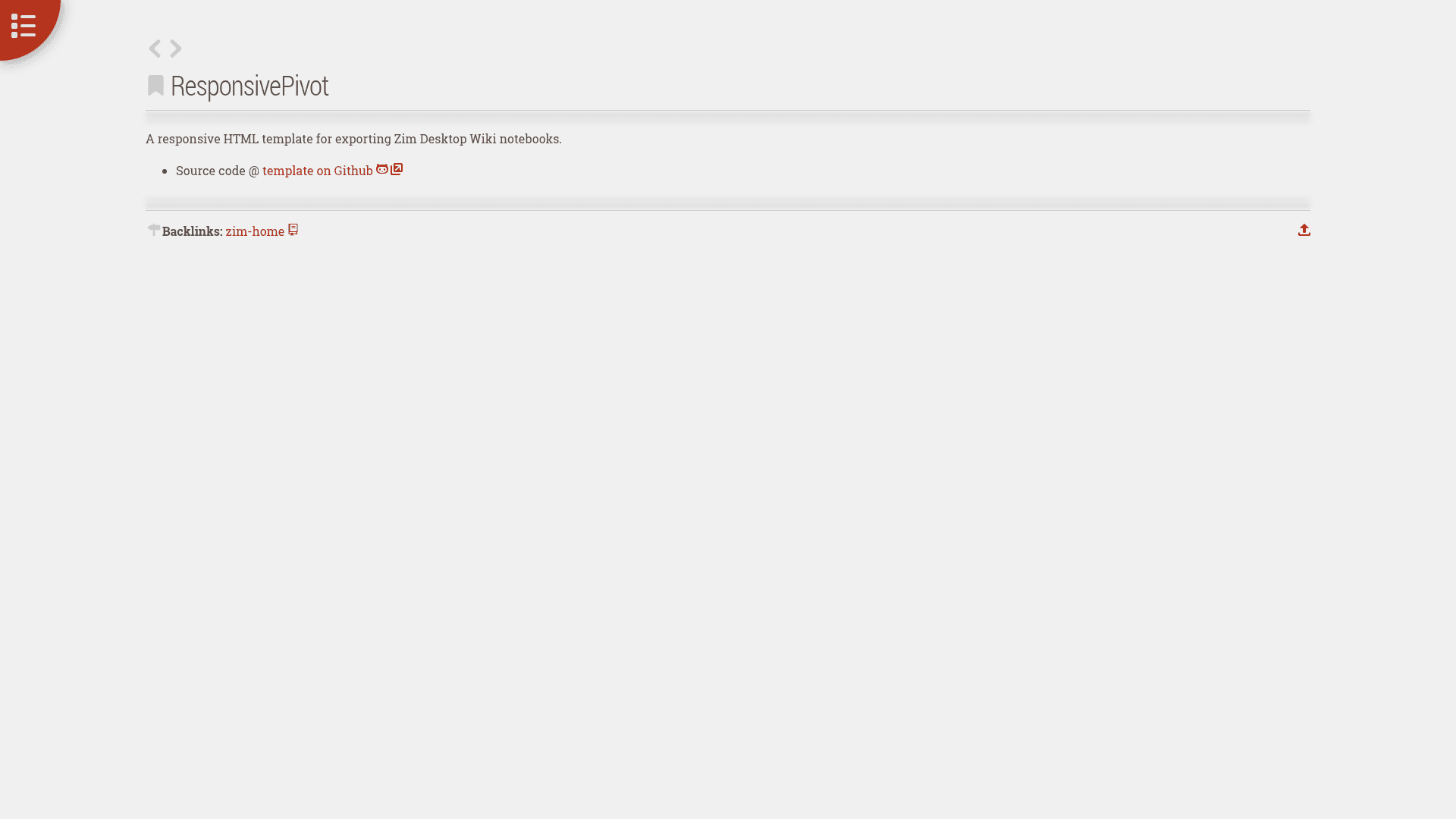
ResponsivePivot is a responsive HTML template for exporting Zim Desktop Wiki notebooks, turning plain-text wiki pages into a clean, mobile-friendly static website. The template is distributed as a GitHub repository and includes a live demo hosted on GitHub Pages so users can preview the output before applying it to their own notebooks.
What is ResponsivePivot?
ResponsivePivot is a responsive HTML template for exporting Zim Desktop Wiki notebooks. It takes a Zim notebook's exported HTML pages and applies a responsive layout so the content becomes readable on phones, tablets, and desktops. The template is maintained on GitHub by user scar45 and is publicly accessible, with a live demo at https://scar45.github.io/ResponsivePivot/.
Key Features
- Responsive layout — the design adapts to any screen width, making notebook content easy to read on mobile devices.
- Zim Desktop Wiki integration — works directly with Zim's HTML export feature, so users keep their existing note-taking workflow.
- Live demo — a hosted preview on GitHub Pages shows exactly what the exported output looks like.
- Plain HTML/CSS — the template uses standard web technologies, meaning no build tools, frameworks, or package managers are required.
- Open access on GitHub — the repository is public, with 20 stars at the time of writing, allowing anyone to download, modify, and redistribute the template.
Who is it for?
- Zim Desktop Wiki users who want to publish their personal notebook as a website without writing HTML from scratch.
- Knowledge base maintainers who need a clean, responsive presentation for internal or external documentation stored in Zim.
- Students and researchers who keep notes in Zim and want to share their study notes or research findings with others in a readable format.
What can you do with it?
- Publish a personal wiki: convert your Zim notebook into HTML pages that can be uploaded to any static hosting service.
- Share team documentation: export project documentation from Zim and present it in a consistent, responsive layout for teammates or clients.
- Create a portfolio of written work: turn accumulated notes, essays, or observations into an easily navigable web format.
How does ResponsivePivot work?
The template is used during Zim's HTML export process. After exporting a notebook, the template supplies the CSS and HTML structure that wraps the exported content. The result is a set of HTML pages that share a common responsive design. Since the demo is available, users can examine the source directly to see how the layout is built.
Pricing
ResponsivePivot is free to use and its source code is openly available in the public GitHub repository. There are no paid tiers or premium features indicated on the project page.
FAQ
Is ResponsivePivot free?
Yes. The template is hosted in a public GitHub repository, so the source code is available for anyone to view, download, and modify at no cost.
What is ResponsivePivot?
ResponsivePivot is a responsive HTML template designed for exporting Zim Desktop Wiki notebooks. It transforms the HTML output from Zim into a clean layout that adapts to mobile and desktop screens.
Where can I see a live example?
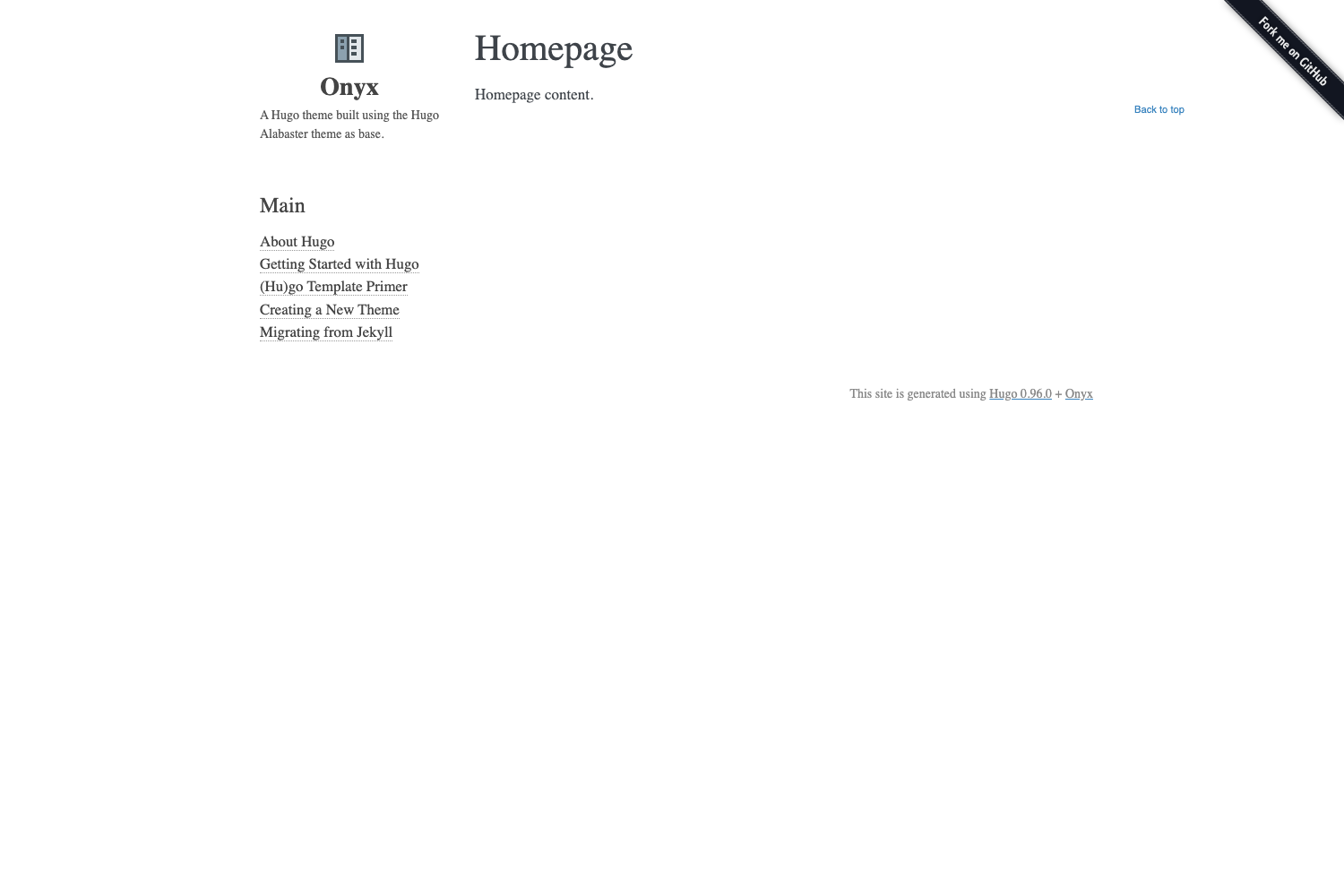
A live demo is available at https://scar45.github.io/ResponsivePivot/ (on GitHub Pages). It shows the template applied to a sample notebook.
Can I modify ResponsivePivot?
Yes. Because the repository is open and public for everyone, you can edit the HTML and CSS to change the look or add features, then use it for your own Zim exports.