Template details
Photon Book Creator
A light documentation and book template based on Jekyll.
About this template
Photon Book Creator is a lightweight documentation and book template built on Jekyll that turns structured YAML content into a static HTML site with two selectable themes.
What is Photon Book Creator?
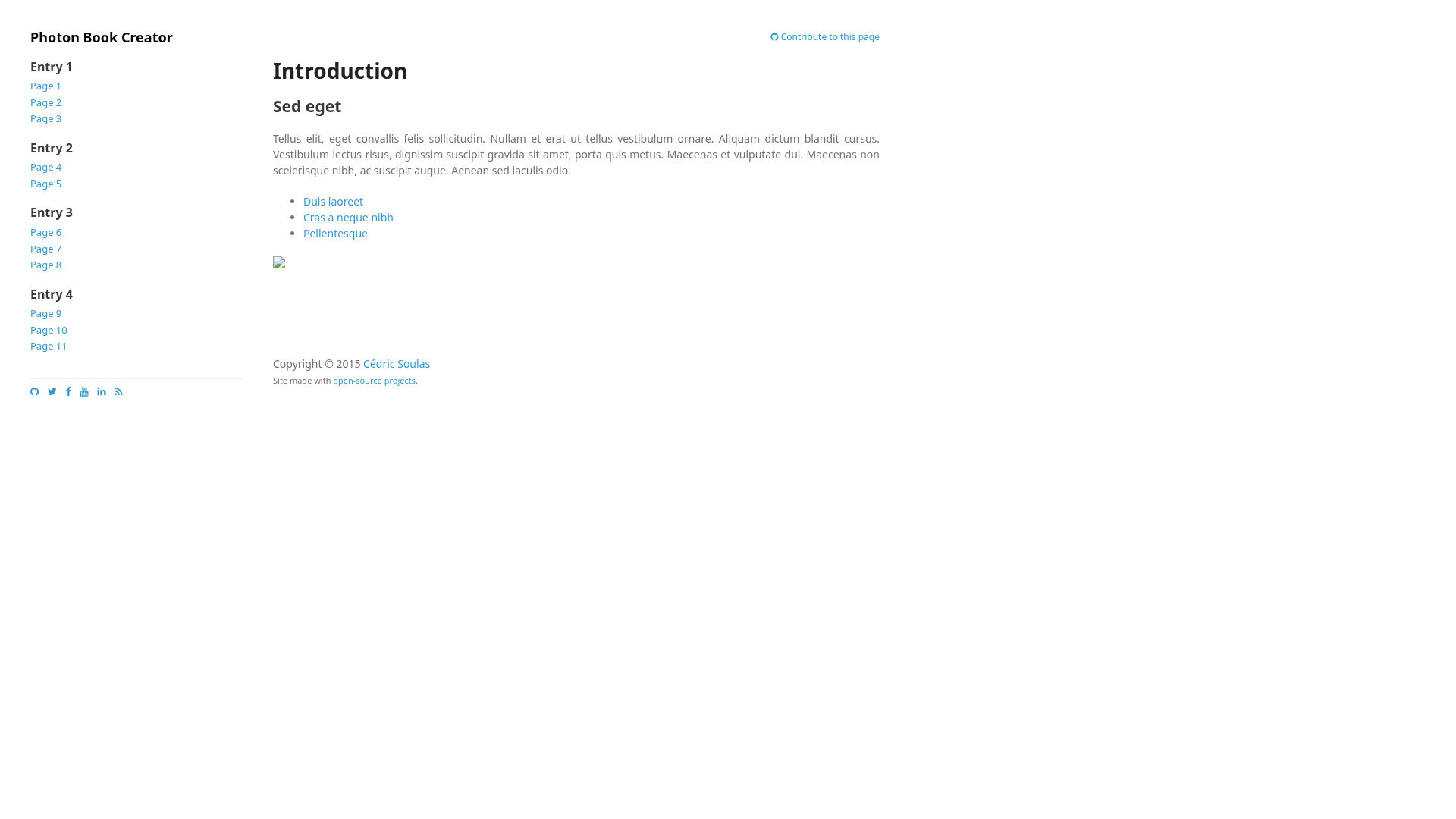
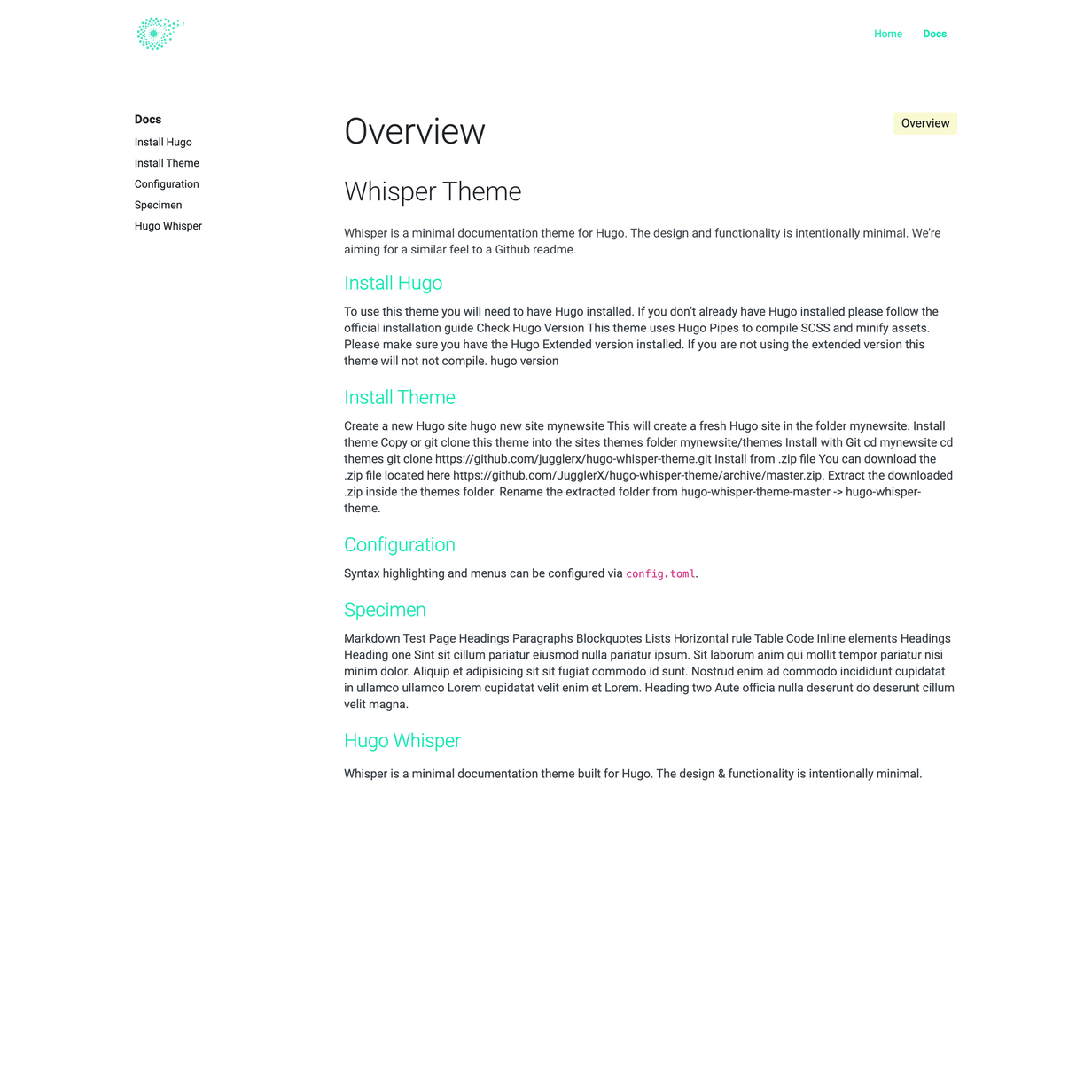
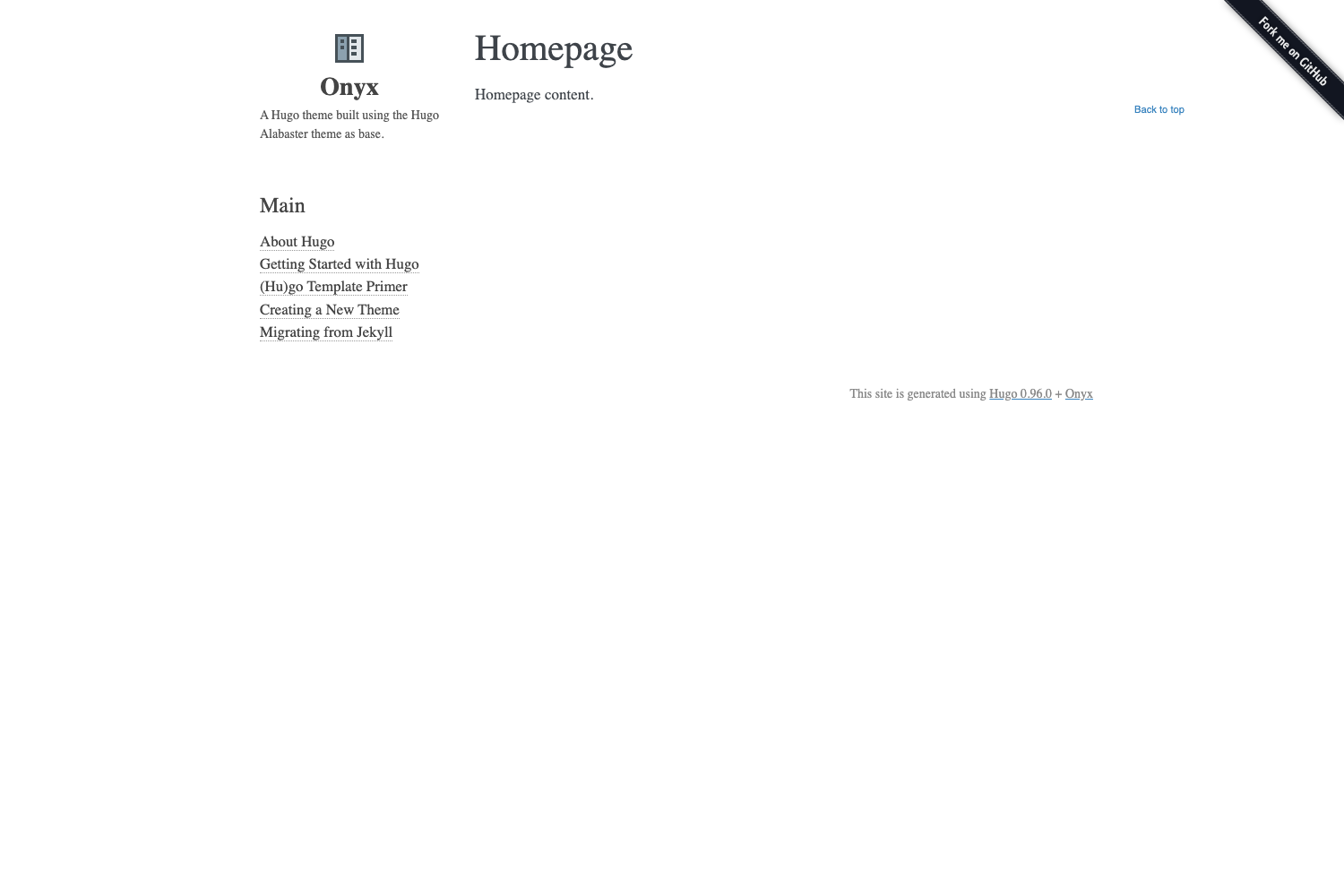
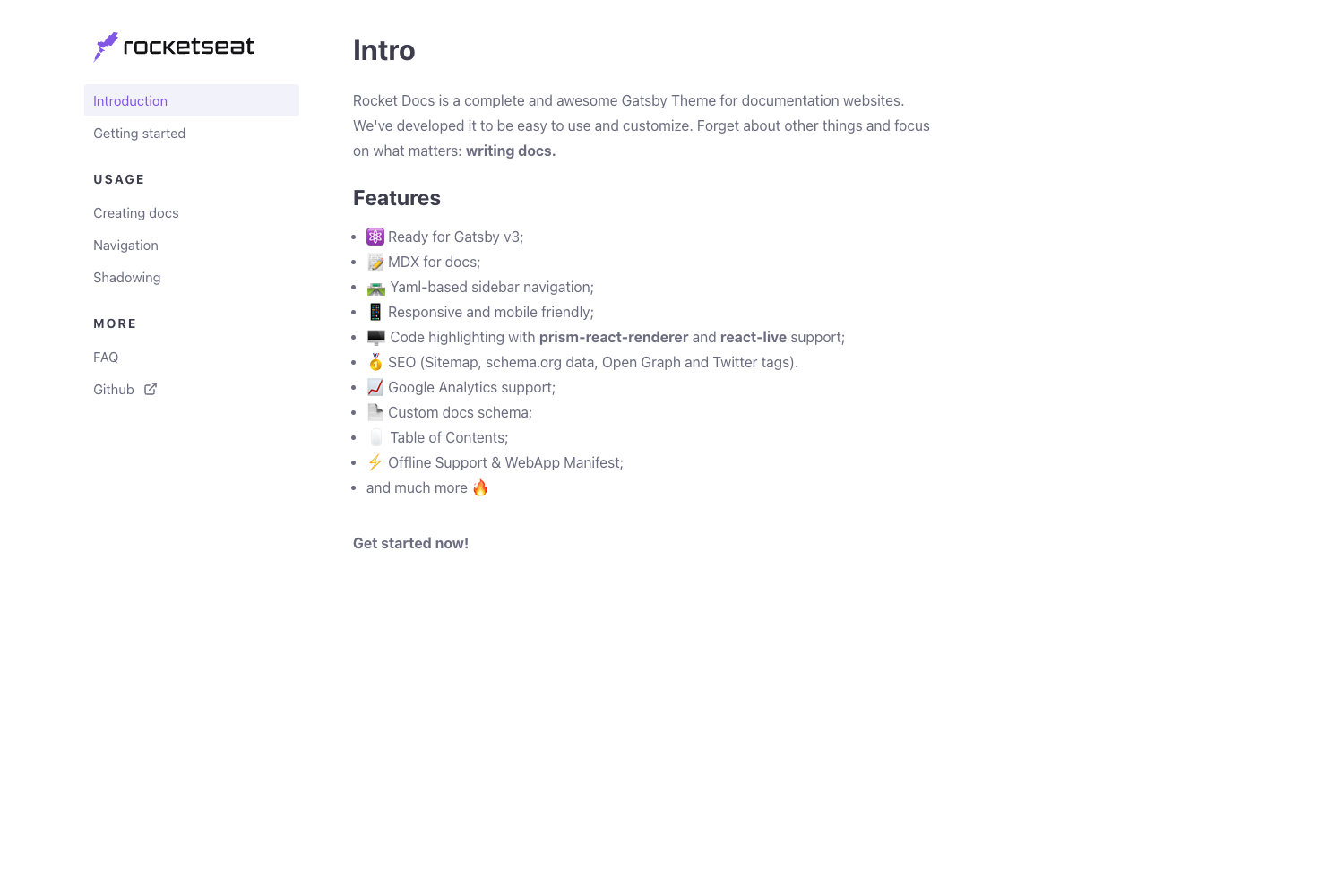
Photon Book Creator is a Jekyll-based template for building documentation sites and online books. It takes content defined in YAML configuration files ( _config.yml and data/toc.yml ) and generates a static HTML website. The template is authored by Cédric Soulas and released under the MIT license, so it can be freely used, modified, and redistributed. It ships with two general themes — Minimal and Freelancer — and three code-block color schemes: Monokai, GitHub, and VS.
Key Features
- Two general themes — Switch the entire site look between the Minimal theme and the Freelancer theme by changing a single setting in _config.yml.
- Three code-block themes — Choose Monokai, GitHub, or VS for syntax highlighting of code examples in your documentation.
- YAML-based table of contents — Define entries, pages, and page sections in data/toc.yml to automatically build a structured navigation hierarchy.
- Jekyll static site generation — Works with GitHub Pages out of the box, so you can publish the generated site directly from a repository.
- Open source MIT license — Free to use, modify, and embed in commercial projects without license fees.
- Lightweight structure — Minimal dependencies: just Jekyll and YAML configuration, no database or build server required.
Who is it for?
- Developers who need a simple, self-contained documentation site for an open-source project, deployable via GitHub Pages.
- Technical writers who want to publish an online book or manual with a table of contents organized by entries, pages, and sections.
- Small teams that prefer a low-friction static site workflow over a full content management system, with the ability to version the docs in Git.
What can you do with Photon Book Creator?
- Create a multi-page documentation site — Define pages and their sections in data/toc.yml, then write each page's HTML or Markdown content; the template renders the navigation and content layout.
- Switch visual themes instantly — Change the
generalvalue in _config.yml fromminimaltofreelancerto restyle the entire book without touching page content. - Apply consistent code highlighting — Pick a code theme in _config.yml so all code blocks across the book share the same Monokai, GitHub, or VS color scheme.
- Publish on GitHub Pages — Because the template is pure Jekyll, you can host the final site for free by pushing the repository to GitHub and enabling Pages.
How does Photon Book Creator work?
The workflow is: clone or copy the template, edit _config.yml to select a general theme and a code theme, then edit data/toc.yml to describe the book's structure (entries, pages, sections). Add matching content files for each page, run Jekyll to build the static site, and deploy the output to any static host, including GitHub Pages.
FAQ
Is Photon Book Creator free?
Yes. The template is released under the MIT license, which permits free use, modification, and distribution, including in commercial projects. There are no paid tiers or licensing restrictions mentioned in the repository.
What themes does Photon Book Creator include?
It includes two general themes, Minimal and Freelancer, selectable through the general setting in _config.yml. It also includes three code-block themes: Monokai, GitHub, and VS.
How do I define the table of contents?
Create a file named data/toc.yml in the repository root. List entries under the entries key, each entry can contain pages, and each page can contain sections. The template uses these titles and URLs to build navigational links.