Template details
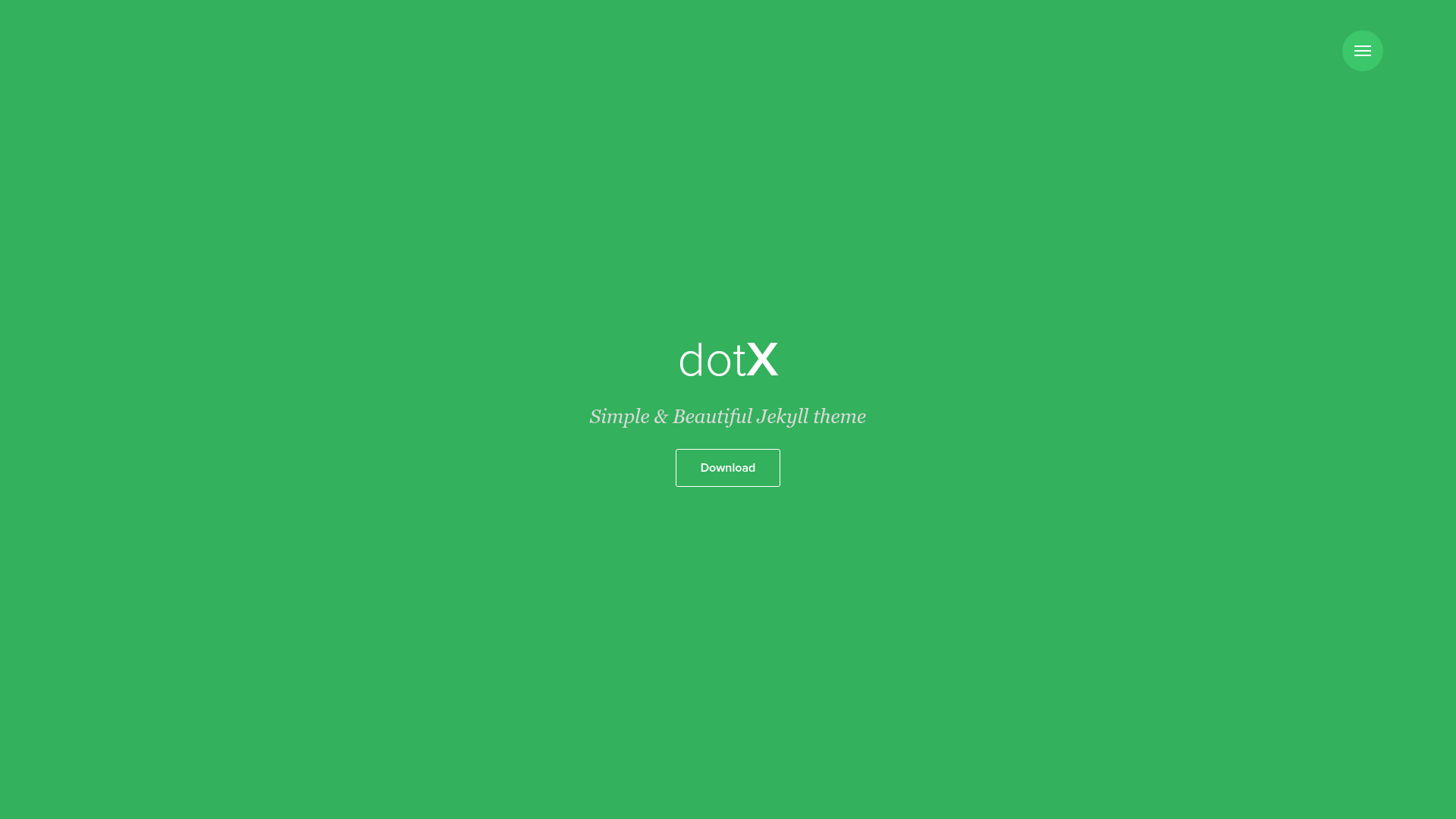
dotX
A free, MIT-licensed Jekyll theme for simple, beautiful blogs with Rake tasks for pages, posts, and GitHub Pages deployment.
About this template
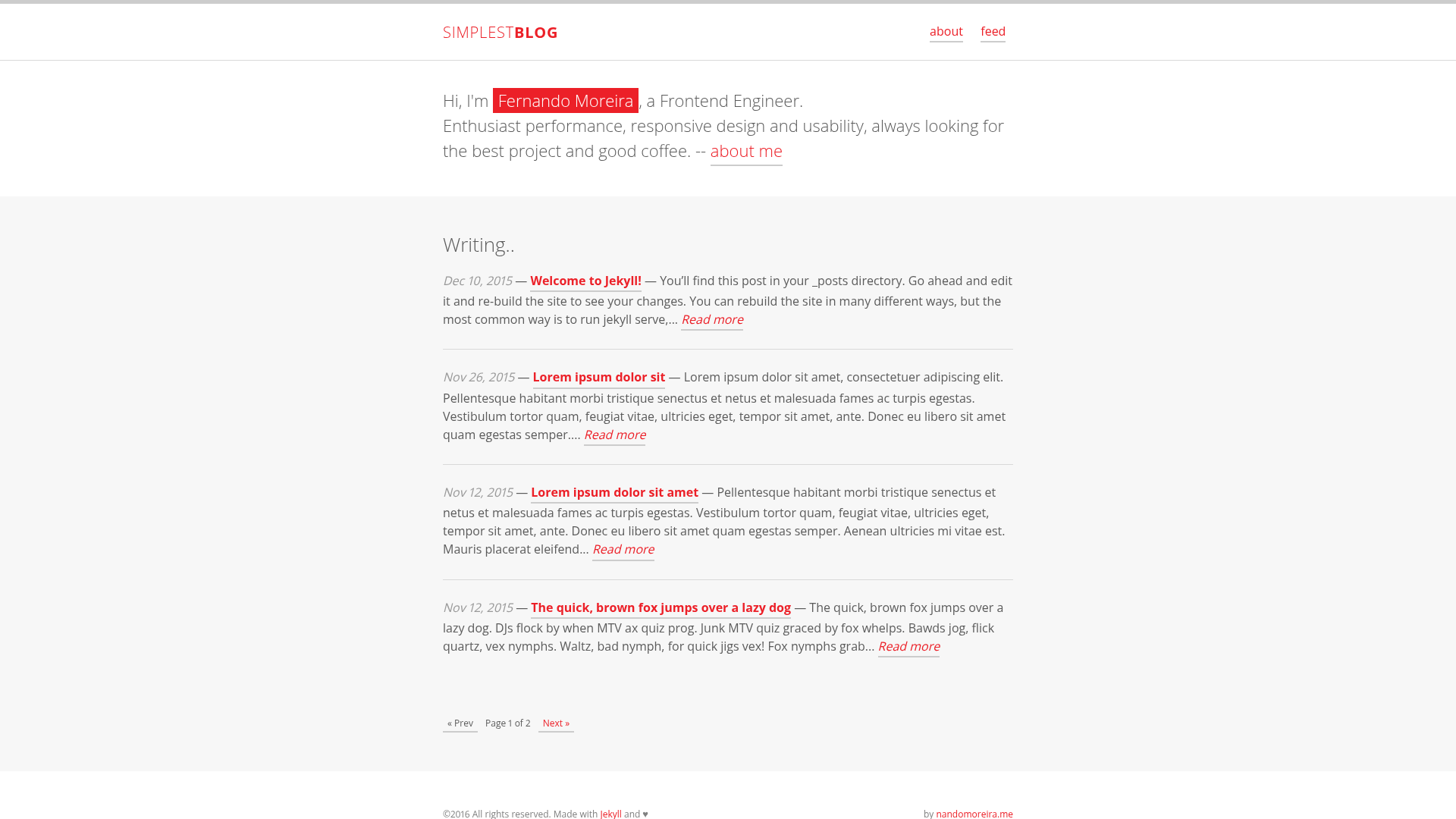
dotX is a free, MIT-licensed Jekyll theme for creating simple, beautiful blogs and personal websites. It provides a clean design out of the box, runs on the Jekyll static site generator, and includes Rake tasks to automate page and post creation and publishing to GitHub Pages.
What is dotX?
dotX is a Jekyll theme developed by nandomoreira.me and published on GitHub. It takes a standard Jekyll project structure as input and produces a static website with a blog-ready layout, styled with a minimal aesthetic. The theme is open source under the MIT license and can be cloned, customized, and deployed to GitHub Pages or any other Jekyll-compatible host.
Key Features
- Simple & beautiful design — A clean, content-focused theme that works out of the box without additional configuration.
- 4-step setup — Clone the repository, run
bundle install, thenjekyll serveto start a local server at localhost:4000/dotX. - Rake automation — The included
Rakefileprovidesrake page name="contact.md"to create new pages andrake post title="TITLE OF THE POST"to create new posts. - GitHub Pages deployment — Set the
GITHUB_REPONAMEandGITHUB_REPO_BRANCHvariables in the Rakefile and runrakeorrake publishto build and publish the site automatically. - MIT license — Free to use, modify, and redistribute for personal or commercial projects.
- Live demo — A hosted demo is available at https://nandomoreirame.github.io/dotX/ to preview the theme in action.
Who is it for?
- Bloggers — Start a personal blog with a clean layout and use the Rake task to generate new posts quickly.
- Developers — Use dotX as a minimal starting point for a Jekyll project, leveraging Rake automation for content creation and deployment.
- Portfolio owners — Present projects and writing on a simple, responsive site without needing a CMS.
What can you do with dotX?
- Create a blog fast: Clone the repo, run two commands, and start writing posts in Markdown; the Rake post task scaffolds the correct filename and front matter.
- Publish to GitHub Pages with one command: After configuring the Rakefile,
rake publishbuilds the site and pushes it to the configured branch, eliminating manual build steps. - Extend the theme: Since it is MIT-licensed, you can restyle the SCSS, change layouts, and add Jekyll plugins as needed for your own projects.
How does dotX work?
- Download or clone the repository with
git clone git@github.com:nandomoreirame/dotX.git. - Enter the folder and install Ruby gems with
bundle install. - Run
jekyll serveto preview locally or use the Rake tasks to create content and publish.
Pricing
dotX is completely free and released under the MIT license. There are no paid tiers or premium features.
FAQ
Is dotX free to use?
Yes, dotX is released under the MIT license, so you can use it for personal or commercial projects without paying a fee.
How do I deploy dotX to GitHub Pages?
Edit the Rakefile to set GITHUB_REPONAME and GITHUB_REPO_BRANCH to your repository and branch, then run rake publish. The task builds the site and pushes it to the specified branch.
How do I create a new post with dotX?
Use the Rake task rake post title="TITLE OF THE POST". This generates a new post file with the appropriate date and title in the _posts directory.
Does dotX require Ruby?
Yes, because Jekyll is Ruby-based, you need Ruby and Bundler installed to run the theme locally.