Template details
Tufte-Jekyll
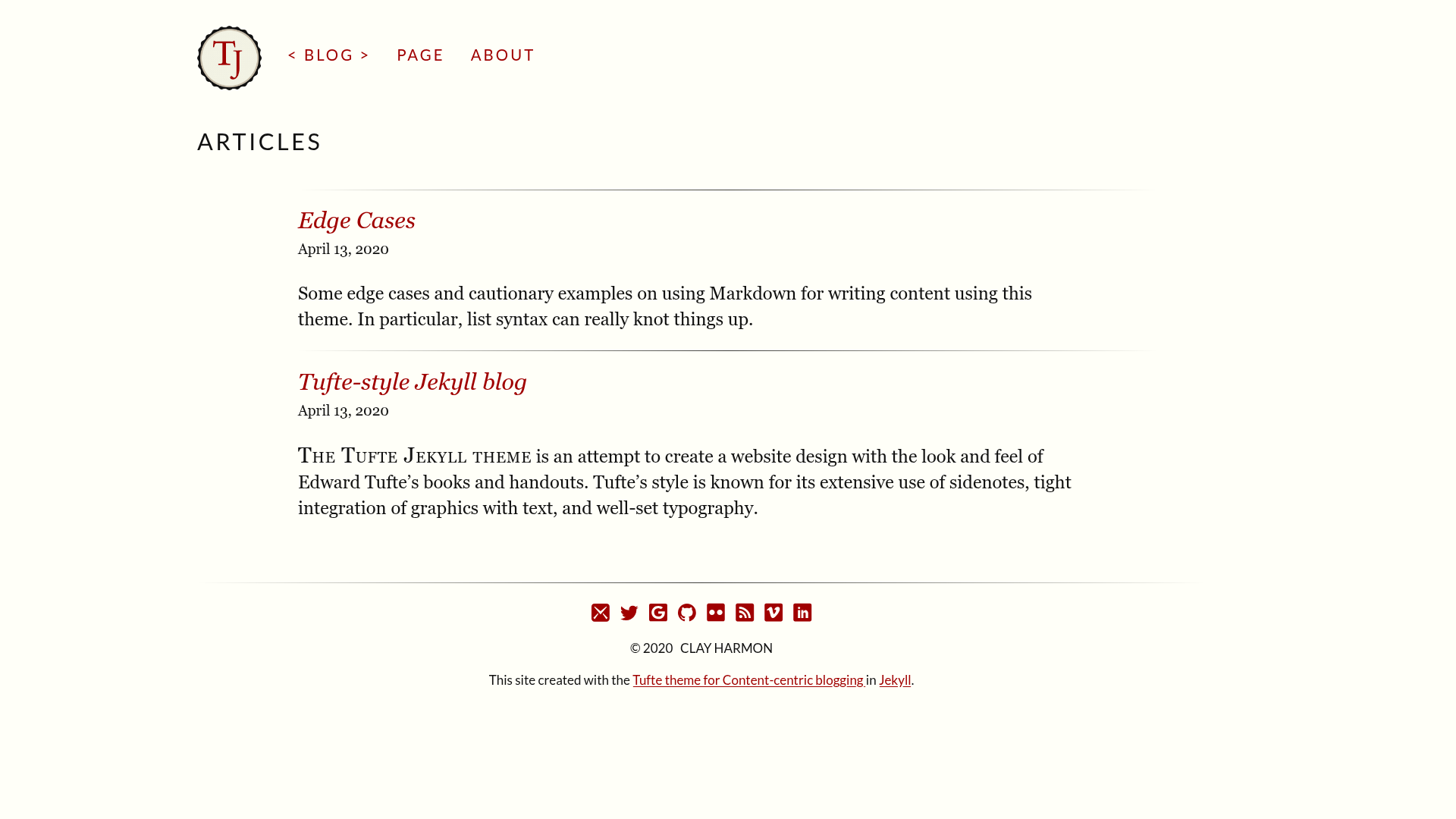
Minimal Jekyll blog theme styled after Edward Tufte's books with custom Liquid tags for sidenotes and margin figures.
About this template
Tufte-Jekyll is a Jekyll blog theme that recreates the typography, layout, and marginalia of Edward Tufte's books through custom Liquid tags for sidenotes, margin notes, and figures. This open-source theme, based on the tufte-css repository by Edward Tufte and originally created by Dave Leipmann, runs on Jekyll and outputs a static website, giving bloggers and academics a distinctive, book-like reading experience.
What is Tufte-Jekyll?
Tufte-Jekyll is a Jekyll blog theme that transforms the typographic and page-structural features of Tufte's style into custom Liquid tags, letting you write content in Markdown with minimal HTML. It takes Jekyll posts written in GitHub-Flavored Markdown as input and produces a static site with a spacious centered content column, wide margins for notes, and optional color or underline links. The theme was built with Ruby 2.2.0 and Jekyll 2.5.3, and is distributed through the clayh53/tufte-jekyll GitHub repository.
Key Features
- Custom Liquid tags — Sidenotes, margin notes, full-width images, main-column images, margin figures, epigraphs, and small-caps new-thought tags are all provided as Liquid tags that accept parameters for captions and unique IDs.
- Responsive marginalia — On small screens, sidenotes and margin notes are hidden and can be revealed by tapping the superscript number or a symbol; a unique ID parameter is required for each tag instance.
- MathJax support — Enclose a LaTeX expression in double dollar signs and the Kramdown engine will parse it; the MathJax library can be disabled in
_data/options.ymlby settingmathjaxto false. - Sass theming — Edit
_scss/_settings.scssto change fonts, colors, backgrounds, and the$link-stylevariable to choose between underlined links or color-only links. - Configurable site options —
_data/options.ymltoggles MathJax and the Google Fonts Lato fallback;_data/social.ymlcontrols footer social icons. - Rakefile boilerplate —
rake post["Title"]creates a new post with a date-stamped filename and minimal YAML front matter; an additional UploadtoGithub.Rakefile automates deploying to GitHub Pages. - GitHub Pages ready — The default
baseurlis/tufte-jekyllfor project pages; set it to your own project name or leave it blank for other hosts.
Who is it for?
Academics and writers who admire the look of Edward Tufte's books can use the MathJax integration for mathematical posts, the sidenote and margin-note tags for commentary, and the full-width figure tag for large images. Jekyll users who want a unique blog theme can install it by copying or cloning the repository, then run jekyll build and jekyll serve -w to preview locally at localhost:4000/tufte-jekyll.
What can you do with Tufte-Jekyll?
- Academic bloggers: write posts with mathematical formulas using double-dollar MathJax expressions and display them in the Tufte layout.
- Visual essayists: insert full-width images with captions that span both the content column and the margin, or use margin figures for supplementary images.
- Long-form writers: separate sections with epigraphs and small-caps "new thought" openings, and add side comments without breaking the body text flow.
How does Tufte-Jekyll work?
Install by copying, pulling, or downloading the repository, then run cd tufte-jekyll, jekyll build, and jekyll serve -w to preview at localhost:4000/tufte-jekyll. To write content, create posts in the _posts directory and edit them with GitHub-Flavored Markdown, mixing in the custom Liquid tags. The tags accept parameters in either single or double quotes, and text inside a parameter can include HTML or escaped double quotes.
Pros and cons
- Pros: Faithful to the tufte-css look while adding extra CSS, such as vertically spaced sidenote typography and optional colored links; responsive marginalia works on small screens.
- Cons: Feature parity with tufte-css is not perfect, and full-width page layouts do not display sidenotes, margin notes, or margin figures because there is no margin.
FAQ
How do I install Tufte-Jekyll?
Copy, pull, or download the repository, then run cd tufte-jekyll, jekyll build, and jekyll serve -w to preview at localhost:4000/tufte-jekyll. Use jekyll serve -w --baseurl '' to serve without the subpath.
What Liquid tags does Tufte-Jekyll provide?
The theme provides epigraph, newthought, sidenote, marginnote, fullwidth, maincolumn, and marginfigure tags. Sidenotes, margin notes, and margin figures require a unique ID parameter so they can be opened by tapping on small screens.
Does Tufte-Jekyll support MathJax?
Yes, if mathjax: true is set in _data/options.yml. Enclose a LaTeX expression in double dollar signs, and the Kramdown Markdown engine will parse it. Set the option to false to avoid loading the MathJax JavaScript.
How do I set the baseurl for GitHub Pages?
Edit _config.yml and set baseurl to your project name with a leading slash and no trailing slash, such as /my-project-name. For non-GitHub hosting, leave baseurl: empty to remove the subpath.