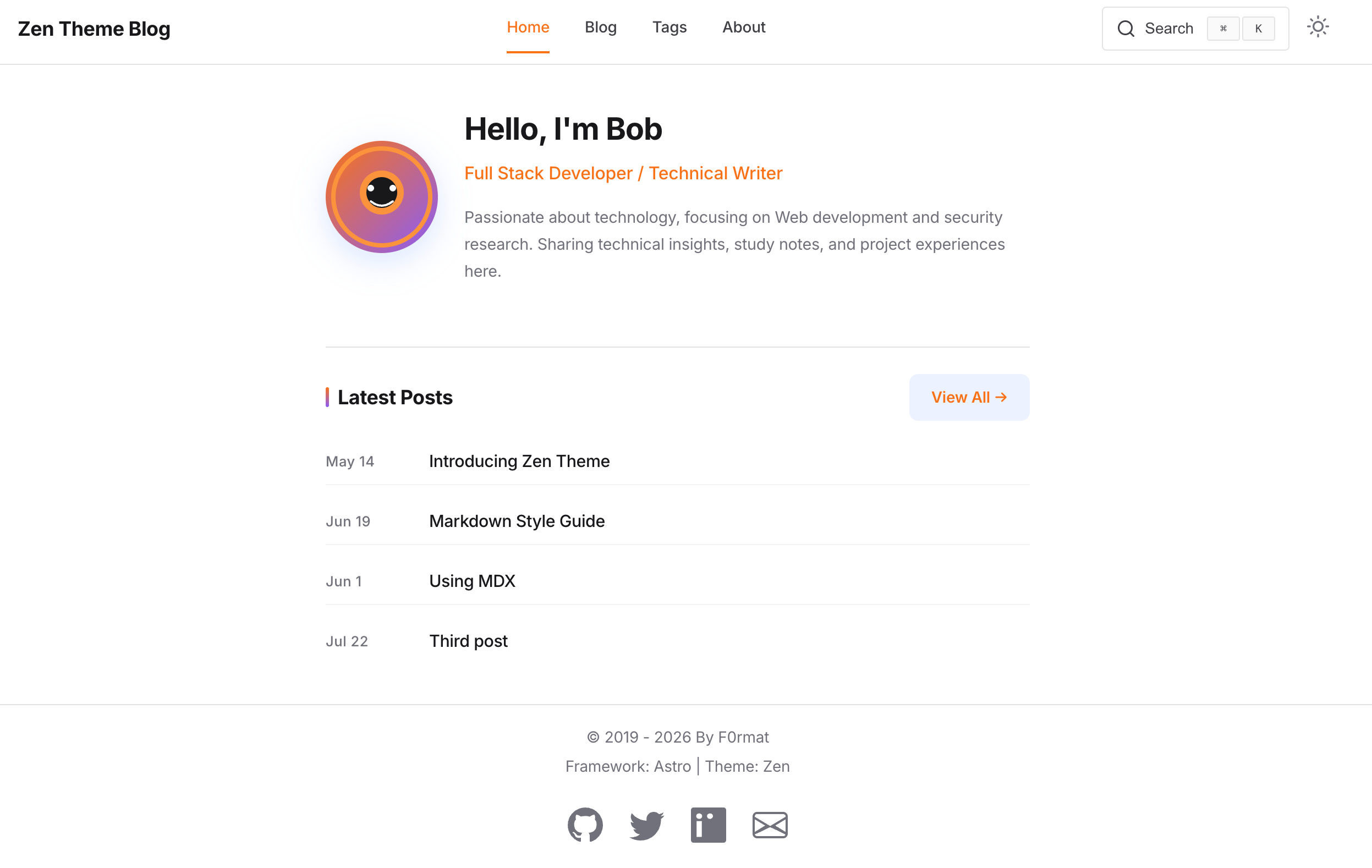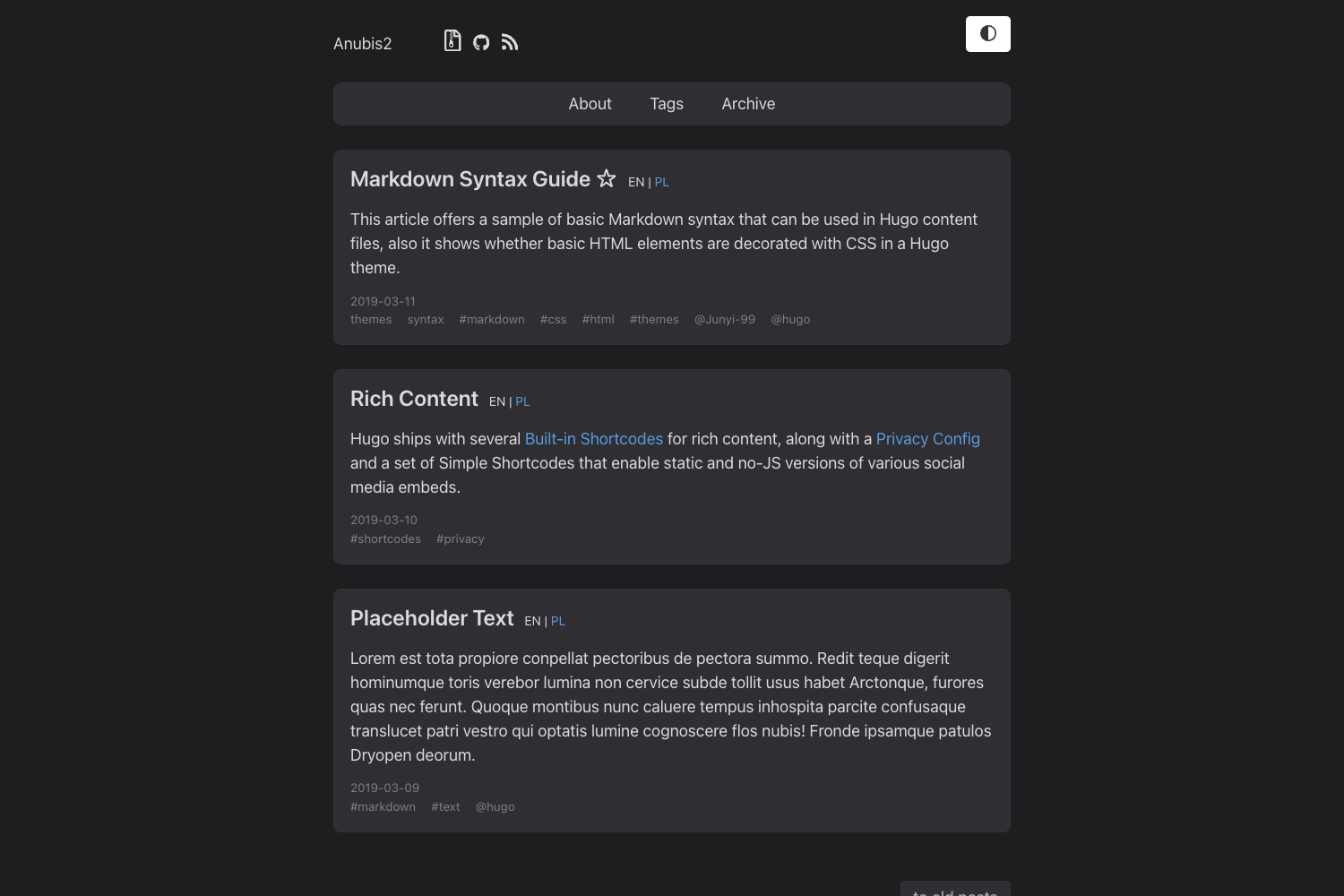
Template details
Beats0.github.io
A Jekyll-based personal blog template with PWA support, forked from Huxpro's theme.
About this template
Beats0.github.io is a Jekyll-theme personal blog template with progressive web app support, forked from Huxpro's theme and hosted on GitHub. It is the source code for the blog at Beats0.github.io and is designed to be run with Docker for local development.
What is Beats0.github.io?
Beats0.github.io is a static blog template built with Jekyll, the Ruby-based static site generator. It is the source repository for a personal blog, and the theme is derived from the original Jekyll theme by Huxpro (huxpro.github.io). The repository is publicly available on GitHub with 25 stars and uses topics such as jekyll-blog, jekyll-theme, pwa, and service-worker. It provides a ready-to-use Jekyll setup, including a _config.yml file where users can adjust settings like cdnPrefix.
Key Features
- Jekyll-based static site — Built on Jekyll, this template generates a static blog that can be hosted on GitHub Pages or any static host.
- PWA support — The repository topics include pwa and service-worker, meaning the theme adds progressive web app capabilities for offline viewing.
- Docker development workflow — The README documents how to use the official jekyll/jekyll Docker image with docker-compose or a docker run command to serve the site.
- cdnPrefix configuration — The _config.yml contains a cdnPrefix setting that should be set to an empty string for local development, presumably to control CDN asset paths.
- Forked from Huxpro theme — The design and structure are based on the popular huxpro.github.io Jekyll theme, providing a clean blog layout.
Who is it for?
- Developers — who want to run a Jekyll blog locally using Docker without installing Ruby or Jekyll on their machine.
- Bloggers — who need a static blog template with PWA support for offline reading of their posts.
- Jekyll users — who want a ready-made setup with configuration examples for cdnPrefix and Docker orchestration.
What can you do with Beats0.github.io?
- Launch a personal blog: Fork the repository, rename it to yourusername.github.io, and modify the content to start blogging on GitHub Pages.
- Develop locally with Docker: Use the provided docker-compose or docker run commands to serve the site on port 4000 and preview changes in real time.
- Study PWA integration: Examine how service-worker and PWA features are added to a Jekyll site, which you can adapt for other projects.
How does Beats0.github.io work?
The README explains that you can either create a docker-compose.yml and run docker-compose up, or run a docker run command with the jekyll/jekyll image, mounting your site directory to /srv/jekyll, publishing port 4000, and then run jekyll serve. After that, the blog is accessible at http://localhost:4000. For local development, remember to set cdnPrefix to an empty string in _config.yml.
FAQ
Is Beats0.github.io free to use?
The source code is publicly available on GitHub, so you can fork and use it for your own blog. There is no mention of a license, but Jekyll themes are typically open source.
How do I run the blog locally?
Two Docker-based methods are documented: using docker-compose with a compose file, or running a docker run command with the jekyll/jekyll image and mounting your project. Both expose the site on port 4000.
What does the cdnPrefix setting do?
cdnPrefix is a variable in _config.yml. The README instructs setting it to an empty string for local development, which implies it determines whether assets are loaded from a local path or from a CDN.
Does this template include PWA functionality?
Yes, according to the GitHub repository topics, both "pwa" and "service-worker" are listed, so the theme includes progressive web app and service worker capabilities.
What is the origin of this theme?
The repository states that the original Jekyll theme is by Huxpro, so Beats0.github.io is a modified version of that theme, with additions such as Docker support and PWA features.