Template details
kaktus-11ty
11ty theme for personal micro-blog
About this template
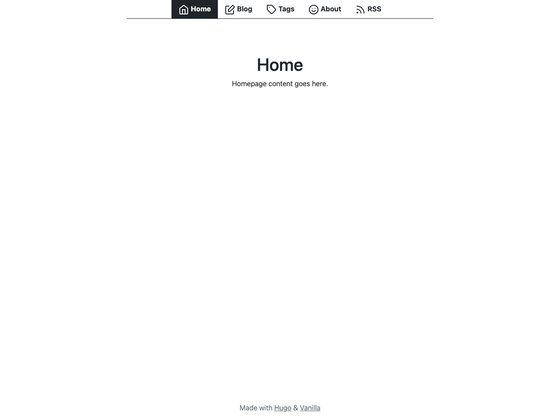
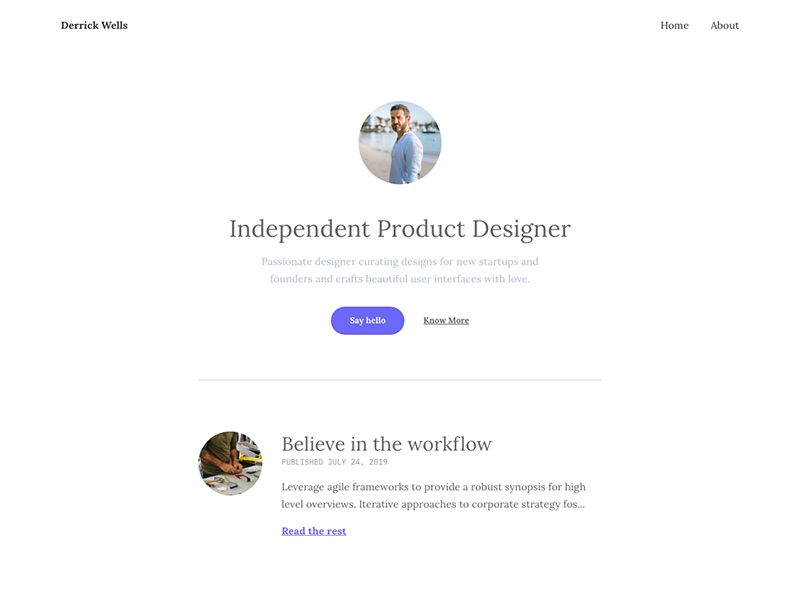
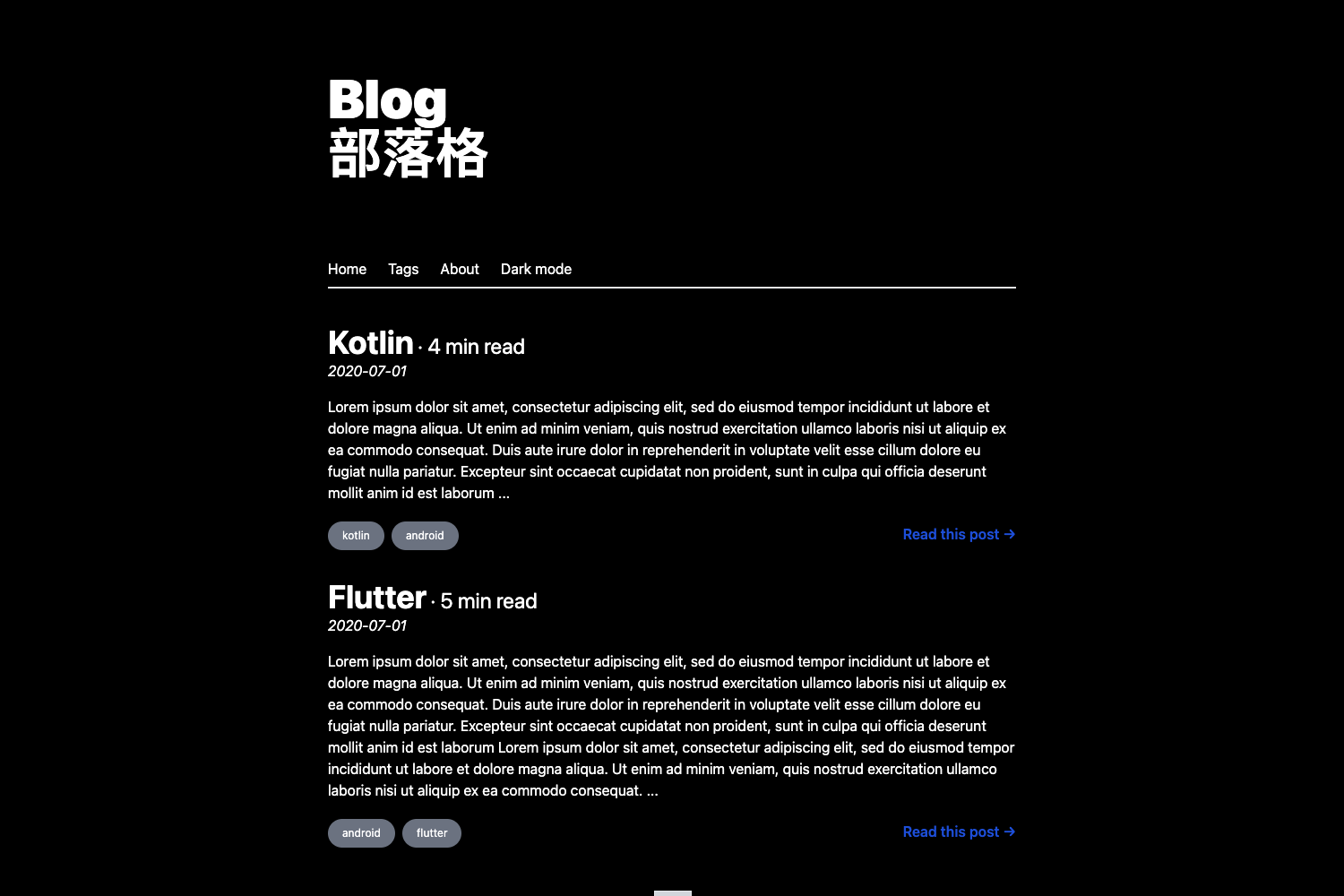
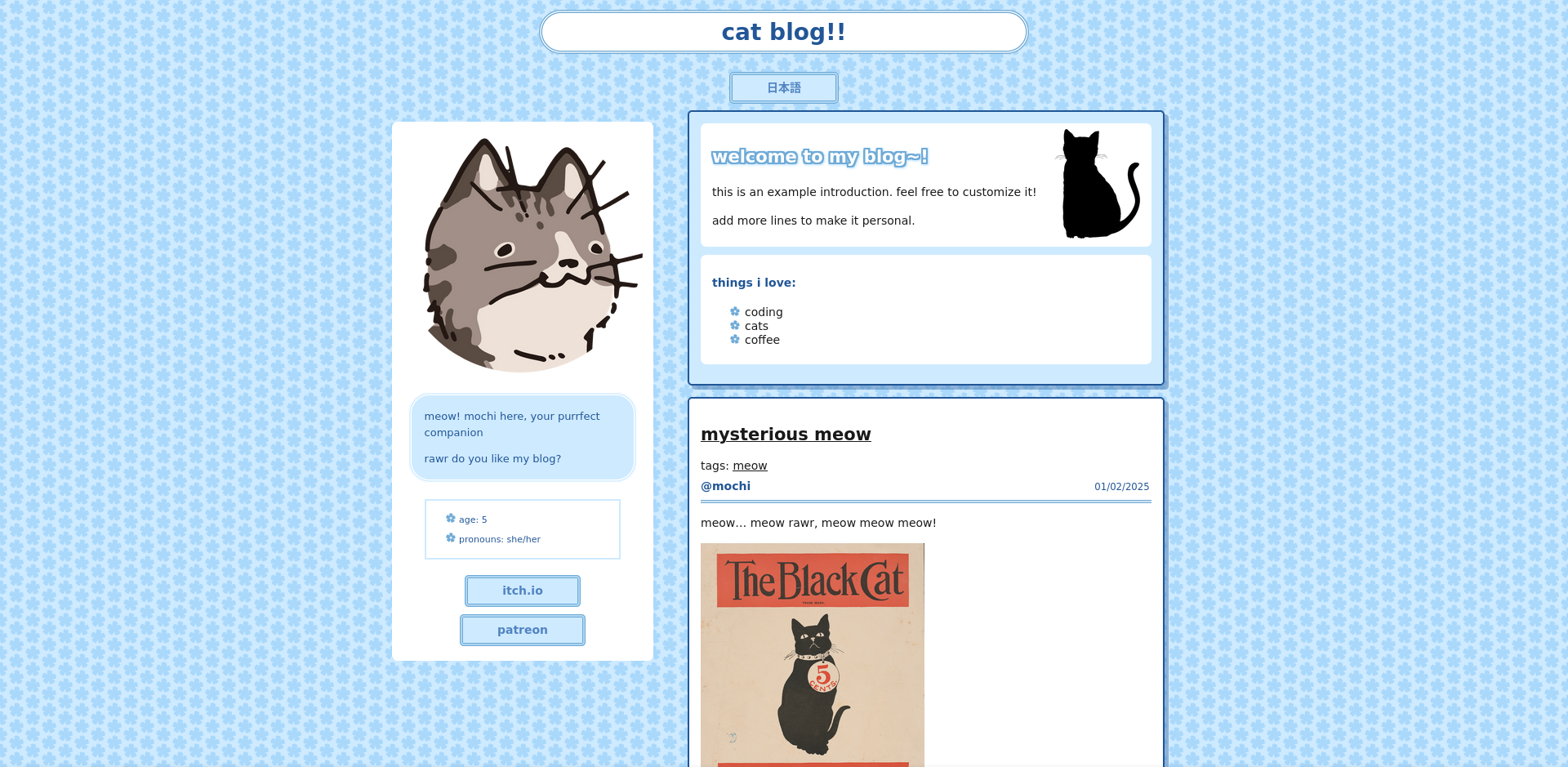
kaktus-11ty is an Eleventy (11ty) static site generator theme for a personal micro-blog, built as a tribute to the kaktus theme. It compiles Markdown and other template formats into a static site with a home page, about page, blog post collection, and an RSS feed.
What is kaktus-11ty?
kaktus-11ty is a theme for the Eleventy static site generator. It takes content files (Markdown, HTML, Nunjucks) and global configuration from _data/metadata.json, and produces a static website with a blog. The repository includes three Nunjucks layouts—base.njk, home.njk, and post.njk—and a reusable post list include. The theme is maintained by Defite on GitHub.
Key Features
- Eleventy-based static generation — Uses the 11ty static site generator to convert templates into plain HTML, CSS, and JavaScript output.
- Three Nunjucks layouts —
base.njkprovides the top-level HTML structure,home.njkrenders the landing page, andpost.njkformats individual blog posts. - Configurable through a single JSON file — All site metadata (like site title, author, and feed settings) lives in
_data/metadata.json. - Blog post collection via tags — Posts placed in the
posts/directory with theposttag are automatically added to the blog collection. - Top-level navigation via front matter — Pages can be added to the site navigation using the
eleventyNavigationkey in their front matter. - Flexible template formats — Supported template types are configured in
.eleventy.jsundertemplateFormats, so posts can be Markdown, HTML, or other formats. - Passthrough copy for assets — The
cssandimgdirectories are copied to the output folder usingaddPassthroughCopy(). - Built-in blog feed — A feed template at
feed/feed.njkgenerates a blog feed using global data from_data/metadata.json. - Cloudinary image shortcode — A
respimgshortcode accepts image source, width, sizes, alt text, and loading attributes to render responsive images through Cloudinary.
Who is it for?
- Personal bloggers — Individuals who want a minimal, fast static site for publishing short posts without managing a database or server.
- Eleventy learners — Developers new to 11ty can study a complete, small theme that demonstrates layouts, collections, global data, and passthrough copy.
- Developers seeking a basic starting point — Anyone who wants a clean micro-blog and plans to customize the design or add features on top of the Eleventy foundation.
What can you do with kaktus-11ty?
- Publish blog posts: Create Markdown files in the
posts/directory, add theposttag, and run Eleventy to generate static blog pages. - Add content pages: Follow the example in
about/index.mdto add static pages like an About page. - Integrate Cloudinary images: Use the
respimgshortcode in posts to serve responsive, lazy-loaded images from Cloudinary. - Customize site metadata: Edit
_data/metadata.jsonto set your site name, description, author, and feed URL. - Run locally for development: Use
npx @11ty/eleventy --serveto start a live-reloading server, or--watchto rebuild when templates change.
How does kaktus-11ty work?
- Clone the repository and run
npm installto install dependencies. - Edit
_data/metadata.jsonwith your site information. - Run
npx @11ty/eleventyto build the site, ornpx @11ty/eleventy --servefor local development. - Eleventy processes templates, applies layouts, and copies static assets to the output folder.
FAQ
How do I add a new blog post?
Create a new file in the posts/ directory with the post tag in its front matter. The file can be Markdown or another configured template format, and it will automatically appear in the blog collection.
How do I change the site's title or author?
Open _data/metadata.json and edit the fields there. This file is used by the base template and the feed template to populate site-wide metadata.
How do I use Cloudinary images in my posts?
In your content, use the respimg shortcode with parameters for image source, width, sizes, alt text, and loading mode. You must also uncomment and set the Cloudinary cloud name and hostname in .eleventy.js.
What build commands are available?
npx @11ty/eleventy builds the site once. Add --serve for a local development server with live reload, --watch to rebuild on changes, or set DEBUG=* to run in debug mode.