Template details
DZSlides
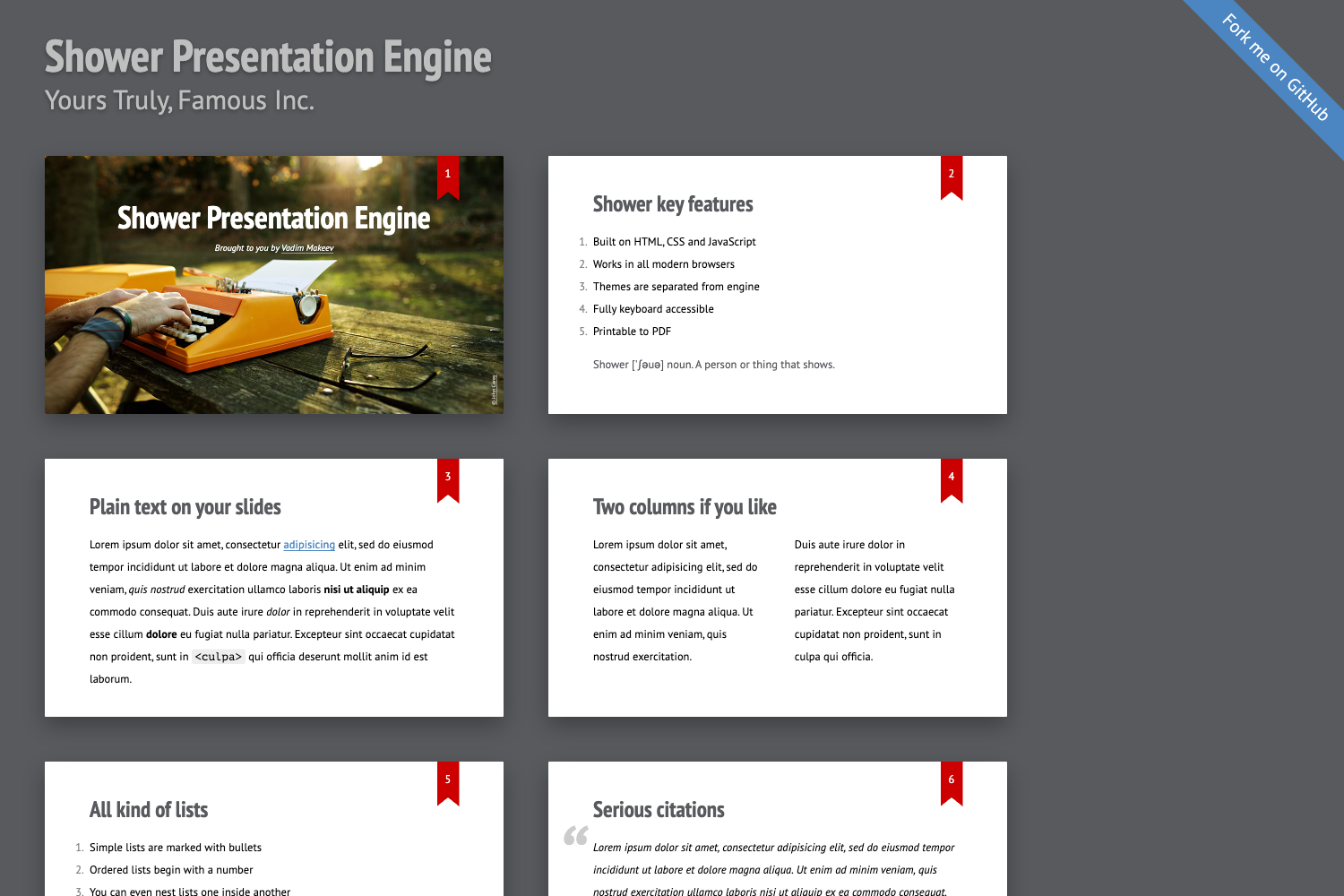
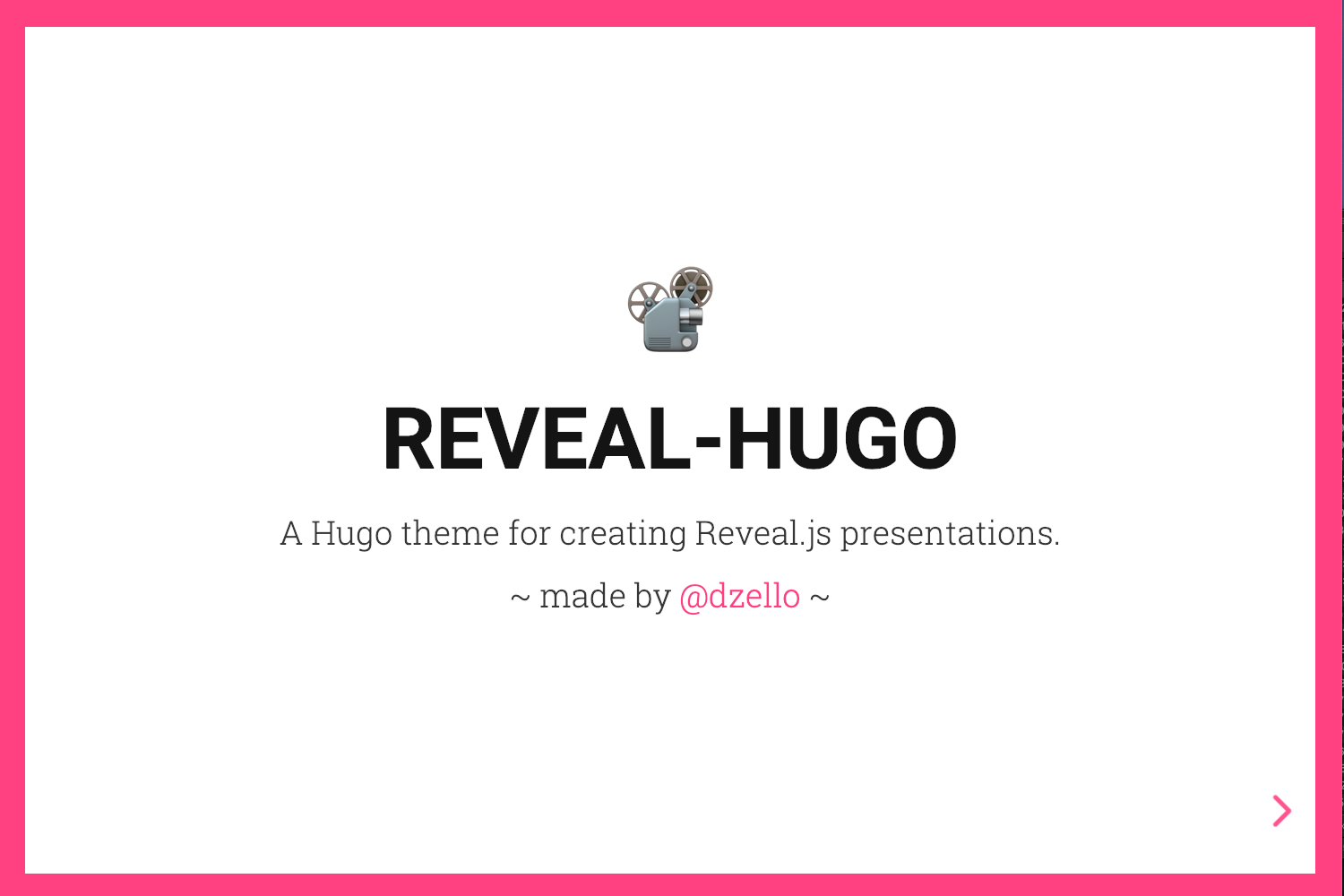
DZSlides is a one-file HTML template to build slides in HTML5 and CSS3.
About this template
DZSlides is a one-file HTML template for building presentation slides directly in HTML5 and CSS3, with no build step, no server, and no external dependencies.
What is DZSlides?
DZSlides is a single-file HTML template that turns template.html into a complete slide deck. It takes authored HTML content inside the file and renders it as resolution-independent slides in a browser, with CSS3-based transitions between slides. The template runs entirely client-side, works when opened directly from a local file, and is maintained as an open-source project; the repository description identifies it as "a one-file HTML template to build slides in HTML5 and CSS3." Because everything lives in one file, presentations are portable and easy to share by simply sending the HTML file.
Key Features
- One-file simplicity — The entire template is
template.html; you edit that single file, load it in any modern browser, and the slides render without a build step or web server. - Any HTML5 content — Slides can contain text, images, video, iframes, and arbitrary HTML5 elements, so you are not limited to text bullets.
- CSS3 animated transitions — Slide changes are animated with CSS3, with a sliding effect by default, giving a smooth look without JavaScript animation libraries.
- Resolution independent layout — Slides scale to fit the browser window; the virtual slide dimension is 800x600, so content stays proportioned at any screen size.
- Fullscreen presentation mode — Pressing the "f" key triggers the HTML5 FullScreen API to present without browser chrome.
- Incremental content support — Use sequential sub-items so bullet points appear one at a time, controlled by the cursor concept (for example "3.5" means slide 3, sub-item 5).
- Mobile friendly — Touch events are supported, so slides work on phones and tablets.
- PDF printing — Presentations can be printed to PDF directly from the browser.
Who is it for?
- Developers and technical presenters who want to maintain slides in HTML and version-control them like code rather than using PowerPoint or Google Slides.
- Educators and trainers who need a lightweight, dependency-free way to deliver slide decks from a USB stick or a local file without installing software.
- Open-source enthusiasts who prefer the WTFPL license and want a template they can modify freely for personal or commercial presentations.
What can you do with DZSlides?
- Create a quick slide deck — Write your content directly in
template.htmland open the file in a browser; no build tooling required. - Embed a presentation in a web page — Use the included
shells/embedder.htmlto show your slides within an existing page as an embedded viewer. - Present with a control panel — Use
shells/onstage.htmlto show slides alongside a control panel that manages navigation and notes. - Control slides remotely — Send
FORWARD,BACK,START,END, orSET_CURSORmessages via thepostMessageAPI from another page to drive the presentation programmatically.
How does DZSlides work?
To create a presentation, edit template.html by adding your slide content to the existing structure, then load the file in a browser. Use the left and right arrow keys to navigate slides, and press "f" to toggle fullscreen. For advanced control, another webpage can send postMessage commands to the presentation; the template responds to commands like REGISTER, FORWARD, SET_CURSOR, and GET_CURSOR, and can emit CURSOR, REGISTERED, and NOTES messages to registered targets.
Pros and cons
Pros:
- Zero-dependency single file means no install, no build step, and easy distribution.
- Works offline from a local file; no server required.
- Fullscreen, touch, and PDF printing are built in.
- The
postMessageprotocol enables custom remote controls and integrations.
Cons:
- Features are intentionally limited to keep the template light, so advanced slide effects like 2D layouts are not included out of the box.
- Without a build step, styling changes require hand-editing CSS in the single file.
- The default design is minimal; you customize the look by editing the template's own CSS.
Alternatives
- Reveal.js — a feature-rich HTML presentation framework that supports 2D navigation and a wide range of plugins.
- Flowtime.js — a presentation framework built around a 2D layout of slides, referenced in DZSlides' own roadmap.
FAQ
Is DZSlides free?
DZSlides is released under the WTFPL (Do What The Fuck You Want To Public License), which permits free use, copying, modification, and distribution for any purpose.
What do I need to run DZSlides?
Only a modern web browser. The template is a single template.html file that runs entirely client-side, so you can open it directly from disk without a web server or build step.
Can I control DZSlides from another page?
Yes. DZSlides listens for postMessage commands such as FORWARD, BACK, START, END, and SET_CURSOR. Another page can also register itself to receive cursor position and notes updates.
Does DZSlides support fullscreen and mobile?
Pressing the "f" key enters fullscreen using the HTML5 FullScreen API. The slides also support touch events, making them usable on phones and tablets.
What is the cursor in the protocol?
A cursor is a string like 3.5, where the first number is the slide index and the second is the sub-item index. It lets remotes jump to exact positions in the deck.