Template details
Echo
NextJs - A dashboard Template based on Youtube. (Under Development)
About this template
Echo is a Next.js dashboard template based on YouTube, released under the MIT license and currently marked as under development by its author, Antônio Bernardino da Silva.
What is Echo?
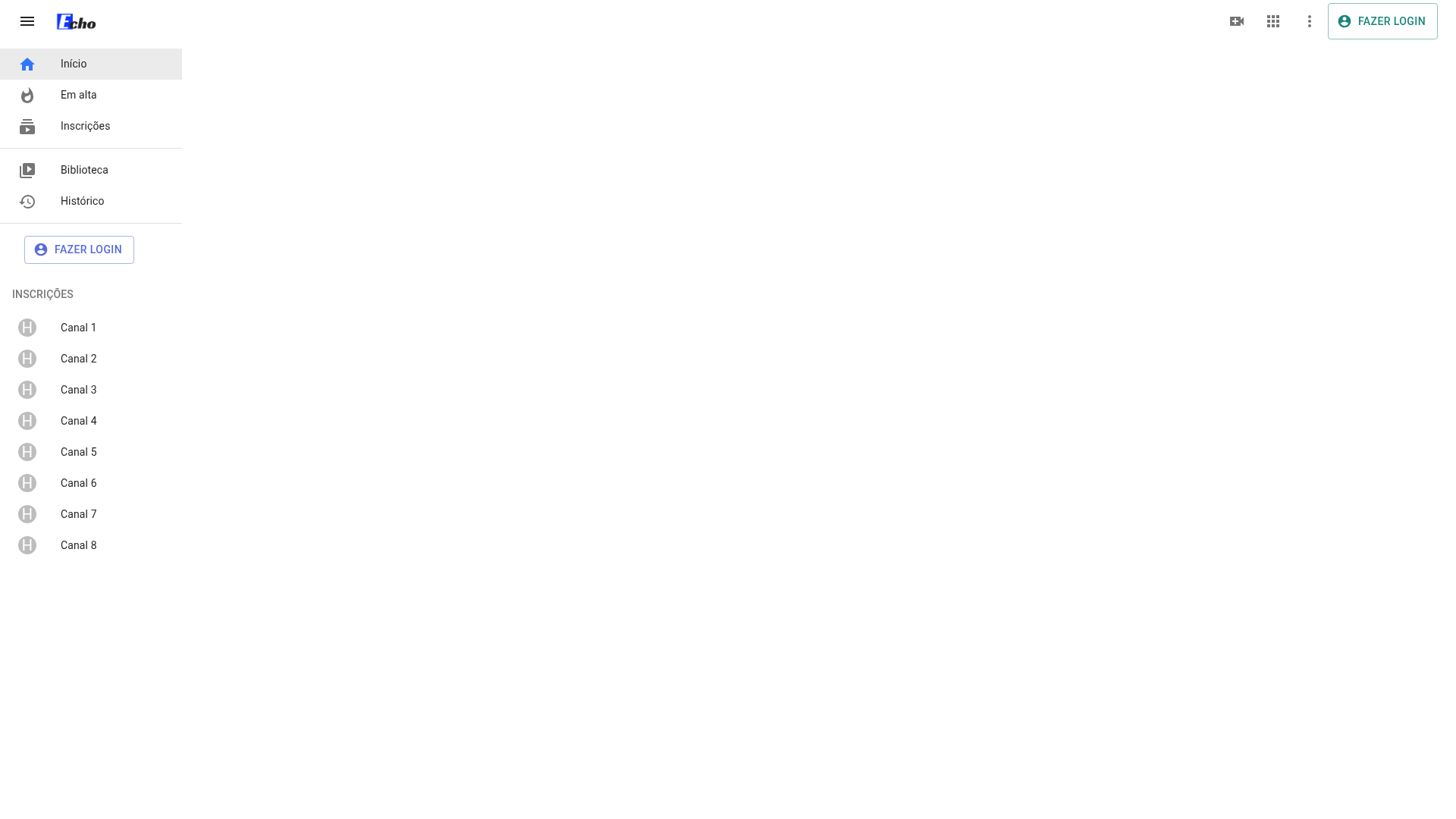
Echo is an open-source dashboard template built with Next.js and described by its creator as 'A Dashboard based on Youtube.' The project, hosted at https://github.com/Tonybsilva-dev/Echo, gives developers a starting point for building YouTube-style analytics or content-management interfaces. It takes a fresh Next.js project as its foundation and adds dashboard-oriented visual assets, including a logo; the README does not yet document specific dashboard pages or data integrations because development is ongoing. A live demo is available at https://echo.vercel.app/, and the repository includes a GitHub wiki for exploring the docs.
Key Features
- Next.js framework — Echo is built on Next.js, a React-based framework, as stated in the repository description.
- YouTube-inspired dashboard — The README positions Echo as 'A Dashboard based on Youtube,' so the interface is intended to resemble YouTube's channel dashboard.
- Prettier formatting — The top of the README shows a 'code style: prettier' badge, indicating the codebase enforces Prettier for consistent formatting.
- Live demo — A working preview of the dashboard is deployed at https://echo.vercel.app/.
- npm-based setup — Local installation requires only npm: install the latest npm globally, clone the repository, and run npm install.
- MIT license — The project is distributed under the MIT License, allowing free use and modification.
- GitHub wiki — The README links to a project wiki for documentation.
- Public roadmap — Proposed features and known issues are tracked in GitHub issues, with the README pointing users there.
Who is it for?
Echo is aimed at developers and teams who want a dashboard interface centered on YouTube content. Three likely audiences emerge from the repository's metadata and positioning:
- Front-end developers looking for a Next.js starter with a YouTube aesthetic can clone Echo and customize it to display video metrics, channel analytics, or playlist data.
- Product teams building content dashboards — who need a CRM-like view of video performance and can adapt Echo's styling to their own data sources.
- Next.js learners — who can review a real-world Next.js project structure, including its package.json, README, and Vercel deployment, while keeping in mind that the template is incomplete.
Use cases
- YouTube channel managers: create a custom dashboard to monitor subscriber growth, views, and watch time using Echo's YouTube-inspired interface as a base.
- Content analysts: adapt the template to show video-level analytics, such as top-performing uploads and audience retention charts, once data integration is added.
- CRM integrators: because the repository lists 'crm' as a topic, developers can repurpose Echo's layout for managing customer data with a video-first design.
FAQ
Is Echo free to use?
Yes. Echo is distributed under the MIT License, so you can freely use, copy, modify, merge, publish, and distribute the software.
Is Echo ready for production?
No. The README explicitly marks the project as 'Under Development' in both the About and Usage sections, meaning the dashboard is incomplete and not yet feature-complete.
How do I get Echo running locally?
After installing the latest npm globally, clone the repository with git clone https://github.com/Tonybsilva-dev/Echo.git, then run npm install inside the project directory.