Template details
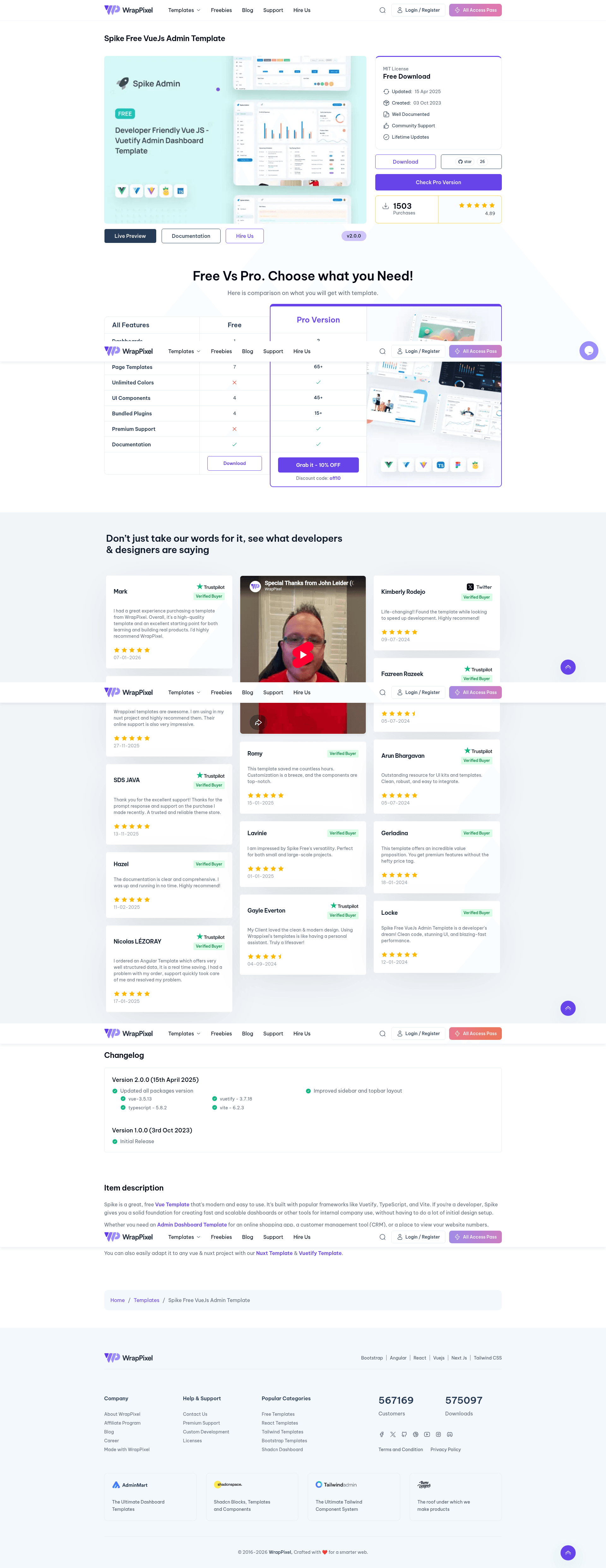
Spike Free Vue Js Admin Template
Free, open-source Vue 3 admin dashboard template with Vuetify, TypeScript, and Vite.
About this template
Spike Free Vue Js Admin Template is a free, open-source admin dashboard template built with Vue, Vuetify, TypeScript, and Vite, designed to give developers a production-ready starting point for building admin panels and internal tools.
What is Spike Free Vue Js Admin Template?
Spike is a free and modern Vue admin dashboard template developed by WrapPixel. It takes a blank Vite + Vue 3 + TypeScript project and provides a full set of responsive Material Design UI screens, including dashboards, authentication pages, user profiles, and error pages. The template is open-source and available on GitHub at https://github.com/wrappixel/spike-vue-free, with a live demo hosted on Netlify.
Key Features
- Responsive Material Design UI — Built with Vuetify 3, the layout adapts to screen sizes using Vuetify's grid system and accessible Material components.
- Vue 3 + TypeScript + Vite stack — Uses the modern Vite build tool for fast development and optimized production builds, with TypeScript support and best practices like code-splitting and lazy loading.
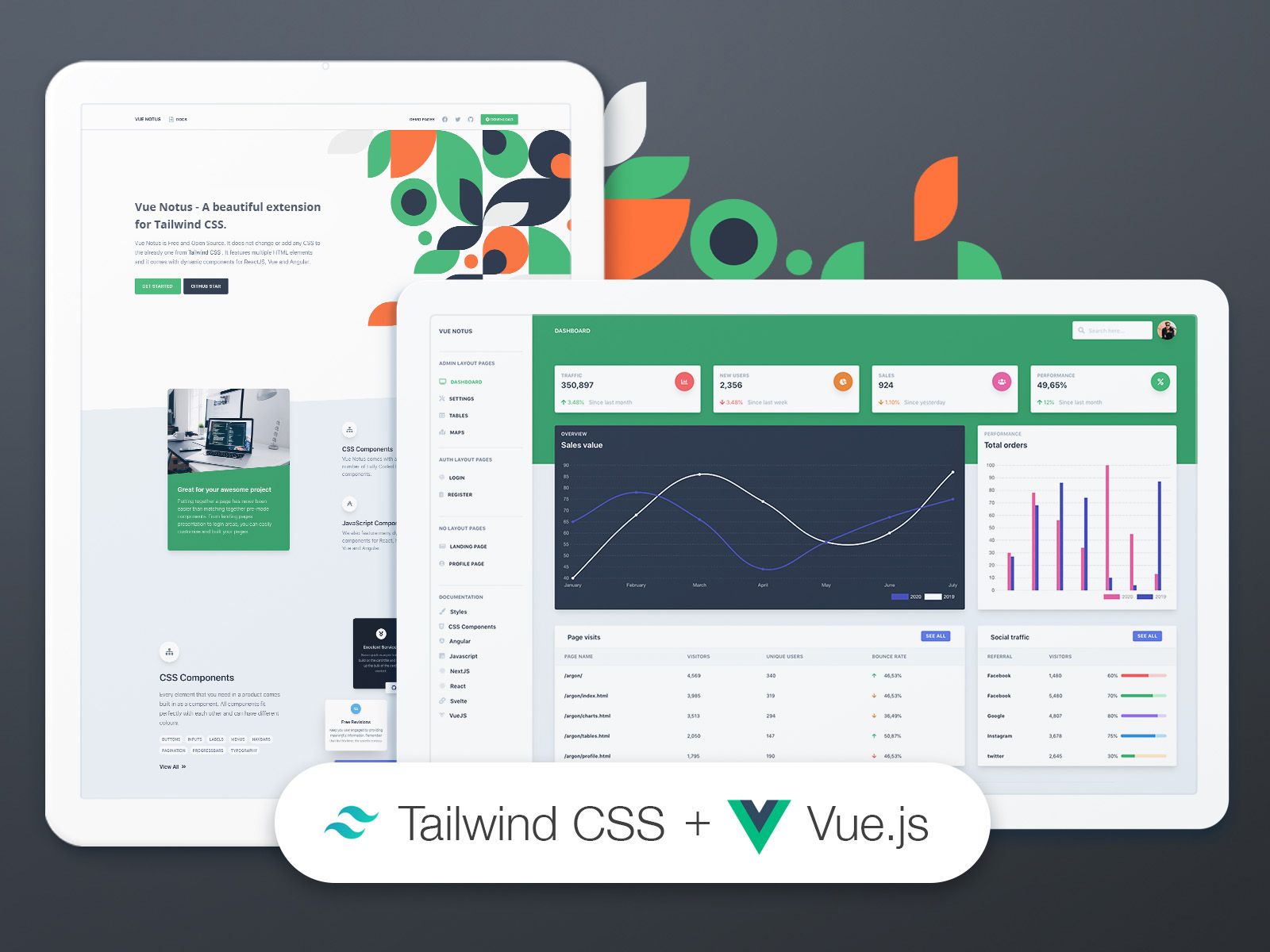
- Pre-built pages — Includes dashboards, authentication screens, user profiles, and error pages, so common admin sections are ready to use out of the box.
- Vue ApexCharts integration — Interactive and customizable charts are included for data visualization in dashboard views.
- SASS-based theming — Styles are written in SASS, letting developers adjust colors and design tokens through variables.
- Vue Tabler Icons — A lightweight icon set based on Tabler Icons is bundled for consistent UI visuals.
Who is it for?
- Front-end developers — who need a free admin dashboard scaffold using Vue 3 and Vuetify, saving them from repetitive project setup.
- SaaS and startup teams — building a dashboard, CRM, or analytics platform can use the pre-built pages and charts as a foundation.
- Open-source contributors — who want to fork the repository and customize it; the README includes a step-by-step contribution workflow.
What can you do with Spike Free Vue Js Admin Template?
- Build a SaaS dashboard: Use the pre-built dashboard views and Vue ApexCharts widgets to display key metrics without starting from scratch.
- Prototype admin panels: Start from the authentication, profile, and error pages to scaffold a functional admin UI in a few minutes.
- Customize and extend: Modify SASS variables, add routes, and integrate your own data since the codebase is modular, TypeScript-based, and well structured.
How does Spike Free Vue Js Admin Template work?
Installation follows three steps: clone the repository with git clone https://github.com/wrappixel/spike-vue-free.git, install dependencies with npm install, and start the development server with npm run dev. Full documentation is available at https://wrappixel.github.io/free-documentation-wp/vue/spike/index.html, and a live demo can be tried at https://spike-vue-free.netlify.app.
Pros and cons
- Pros: The free version is open-source, built with a modern Vue 3 + Vite + TypeScript stack, and includes Vuetify components and ApexCharts; it is responsive by default.
- Cons: The free version includes only basic pages and widgets; it does not include multiple themes, dark mode, advanced analytics, or priority support, which are reserved for the paid Pro version.
Pricing
Spike Free Vue Js Admin Template is free and open-source. WrapPixel also offers a Pro version that adds multiple themes, custom color skins, dark mode, advanced widgets, user roles/permissions, real-time notifications, multi-language support, and priority support; pricing details are available on the WrapPixel website.
FAQ
Is Spike Free Vue Js Admin Template really free?
Yes, the free version is open-source and available on GitHub. It includes basic pages and widgets, responsive design, and community support.
What tech stack does Spike use?
Spike uses Vue 3, Vuetify 3, TypeScript, Vite, SASS, Vue ApexCharts, and Vue Tabler Icons. The build tool is Vite and the styling is SASS-based.
How do I install Spike?
Clone the repository, run npm install, then npm run dev. The README also documents how to fork the repository and submit contributions via a feature branch.
Does the free version include dark mode?
No, the free version has a default theme; multiple themes, custom color skins, and dark mode are available in the Pro version.
What is the difference between free and Pro?
The Pro version adds multiple themes, dark mode, advanced widgets, user roles and permissions, real-time notifications, multi-language support, and priority support. The free version has basic pages, basic widgets, and community support.