Template details
Vue Notus
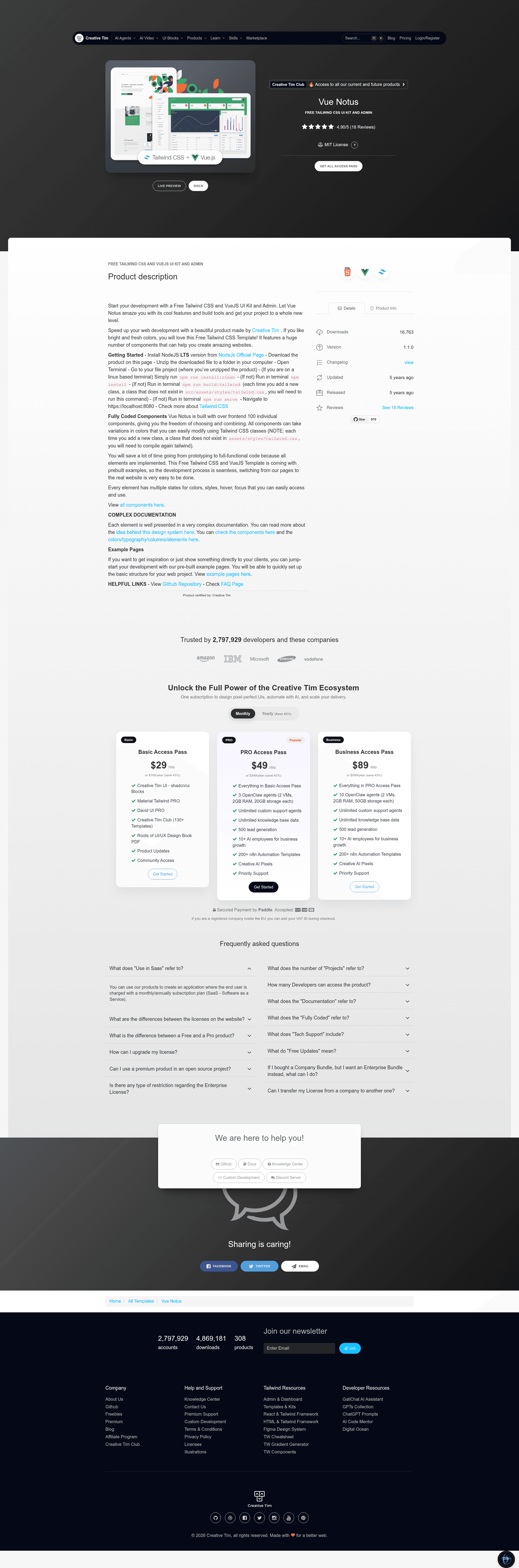
Free Tailwind CSS UI Kit and Admin built with VueJS, featuring 120 CSS components and 18 dynamic Vue components.
About this template
Vue Notus is a free, open-source Tailwind CSS UI Kit and admin dashboard template built with VueJS by Creative Tim, delivering pre-built presentation and admin pages along with 120 CSS components and 18 dynamic VueJS components.
What is Vue Notus?
Vue Notus is a free and open-source UI Kit and admin dashboard template built on VueJS and Tailwind CSS, created by Creative Tim. It includes both presentation pages (Landing, Profile) and admin dashboard pages (Dashboard, Settings, Tables, Maps), plus authentication pages (Login, Register). The template is built on the Tailwind Starter Kit and uses Vue Router for navigation, with a standard Vue CLI project structure that includes tailwind.config.js, Vue components for cards, dropdowns, navbars, and sidebars, and example chart components like CardBarChart and CardLineChart. Developers can download it from the Creative Tim website or clone the GitHub repository, then run it locally with npm.
Key Features
- 120 CSS components — Fully coded Tailwind CSS elements such as alerts, buttons, inputs, modals, navbars, tabs, and tooltips, each with multiple color and state variations.
- 18 dynamic VueJS components — Interactive components including dropdowns, popovers, modals, navbars, tabs, and tooltips, built with Vue reactivity.
- Pre-built pages — Includes a presentation page, four admin sample pages (Dashboard, Settings, Tables, Maps), two authentication pages (Login, Register), and landing and profile pages.
- Tailwind CSS styling — All styling uses Tailwind CSS utility classes; adding new classes requires running
npm run build:tailwindto regeneratesrc/assets/styles/tailwind.css. - Admin dashboard layouts — Includes an Admin layout and Auth layout, with components for header stats, sidebars, footers, and dropdowns.
- Free and open source — Released under the MIT license, with public GitHub repository and a live demo hosted at demos.creative-tim.com.
Who is it for?
- Frontend developers — They can use Vue Notus as a starting point for Vue projects, skipping the setup of Tailwind CSS and basic components.
- Startup teams — They can quickly assemble a landing page plus an admin area for their SaaS or internal tool.
- Designers and agencies — They can leverage the pre-built components and pages to prototype client websites and convert to production.
- Students and learners — They can study how a real-world template integrates VueJS, Vue Router, and Tailwind CSS.
What can you do with Vue Notus?
- Launch a marketing website: Use the Landing and Profile pages along with the navbar, footer, and dropdown components to create a company site.
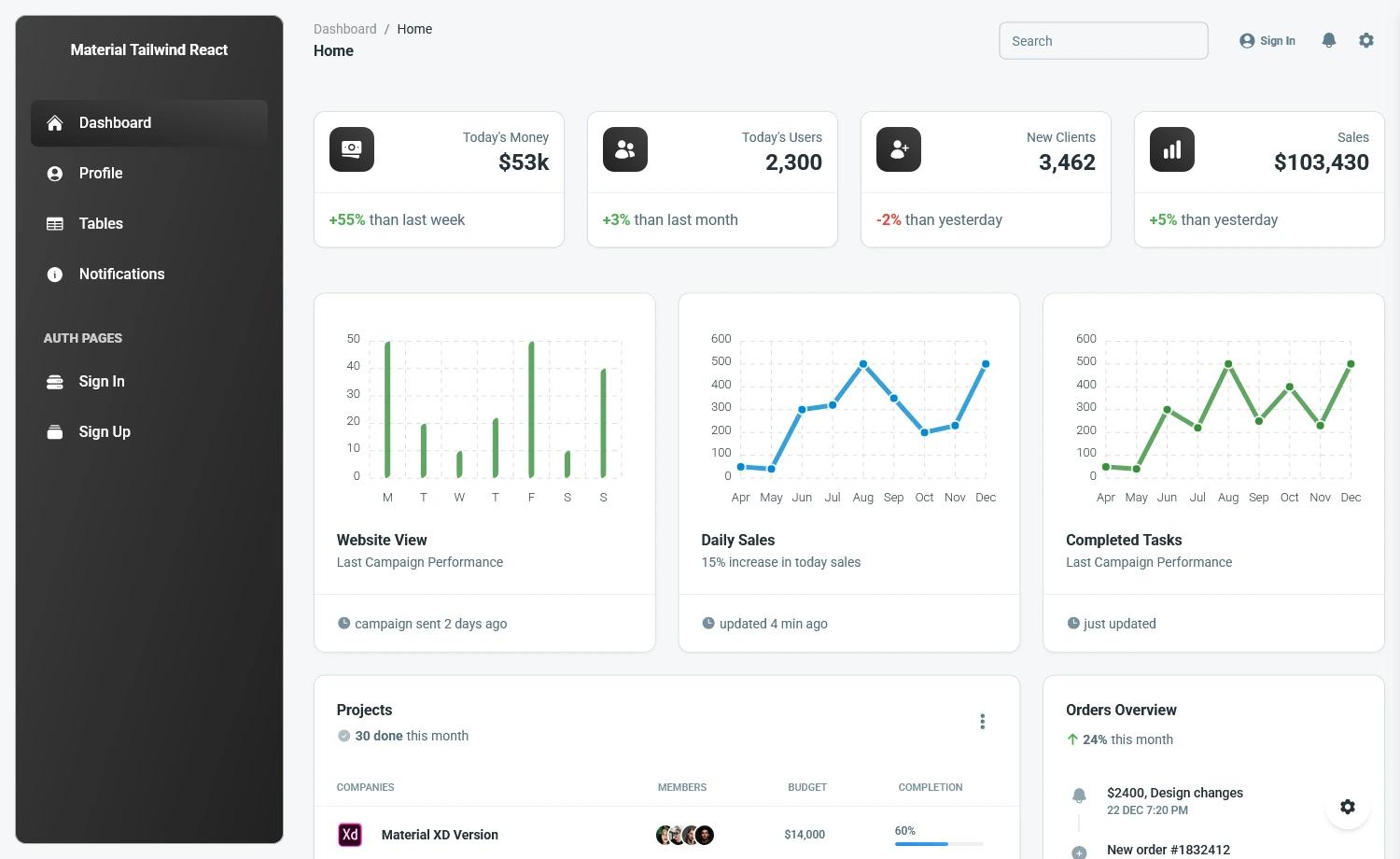
- Build an admin dashboard: Start from the Dashboard, Tables, Settings, and Maps pages and add your own data to the chart and table components.
- Prototype a product UI: Combine the 120 CSS components to quickly mock up screens for demos or client presentations.
- Learn Tailwind and Vue integration: Inspect the project structure to see how
tailwind.config.js, Vue SFCs, and Vue Router are connected.
How does Vue Notus work?
To run Vue Notus locally, download or clone the repository and run npm install (or npm run install:clean on Linux) to install dependencies. Whenever you add a Tailwind class that does not already exist in src/assets/styles/tailwind.css, run npm run build:tailwind, then start the development server with npm run serve and open https://localhost:8080.
Pricing
Vue Notus is free and open source, licensed under the MIT license.
FAQ
Is Vue Notus free?
Yes, Vue Notus is entirely free and licensed under MIT, so you can use it for personal and commercial projects.
What browsers does Vue Notus support?
The template officially supports the last two versions of Chrome, Firefox, Edge, Safari, and Opera.
What tech stack does Vue Notus use?
It uses VueJS with Vue Router, Tailwind CSS, and is built with Vue CLI. The project includes a standard src folder with views, components, layouts, and assets/styles.
How do I add new Tailwind CSS classes?
Add the new class to src/assets/styles/tailwind.css and run npm run build:tailwind to regenerate the styles, then restart the dev server.
Where can I find the documentation?
Documentation is hosted on the Creative Tim learning lab at https://www.creative-tim.com/learning-lab/tailwind/vue/overview/notus.