Template details
Ecommerce CMS Dashboard
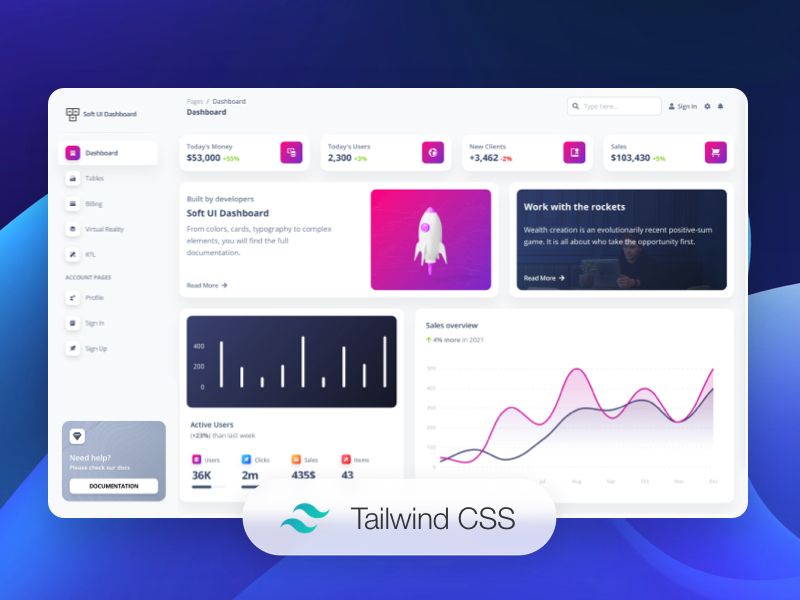
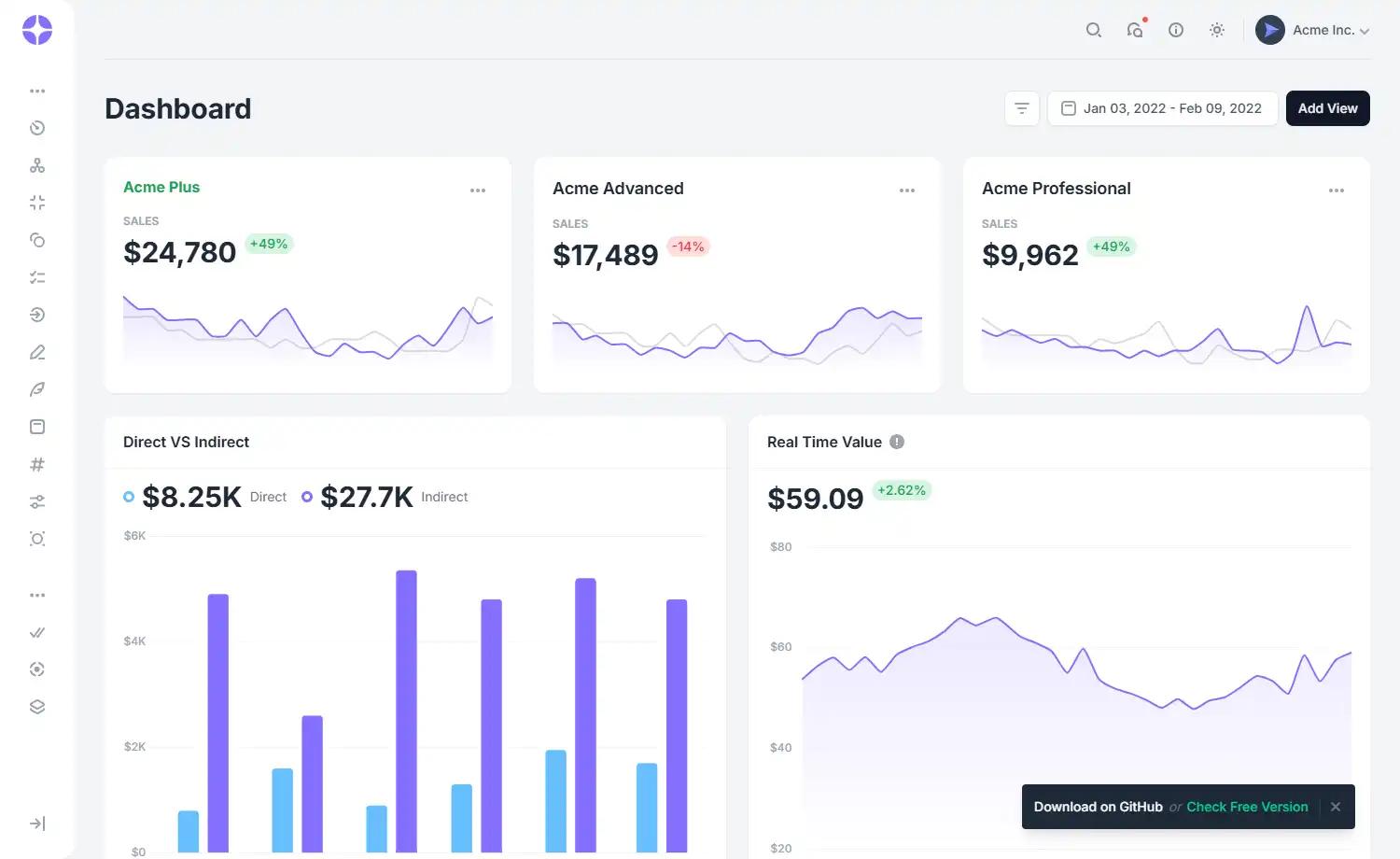
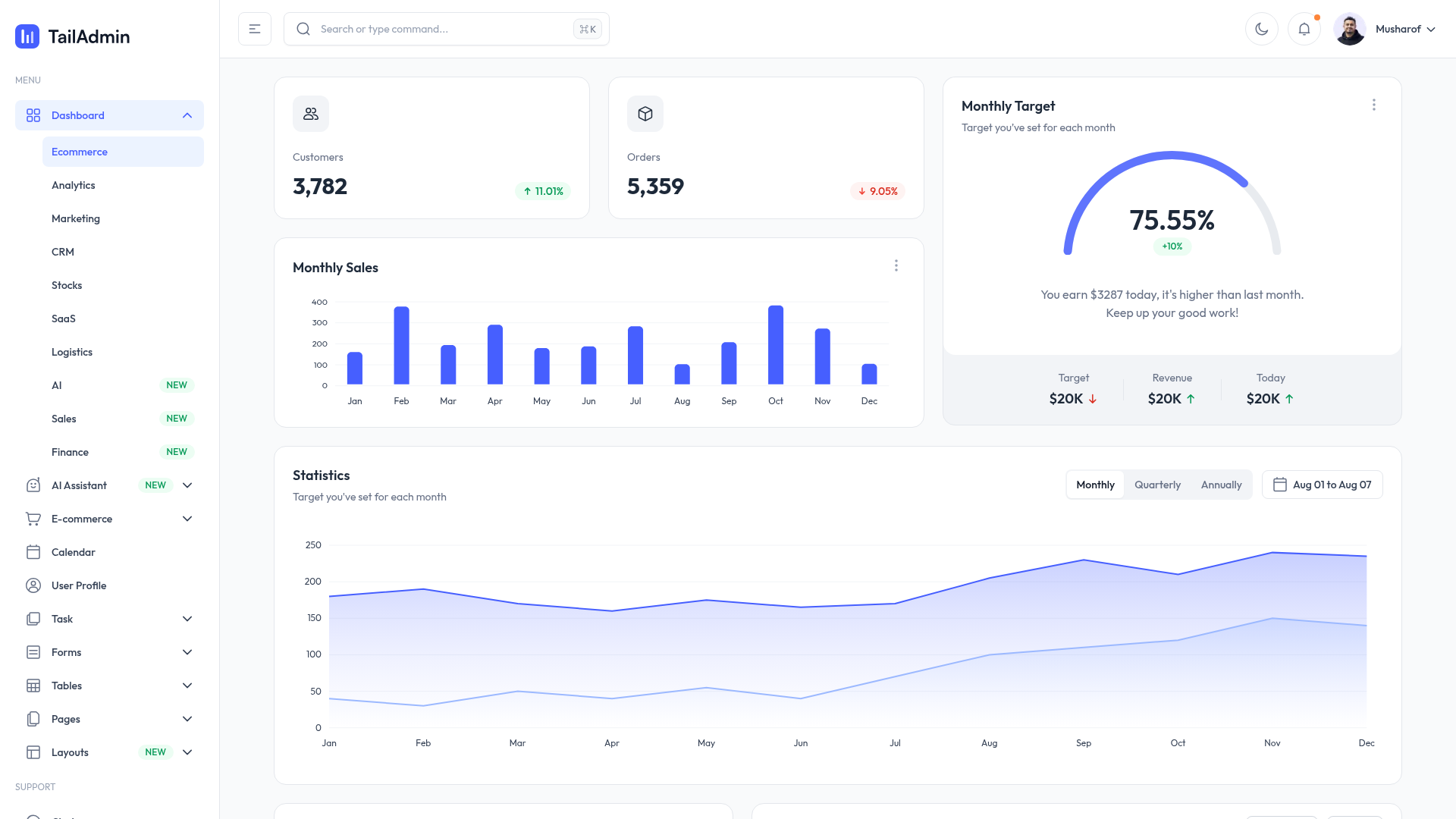
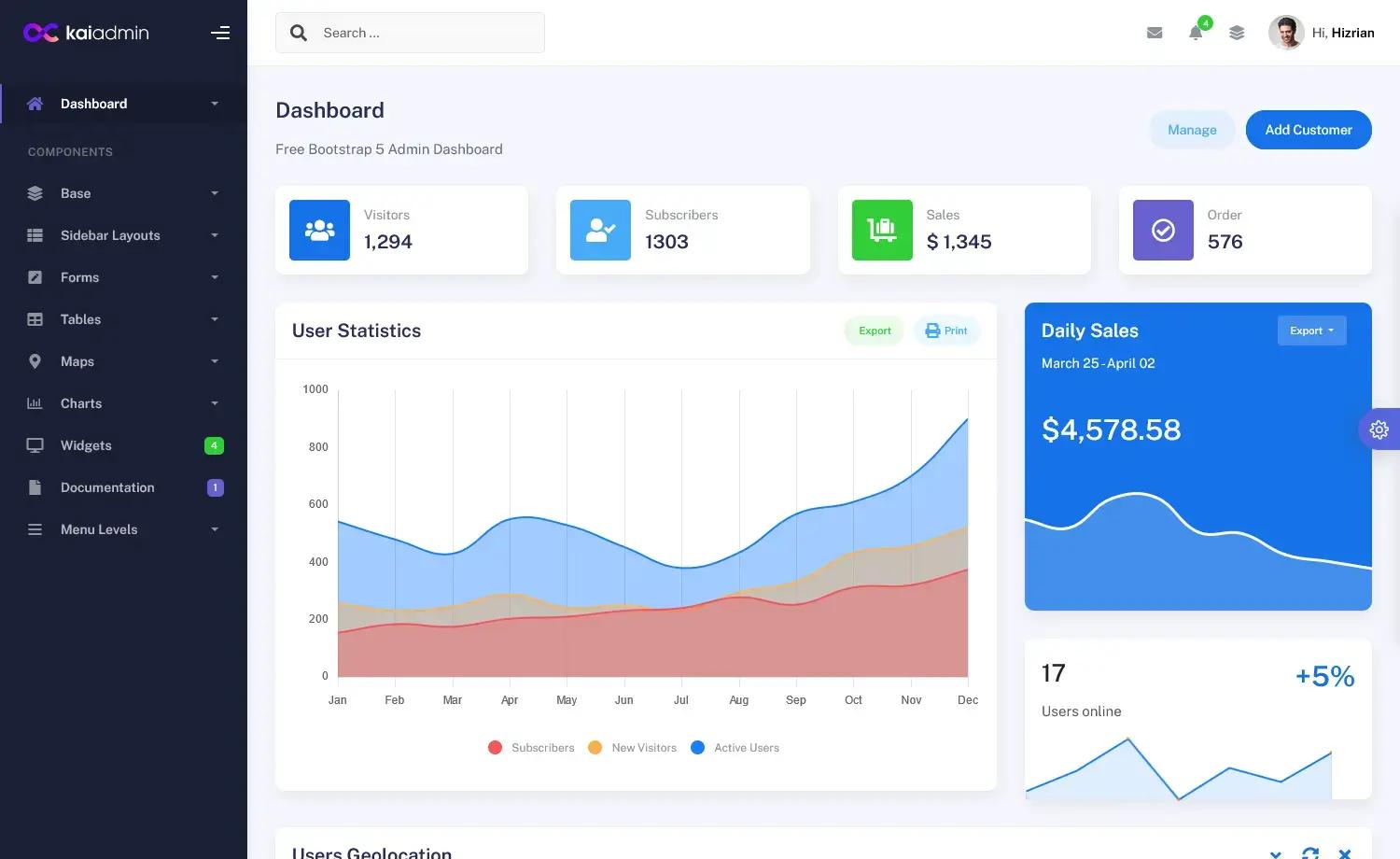
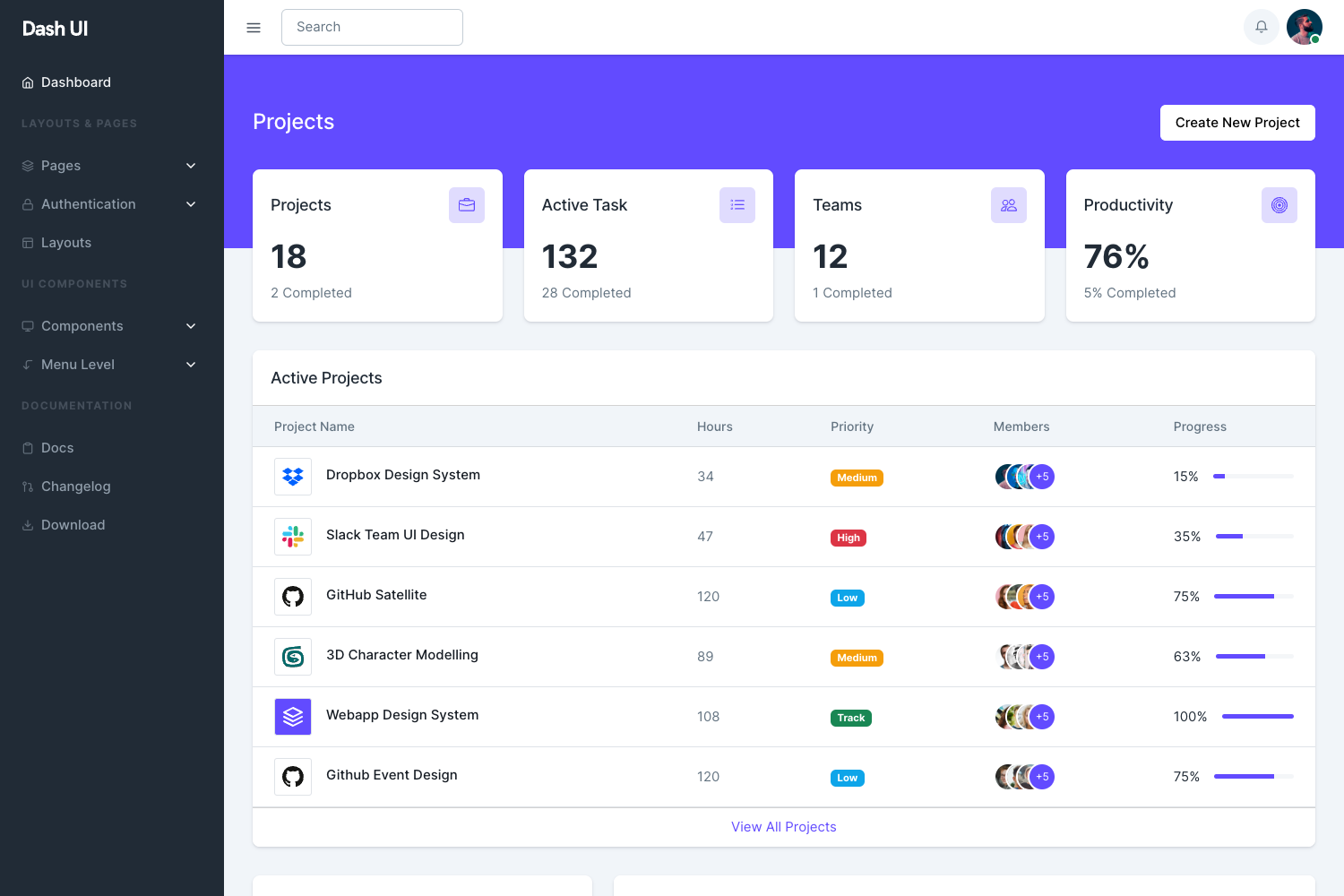
An ecommerce admin dashboard to add and update products and track orders, built with Next.js 13, Tailwind, and Prisma.
About this template
The Ecommerce CMS Dashboard is an open-source, Next.js 13-based admin panel that lets store owners manage products, track orders, and control store content from a single dashboard interface.
What is the Ecommerce CMS Dashboard?
The Ecommerce CMS Dashboard is an open-source admin dashboard template built with Next.js 13, Tailwind CSS, and Prisma. It provides the management side of an online store: you can add and update products, track incoming orders, and handle store content through a web-based CMS interface. The project runs on the Next.js App Router and connects to a companion storefront repository, so it is designed as the back-office half of a full ecommerce setup. The codebase was created following a YouTube tutorial by Code With Antonio and is published on GitHub.
Key Features
- Next.js 13 App Router — Uses the app directory structure with app/page.tsx as the main starting point, compatible with server components and auto page updates during development.
- Tailwind CSS styling — Utility-first styling keeps the UI fully customizable by editing class names in the component files.
- Prisma with MySQL — Repository metadata lists Prisma as the ORM on MySQL, providing a typed schema for products, categories, and order data.
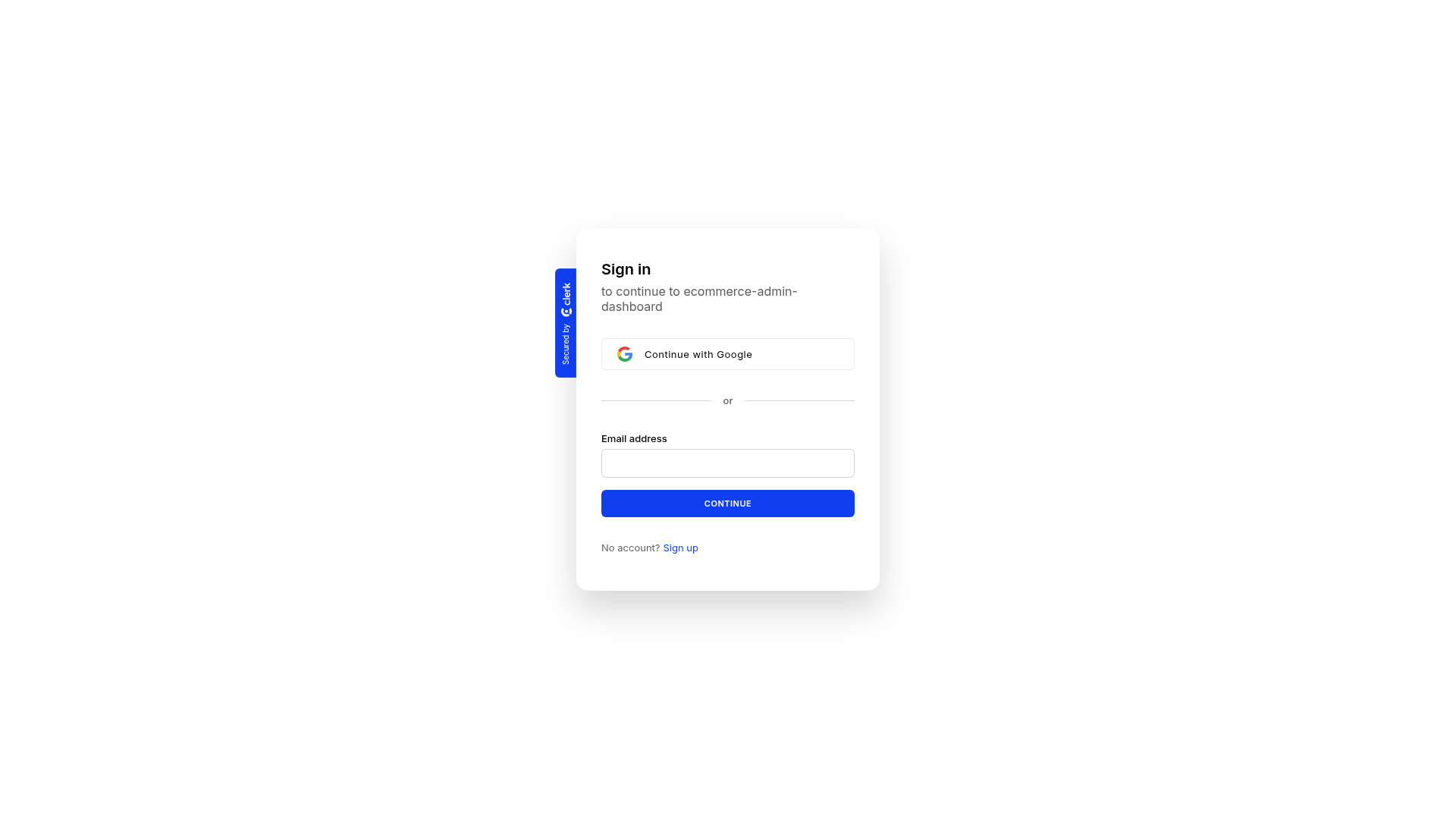
- Clerk authentication — The metadata includes Clerk, which supplies a ready-made sign-in flow and session management for store administrators.
- Stripe payments — Stripe integration is present in the stack, enabling order checkout and payment tracking that surfaces in the dashboard.
- shadcn-ui components — The interface relies on shadcn-ui, a collection of accessible, copy-pasteable React components styled with Tailwind.
- Optimized Inter font — next/font automatically loads and optimizes Inter as the default Google Font.
- Vercel deployment ready — The README includes the standard Next.js deployment instructions for shipping the dashboard on Vercel.
Who should use this template?
- Ecommerce store owners — can self-host an admin panel to add products, update listings, and track orders without building a custom backend.
- Full-stack developers — get a complete reference for integrating Next.js 13, Prisma, Clerk, and Stripe in a real dashboard app.
- Tutorial followers — can build the same project step by step with the Code With Antonio YouTube tutorial.
- Freelancers and agencies — can fork the dashboard as a foundation for client ecommerce builds that pair with a separate storefront.
What can you do with this template?
- Product management: add new products and update existing product information (pricing, description, images) through the admin CMS forms.
- Order tracking: monitor orders coming in from the connected store and view their status in the dashboard.
- Development testing: run the local dev server with npm run dev, yarn dev, pnpm dev, or bun dev and edit app/page.tsx to see changes instantly.
- Deployment: deploy the dashboard to Vercel using the provided instructions and link it to the companion store repository.
FAQ
Is this template free?
Yes, the project is open-source and available on GitHub. The README shows standard public repository usage, so you can clone or fork it without a license fee.
Does this work without a storefront?
The dashboard is designed to work with a companion storefront. The README says the deployed version is connected to a separate GitHub repository, making this the admin side of the pair, not a standalone store.
What is the tech stack?
The stack includes Next.js 13 with the App Router, Tailwind CSS, Prisma ORM on MySQL, and next/font for Inter. Repository metadata also lists Clerk, Stripe, and shadcn-ui as part of the project.
Can I deploy it to Vercel?
Yes. The README includes a Deploy on Vercel section with a link to the Vercel platform and references the Next.js deployment documentation.