Template details
KaiAdmin
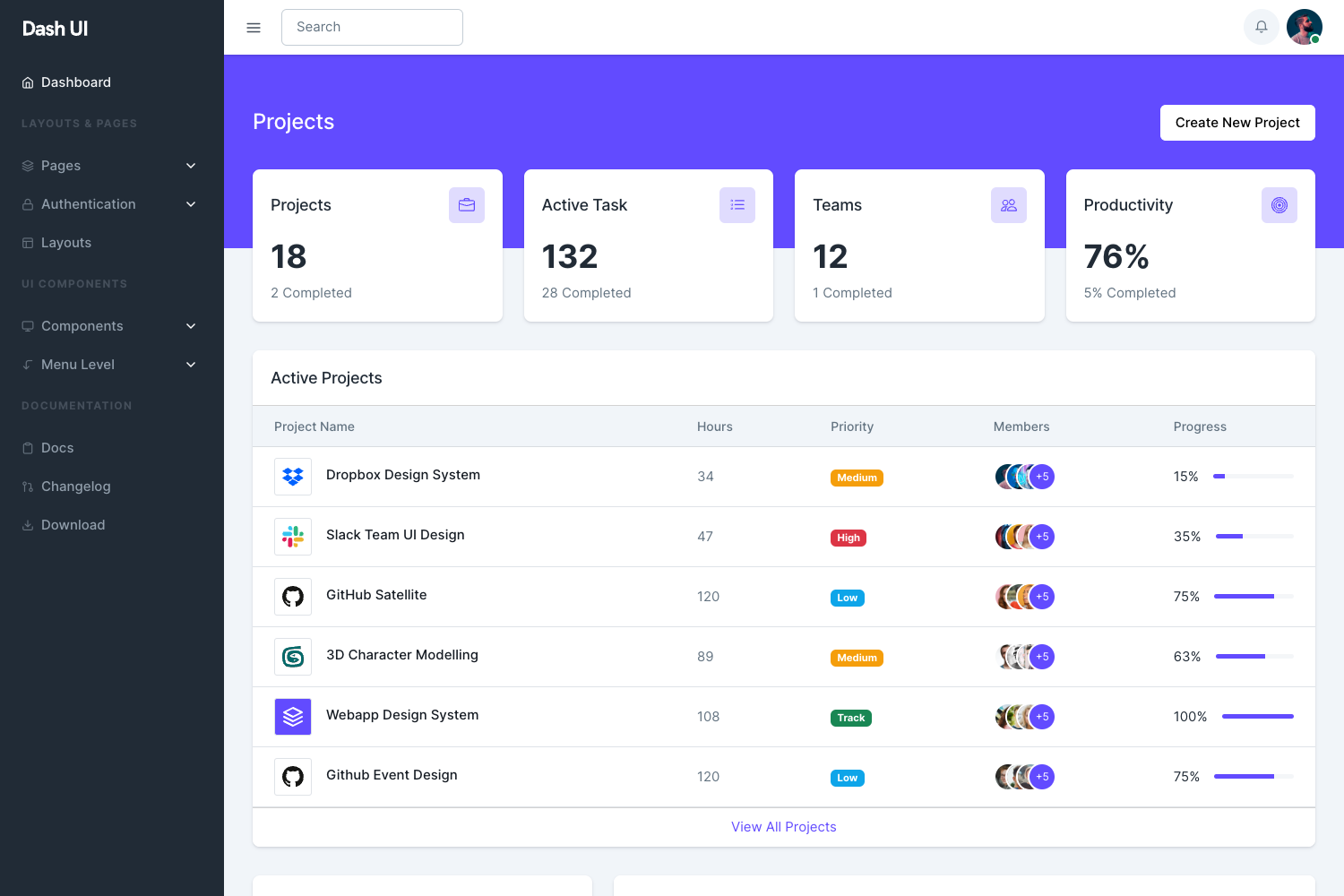
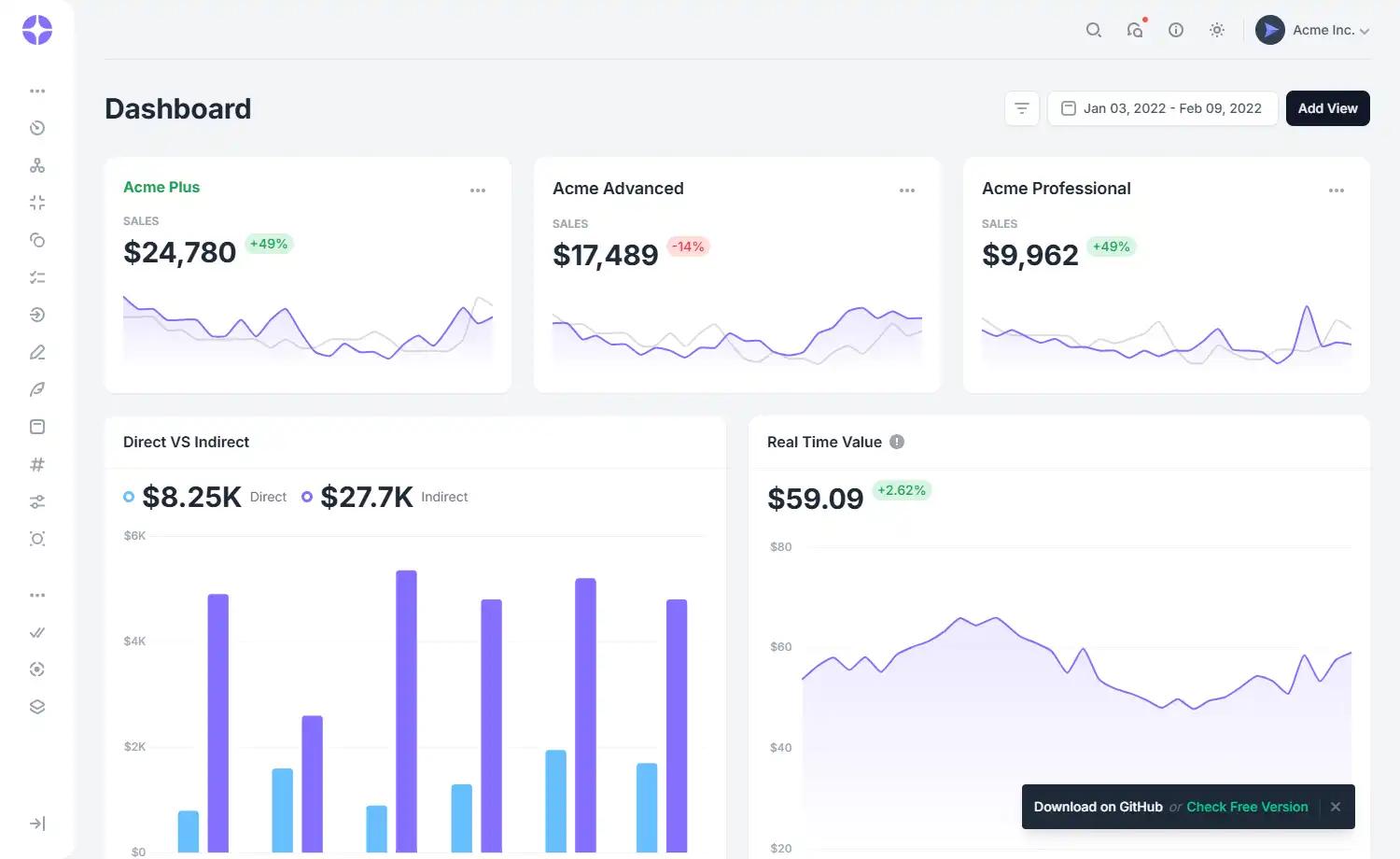
Free multipage Bootstrap 5 admin dashboard template with charts, tables, and configurator UI.
About this template
KaiAdmin is a free, multipage admin dashboard template built on Bootstrap 5, created by Theme Kita and distributed through ThemeWagon for visualizing and tracking data on e-commerce websites and projects. The template's core function is to provide a ready-to-use front-end for admin panels, with charts, tables, forms, and configuration options, all wrapped in a mobile-first, responsive layout. It runs entirely in the browser with no server-side dependencies, and a live preview is available at themewagon.github.io/kaiadmin-lite/.
What is KaiAdmin?
KaiAdmin is a free, responsive Bootstrap 5 admin dashboard template from ThemeWagon and Theme Kita, designed for business websites that need to visualize and track data. It takes standard HTML, CSS, and JavaScript components and assembles them into a multipage admin interface with dashboards, tables, forms, and charts. The template runs entirely in the browser, requires no server-side setup, and includes a live preview at themewagon.github.io/kaiadmin-lite/.
Key Features
- Bootstrap 5 framework — built with the latest Bootstrap 5, HTML5, and CSS3, delivering a mobile-first, fully responsive layout across all screen sizes.
- Multipage design — includes multiple pages with breadcrumbs, pagination, tabbed contents, and both horizontal and vertical navigation bars and panels.
- ChartJS visualizations — integrates ChartJS for charts and JVector Map for vector maps, plus Google Map support for geolocation features.
- Configurator UI — a configuration panel that lets you switch between 3 sidebar layouts, multiple widget styles, and 2 table styles without touching code.
- Form UI and search — provides form components, dropdown menu bars, a burger menu, and a search filter for managing data tables.
- Icon sets — bundles Font Awesome icons and Simple Line Icons, along with social media icons.
- Documentation included — the download includes HTML, CSS, JavaScript source files, all demo images, and the required library and plugin files.
- Developer-friendly clean code — a clean codebase that reduces cross-browser bugs and speeds up load times, making it SEO-friendly.
Who is it for?
- Web developers who need a pre-built front-end for admin panels and want to avoid writing HTML, CSS, and JavaScript from scratch.
- Startups and small businesses that need a free, professional dashboard to track e-commerce metrics, projects, or website data.
- UI/UX designers who want a responsive, configurable starting point for prototyping admin interfaces with tables, forms, and charts.
What can you do with KaiAdmin?
- E-commerce managers: track orders, revenue, and product performance using ChartJS charts and the included data tables.
- Project teams: organize project information with pagination, search filters, and the configurable table and widget styles.
- Platform owners: customize sidebar layouts, widget styles, and branding through the configurator UI, then deploy the static HTML output.
Pricing
KaiAdmin is free to download and use, including in commercial projects. The free license is open source and includes lifetime updates, though attribution to the author is required and no support is provided.
Alternatives
- Voler — a free Bootstrap 5 HTML5 admin dashboard template, also distributed through ThemeWagon, with a different design system.
- Flat Able — a free Bootstrap 4 HTML5 admin dashboard template with its own layout and component set.
FAQ
Is KaiAdmin free?
Yes, KaiAdmin is a free template. It is open source, can be used in commercial projects, and receives lifetime free updates. Attribution to the author is required, and support is not included with the free license.
What does KaiAdmin include?
The package contains HTML and CSS files, all demo images, JavaScript source files, and the library and plugin files listed on the download page, including Bootstrap 5, ChartJS, JVector Map, Google Map, and FontAwesome.
What browsers are supported?
The page lists compatibility with Android, Chrome, Edge, Firefox, iPad, iPhone, Mobile, Opera, and Safari, indicating cross-browser support.
Does KaiAdmin have documentation?
Yes, documentation is listed as one of the key features, and the download includes the necessary source files to customize the template.