Template details
Ecommerce Platform Starter
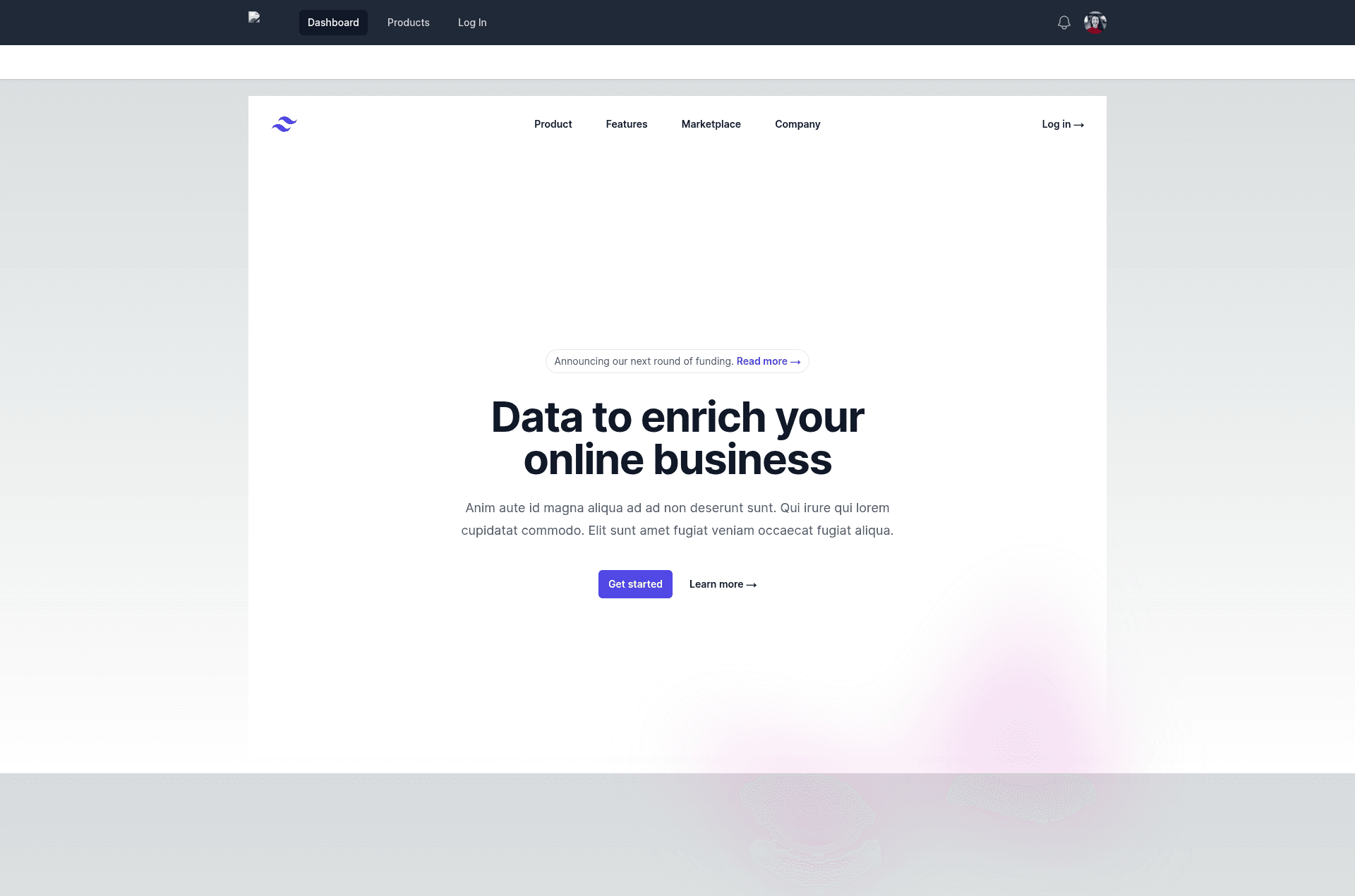
A Next.js starter project for building an ecommerce platform, with TypeScript and Tailwind CSS.
About this template
Ecommerce Platform Starter is a Next.js boilerplate for launching an ecommerce platform, bootstrapped with create-next-app and built with TypeScript and Tailwind CSS. It provides a runnable web application with a modern development workflow, ready for customization into a storefront or marketplace.
What is Ecommerce Platform Starter?
Ecommerce Platform Starter is a Next.js project generated by create-next-app, designed as the starting point for an ecommerce platform. It takes a standard Next.js App Router structure with an app/ directory and renders a homepage from app/page.tsx that hot-reloads on every edit. The project is written in TypeScript, uses Tailwind CSS for styling, and includes next/font to automatically optimize the Inter Google Font. The repository metadata lists axios, Chart.js, and js-cookie as part of the stack, signaling readiness for HTTP calls, data visualization, and cookie management.
Key Features
- Next.js framework — Uses the App Router with
app/page.tsxas the entry point; editing the file triggers fast refresh in the browser. - TypeScript — The project is configured with TypeScript, as seen in the
appdirectory and repository topics, providing type safety out of the box. - Tailwind CSS — Styling relies on Tailwind CSS, a utility-first framework listed in the repository topics, enabling rapid UI customization without leaving your components.
- next/font optimization — Loads the Inter font automatically with
next/font, which optimizes font files at build time to reduce layout shift. - Flexible package manager support — The README includes commands for npm, yarn, pnpm, and bun, so you can start the dev server with any major JavaScript package manager.
- Ecommerce-oriented dependencies — The repository topics include axios (for HTTP requests), Chart.js (for interactive charts), and js-cookie (for reading and writing browser cookies), giving a foundation for product APIs and analytics dashboards.
Who is it for?
- Ecommerce developers — Use this starter to scaffold a new storefront or marketplace without manually configuring Next.js, Tailwind, and TypeScript.
- Full-stack JavaScript engineers — Build on the included axios and Chart.js integrations to fetch product data and render sales charts with minimal setup.
- Startup teams — Quickly create a minimal viable product front end and iterate on the design using Tailwind's utility classes, then deploy to Vercel with one click.
What can you do with it?
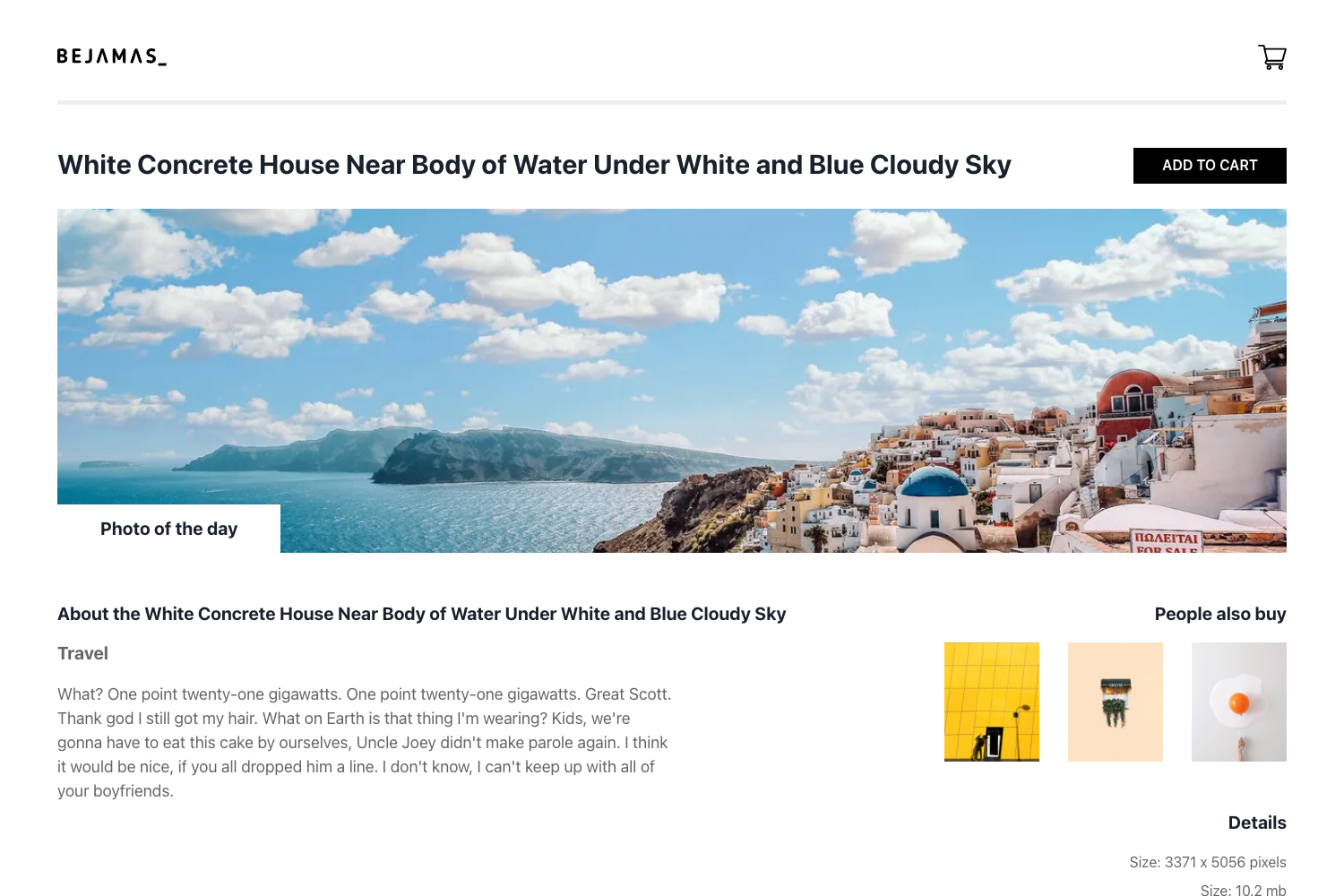
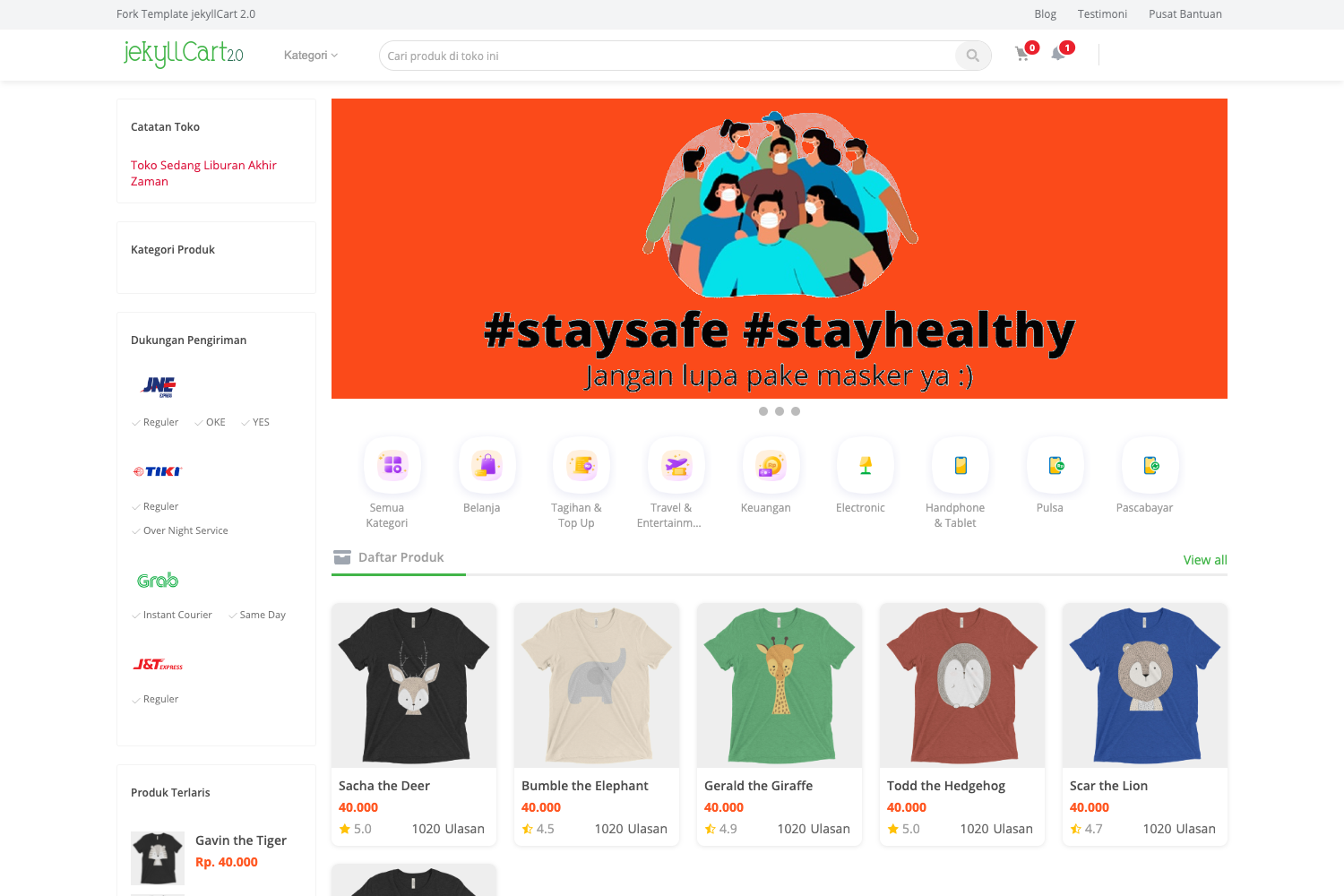
- Launch a storefront — Start from the default homepage and turn it into a product catalog, cart, and checkout flow using React components.
- Build sales dashboards — Leverage Chart.js to visualize revenue, order trends, and customer behavior on a custom admin page.
- Manage user sessions — Use js-cookie to store authentication tokens or user preferences client-side for a personalized shopping experience.
How does it work?
The README instructs you to run the development server with npm run dev (or yarn, pnpm, or bun), then open http://localhost:3000. Edits to app/page.tsx appear instantly thanks to hot reload. For production, the README recommends deploying on the Vercel Platform and links to the official Next.js deployment documentation.
FAQ
How do I start the development server?
Run npm run dev in the project directory and visit http://localhost:3000. You can also use yarn dev, pnpm dev, or bun dev — all four commands are listed in the README.
What file should I edit to change the homepage?
Modify app/page.tsx; the browser will auto-update as you save, because Next.js enables fast refresh during development.
How do I deploy this project?
The easiest way is to import the repository into Vercel, which supports Next.js natively. The README links to both the Vercel platform and the Next.js deployment documentation for more details.
What dependencies come pre-installed?
The project is bootstrapped with create-next-app, which includes Next.js, React, and next/font. The repository metadata additionally lists axios, Chart.js, js-cookie, Tailwind CSS, and TypeScript as part of the project setup.