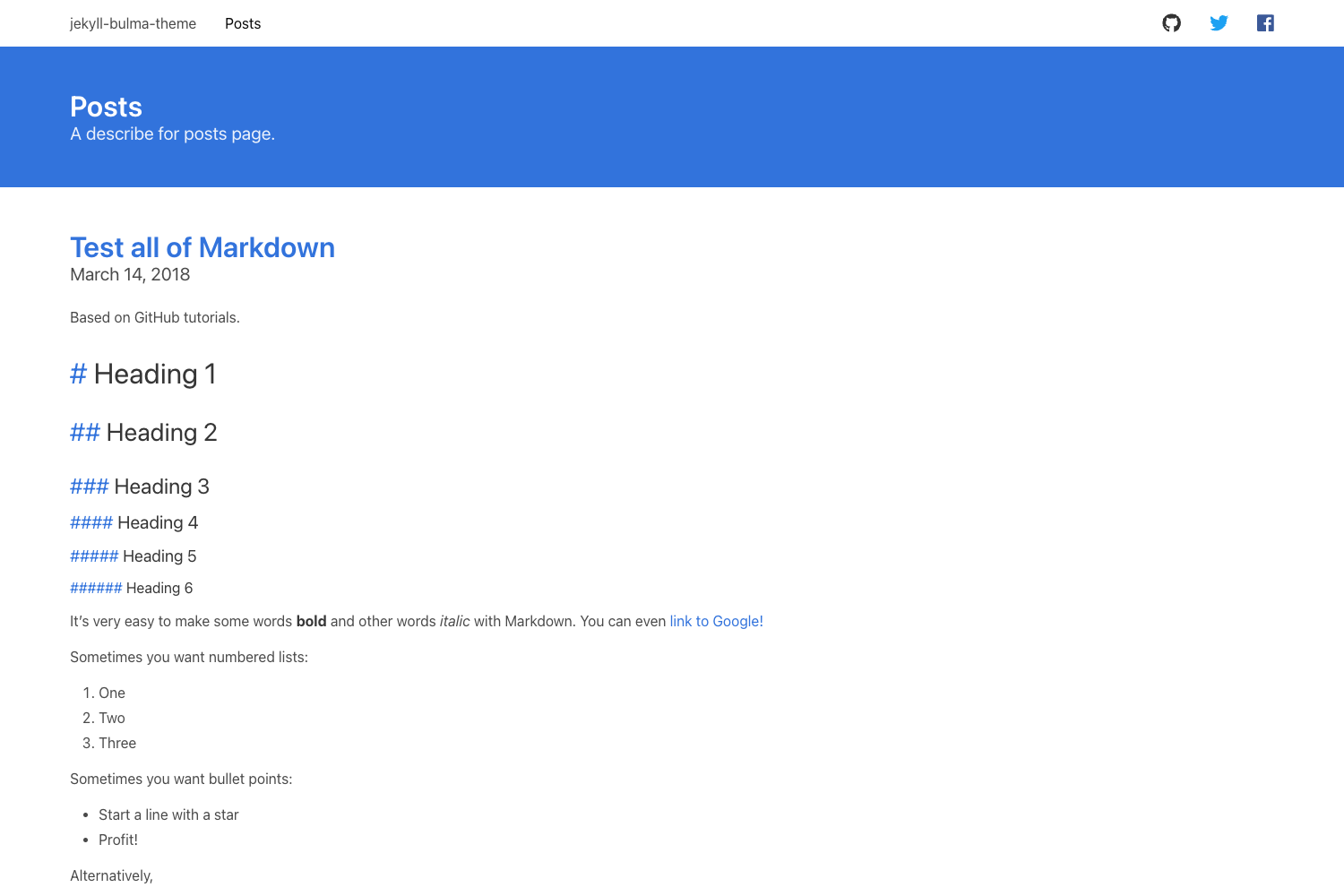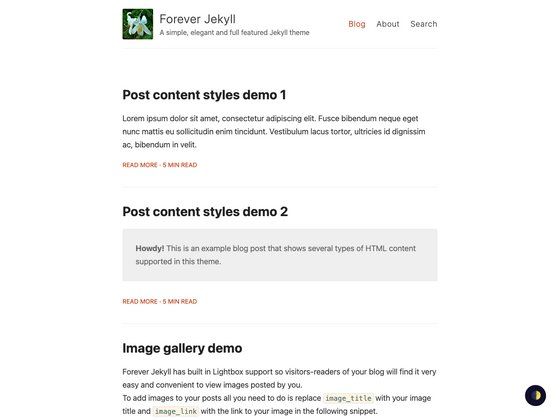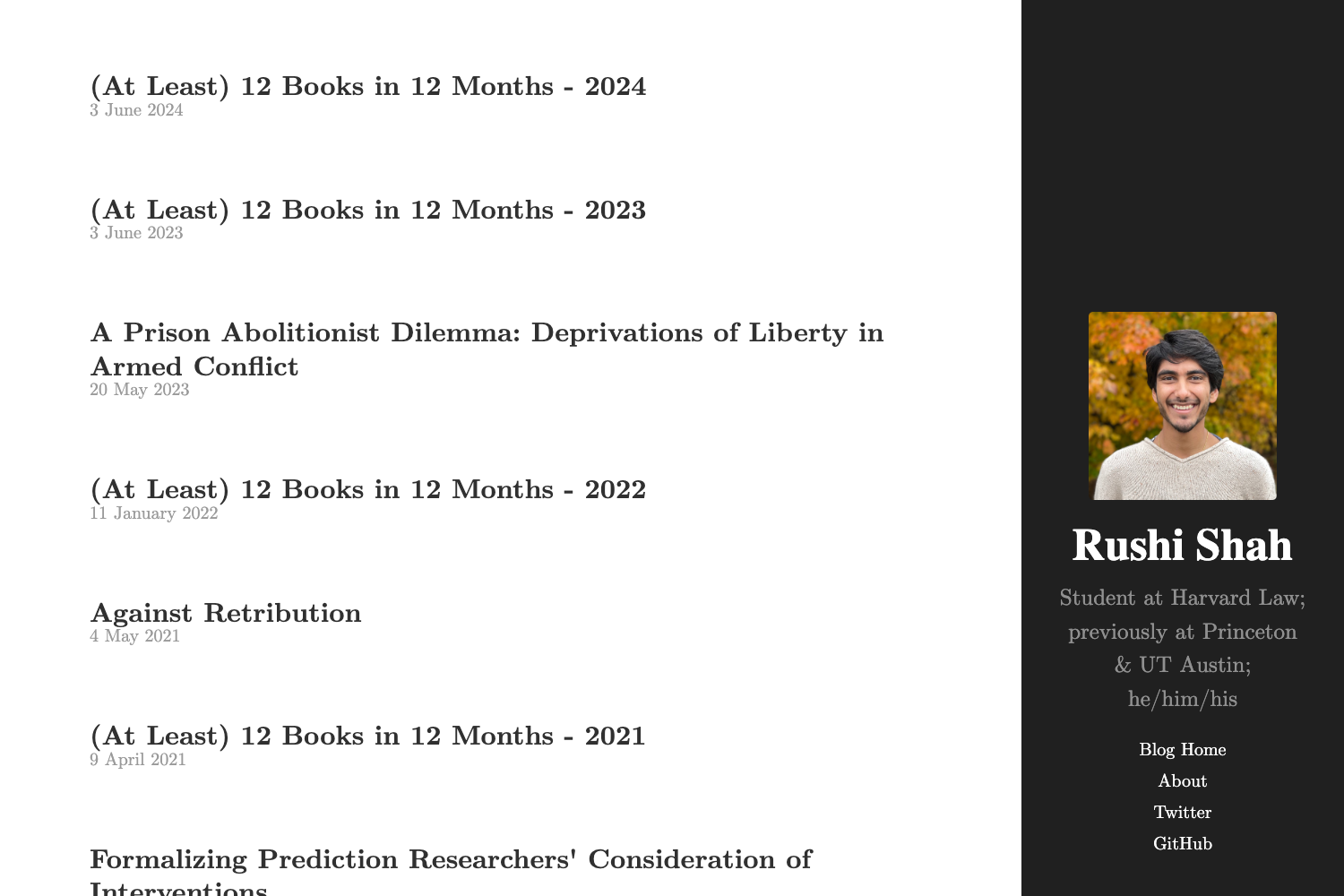
Template details
Eiio
A modern, responsive Hugo blog theme with syntax highlighting, Disqus comments, emoji support, and post thumbnails.
About this template
Eiio is a Hugo static site theme for building personal blogs, offering a responsive layout, syntax highlighting, Disqus comments, emoji support, and per-post thumbnail images.
What is Eiio?
Eiio is an open-source theme designed for Hugo, a popular static site generator. It turns Markdown-based content files into a fast, static blog with a clean, modern design. The theme is developed by leonhe and distributed through GitHub under the MIT License. It includes built-in support for taxonomies (categories and tags), Google Analytics, and custom SEO metadata.
Key Features
- Responsive layout — the theme uses a modern CSS design that adapts to desktops and mobile devices, and it is described as "Modern、Responsive" in the README.
- Syntax highlighting — code blocks are highlighted with Highlight.js; the style is configurable via the
hljsStyleparameter in the site config (e.g. "github"). - Emoji support — enables Hugo's native emoji rendering by setting
enableEmoji = truein the configuration. - Disqus integration — turns on comments by adding your
disqusShortnameto the config file. - Post thumbnail images — use the
header_imagesfront matter variable to show a thumbnail on the home page list, or thefigureshortcode to place a thumbnail inside a post. - SEO and analytics — supports configurable
description,keywords,googleSiteVerification, and a sitemap, plusgoogleAnalyticsfor tracking. - Customizable navigation — options like
showNextAndPrePosttoggles previous/next post buttons, andfooterRightlets you add custom footer text. - Hugo ecosystem — uses Hugo's config file (
config.toml) for all settings, with support forhasCJKLanguage,enableRobotsTXT, and inline shortcodes.
Who is it for?
- Hugo developers — who want a minimal, config-driven blog theme without excess dependencies, easily installed via
git cloneinto the themes folder. - Personal bloggers — who need a clean, responsive site with comments, analytics, and social links (GitHub, Twitter, email) set directly in the config.
- Technical writers and tutorial creators — who benefit from syntax-highlighted code blocks and thumbnail images to make posts more engaging.
What can you do with Eiio?
- Launch a personal blog — write posts in Markdown with front matter (title, categories, tags, date) and use Eiio to generate a static site that is easy to host anywhere.
- Add comments — plug in Disqus by adding your shortname to the config, giving readers a place to discuss each post.
- Highlight code — select a Highlight.js style (like "github") and present code snippets in a readable, colored format.
How does Eiio work?
Eiio integrates with Hugo's standard workflow. After cloning the repository into your site's themes directory, you set theme = "hugo_eiio" in your config.toml. The theme reads site-wide parameters (author, social links, footer text, etc.) from the [params] section. Each post is a Markdown file, and optional header_images in the front matter controls which image appears on the home page.
Pricing
Eiio is free and open source, released under the MIT License. There are no paid tiers or commercial restrictions.
FAQ
Is Eiio free to use?
Yes, Eiio is released under the MIT License, so it is free for personal and commercial use. You can modify the theme and incorporate it into your own projects as long as you preserve the copyright notice.
How do I install Eiio?
Run git clone https://github.com/leonhe/hugo_eiio inside your site's themes directory, then set theme = "hugo_eiio" in your Hugo configuration file.
Does Eiio require a specific Hugo version?
The README does not state a minimum Hugo version, but it relies on standard Hugo features like taxonomies, shortcodes, and configuration options available in current releases.
Can I change the syntax highlighting colors?
Yes, set the hljsStyle parameter in the [params] section of your config to any Highlight.js style name, such as "github" or others from the Highlight.js style list.
How do I show thumbnails for posts?
On the home page list, add header_images = "path/to/image" to the post's front matter. To place a thumbnail inside the post content, use the figure shortcode with class="floatright" or class="floatleft".