Template details
Forever Jekyll
A Jekyll theme-template-boilerplate for launching a free personal website or blog on GitHub Pages without local setup.
About this template
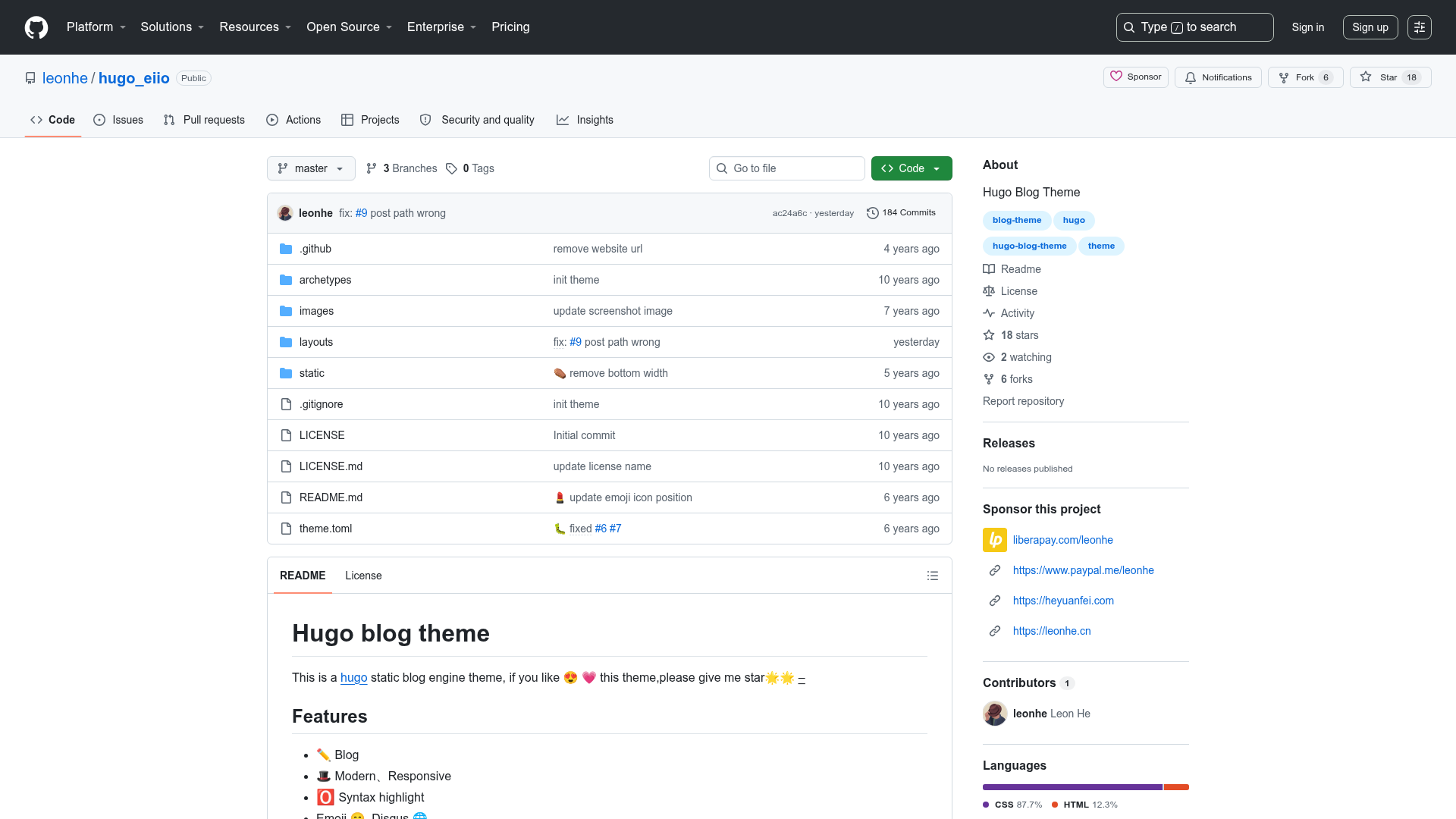
Forever Jekyll is a Jekyll theme-template-boilerplate that lets you launch a free personal website or blog on GitHub Pages using only a browser, with no local Ruby, HTML, CSS, or JavaScript setup.
What is Forever Jekyll?
Forever Jekyll is a Jekyll-based theme and boilerplate designed to eliminate the upfront setup of a static site. It takes a GitHub account and a few minutes of browser editing to produce a fully featured personal website hosted at yourusername.github.io. The project targets non-programmers, so all configuration happens by editing _config.yml and writing Markdown posts directly in the GitHub web interface. It is maintained with community discussions and offered as a free public repository.
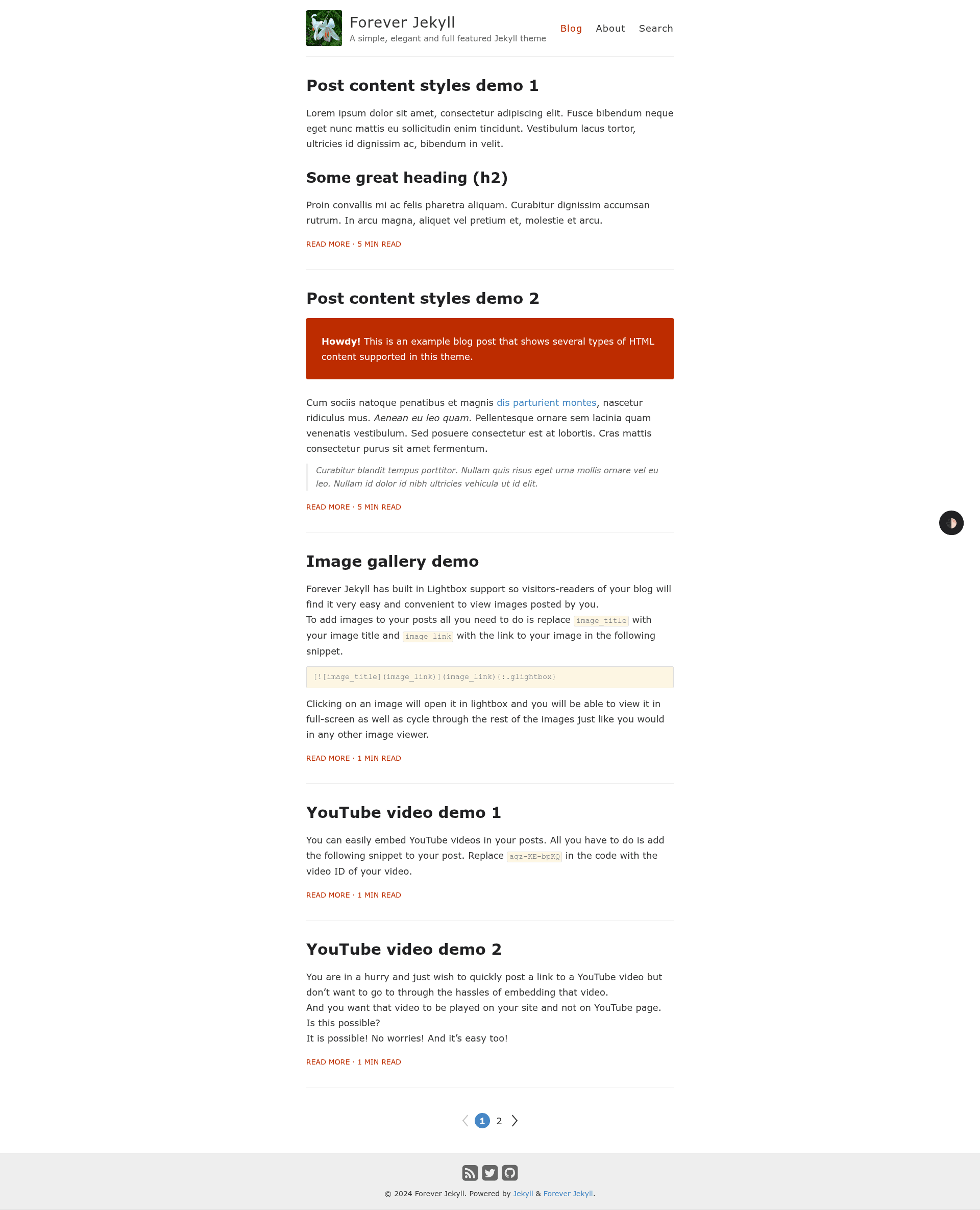
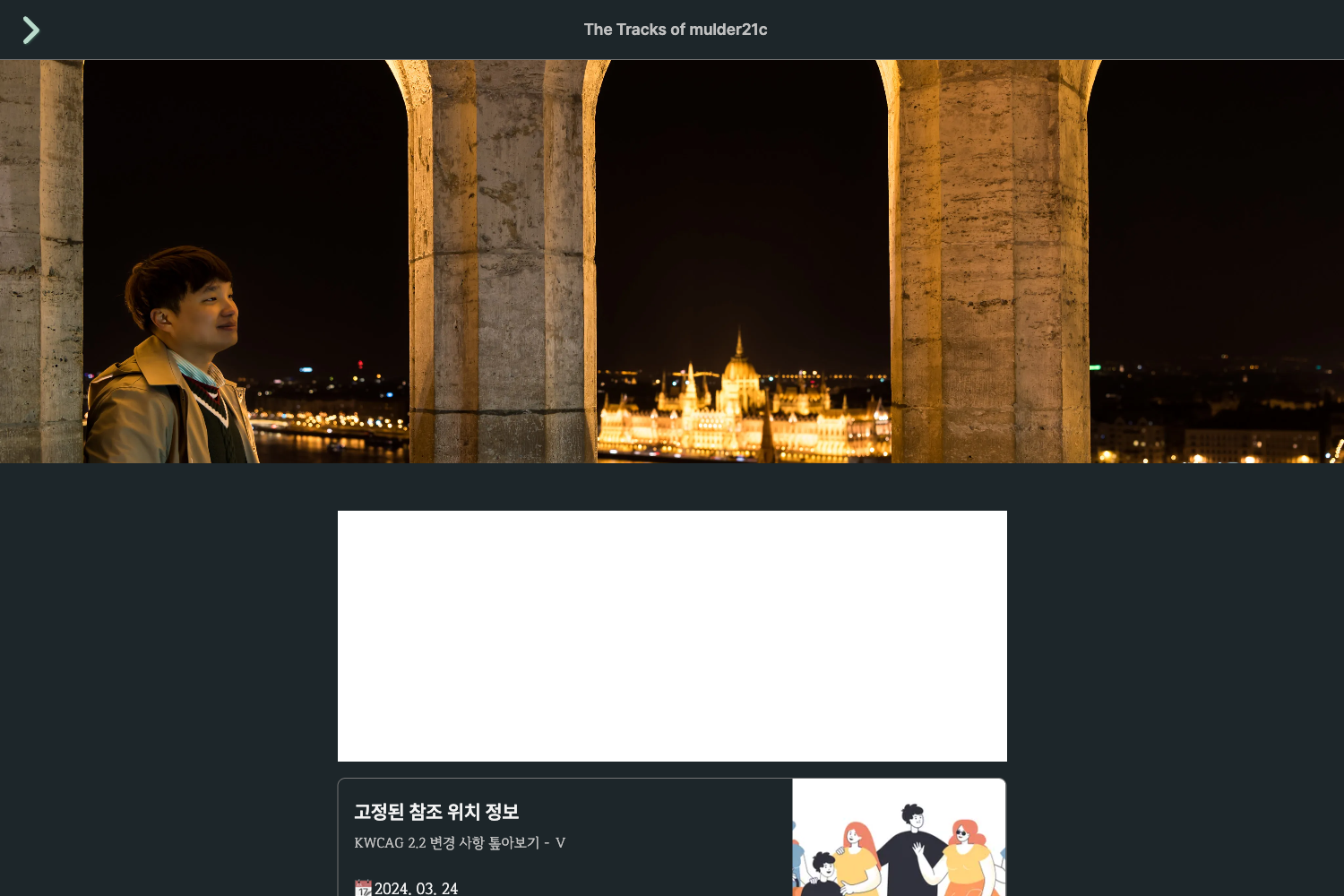
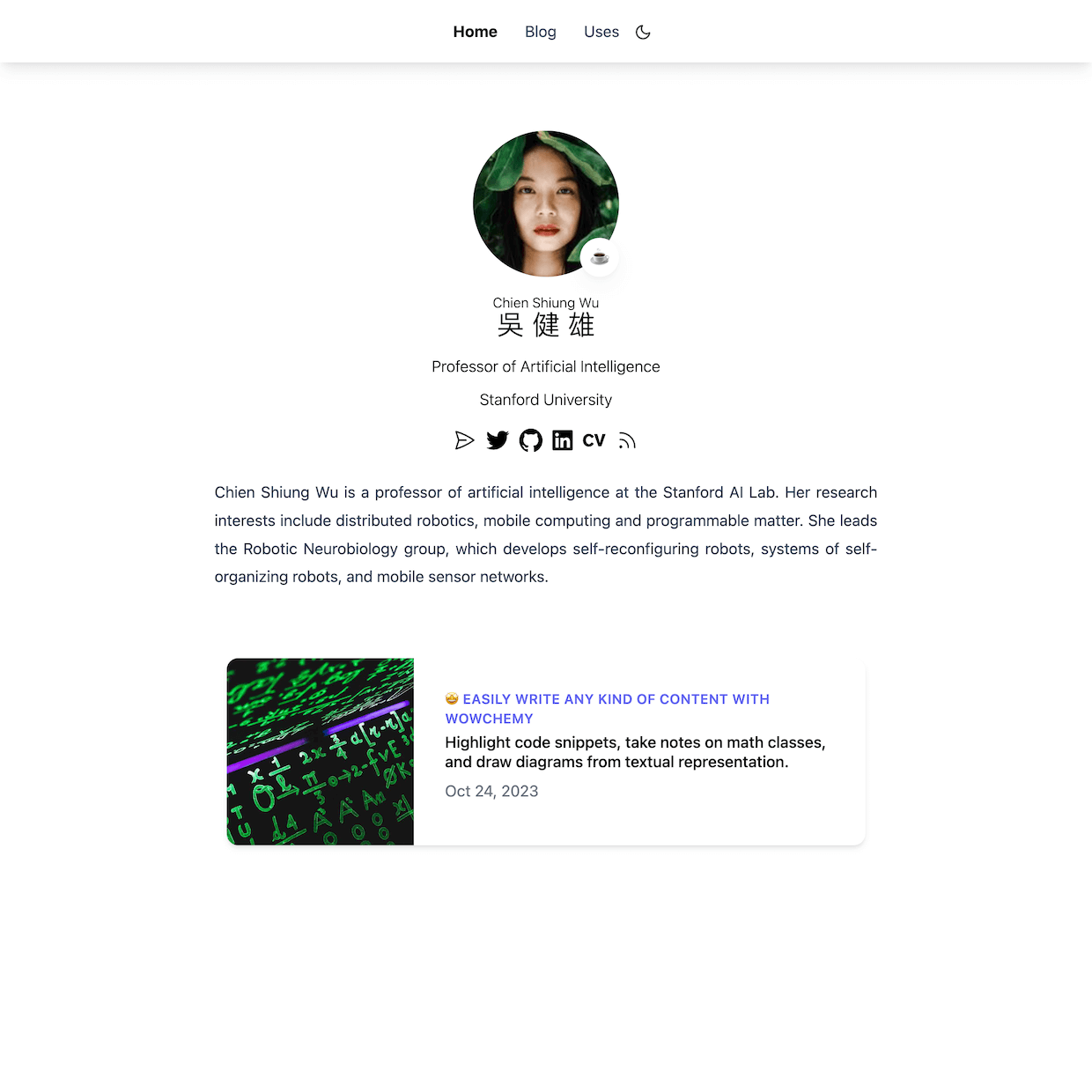
The theme builds on the Jekyll static site generator, meaning no database or server-side processing is needed. It includes a live demo at https://forever-jekyll.github.io, which showcases every post truncated with the more comment technique. Since Jekyll generates static HTML, the resulting site is fast and can be hosted for free on GitHub Pages, which is configured automatically by the repository name.
Key Features
- Jekyll static site generation — Produces a full site from Markdown posts and YAML configuration in
_config.yml, with no database or server-side dependencies. - Zero local setup — No need to install Ruby, RubyGems, or any programming tools; everything is edited through GitHub's file editor.
- Responsive and dark mode — Layout is mobile optimized and includes a dark mode toggle, plus a clean font stack.
- Extensive content embedding — Supports video, audio, images, playlists, maps, math typesetting, diagrams, and charts, along with a lightbox for images and videos.
- Privacy-friendly comment and analytics options — Optional Cactus Comments (built on Matrix) and GoatCounter analytics (free for non-commercial use), or traditional Google Analytics.
- Built-in SEO and sharing — Includes search engine optimization, social sharing buttons for over 10 networks, site search, RSS feed, post categories, read time, pagination, and syntax highlighting.
- Sass/SCSS preprocessor — The theme's styles are written in Sass, with an
@import "cactus"step when enabling comments. - GitHub Pages integration — Free hosting out of the box; after forking and renaming the repo, the site goes live without additional deployment steps.
Who is it for?
Forever Jekyll is aimed at people who want a personal website or blog without learning web development. Non-technical users can fork the repository, rename it to their GitHub username, and edit files in the browser to publish content. Bloggers who write in Markdown benefit from the simple post workflow, while privacy-conscious site owners can enable Cactus Comments and GoatCounter instead of third-party trackers. It also suits Jekyll beginners who want a pre-configured theme rather than building a site from scratch.
What can you do with Forever Jekyll?
- Non-programmers: create a blog by forking the repo, renaming it to yourusername.github.io, and editing
_config.ymland Markdown files online — no local tools required. - Writers: publish posts using front matter and
YEAR-MONTH-DAY-title.mdfilenames, and use the more comment to show excerpts on the homepage. - Media-rich bloggers: embed videos, audio, maps, and playlists, and add lightbox images and math typesetting to posts.
- Site administrators: enable Cactus Comments for privacy-friendly discussions, GoatCounter for anonymous analytics, or Google Analytics for traditional tracking.
How does Forever Jekyll work?
Start by forking the repository on GitHub and renaming it to yourusername.github.io. GitHub Pages then builds and serves the site automatically. To customize, edit _config.yml (title, description, URL, footer links, timezone) and replace the avatar and favicons in the assets/image folder. For posts, add Markdown files to _posts following the required date-based filename convention and front matter. Optional features like comments and analytics require uploading layout files such as default.html and post.html into _layouts and registering with the respective services.
Pricing
Forever Jekyll is free to use and hosted for free on GitHub Pages. The repository is public, and optional costs are limited to third-party services: GoatCounter is free for non-commercial use, while Cactus Comments is completely free and open source. The project accepts voluntary support via PayPal, Buy Me a Coffee, and Liberapay.
FAQ
Do I need to install Ruby or Jekyll to use Forever Jekyll?
No. The whole point of Forever Jekyll is to work without a local environment. You edit files in the GitHub web interface, and GitHub Pages runs Jekyll for you in the cloud. The only requirements are a computer, a browser, and an internet connection.
How do I get my site live?
Fork the repository and rename it to yourusername.github.io. Within a few seconds or minutes, the site appears at that URL. If it doesn't, open Settings > Pages and confirm the Source is set to Branch: main and root folder, then save.
Can I enable comments and analytics?
Yes. Comments are handled by Cactus Comments, a privacy-friendly system on the Matrix protocol. Analytics can be added with GoatCounter (privacy-focused, free for non-commercial use) or Google Analytics. Both require editing layout files in _layouts and adding a tracking ID in _config.yml.
What filename format must posts use?
Posts in the _posts folder must follow the format YEAR-MONTH-DAY-title.md, for example 2012-09-12-how-to-write-a-blog.md. Each post must begin with front matter that sets layout and title, and you can optionally add categories for organization.
How do I show post excerpts on the homepage?
Insert the standard Jekyll excerpt-break comment on its own line at the point where you want the post truncated. The text before that comment appears on the homepage, while the full post remains accessible on its own page.