Template details
Electron Nuxt
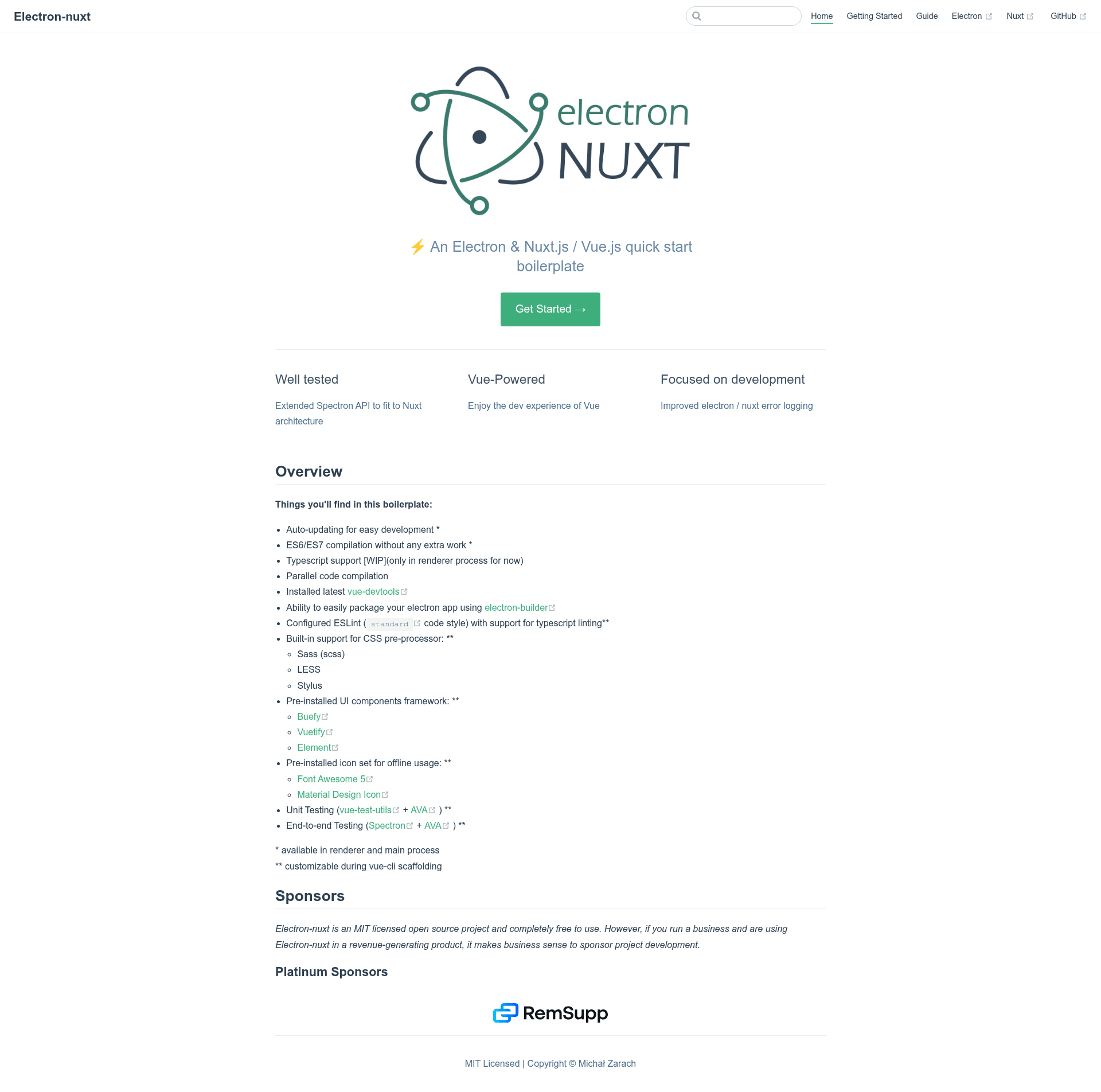
An Electron & Nuxt.js / Vue.js quick start boilerplate with vue-cli scaffolding, electron-builder, unit/e2e testing, vue-devtools
About this template
Electron Nuxt is an open-source boilerplate for building cross-platform desktop applications with Electron, Nuxt.js, and Vue.js, scaffolded through vue-cli.
What is Electron Nuxt?
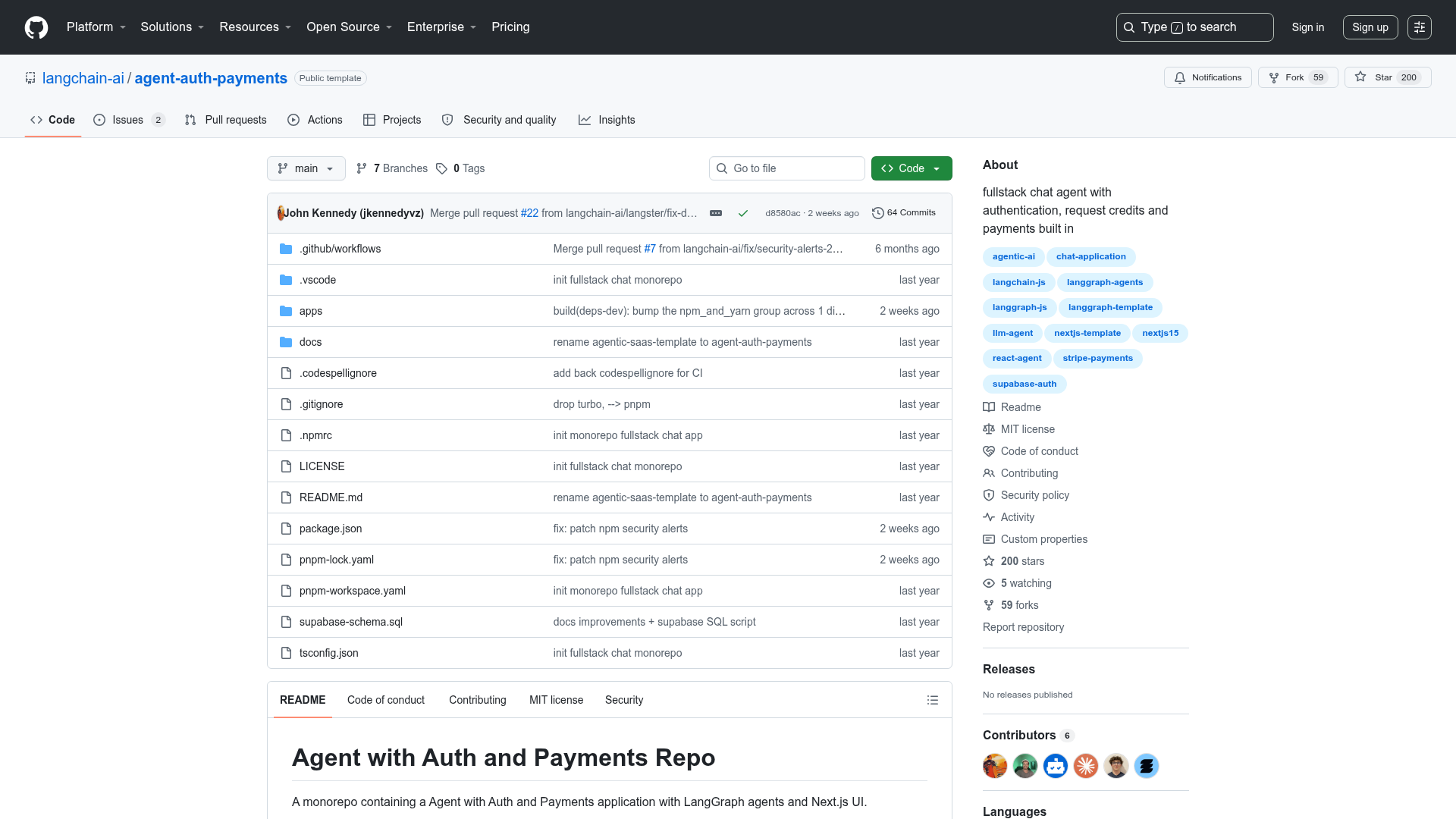
Electron Nuxt is a GitHub-hosted boilerplate that combines the Electron desktop runtime with the Nuxt.js/Vue.js web framework. You start a new project by running vue init michalzaq12/electron-nuxt <project-name>, then install dependencies with Yarn and launch yarn dev to get a running desktop app. The boilerplate handles the main and renderer process setup, ships with pre-installed vue-devtools, and supports packaging with electron-builder for Windows, Linux, and macOS. It is maintained by michalzaq12 under the MIT license.
Key Features
- Auto-updating for development — The boilerplate supports hot reload-style auto-updating in both the renderer and main processes without extra configuration.
- Modern JavaScript and TypeScript — ES6/ES7 code is compiled automatically in both processes; TypeScript support is available in the renderer process, marked as work in progress.
- Parallel code compilation — Main and renderer processes compile at the same time, reducing build wait during development.
- Pre-installed vue-devtools — The latest Vue DevTools is wired into the Electron environment, so you can inspect components out of the box.
- electron-builder packaging — Package and distribute your app on Windows, Linux, and macOS through the included electron-builder setup.
- GitHub Action for releases — A ready-made action (action-electron-nuxt) builds and publishes cross-platform binaries; supported from template version 1.6.0.
- ESLint with Standard style — The project is configured with the Standard code style and includes TypeScript linting support.
- CSS pre-processors and UI frameworks — Sass (scss), LESS, and Stylus are built in, with Buefy, Vuetify, and Element UI available as component frameworks, plus Font Awesome 5 and Material Design Icons for offline use. These choices are customizable during vue-cli scaffolding.
Who is Electron Nuxt for?
Electron Nuxt is aimed at developers who want to build native desktop apps without leaving the Vue ecosystem. Vue and Nuxt developers can reuse their component knowledge and start from a working Electron shell instead of wiring up Webpack and Electron config by hand. Open-source maintainers benefit from the bundled GitHub Action for cross-platform release builds. The "Made with electron-nuxt" list in the README includes desktop wallets, developer browsers, system-information utilities, and Twitch tools, showing it fits both serious products and hobby utilities.
What can you do with Electron Nuxt?
- Desktop wallet developers: build secure Electron apps like NKNxVault, an NKN desktop wallet, with the main/renderer process separation already handled.
- Developer-tool builders: create tools such as Reflex, a responsive web browser for developers, or blue-burlap for CI/CD Salesforce deployments.
- Streamers: make streaming utilities like StreamOverlay or twitch-vip-controller, which automate VIP redemption and removal on Twitch.
- Productivity app developers: ship apps like Intuiter, a Windows productivity tool, or EARND, a personal finance manager.
How does Electron Nuxt work?
Getting started uses vue-cli: install it globally with npm install -g vue-cli, then scaffold a project with vue init michalzaq12/electron-nuxt <project-name>. After yarn install, running yarn dev launches the app. The project documentation at https://michalzaq12.github.io/electron-nuxt/ explains configuration, project structure, and building for production.
Pricing
Electron Nuxt is MIT-licensed open source and completely free to use. The README invites businesses using it in revenue-generating products to sponsor development, with RemSupp listed as a sponsor.
Alternatives
Other Electron boilerplates in the same space include electron-vue and electron-react-boilerplate. Electron Nuxt distinguishes itself by targeting Nuxt.js specifically rather than plain Vue or React.
FAQ
Is Electron Nuxt free?
Yes, Electron Nuxt is released under the MIT license, so it is free to use, modify, and distribute. The project is open source on GitHub and accepts sponsorships for development support.
What platforms can I build for?
The boilerplate supports Windows, Linux, and macOS. The included GitHub Action (action-electron-nuxt) builds and publishes cross-platform binaries, and the README shows separate build statuses for Windows, Linux, and macOS.
Does Electron Nuxt support TypeScript?
TypeScript support is a work in progress and is currently available only in the renderer process. The main process does not yet have full TypeScript support.
Which UI frameworks are included?
The boilerplate comes with Buefy, Vuetify, and Element UI as pre-installed component frameworks, plus Font Awesome 5 and Material Design Icons. These options can be customized during vue-cli scaffolding.
How do I start a new project?
Install vue-cli globally, then run vue init michalzaq12/electron-nuxt <project-name>, install dependencies with Yarn, and start development with yarn dev. Full setup steps are in the README and documentation site.