Template details
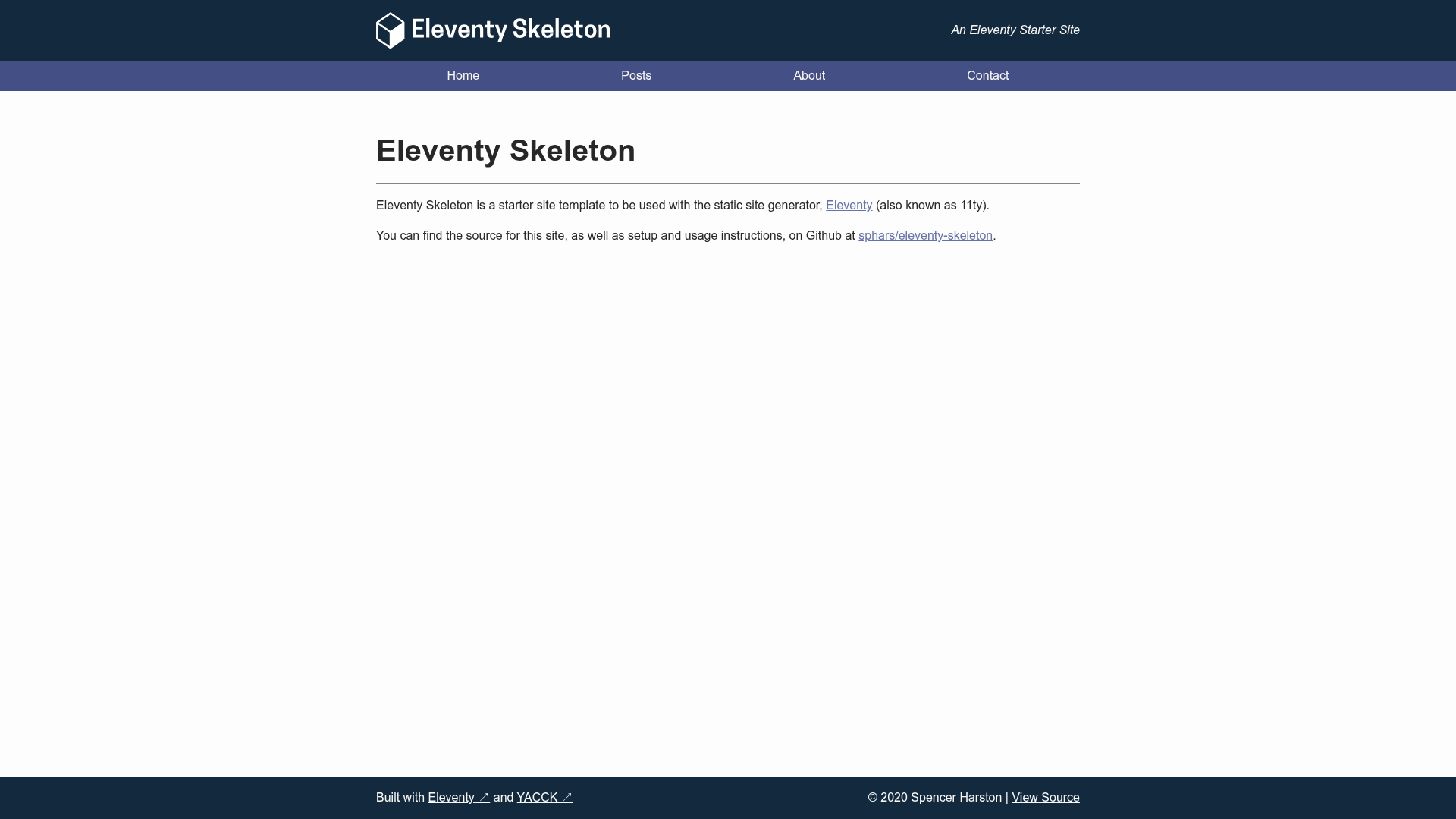
Eleventy Skeleton
A simple, basic site template built using Eleventy
About this template
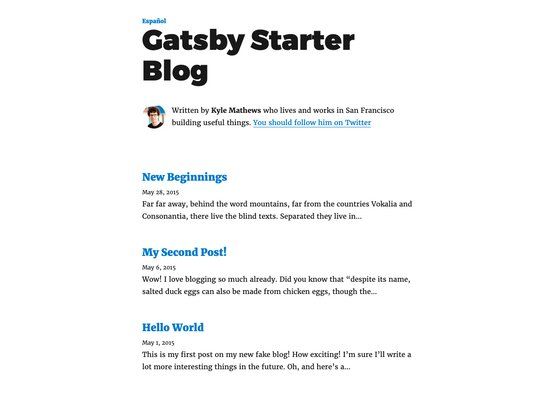
Eleventy Skeleton is a minimal static site boilerplate built with the Eleventy (11ty) static site generator and the YACCK classless CSS framework, providing a ready-made blog and personal site structure that compiles Markdown and Nunjucks templates into a deployable static site.
What is Eleventy Skeleton?
Eleventy Skeleton is a simple, basic site template created by sphars that produces a static website from source files in src/ into a dist/ output folder. It takes site metadata from src/_data/metadata.json and blog posts written in Markdown as inputs, and generates a complete static HTML site that can be hosted on GitHub Pages, Netlify, or Vercel. The project is marked as a work-in-progress on GitHub but is described as usable in its current state.
Key Features
- Eleventy static site generator — Builds pages using the Eleventy framework, configured through .eleventy.js and the js/ directory, outputting cross-platform static HTML files.
- YACCK classless CSS theme — The default styling comes from the YACCK framework, using a system font stack; you can override it by editing src/_includes/partials/_head.njk and src/assets/css/styles.css.
- Nunjucks templating — Layouts and partials in src/_includes/ use Nunjucks syntax, while blog post content in src/posts/ is authored in Markdown.
- Live-reload development — Running npm run serve starts a local server with live reload; npm run build produces the final static site.
- Simple deploy structure — The generated dist/ directory holds the complete static site and can be pointed to directly from static hosts like Netlify or Vercel.
- Clean script — npm run clean deletes the dist/ folder when stale files accumulate from source deletions, though it errors if dist/ does not exist.
- Clear directory layout — Source files are organized under src/ with dedicated folders for assets, data, includes, posts, and tag pages.
Who is it for?
Eleventy Skeleton is for developers and content creators who want a small, understandable static site without adopting a full-featured framework. It fits personal blogs, portfolio sites, and project documentation pages that benefit from simple Markdown-based authoring.
- Personal bloggers — Set up a blog quickly by editing metadata.json and adding Markdown posts to src/posts/.
- Eleventy learners — Study a minimal Eleventy project structure with documented key files and a straightforward config.
- Static site deployers — Generate a dist/ folder that works on any static hosting platform without extra tooling.
What can you do with Eleventy Skeleton?
- Bloggers — Write posts in Markdown and have them automatically compiled into the static output with tag pages.
- Portfolio site owners — Replace the default images and styles in src/assets/ and adjust layouts for a personal portfolio.
- Developers testing Eleventy — Use the template as a starting point to explore Eleventy's collection, data, and layout features.
How does Eleventy Skeleton work?
Generate a fork from the GitHub template, clone it, run npm install, edit metadata.json, and run npm run build to produce the static site in dist/. For development, npm run serve starts a live-reload server.
Alternatives
- Eleventy Base Blog — A more feature-rich starter maintained by the Eleventy project itself.
FAQ
What do I need to run Eleventy Skeleton?
You need Node.js and NPM installed on your machine. The template has no other runtime dependencies, and after running npm install you can build the project with npm run build.
Can I remove YACCK and use my own CSS?
Yes. Remove the YACCK references in src/_includes/partials/_head.njk and update the CSS links. The generated HTML follows standard HTML5 conventions so it will work with any stylesheet.
Does the template include sample content?
Yes, there is an example blog post at src/posts/example-post.md that shows the expected front matter structure and Markdown formatting for new posts.
Where is the final website output?
The built static site is placed in the dist/ directory. Deploy that folder to a static host such as GitHub Pages, Netlify, or Vercel.