Template details
Email Blueprints
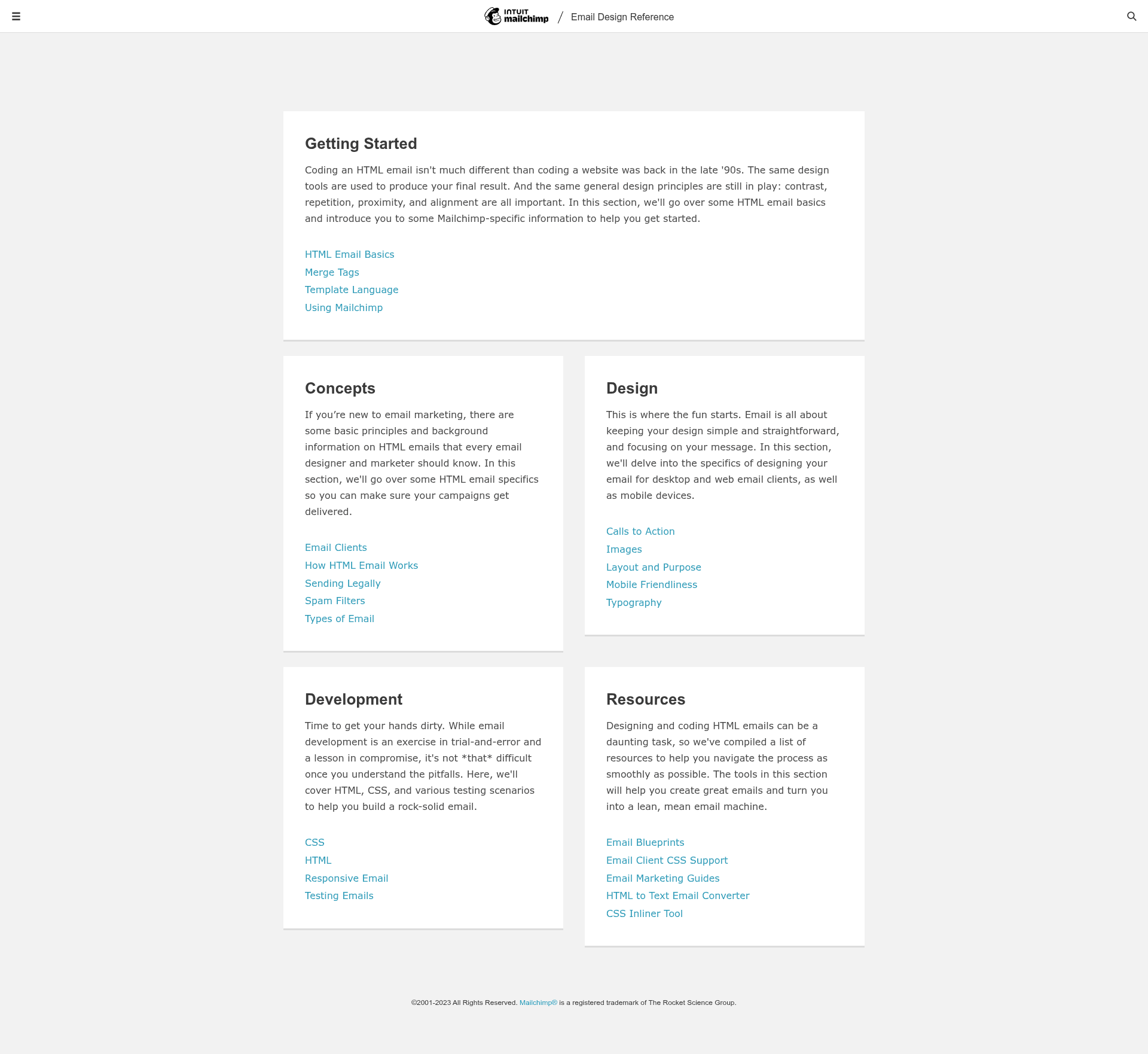
A collection of HTML email templates by MailChimp for responsive and fixed-width email design.
About this template
Email Blueprints is a free, open-source collection of HTML email templates from MailChimp that serves as a starting point for building responsive and fixed-width email designs.
What is Email Blueprints?
Email Blueprints is a GitHub repository maintained by MailChimp that provides hand-coded HTML email templates. The collection is organized into three directories: modular-template-patterns, which contains a single template built from reusable blocks of common design patterns; responsive-templates, a set of mobile-friendly email layouts; and templates, a set of fixed-width email layouts. The templates include MailChimp merge tags for dynamic content and are licensed under the Creative Commons Attribution-ShareAlike 3.0 Unported License. The repository has over 7,000 stars on GitHub.
What makes Email Blueprints stand out?
- Responsive and fixed-width templates — The repository clearly separates mobile-friendly templates from classic fixed-width layouts, each with several layout options.
- Modular template patterns — The modular-template-patterns folder offers a single template composed of reusable design blocks, making it easy to remix sections.
- MailChimp merge tags — Templates ship with merge tags that generate dynamic content when sent through MailChimp; if you use another system, you can strip the tags and keep the HTML.
- CSS inlining guidance — The docs explicitly warn not to inline styles that live inside media queries; they should remain in the head element. MailChimp's app and its external CSS inliner at beaker.mailchimp.com/inline-css handle this correctly, but many other services do not.
- Permissive license — Licensed under CC BY-SA 3.0, so you can adapt and redistribute the templates with attribution and share-alike.
- Educational resource — The repository links to MailChimp's HTML Email Reference at templates.mailchimp.com for coding practices and general email HTML knowledge.
Who is Email Blueprints for?
- Email marketers — Use the templates as the base for campaign designs, then add MailChimp merge tags like subscriber names or links for personalized content.
- Web developers — Study or modify the hand-coded HTML to build custom email templates, adapting either responsive or fixed-width layouts.
- Small business owners — Import a template into a free MailChimp account and customize it for newsletters without needing a designer.
- Agencies — Assemble bespoke email designs quickly from the modular pattern blocks.
What can you do with Email Blueprints?
- Design a responsive newsletter — Pick a template from the responsive-templates folder, edit the HTML in any text editor, and import it into MailChimp.
- Build a reusable email system — Base your email production on the modular-template-patterns file to reuse headers, footers, and content blocks across campaigns.
- Send through any provider — Strip out the MailChimp merge tags and use the HTML with any email service provider or custom sending setup.
- Learn email HTML techniques — Compare the template code with MailChimp's HTML Email Reference to understand table-based layout, spacing, and CSS inlining quirks.
How does Email Blueprints work?
The repository is a set of static HTML files. To use it, clone or download the repo, choose a template from the appropriate folder, and open the HTML file in an editor. Replace the placeholder content and merge tags, then keep responsive styles in the head rather than inlining them. After that, import the file into MailChimp or another email service.
Pricing and license
Email Blueprints is free. The templates are distributed under the Creative Commons Attribution-ShareAlike 3.0 Unported License, which permits commercial use and modification as long as you provide attribution and share derivative works under the same license.
FAQ
Is Email Blueprints free?
Yes, the templates are free to use and open-source. They are licensed under a Creative Commons Attribution-ShareAlike 3.0 Unported License, so you can adapt and share them with attribution.
Do I need a MailChimp account to use these templates?
No. The templates include merge tags designed for MailChimp, but you can strip those tags out and use the HTML with any email-sending system. You can also sign up for MailChimp's free plan if you want the full integration.
What is the difference between the three folders?
The responsive-templates folder contains mobile-friendly layouts, the templates folder contains fixed-width layouts, and the modular-template-patterns folder contains a single template built from reusable design blocks.
Can I use these templates for commercial projects?
Yes, the CC BY-SA 3.0 license allows commercial use. However, any derivative work must be distributed under the same license, and you must give credit to the original source.
How do I handle CSS inlining in responsive templates?
Do not inline styles that are inside media queries; keep them in the head element of the email. MailChimp's app and its external CSS inliner handle this correctly, while many other services do not.