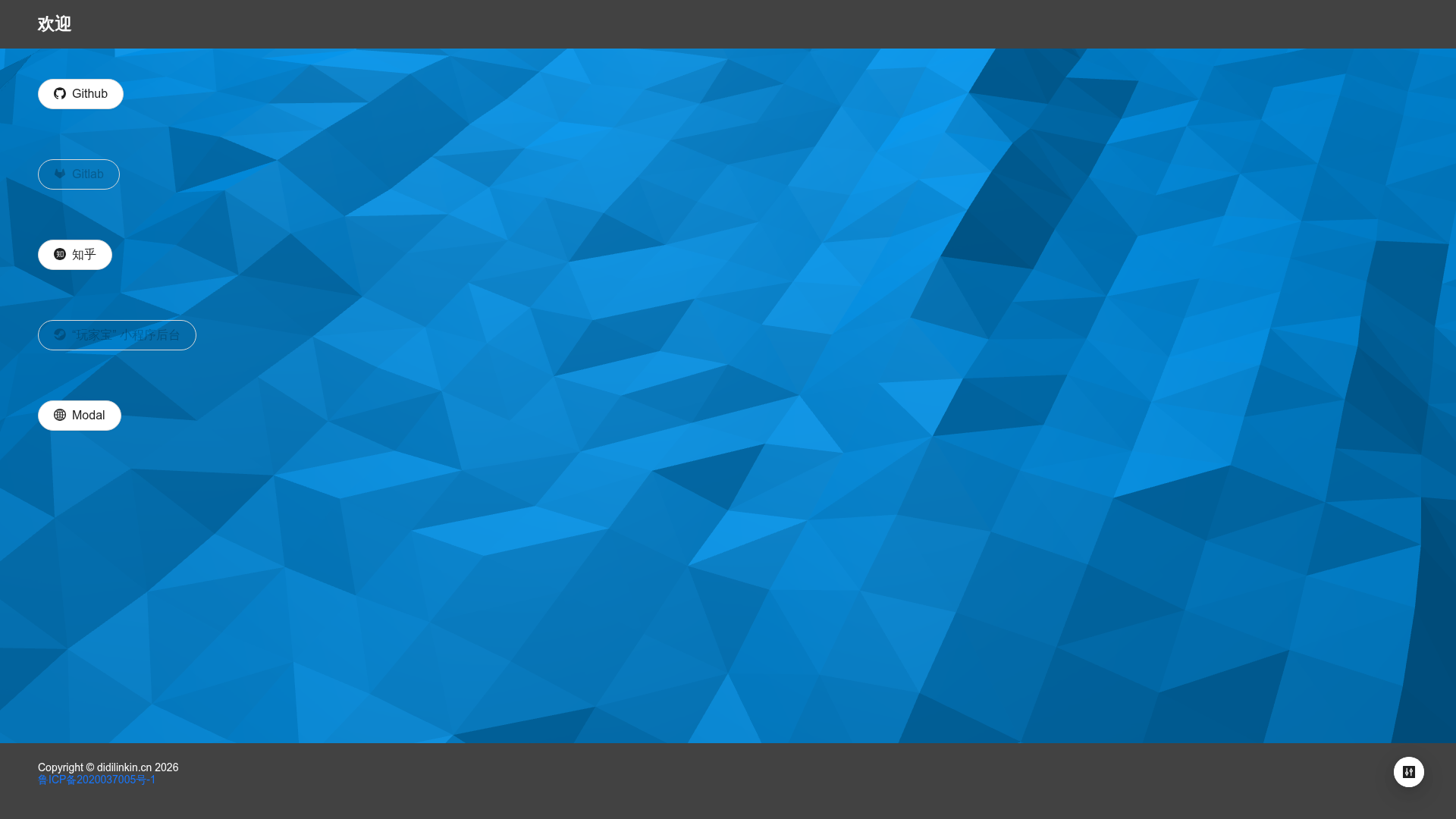
Template details
Next.js Antd Static Export
Next.js 12 static site export starter using Ant Design 5, with Baidu analytics and GitHub Actions.
About this template
Next.js Basic Export Example is a minimal Next.js 12 template that demonstrates static site export using next export without exportPathMap, and pairs it with Ant Design 5 for UI components.
What is Next.js Basic Export Example?
Next.js Basic Export Example is a starter repository that shows the most basic usage of next export in Next.js 12. It produces a fully static HTML site from a Next.js app, which you can host on any static server. The project uses TypeScript, Ant Design 5 with the antd-icons package, and dayjs for date handling, and it includes GitHub Actions for automated builds.
Key Features
- Next.js 12 static export — Uses the built-in
next exportcommand to generate a static site; noexportPathMapconfiguration is required for the basic setup. - Ant Design 5 integration — Includes Ant Design version 5 with the
antd-designandantd5topics; a reference article shows how to toggle dark theme using Ant Design 5.0. - Icons and resources — Completed tasks include icon setup and migration of a resource folder.
- Website statistics — Includes a manual insertion note for the Baidu analytics script, with a specific tracking code placeholder.
- GitHub link — The template has a "jump to GitHub" feature, linking users to the repository.
- TypeScript support — The source uses TypeScript, as reflected in the repository topics.
- dayjs integration — Uses dayjs for date manipulation, as listed in topics.
- Nginx deployment command — Provides a
service nginx restartcommand for applying static site updates on an Nginx server.
Who is it for?
This template is aimed at developers who want to create a simple static site with Next.js and Ant Design. It suits those who need a minimal starting point with no complex configuration.
- Next.js developers who want a bare-bones
next exportstarter to see how static generation works without extra tooling. - Ant Design users who need a pre-configured AntD 5 project and want to experiment with dark mode toggling.
- Indie developers who want a lightweight personal site or documentation site hostable on Nginx with manual Baidu analytics.
What can you do with it?
- Build a static personal site: Generate a static HTML output from a Next.js app and deploy it to Nginx or any static host.
- Experiment with Ant Design 5 dark theme: Follow the referenced article to toggle dark theme in AntD 5.
- Track site analytics: Insert the provided Baidu analytics snippet into the page head and restart Nginx to start collecting visitor statistics.
How does it work?
The README outlines a manual workflow: write pages, run next build and next export to produce the static out directory, then deploy to Nginx. The analytics code must be inserted manually into the page head at the point before the charset meta tag, and the server is updated with service nginx restart.
Pros and cons
- Pros: Minimal and clear — exactly the basic
next exportusage. Modern stack: Next.js 12, TypeScript, and Ant Design 5. Includes practical extras like Baidu analytics and a GitHub link. - Cons: Internationalization is listed as a TODO, so no i18n out of the box. Statistics code requires manual insertion before each build; it is not automated.
FAQ
Does this template include internationalization?
No, the README lists internationalization as a TODO item, so it is not yet implemented.
How do I enable dark theme with Ant Design 5?
The README links to a reference article titled "How to toggle dark theme with Ant Design 5.0 (successful practice)" that explains the process.
Where do I put the Baidu analytics code?
The README shows a code snippet to insert before the charset meta tag in the page head, with a placeholder tracking ID.