Template details
Jekyll GH Actions Quickstart
Starter template for a Jekyll 4 site - deployed with GH Actions and GH Pages 🧪 🎬 🚀
About this template
Jekyll GH Actions Quickstart is a starter template (boilerplate) for building a Jekyll 4 static site and automatically deploying it to GitHub Pages using GitHub Actions, created by MichaelCurrin and released under the MIT License.
What is Jekyll GH Actions Quickstart?
Jekyll GH Actions Quickstart is a GitHub repository template that combines a Jekyll 4 site with a pre-configured GitHub Actions workflow. It takes a Jekyll project structure — a Gemfile specifying Jekyll 4 and the just-the-docs theme, a _config.yml, and a .github/workflows/main.yml workflow file — and produces a static site that is built and published to GitHub Pages on every push. The template runs on GitHub's infrastructure and is maintained by MichaelCurrin, who also links it from the official Jekyll documentation on GitHub Actions continuous integration.
Key Features
- Pre-configured GitHub Actions workflow — the
.github/workflows/main.ymlfile handles building the Jekyll site and deploying the output to GitHub Pages automatically on push. - Jekyll 4 in the Gemfile — the Gemfile specifies Jekyll 4 and custom gems, matching the badge that lists Jekyll 4.2 as the version.
- just-the-docs theme included — the theme is installed via the Gemfile and set in the configuration file, and can be swapped for another theme by editing those two files.
- Demo site and preview — a live demo is hosted at
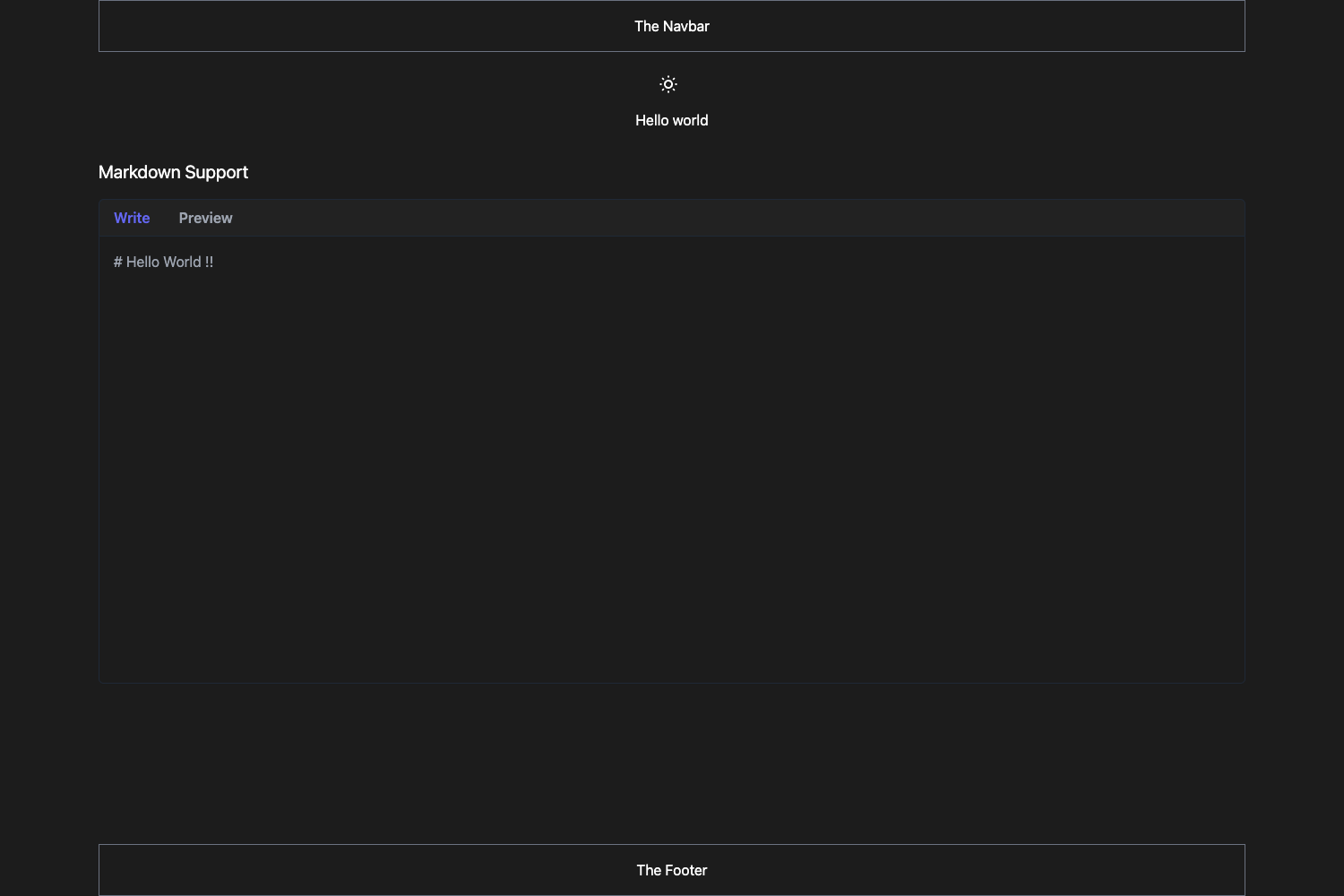
https://michaelcurrin.github.io/jekyll-gh-actions-quickstart/, with a screenshot showing the default docs-style layout. - Create-your-own instructions — a dedicated page on the demo site explains how to copy the template, set it up, and run it.
- Project documentation — a
/docsfolder contains additional documentation for customizing the template. - MIT license — the project is freely reusable and modifiable, attributed to MichaelCurrin.
Who should use Jekyll GH Actions Quickstart?
Developers new to Jekyll or GitHub Actions can use this template as a working reference to learn how a Jekyll 4 site is built and deployed through a main.yml workflow, with the live demo acting as a tutorial. Technical writers who need a docs site can start from this template to publish documentation on GitHub Pages with the just-the-docs theme without configuring CI from scratch. Open-source maintainers can fork the repository to quickly spin up a project website or blog, then customize the theme and pages to match their project.
What can you do with it?
- Publish a documentation site: Use the built-in
just-the-docstheme and the provided workflow to push changes and have the site rebuild and redeploy to GitHub Pages. - Learn GitHub Actions CI/CD: Study the
main.ymlfile to see a minimal end-to-end pipeline for a static site generator, then adapt it for other projects. - Create a personal blog or portfolio: Replace the default content and theme in the Gemfile to turn the scaffold into a personal site, while keeping the deployment workflow untouched.
How does it work?
The template's GitHub Actions workflow triggers on pushes to the repository. It checks out the code, installs the Ruby dependencies listed in the Gemfile, runs Jekyll 4 to build the static site, and publishes the generated output to the gh-pages branch or the Pages environment so GitHub Pages can serve it. The exact steps live in .github/workflows/main.yml and can be modified.
Pricing
The template is free to use and open source under the MIT License, with no paid tiers or restrictions mentioned in the repository.
FAQ
Is Jekyll GH Actions Quickstart free?
Yes. The repository is released under the MIT License, so you can use, copy, modify, and distribute it freely for personal or commercial projects.
What theme does this template use?
The default theme is just-the-docs, installed through the Gemfile and loaded via the Jekyll configuration. The README notes that you can easily swap it for another theme by updating the Gemfile and config file.
Does it require GitHub Pages to work?
The template is designed to deploy to GitHub Pages via GitHub Actions. Hosting is provided by GitHub Pages, and the workflow's output is intended to be served as static files there. You do not need a separate hosting service.
How do I create my own site from this template?
The demo site includes a "Create your own" page that walks you through copying the template, setting it up locally or in a new repository, and running it. The README links to that page for step-by-step instructions.