Template details
Empress
Empress is a feature-complete Gatsby blog starter with tags, themes, pinned posts, and AWS deployment.
About this template
Empress is a feature-complete static blog starter built on Gatsby 4 and React 18, giving you a full-featured blog without re-inventing basic features like tags and menus.
What is Empress?
Empress is a Gatsby blog starter that implements the core features of a static blog out of the box. It runs on Gatsby 4 and React 18, and takes markdown content as input to produce a static blog with tags, menus, themes, pinned posts, redirects, a hero banner, Google Analytics, and BlogPosting schema markup for SEO. The starter is created by Paul Morel and is available both as a GitHub repository and as an installable theme called gatsby-theme-empress.
Key Features
- Tags — Automatically generate tag pages and tag filters from frontmatter on your posts.
- Menus — Define site navigation menus in gatsby-config.js without editing components.
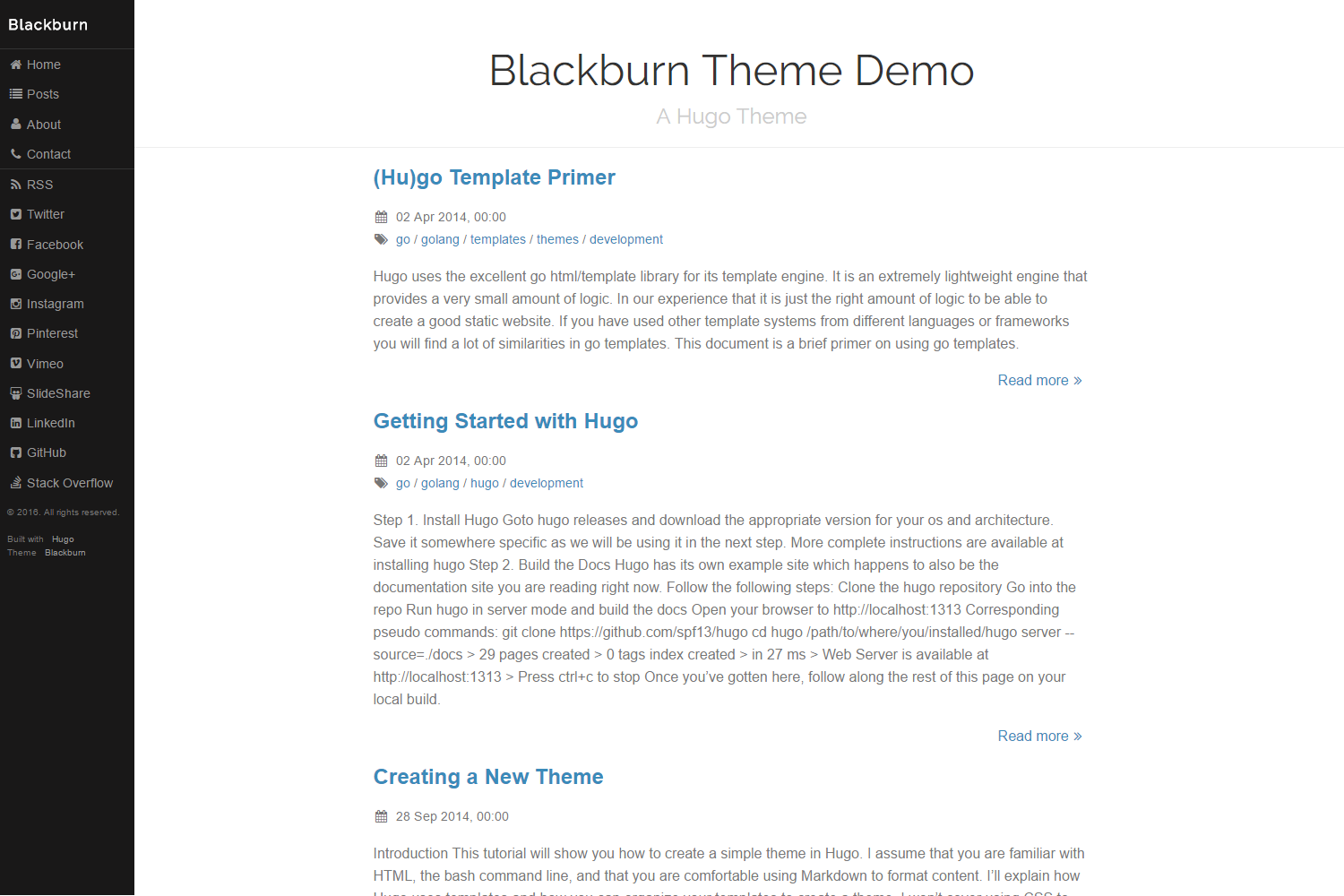
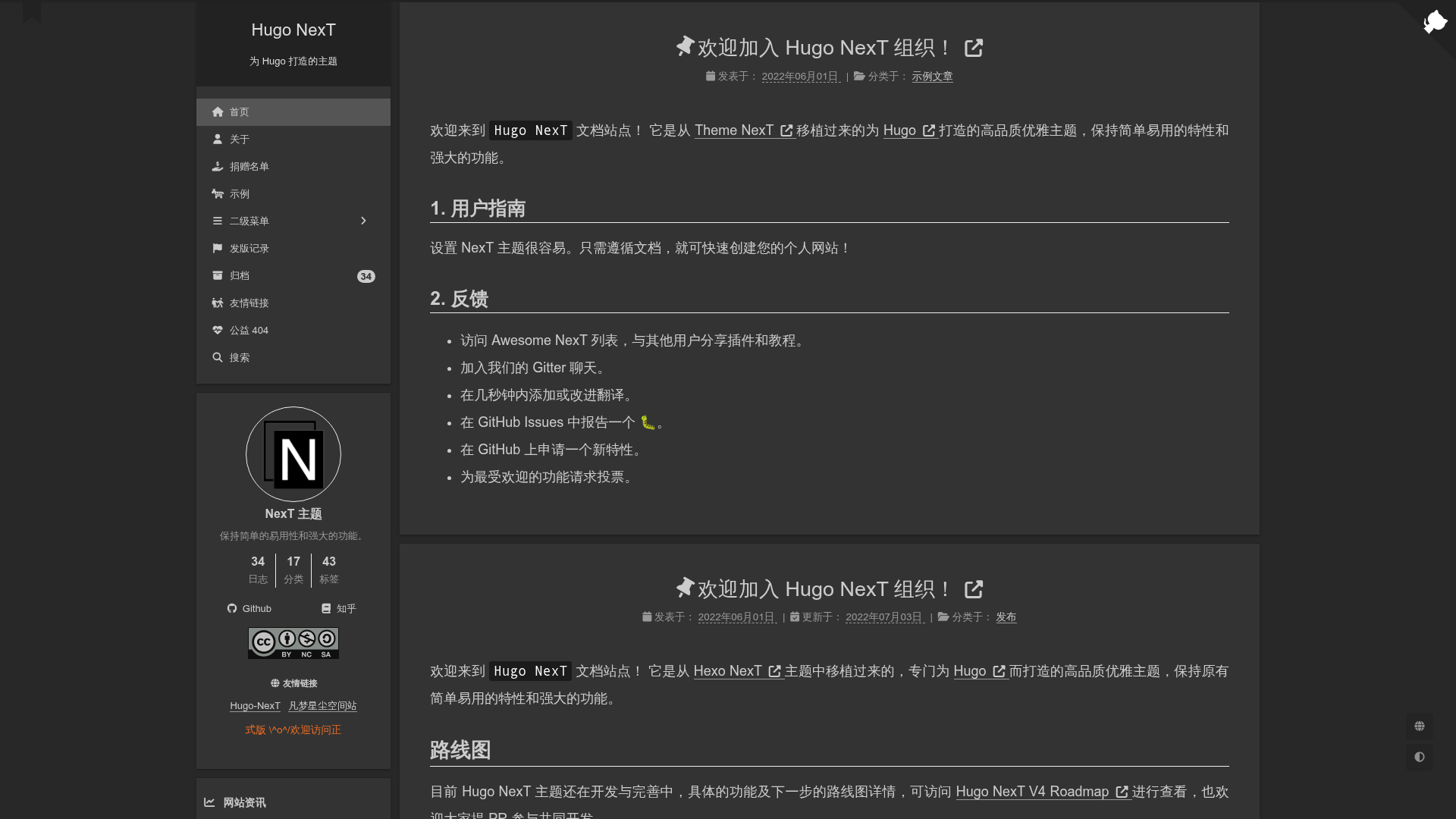
- Themes — Switch visual themes by swapping CSS files; a dark theme example lives at src/styles/themes/dark.css.
- Pinned posts — Mark any post as pinned to keep it at the top of the blog listing.
- S3/CloudFront deployment — Includes a GitHub Actions workflow that deploys the built site to AWS S3 and CloudFront after pushing to master.
- Redirects — Support for URL redirects, which is useful when you rename or move posts.
- Hero banner — Optional hero header with separate desktopHeroImage and mobileHeroImage fields for responsive display.
- Google Analytics — Add your tracking IDs in the trackingIds field in gatsby-config.js to enable analytics.
- SEO — Emits BlogPosting schema markup so search engines can understand your post structure.
Who is it for?
- Developers who finished the Gatsby tutorial — They can start with Empress instead of building tags and menus from scratch.
- Bloggers comfortable with git and markdown — They can write posts in markdown and deploy the static site to AWS for free.
- Gatsby users who want a minimal dependency stack — The starter deliberately avoids SASS, Styled Components, and Typography to prevent dependency conflicts during upgrades.
What can you do with Empress?
- Launch a personal blog — Write markdown posts, configure menus and tags, set a hero image, and deploy to AWS S3 using the included GitHub Actions workflow.
- Create a custom theme — Copy dark.css, add your own CSS rules, import the new file in themes.js, and set the theme name in gatsby-config.js.
- Deploy to Gatsby Cloud — Use the one-click deploy button on the repository to publish the starter to Gatsby Cloud without manual AWS setup.
How does Empress work?
After forking the repository, run npm install and npm run dev to start a local development server. For production builds, use npm run build and npm run serve. To deploy to AWS, you need a public S3 bucket and a CloudFront distribution; store AWS secret keys in your GitHub repository settings and push to master, which triggers the GitHub Actions deployment.
FAQ
Is Empress free?
Yes. Empress is open source under the CC BY-NC 3.0 license. It runs on free tiers: you need a free GitHub account and a free AWS account to use it out-of-the-box.
Does Empress use SASS or Styled Components?
No. Empress deliberately uses plain CSS and vanilla React components to keep dependencies minimal. This avoids the broken dependency chains that can block upgrades to major versions like Gatsby 4.
Can I customize the theme?
Yes. Create a new theme by copying src/styles/themes/dark.css, add your own rules, import it into the themes list in themes.js, and set the new theme name in gatsby-config.js.
How do I set a hero image?
Set headerType to "hero" in gatsby-config.js, then set desktopHeroImage and mobileHeroImage to filenames of images you place in the static/images directory.
Why doesn't Empress use yarn?
To keep the dependency footprint small, Empress uses npm as its package manager. Yarn would be an additional package, so the author chose npm.