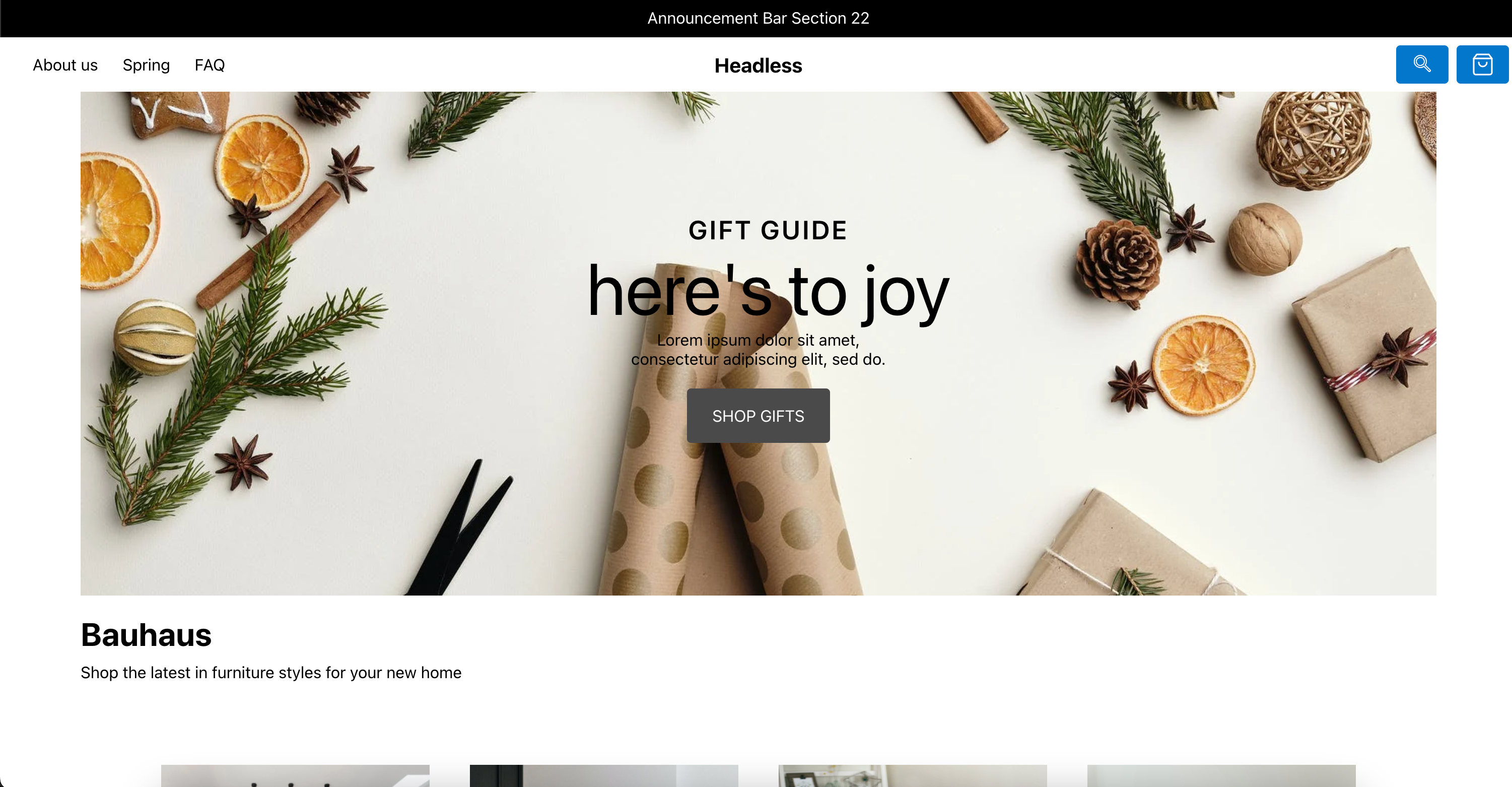
Template details
Next.js Commerce for BigCommerce
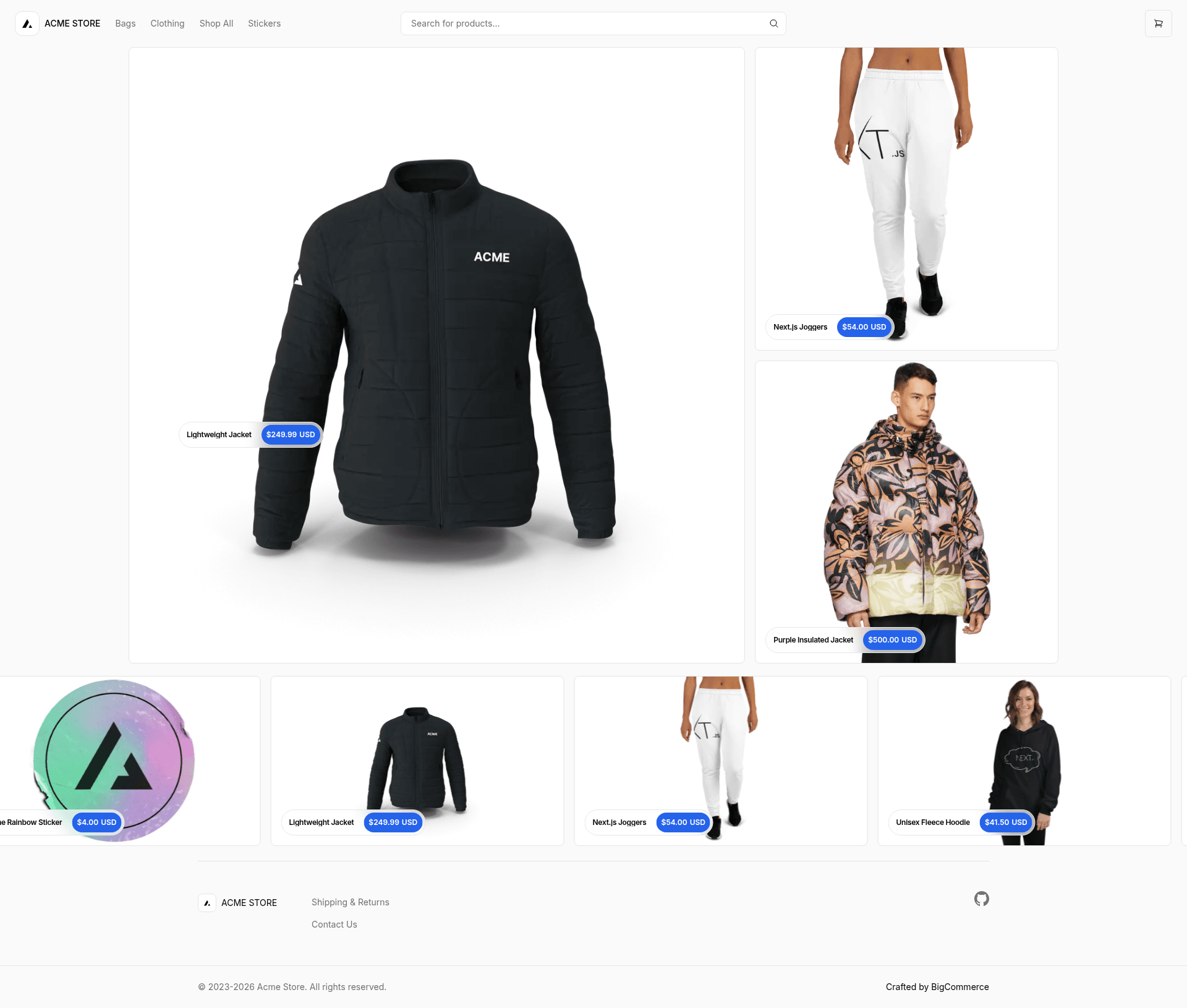
A Next.js storefront starter template for BigCommerce, forked from Vercel's Commerce.
About this template
Next.js Commerce for BigCommerce is a headless ecommerce storefront starter template that pairs the Next.js framework with BigCommerce's GraphQL Storefront API to build production-ready online stores.
What is Next.js Commerce for BigCommerce?
Next.js Commerce for BigCommerce is an open-source fork of Vercel's Next.js storefront starter, maintained by BigCommerce. It takes a BigCommerce store (either a sandbox or a production store provisioned for headless commerce) as its backend and produces a Next.js storefront that runs locally on localhost:3000 or deploys to Vercel. The template uses environment variables defined in .env.example to connect the storefront to a BigCommerce account, and it communicates with the store through the GraphQL Storefront API.
Key Features
The starter's main capabilities are the Next.js framework, the BigCommerce GraphQL Storefront API, multi-storefront support, and configurable checkout.
- Next.js framework — Built as a fork of Vercel's commerce starter, you get a React-based storefront with Next.js server-side rendering and routing, using pnpm as the package manager.
- BigCommerce GraphQL Storefront API — Provides direct storefront-side control over product and category representation, carts, orders, and customer segmentation, with a GraphQL Playground available inside the BigCommerce control panel.
- Multi-storefront compatibility — Works with BigCommerce's multi-storefront features, enabling alternate channel sales such as selling across different regions or channels.
- Optimized One-Page Checkout — The starter can be configured to use BigCommerce's Optimized One-Page Checkout, and checkout styling is customizable via a Stencil theme.
- Environment-based configuration — A
.env.examplefile lists required variables, and the recommended workflow uses Vercel environment variables withvercel env pullto populate them. - Local development workflow — Commands via the Vercel CLI (
vercel link,vercel env pull) pluspnpm installandpnpm devbring up a development server on localhost:3000.
Who is it for?
This starter is aimed at developers and merchants who want a Next.js storefront backed by BigCommerce.
- Ecommerce developers — Build a custom headless storefront on BigCommerce using Next.js without creating the frontend from scratch.
- Agencies and freelancers — Use the starter as a base for client projects, then extend it with BigCommerce features like promotions, abandoned carts, payments, and shipping.
- BigCommerce merchants exploring headless — Run a storefront on a modern JavaScript framework while keeping BigCommerce as the backend, and use the GraphQL Playground to prototype storefront API queries.
What can you do with it?
The template can be used to launch a production storefront, customize the checkout experience, and integrate a range of BigCommerce commerce features.
- Create a headless storefront — Connect a BigCommerce sandbox or production store and get a working Next.js storefront that lists products and categories, manages carts, and processes orders through BigCommerce APIs.
- Customize checkout and email styling — Use BigCommerce's Optimized One-Page Checkout and Stencil theme to control the storefront look and shopper email styling.
- Leverage storefront commerce features — Implement faceted search, promotions, customer segmentation, abandoned cart recovery, payments, tax, orders, emails, and shipping using the developer-center documentation linked in the README.
How does it work?
The setup workflow is: clone the repository, link your Vercel project, pull environment variables, and run the pnpm commands.
- Clone the template repository and supply environment variables from
.env.example(either a.envfile or Vercel environment variables). - Install the Vercel CLI globally with
npm i -g vercel, then runvercel linkto connect your local project to your Vercel and GitHub accounts, creating a.verceldirectory. - Run
vercel env pullto download the environment variables. - Install dependencies with
pnpm installand start the development server withpnpm dev; the app runs at http://localhost:3000.
Alternatives
A notable alternative in the same space is Catalyst, BigCommerce's first-party reference storefront for Next.js. Unlike this starter, Catalyst is fully supported by BigCommerce and offers deeper out-of-the-box integration with BigCommerce's hundreds of commerce features, including a customizable ecommerce UI kit and multi-region/multi-lingual storefront support.
FAQ
Does Next.js Commerce for BigCommerce require a BigCommerce store?
Yes. The starter requires either a BigCommerce developer sandbox or a production store provisioned to run a headless storefront. Without a BigCommerce account and the corresponding environment variables, the app will not have product or order data to display.
How do I run the starter locally?
After cloning the repo, install the Vercel CLI, run vercel link, then vercel env pull to fetch environment variables. Install dependencies with pnpm install and start the development server with pnpm dev; the site runs at http://localhost:3000.
What is the GraphQL Storefront API used for?
The GraphQL Storefront API allows the storefront to query and control products, categories, carts, orders, and customer segmentation directly from the frontend. BigCommerce provides a GraphQL Playground in Settings > API where you can test queries with a valid authentication token.
What is Catalyst and how does it compare?
Catalyst is BigCommerce's first-party reference storefront for Next.js, designed to offer more out-of-the-box ecommerce functionality than this starter. The README recommends Catalyst for users who want deeper integration with BigCommerce's commerce features without building them out themselves.