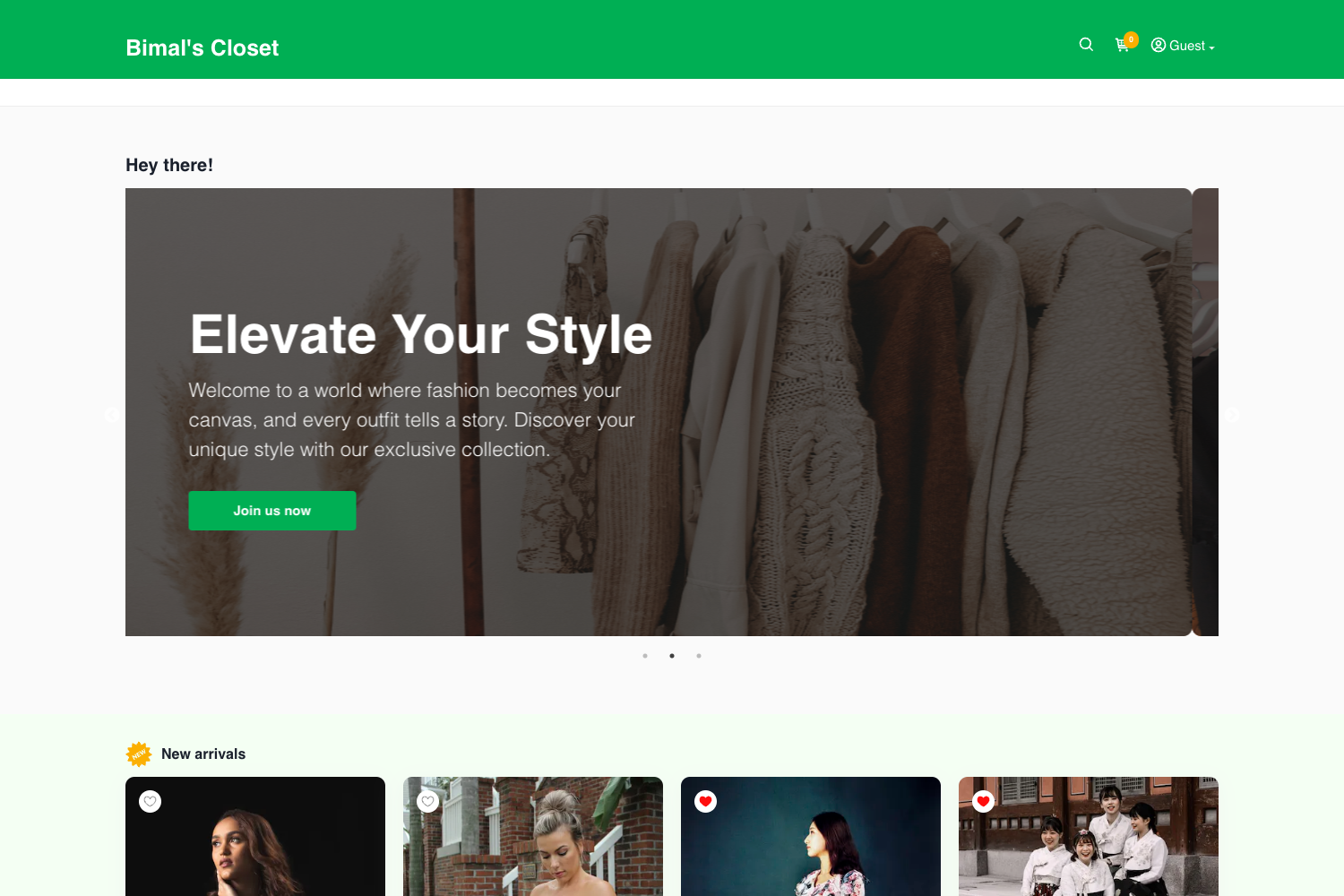
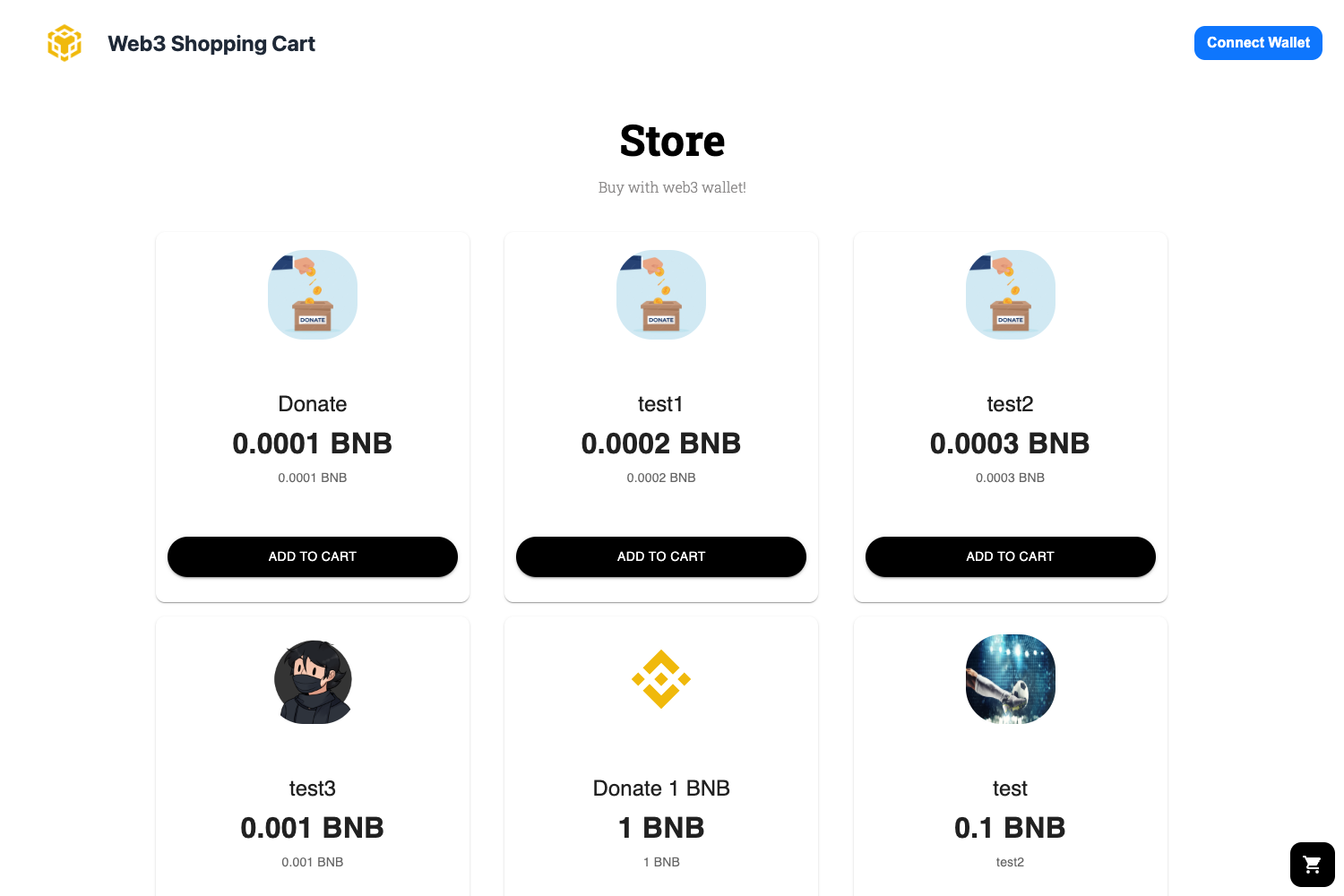
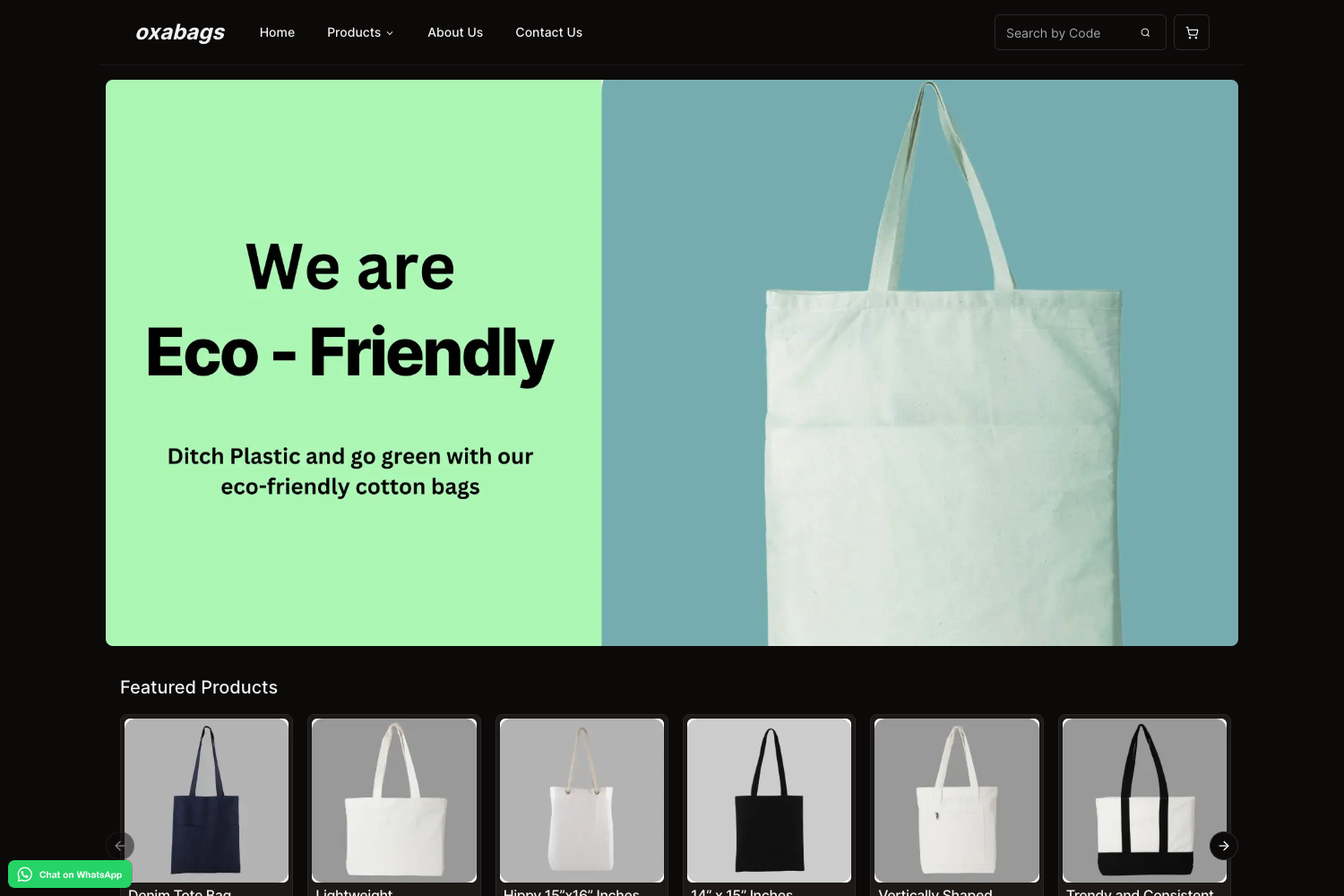
Template details
Eshopper
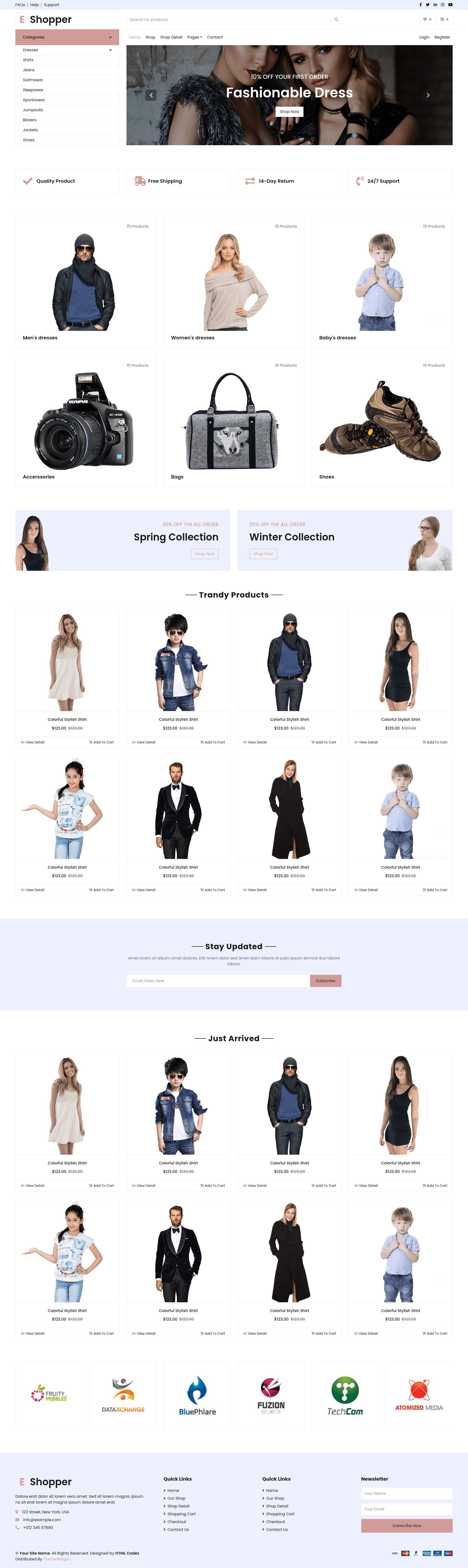
Free Bootstrap 4 e-commerce website template with 6 HTML pages for building responsive online stores.
About this template
Eshopper is a free, multipage Bootstrap 4 e-commerce website template created by HTML Codex and distributed on ThemeWagon, designed to launch a responsive online store using six ready-to-build HTML pages. The template provides all the front-end files needed for a static e-commerce site, including home, shop, product detail, cart, checkout, and contact pages, and it is free for commercial use with attribution.
What is Eshopper?
Eshopper is a free Bootstrap 4 e-commerce website template that gives you six HTML pages — Home, Shop, Shop Detail, Shopping Cart, Checkout, and Contact — for building a professional online store. It runs as static HTML5/CSS3 files in any browser, and you customize it by editing the provided source files and then upload it to any web host. The template was created by HTML Codex and is listed on ThemeWagon with version 1.0.0.
Key Features
- Bootstrap 4 framework — Built on Bootstrap 4 with HTML5, CSS3, and SCSS, including a responsive grid and cross-browser compatibility with Chrome, Edge, Firefox, Safari, Opera, and mobile devices.
- Multipage store layout — Six pages cover Home, Shop, Shop Detail, Shopping Cart, Checkout, and Contact, plus a side navigation bar and dropdown navigation for easy browsing.
- Product and brand carousels — Owl Carousel powers product carousels and brand carousels to showcase items and partner logos on the homepage.
- Conversion-focused components — A search box, call-to-action button, newsletter subscription form, pagination, and a back-to-top button are included to support navigation and email capture.
- Hover effects and icons — On-hover effects on product cards, Font Awesome 5 icons, and Google Fonts give the store a polished look without extra dependencies.
- Responsive design — The layout is 100% responsive with a mobile-friendly header and dropdown navigation, so it adapts to smartphones, tablets, and desktops.
Who is it for?
Eshopper is aimed at small business owners who need an affordable storefront, freelance web developers who want a customizable starter kit, and startups that want to test an e-commerce concept quickly.
What can you do with Eshopper?
- Small retailers: Set up a product catalog with the Shop page, individual product details on the Shop Detail page, and a ready Cart and Checkout flow, all linked via static HTML.
- Freelance developers: Customize the SCSS files, adjust the Owl Carousel settings, and reuse the multipage layout for client projects, keeping the required author credit.
- Startups: Launch a minimum viable store quickly with the six included pages and add search, newsletter signup, and social media links that are already integrated.
How does Eshopper work?
You download the template package from ThemeWagon as a ZIP containing six HTML pages, all demo images, HTML and CSS files, JavaScript source files, and library and plugin files. Edit the HTML and SCSS directly on your local machine, then upload the folder to any static web host — no build tool or server-side setup is required.
Pricing
Eshopper is free to download and use in commercial projects, but the free license requires attribution to the author and does not include support. ThemeWagon also promotes its premium Falcon template, which offers 24/7 support, no attribution required, and Figma files as a paid alternative.
Alternatives
- Ogani – Free Bootstrap 4 HTML5 Responsive Ecommerce Website Template
- Freshshop – Free Bootstrap 4 HTML5 Ecommerce Website Template
- Majestic – Free Bootstrap 5 HTML5 eCommerce Website Template
FAQ
Is Eshopper free?
Yes, Eshopper is free to download and use for commercial projects. The free license requires you to credit the author and provides no support. ThemeWagon sells a premium alternative with support and no attribution.
What pages are included in Eshopper?
Eshopper includes six HTML pages: Home, Shop, Shop Detail, Shopping Cart, Checkout, and Contact. These pages cover the browsing and purchasing flow for a simple online store.
Is Eshopper responsive?
Yes, the template is 100% responsive and compatible with Chrome, Edge, Firefox, Safari, Opera, and mobile devices. It also includes a mobile-friendly header and dropdown navigation bar.
Which libraries does Eshopper use?
Eshopper relies on Bootstrap 4, Font Awesome 5 for icons, Google Fonts for typography, and Owl Carousel for product and brand sliders. The package also includes SCSS source files for deeper customization.
How do I customize Eshopper?
Download the ZIP, extract it, and edit the HTML files in any text editor. For style changes, modify the SCSS files and compile them to CSS, or directly edit the provided CSS files.